



































































































Broadcast
 Guide2 min read
☷Table of contents▾
Broadcast
Free
Streamline Team Updates with Broadcast
VISIT WEBSITE
Introduction:
Are you tired of spending hours drafting and sharing team updates every week?
Introducing Broadcast, the ultimate AI-driven tool designed to revolutionize the way you communicate with your team.
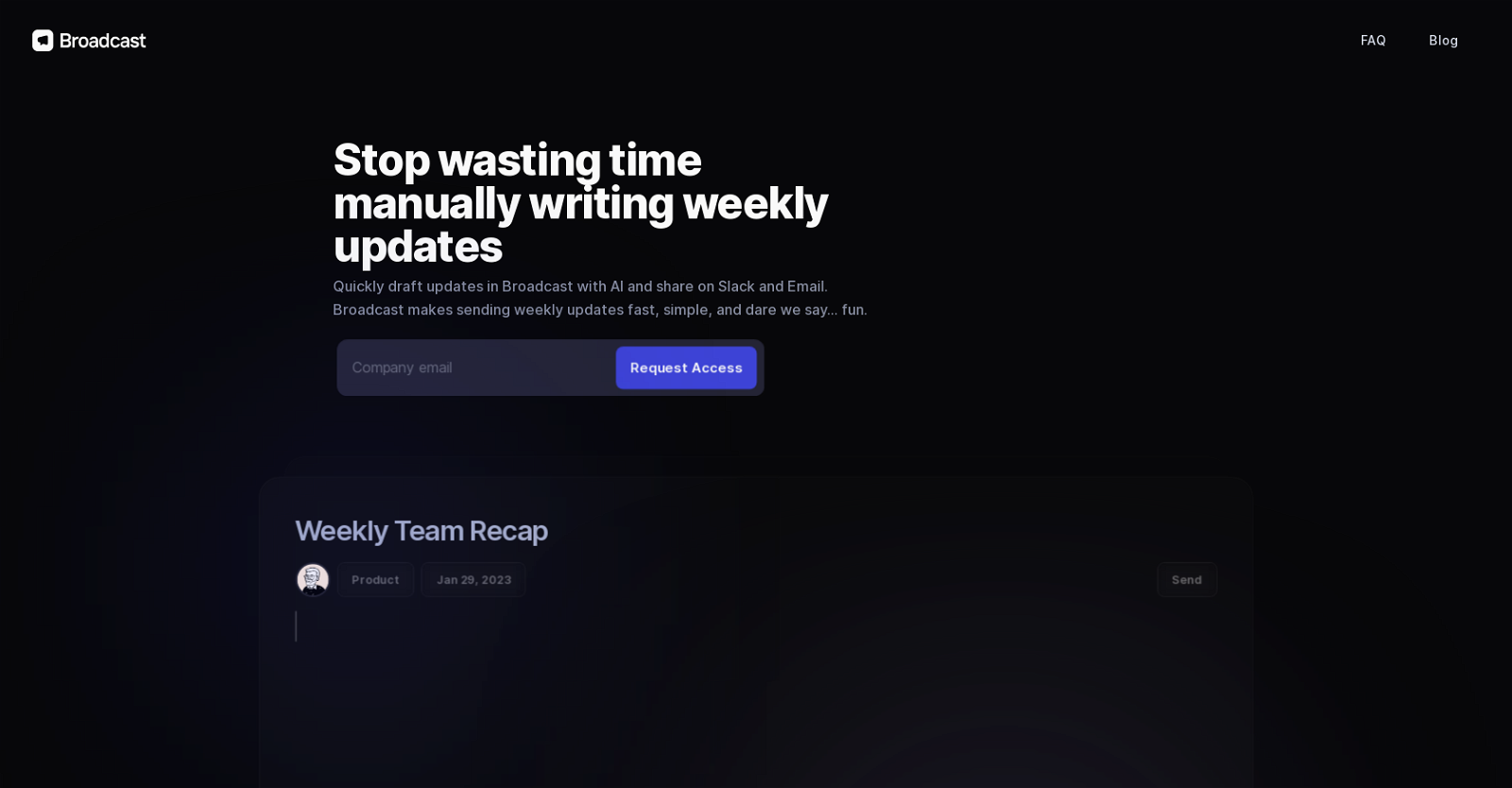
With its powerful automation and “tech magic,” Broadcast makes the process of drafting and sending weekly updates fast, simple, and enjoyable.
Imagine never experiencing writer’s block again, thanks to the AI Writer feature that effortlessly generates text from data and fills in key metrics and numbers.
Say goodbye to the hassle of managing multiple platforms, as Broadcast offers workflow optimization, allowing you to set up all your updates in a single pane and distribute them seamlessly across Slack and email.
Collaboration options for editing and replying, along with robust privacy and security features, ensure that your team’s communication remains efficient and confidential.
Want to earn with the tools you are reading about?
The $50K AI Income Roadmap: 20 modern ways to earn with AI, with steps, prompts and real numbers. Free, one chapter a day.
Save valuable time and money by streamlining the weekly update process with Broadcast. Experience the power of AI in enhancing team communication today.
Overview:
Broadcast is an AI-driven tool designed to streamline the process of drafting and sending weekly updates to team members. With options for sharing via Slack and email, this tool utilizes automation and “tech magic” to make the process fast, simple, and enjoyable.
The AI Writer feature of Broadcast is particularly helpful for overcoming writer’s block. It can auto-generate text from data and automatically fill in key metrics and numbers, saving users time and effort.
Workflow optimization is another key feature of Broadcast. Users can set up all their updates in a single pane and easily distribute them across platforms, enhancing efficiency and productivity.
Collaboration options are also available in Broadcast, allowing for easy editing and replying to updates. Additionally, privacy and security features ensure that sensitive information remains protected.
By simplifying and streamlining the weekly update process, Broadcast can save both time and money for teams. With its AI-driven capabilities and user-friendly interface, this tool is a valuable asset for any organization.
Benefits:
- AI-driven tool for quickly drafting and sending weekly updates to team members
- Options for sharing updates via Slack and email
- AI Writer feature helps with writer’s block by auto-generating text from data
- Workflow optimization allows users to set up all updates in a single pane and easily distribute them across platforms
- Collaboration options for editing and replying, as well as privacy and security features

The TechLaugh editorial team, led by founder Akshay Kumar Singh, tests AI tools on real marketing and creative work. We check pricing on the day of writing, note free-plan limits, and update guides when tools change or shut down.