



































































































SidenoteAI
 Guide3 min read
☷Table of contents▾
SidenoteAI
Freemium
Streamline Meeting Follow-Up Effortlessly
VISIT WEBSITE
Introduction:
Are you tired of spending hours after each meeting manually converting your notes into actionable tasks?
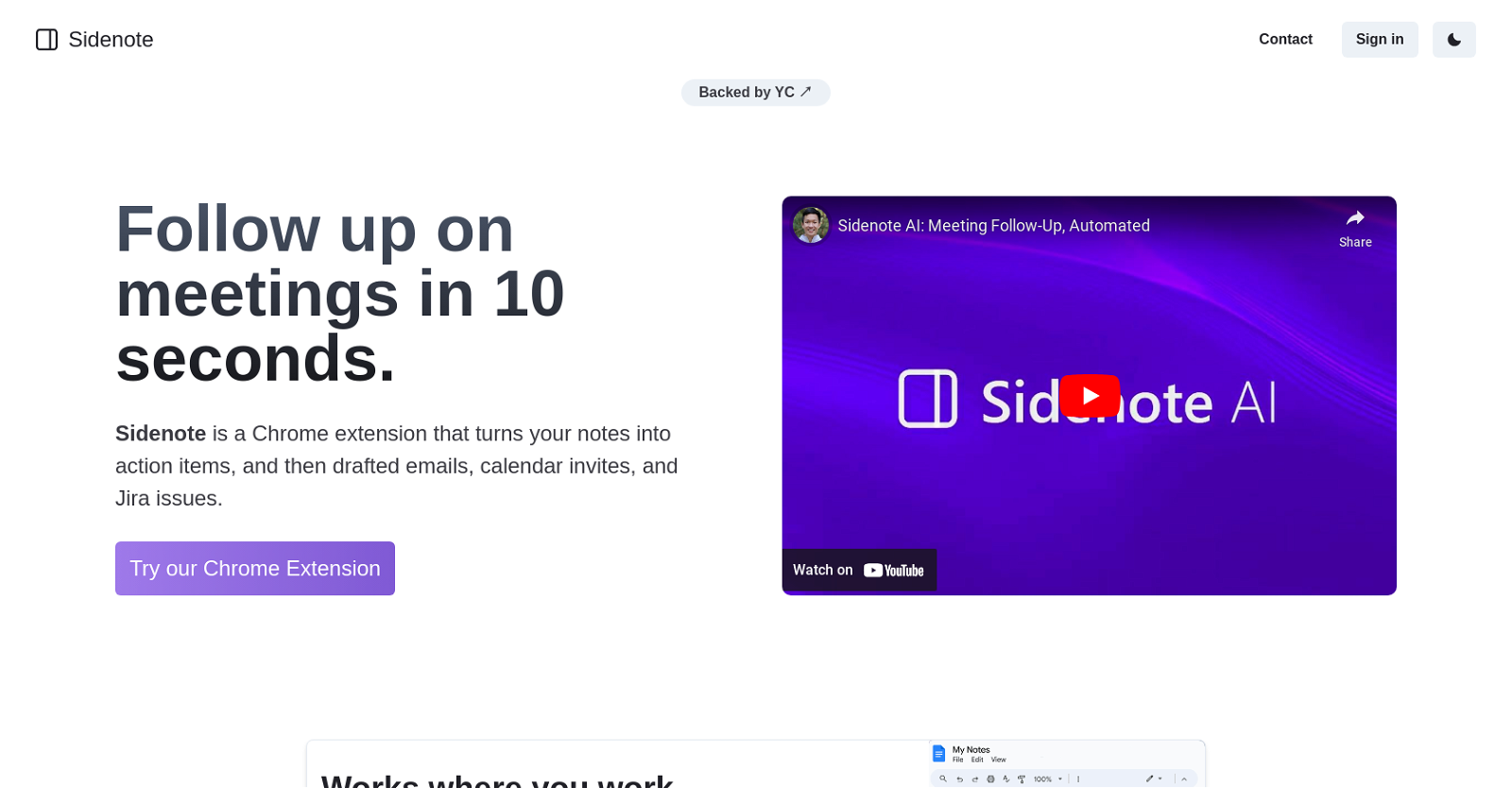
Introducing SidenoteAI, the Chrome extension that revolutionizes meeting follow-up. This powerful tool seamlessly converts your meeting notes into actionable items, saving you time and effort.
With SidenoteAI, you can effortlessly draft emails, schedule calendar invites, and create Jira issues directly from your notes. No more switching between applications or struggling to remember important action items.
But that’s not all. SidenoteAI integrates seamlessly with popular productivity tools like Notion and GDocs, ensuring a smooth workflow and allowing you to stay focused and productive.
Thanks to its AI capabilities, SidenoteAI can detect and schedule tasks directly from your meeting notes. Say goodbye to manual data entry and hello to a streamlined process that bridges the gap between meetings and tasks.
Not only does SidenoteAI automate the follow-up process, but it also helps you maintain organized and concise meeting notes. It transforms potentially chaotic notes into a tidy and structured summary, alleviating the burden of manual organization.
Say farewell to the post-meeting scramble and let SidenoteAI take care of drafting emails, scheduling follow-ups, and keeping you one step ahead. Prioritize your tasks more effectively and breeze through your to-do list with ease.
Want to earn with the tools you are reading about?
The $50K AI Income Roadmap: 20 modern ways to earn with AI, with steps, prompts and real numbers. Free, one chapter a day.
In summary, SidenoteAI is the ultimate tool for meeting follow-up. It converts notes into action items, integrates with popular productivity tools, enables AI detection of tasks, and simplifies the process of organizing and following up on meetings. Upgrade your productivity today with SidenoteAI.
Overview:
SidenoteAI is a Chrome extension designed to streamline and automate the process of following up on meetings. This tool efficiently converts your notes into actionable items such as drafted emails, calendar invites, and Jira issues, saving you time and effort.
One of the key features of Sidenote is its compatibility with popular productivity tools like Notion and GDocs, allowing you to seamlessly integrate it into your existing workflow. This ensures that you can stay focused and productive without having to switch between different applications.
With Sidenote’s AI capabilities, the tool can detect and schedule tasks directly from your meeting notes. This eliminates the need for manual data entry and bridges the gap between meetings and tasks, enabling you to easily track and accomplish action items derived from your discussions.
Additionally, Sidenote helps you maintain organized and concise meeting notes. It transforms your potentially chaotic notes into a tidy and structured summary, alleviating the burden of manual organization.
By utilizing Sidenote, you can bid farewell to the time-consuming post-meeting scramble. The tool takes care of drafting emails, scheduling follow-ups, and ensuring that you always stay one step ahead. This allows you to breeze through your tedious to-do list and prioritize your tasks more effectively.
In summary, Sidenote is a powerful Chrome extension that automates meeting follow-up, offering features like converting notes into action items, integrating with popular productivity tools, enabling AI detection of tasks, and simplifying the process of organizing and following up on meetings.
Benefits:
- SidenoteAI streamlines and automates the process of following up on meetings.
- The tool efficiently converts meeting notes into actionable items such as drafted emails, calendar invites, and Jira issues.
- SidenoteAI is compatible with popular productivity tools like Notion and GDocs, allowing seamless integration into existing workflows.
- The AI capabilities of SidenoteAI detect and schedule tasks directly from meeting notes, eliminating the need for manual data entry.
- SidenoteAI helps maintain organized and concise meeting notes, transforming potentially chaotic notes into a tidy and structured summary.
- By utilizing SidenoteAI, users can save time and effort by automating tasks such as drafting emails, scheduling follow-ups, and prioritizing tasks effectively.
- The tool simplifies the process of organizing and following up on meetings, making it easier to track and accomplish action items derived from discussions.

The TechLaugh editorial team, led by founder Akshay Kumar Singh, tests AI tools on real marketing and creative work. We check pricing on the day of writing, note free-plan limits, and update guides when tools change or shut down.