AI Tools

RestorePhotos.Pro

RestorePhotos.Pro

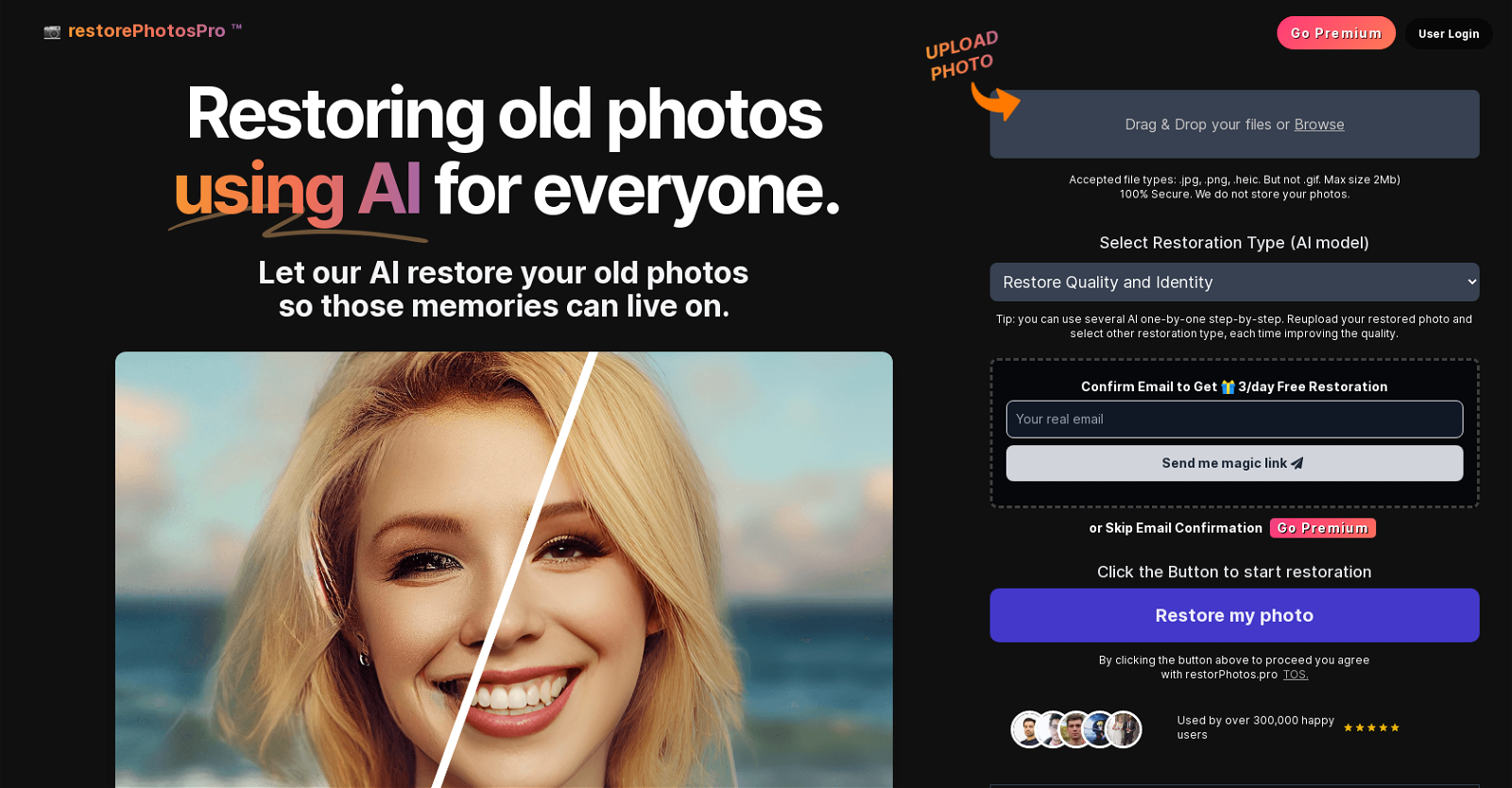
The AI tool “Restore Photos with AI” is a versatile solution for restoring and enhancing old photographs using artificial intelligence. With this tool, users can upload their old photos and let the AI restore them, bringing new life to cherished memories. The tool offers a range of features to address various restoration needs. It can restore old photos and AI-generated faces, remove defocus blur, and unsratch images. Additionally, it provides a black and white photo colorization function, allowing users to add colors to old images. Furthermore, the tool offers capabilities for enhancing night images, performing super-resolution to create high-quality images from low-quality ones, and removing rain drops and streaks from images. It also includes a dehazing feature for improving outdoor images.Users have the option to choose the restoration type (AI model) and the desired quality of restoration. They can also use multiple AI models step-by-step to further improve the quality of the restoration.The tool emphasizes user-friendly functionality, with a simple drag-and-drop interface for uploading photos and secure checkout for premium services. It offers a free trial with a money-back guarantee, allowing users to try it risk-free. For those interested in advanced features and a private workspace, a Pro version is available.”Restore Photos with AI” is widely used by over 300,000 satisfied users and is developed by an experienced team known for creating other AI tools like Architect AI, Interior AI, and Landscape AI.
RestorePhotos.Pro Read More »

HeadshotsAI

HeadshotsAI

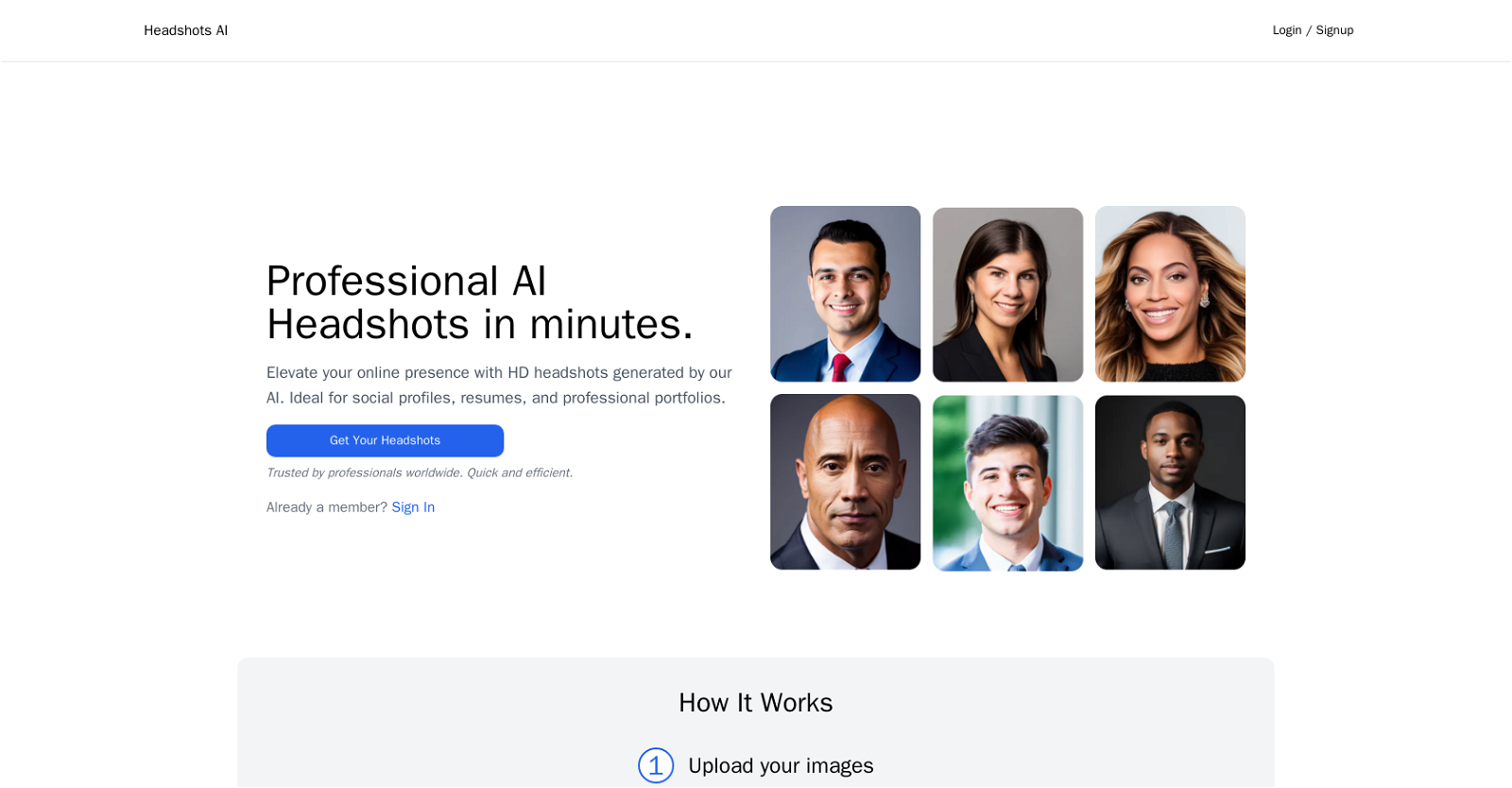
Headshots AI is an AI-powered tool that allows users to generate professional headshot images quickly and easily. It is designed to enhance online presence and is ideal for social profiles, resumes, and professional portfolios. The tool is trusted by professionals worldwide and provides a quick and efficient way to obtain high-definition headshots.To use the tool, users can upload four or more high-quality selfies that meet certain criteria, such as being front-facing and having only one person in the frame without glasses or hats. The AI algorithm then processes the images in approximately 20 minutes, after which the user receives an email notification. The resulting headshots are of exceptional quality and can be used for various purposes.Headshots AI offers different pricing plans to suit different needs. The Starter plan includes one credit and is perfect for individuals who want to enhance their online presence. The Basic plan, which includes three credits, is more suitable for professionals who require frequent profile updates. The Premium plan offers the best value with unlimited possibilities and includes five credits.The tool is open-source, powered by Leap AI, Supabase, and Vercel, which showcases its reliability and the expertise behind its development. Overall, Headshots AI offers a reliable and efficient solution for generating professional headshots using AI technology.

HeadshotsAI Read More »

MonsterImage

MonsterImage

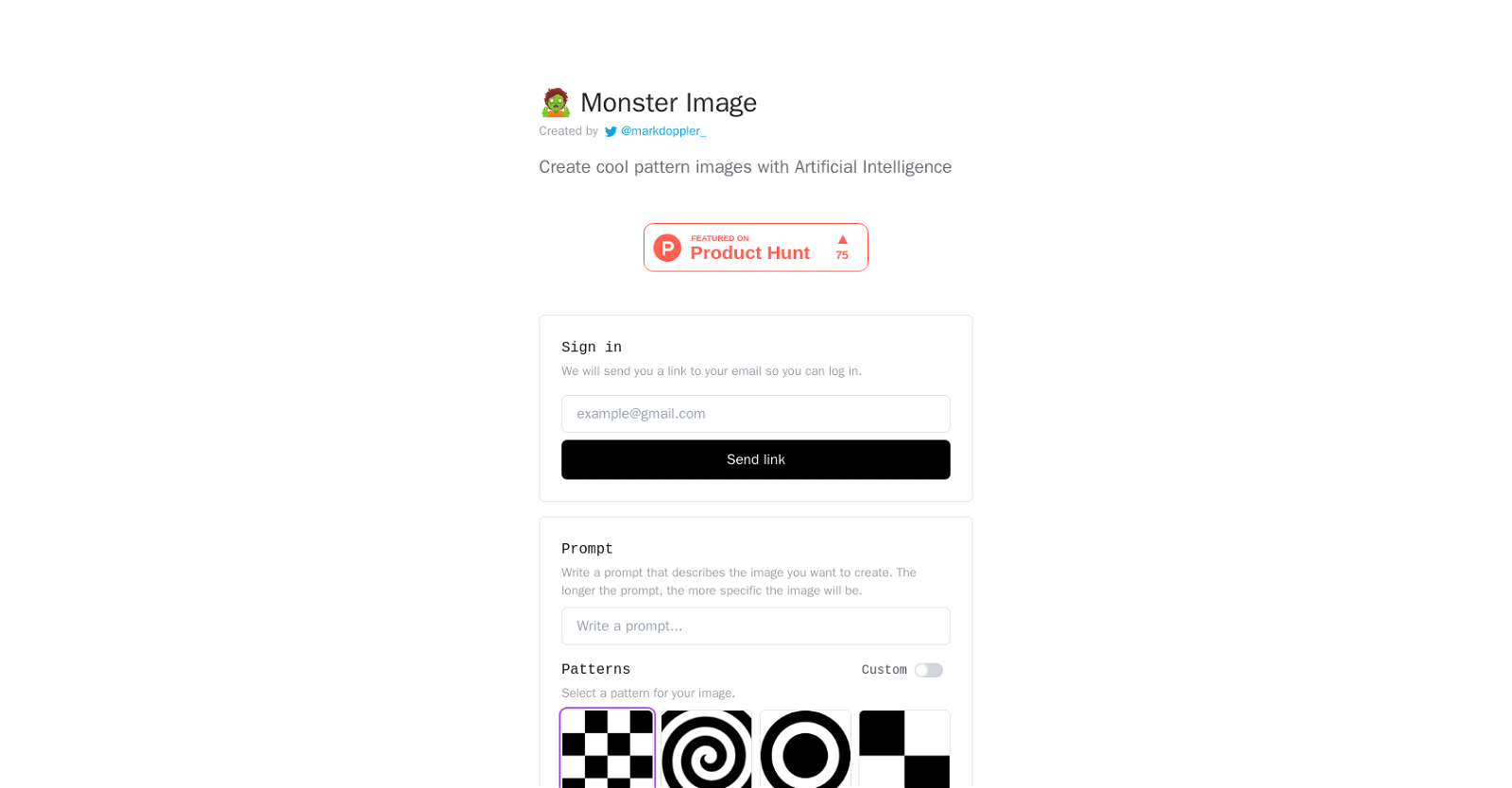
MonsterImage.AI is an AI-powered tool that allows users to create unique and visually captivating pattern images. Created by @markdoppler_, this tool utilizes artificial intelligence techniques to generate customized images based on user prompts.

By providing a prompt, users can specify the details they desire in their image, resulting in a more personalized and specific output. The tool also offers pattern customization options, allowing users to select a pattern for their image. Additionally, it provides a negative prompt feature, enabling users to describe elements they do not want to see in the image, such as watermarks, low contrast, or distorted faces.

To ensure reproducibility, users have the option to use a seed value for generating the same image. The guidance scale feature allows users to adjust the scale for classifier-free guidance, enhancing control over the generated output.

Furthermore, MonsterImage.AI provides advanced options, including controlnet conditioning scale, which modifies the outputs of the controlnet, and inference steps, which determine the number of diffusion steps in the image creation process.

With its user-friendly interface and AI-powered image generation capabilities, MonsterImage.AI appeals to individuals seeking to create visually intriguing and unique pattern images. Whether for personal or professional use, this tool offers a creative and customizable solution.

MonsterImage Read More »

SnapiX

SnapiX

SnapiX is an advanced AI tool designed to streamline and enhance image recognition and analysis processes. With its cutting-edge technology, SnapiX offers a wide range of features and functionalities to cater to various industries and applications.

Key Features:
1. Image Recognition: SnapiX utilizes deep learning algorithms to accurately identify and classify objects, scenes, and patterns within images. This enables users to automate tasks, extract valuable insights, and improve decision-making processes.
2. Object Detection: SnapiX can detect and locate multiple objects within an image, providing precise bounding boxes and labels. This feature is particularly useful in applications such as autonomous vehicles, surveillance systems, and inventory management.
3. Facial Recognition: With its advanced facial recognition capabilities, SnapiX can identify and verify individuals, enabling secure access control, personalized user experiences, and targeted marketing campaigns.
4. Image Enhancement: SnapiX offers powerful image enhancement tools, allowing users to improve image quality, remove noise, adjust brightness and contrast, and perform other enhancements to optimize visual data.
5. Text Extraction: SnapiX can extract text from images, including printed text, handwritten notes, and even text embedded within complex backgrounds. This feature is valuable for digitizing documents, automating data entry, and facilitating text-based searches.

Benefits:
1. Increased Efficiency: By automating image recognition and analysis tasks, SnapiX significantly reduces manual effort and accelerates processes, leading to improved productivity and cost savings.
2. Enhanced Accuracy: Leveraging state-of-the-art AI algorithms, SnapiX delivers highly accurate results, minimizing errors and ensuring reliable outcomes in various applications.
3. Versatility: SnapiX’s wide range of features and functionalities make it suitable for diverse industries, including healthcare, retail, manufacturing, security, and more.
4. Seamless Integration: SnapiX can be easily integrated into existing systems and workflows, enabling users to leverage its capabilities without disrupting their current processes.
5. Scalability: Whether handling a few images or processing large volumes of visual data, SnapiX can scale effortlessly to meet the demands of any project or organization.

With SnapiX, businesses and individuals can harness the power of AI to unlock valuable insights, automate tasks, and optimize image-related processes, ultimately driving innovation and achieving competitive advantages.

SnapiX Read More »

CaptionMaster

CaptionMaster

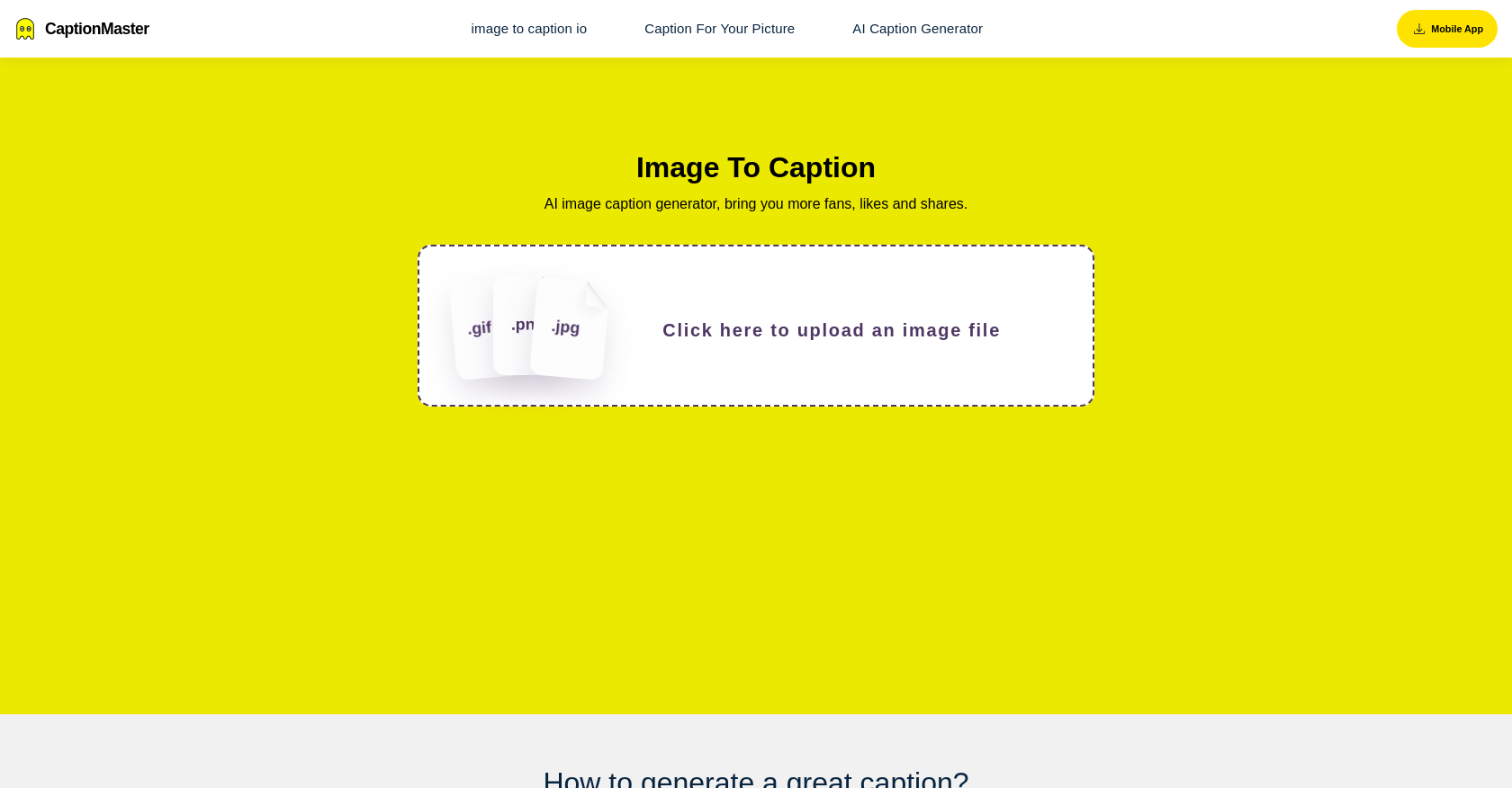
CaptionMaster is an AI Caption Generator tool designed to assist users in creating captivating captions for their images. Its primary objective is to enhance the chances of gaining more fans, likes, and shares by providing users with engaging captions. The tool allows users to upload an image file and select various options to generate the desired caption. Users have the flexibility to choose the language in which the caption will be generated and the platform for which it is intended. Once the options are chosen, users can effortlessly generate the caption by clicking a button and conveniently copy it if desired.

In addition to its caption generation capabilities, CaptionMaster also offers a comprehensive list of frequently asked questions related to captions for Instagram and other relevant topics. This feature aims to provide users with valuable insights and guidance on creating effective captions. Furthermore, the tool offers different language options to ensure a user-friendly experience for individuals from diverse linguistic backgrounds.

CaptionMaster focuses on delivering an objective overview of its features without resorting to marketing jargon or unnecessary details. The tool’s core functionality lies in generating captivating captions for images, empowering users to enhance their online presence and engagement.

CaptionMaster Read More »

Livepolls Mindmaps

Livepolls Mindmaps

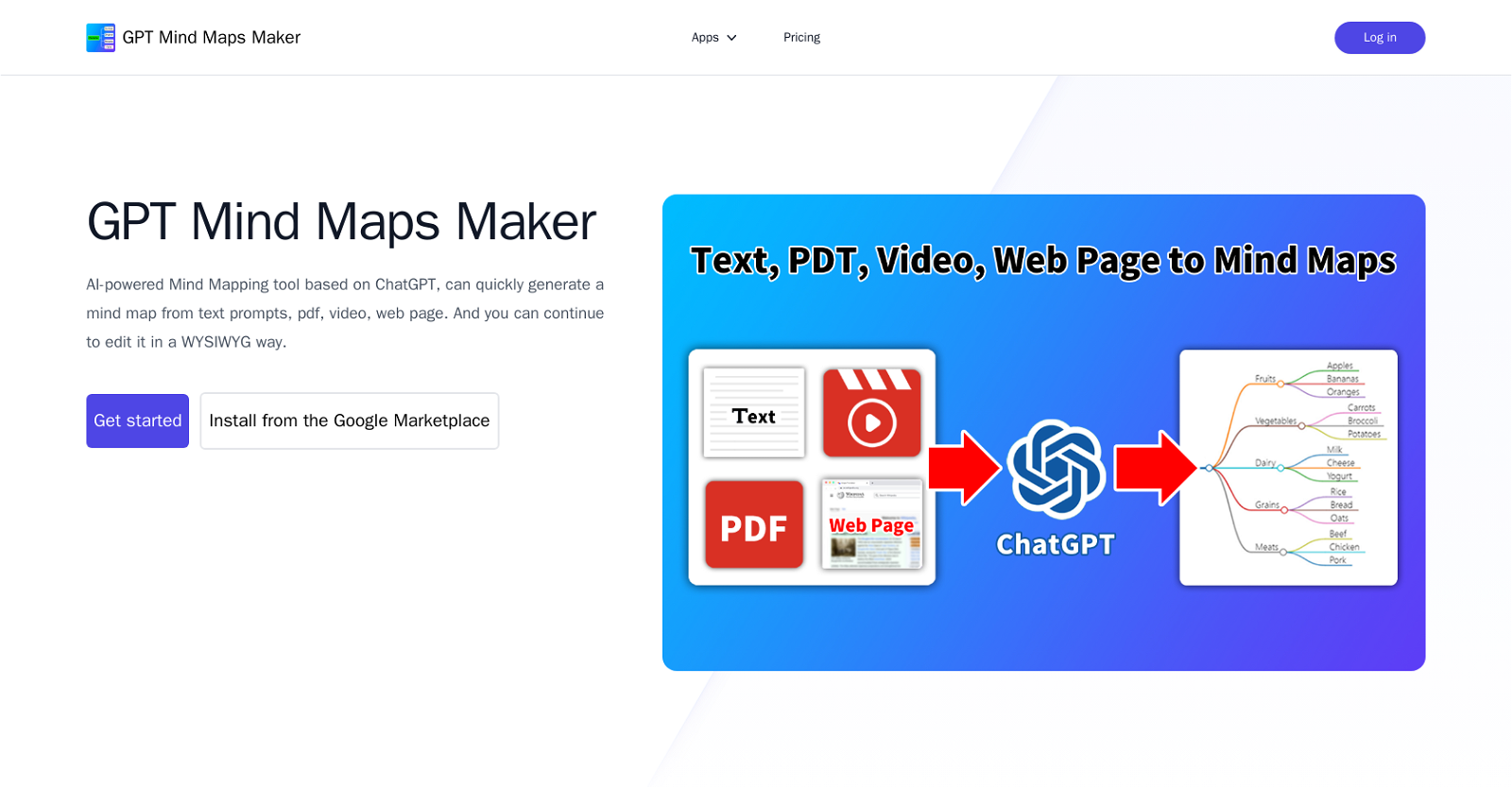
GPT Mind Maps Maker is an AI-powered tool that assists in creating mind maps quickly and efficiently. Utilizing the power of ChatGPT, this tool can generate mind maps from various sources such as text prompts, PDF files, videos, and web pages. Once the mind map is generated, users have the flexibility to make further edits in a WYSIWYG (What You See Is What You Get) manner.

By leveraging ChatGPT, this tool offers the ability to analyze and extract key information from input sources, allowing users to transform complex content into structured mind maps. The process of creating mind maps becomes a streamlined and time-saving experience, eliminating the need for manual brainstorming and organizing.

With the GPT Mind Maps Maker, users can alleviate the tediousness of spending hours on mind map creation. By harnessing AI technology, this tool simplifies the process by automating the initial steps, enabling users to focus on content development and refining their ideas.

This tool can be accessed through the provided link or installed from the Google Marketplace, ensuring easy integration into existing workflows. It also provides user-friendly functionality, allowing individuals to create mind maps for personal or professional purposes effortlessly.

GPT Mind Maps Maker is committed to privacy and data protection, as detailed in its Privacy Policy. For any further assistance or inquiries, users can seek support through the provided channels.

Livepolls Mindmaps Read More »

Dymaxion

Dymaxion

Dymaxion is an AI-powered online interior design tool that offers a unique approach tailored to individual lifestyles. Unlike other AI design tools that focus solely on aesthetics, Dymaxion’s AI prioritizes understanding and reasoning based on specific needs and requirements, ensuring designs that are both visually appealing and functional.

To get started, users need to provide general constraints such as the type of space and specific requirements. The more detailed the information provided, the better-tailored the design strategy will be. Dymaxion offers three curated design strategies, such as “study-focused” or “comfort-focused,” but users can further customize colors, furniture, and other aspects through the chat feature.

Dymaxion provides a comprehensive design insight, including renderings, budgets, and rationales for each furniture choice. The tool also offers effortless shopping links that allow users to transition seamlessly to purchase, with direct platform links to popular retailers.

Users can design multiple rooms or an entire home using Dymaxion’s platform, ensuring coherence and functionality throughout. The tool considers the user’s budget when suggesting design strategies and furniture options, providing guidance on effective spending.

Dymaxion is user-friendly for both design novices and experts. Users receive personalized recommendations and comprehensive explanations behind each design choice, facilitating both a great design outcome and learning opportunities.

Overall, Dymaxion offers a personalized and comprehensive AI-driven interior design experience, combining aesthetics, functionality, and affordability.

Dymaxion Read More »

Windybot

Windybot

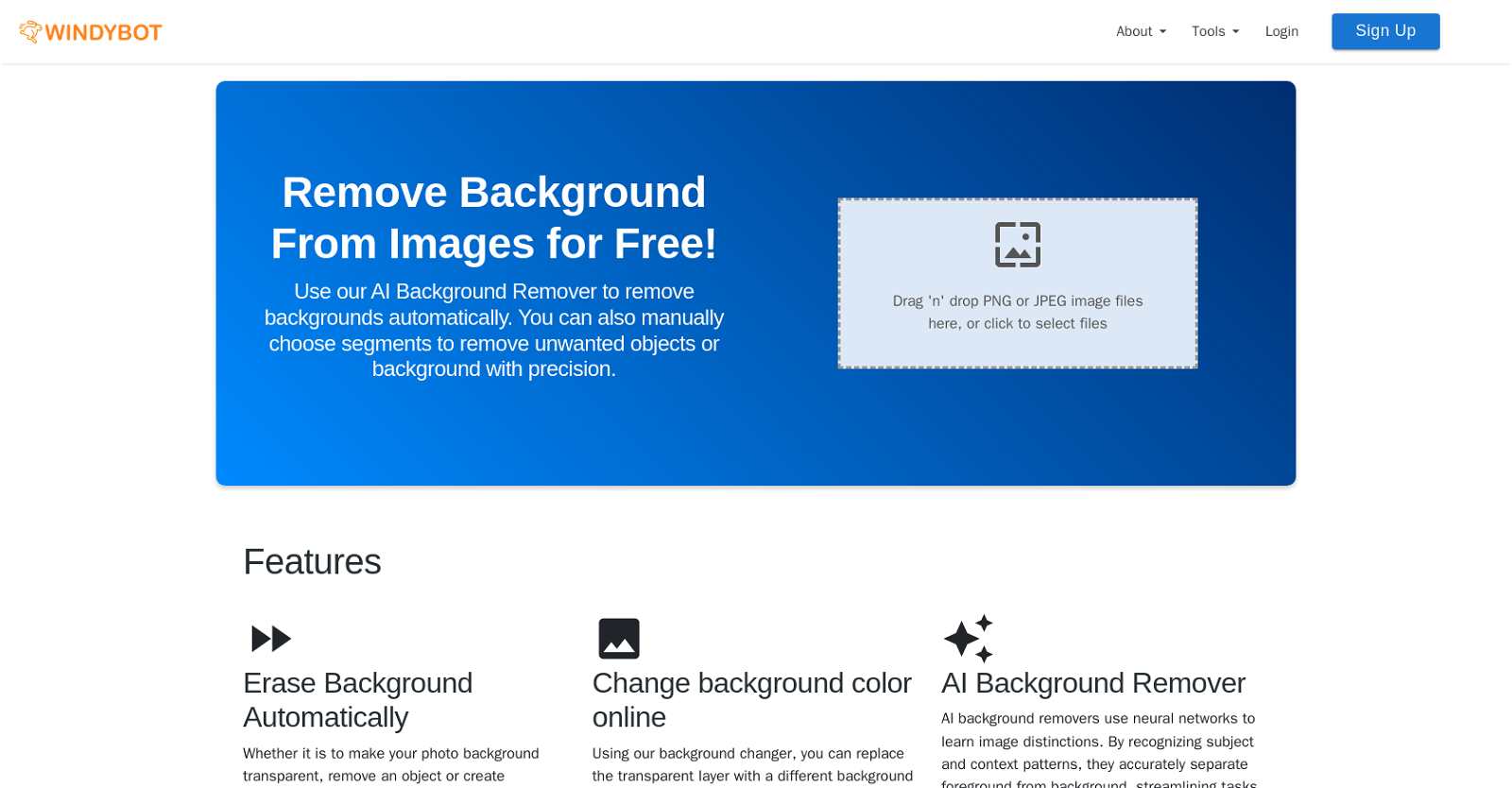
Windybot is an AI-powered tool called the Background Remover that allows users to effortlessly remove backgrounds from images. By utilizing neural networks, this tool learns image distinctions and accurately separates the foreground from the background. This streamlines tasks such as photo editing and e-commerce, making it easier for users to create professional-looking images.

One of the standout features of the Background Remover tool is its automatic background removal capability. Users can simply upload their PNG or JPEG image files, and the tool will swiftly remove the background, leaving it transparent. For those seeking more control, the tool also offers the option to manually choose segments and precisely remove unwanted objects or backgrounds.

This tool proves particularly useful for portrait photography, as it efficiently isolates the subject from the background. Photographers and designers can easily change or replace backgrounds, enhancing the editing process and simplifying the creation of profile pictures, social media posts, and professional portfolios.

Content creators, including entrepreneurs, social media managers, marketers, and designers, can greatly benefit from the Background Remover tool. By isolating subjects against different backgrounds, they can create eye-catching posts while maintaining a consistent theme.

In the realm of e-commerce, the Background Remover tool is invaluable for product photography. It swiftly eliminates backgrounds from product images, enhancing visual appeal and facilitating easy integration into marketing materials and online platforms. This accelerates the creation of polished and consistent product listings, ultimately boosting customer engagement and sales.

Windybot Read More »

Architect AI

Architect AI

Architect AI is an AI tool designed specifically for the architectural design industry. It utilizes GPT (Generative Pre-trained Transformer) technology to quickly generate high-quality architectural renderings from conceptual sketches. The tool aims to streamline the design process, allowing architects to complete their designs more efficiently. Architect AI is not only useful for creating renderings but also facilitates client communication and presentations.

The tool offers two main functionalities: “Sketch to Render” and “Photo to Render.” With “Sketch to Render,” users can upload their design sketches, adjust parameters, and generate a variety of design inspirations. These inspirations can then be displayed in portfolios as high-quality renderings. Alternatively, users can upload a photograph of an existing building and use their ideas, natural language description, and design preferences to re-render a new design.

Architect AI provides users with the flexibility to edit various conditions such as environment, weather, and style. It offers a wide range of architectural styles to choose from, including Renaissance, Modernist, Brutalism, Postmodernism, and more. Additionally, users can select different landscapes and environments such as forests, urban areas, mountains, or rural settings. The tool also allows users to experiment with different exterior materials like brick, glass curtain walls, metal panels, and more.

Overall, Architect AI is a valuable tool for architects seeking to quickly generate high-quality architectural renderings from sketches and photographs. It offers versatility in design options and aims to streamline the design process for enhanced efficiency and effective client communication.

Architect AI Read More »