



































































































Read Something
 Guide2 min read
☷Table of contents▾
Read Something
Freemium
Revolutionize Web Reading with Read Something
VISIT WEBSITE
Introduction:
Are you tired of struggling to read cluttered web pages?
Introducing Read Something, an open-source Chrome extension that revolutionizes web page reading.
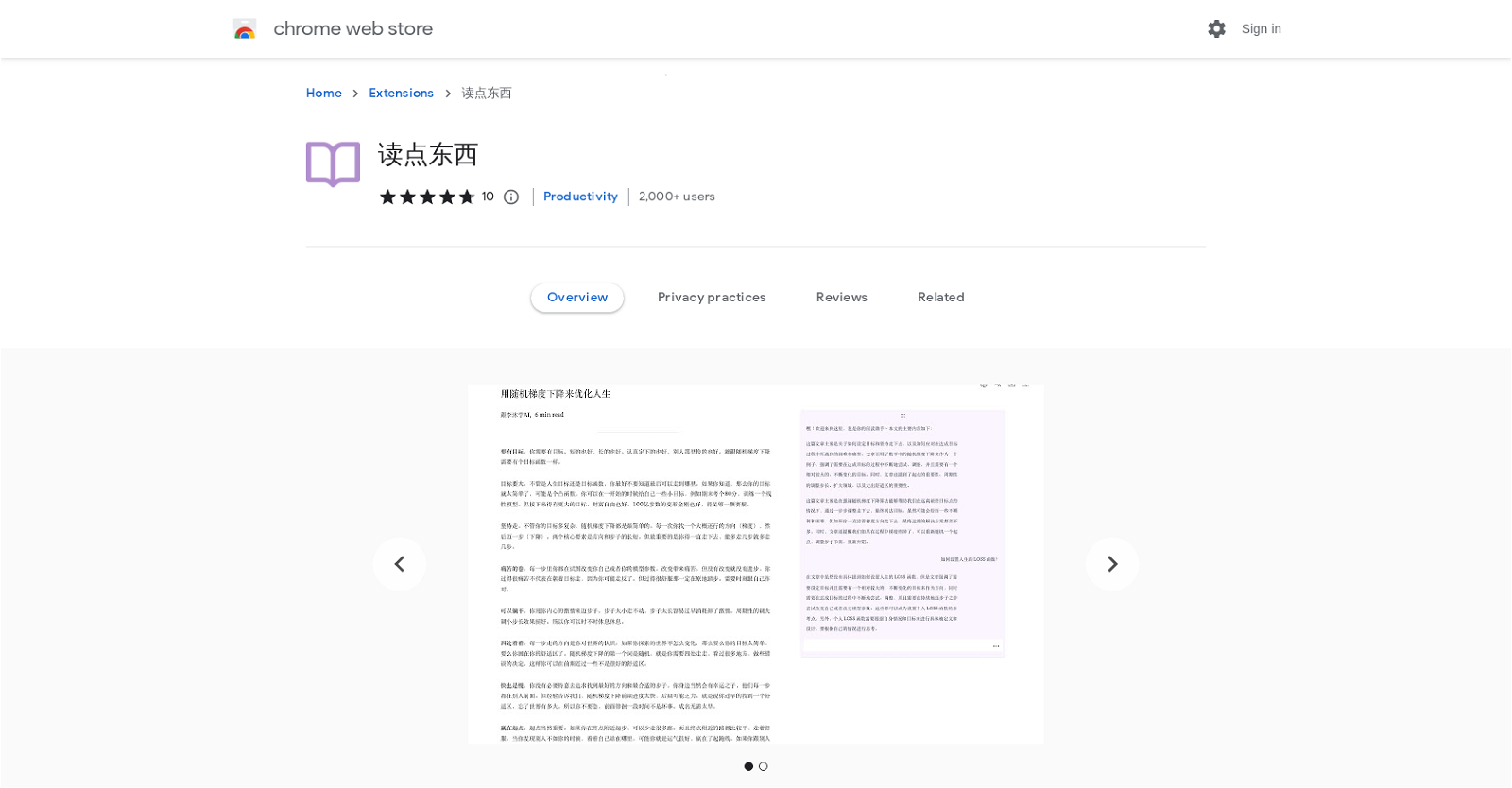
With its advanced AI capabilities, Read Something allows you to convert web pages into a clean and distraction-free reading mode.
But that’s not all! This powerful extension also offers built-in AI summarization, translation, and Markdown conversion functionalities.
Imagine being able to customize your reading experience with adjustable font styles, line spacing, and page width.
Want to earn with the tools you are reading about?
The $50K AI Income Roadmap: 20 modern ways to earn with AI, with steps, prompts and real numbers. Free, one chapter a day.
And what if you could have interactive question and answer sessions to enhance comprehension? Read Something makes it possible with its unique “Chat” article feature.
Not only that, but you can easily access global information with the translation feature supporting Google Translate, Tencent Translate, and OpenAI Translate.
And for those who like to save articles for later, Read Something allows you to download them in Markdown format, ensuring convenience and accessibility.
Rest assured, Read Something prioritizes your privacy. It does not sell user data to third parties or misuse your information.
Upgrade your web reading experience today with Read Something, the ultimate AI-powered Chrome extension.
Overview:
Read Something is an open-source Chrome extension that enhances the reading experience by converting web pages into a reading mode. With built-in AI summarization, translation, and Markdown conversion functionalities, this tool offers a range of features to improve comprehension and convenience. Users can customize their reading mode by adjusting font styles, line spacing, and page width for a more comfortable experience. The “Chat” article feature generates text summaries and provides interactive question and answer sessions to enhance understanding. Translation options include Google Translate, Tencent Translate, and OpenAI Translate, enabling easy access to global information. Users can also download articles in Markdown format for offline viewing. Rest assured, Read Something prioritizes user privacy and does not sell or misuse data.
Benefits:
- Open-source Chrome extension
- Converts web pages into a reading mode
- Includes built-in AI summarization, translation, and Markdown conversion functionalities
- Customizable reading mode with adjustable font styles, line spacing, and page width
- Offers a “Chat” article feature for text summaries and interactive question and answer sessions
- Supports Google Translate, Tencent Translate, and OpenAI Translate for easy access to global information
- Allows users to download articles in Markdown format for offline viewing
- Does not sell user data to third parties
- Does not use or transfer data for purposes unrelated to the core functionality of the extension

The TechLaugh editorial team, led by founder Akshay Kumar Singh, tests AI tools on real marketing and creative work. We check pricing on the day of writing, note free-plan limits, and update guides when tools change or shut down.