chatbot

Crisp MagicReply

Crisp MagicReply

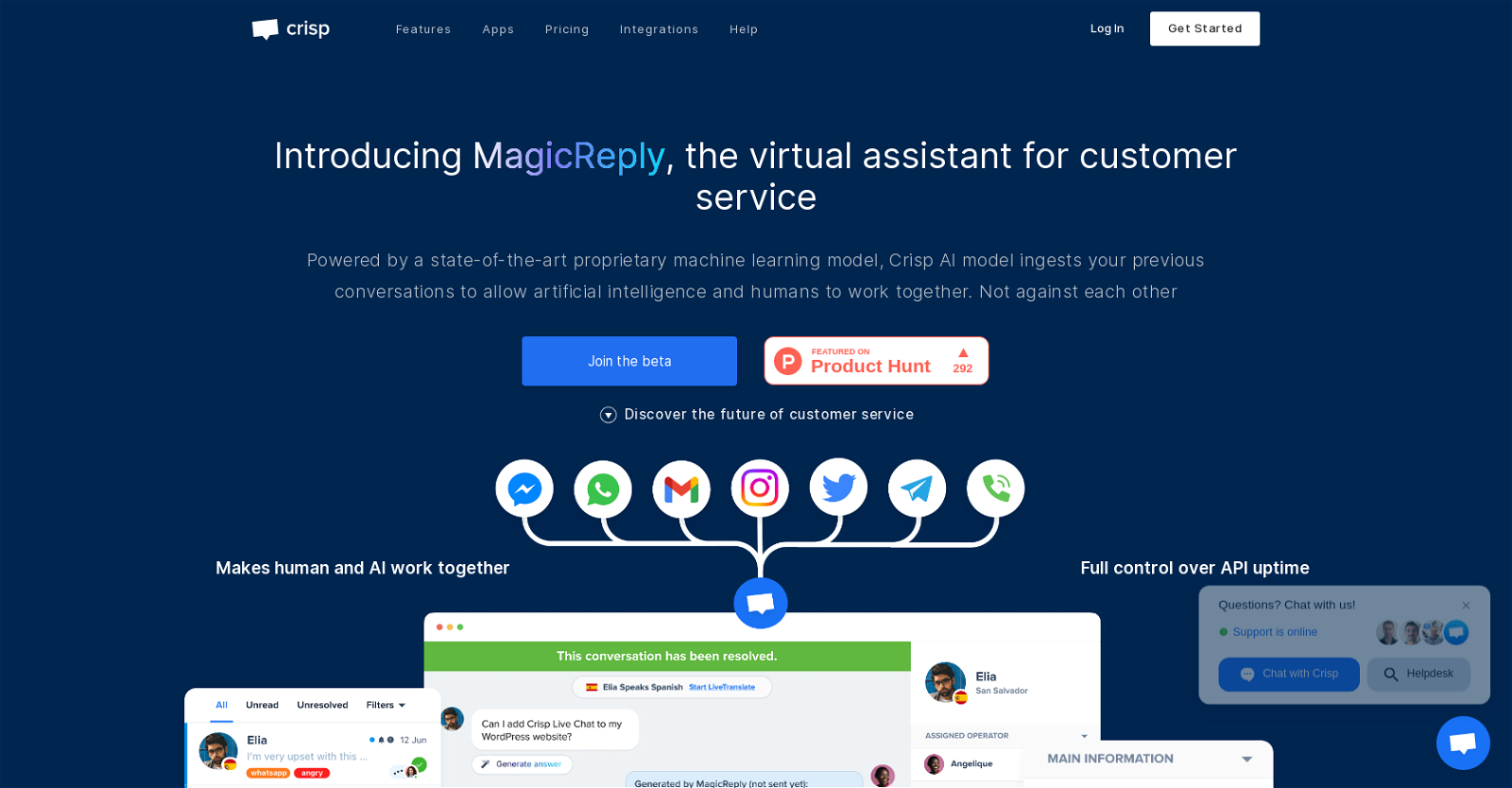
Crisp MagicReply is an AI tool designed to enhance customer service by providing faster and more effective responses to customer inquiries. With its proprietary AI model, teams can start using the tool immediately without any setup or installation required.

The tool offers a range of features including a website chat widget, chatbot, CRM, shared inbox, ticketing system, campaigns, knowledge base, and a status page for system monitoring and alerts. It supports multiple languages and channels, and its virtual assistant, MagicReply, utilizes a cutting-edge machine learning model to deliver personalized answers based on previous conversations. MagicReply simplifies agent shift changes by summarizing recorded conversations and seamlessly switching between audio and text messages. The tool also ensures a smooth user experience with control over API uptime.

Users can try Crisp for free for 14 days, and it has already been adopted by over 500,000 brands to enhance their customer experience. Available in various languages, including English, French, German, Spanish, Dutch, Portuguese, Russian, Turkish, Simplified Chinese, and Finnish, Crisp is developed by Crisp IM SAS in France.
Crisp MagicReply Read More »

Thelio

Thelio

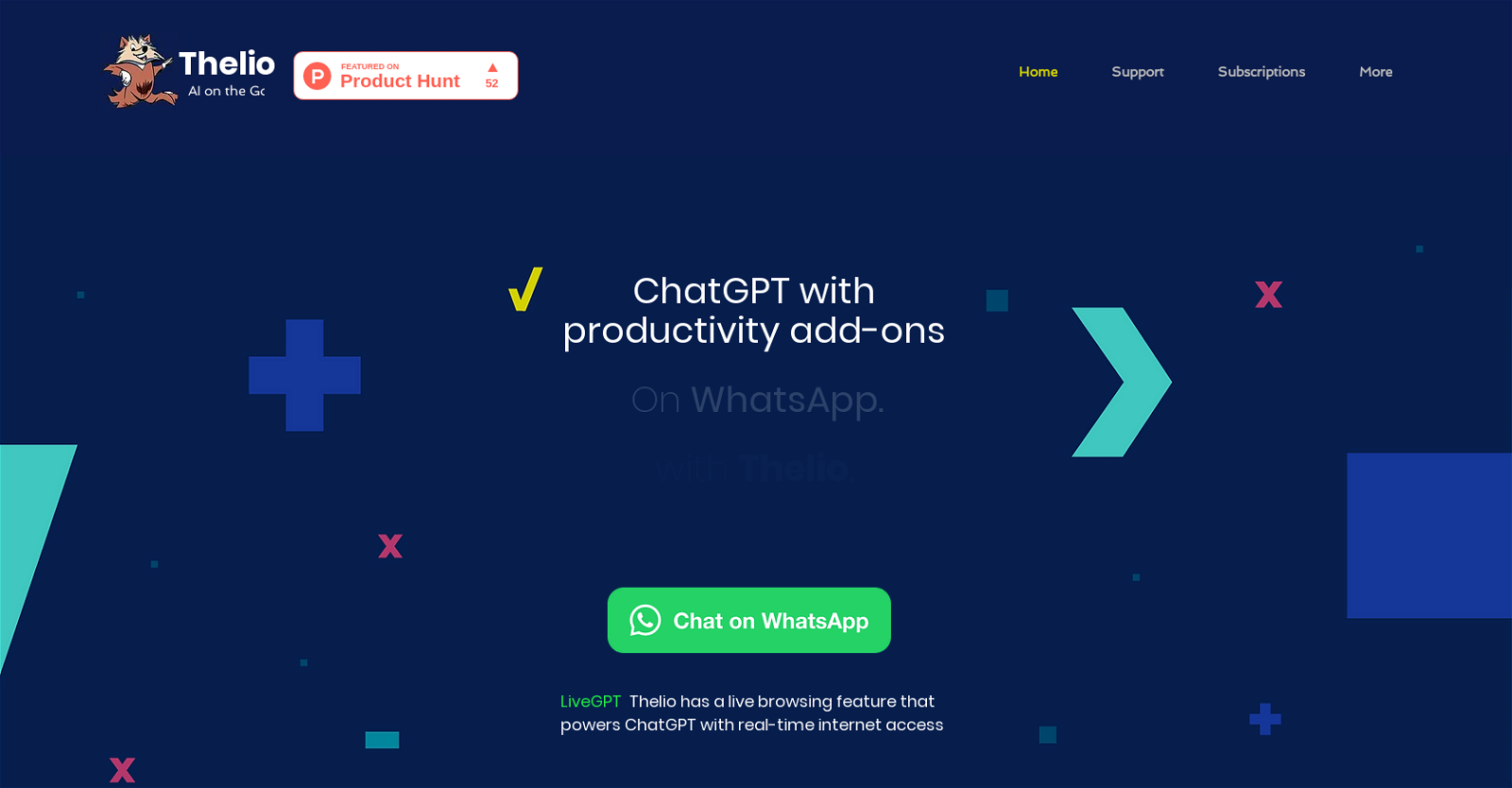
ThelioAi is an AI assistant that operates on WhatsApp, offering a range of productivity features. The tool is powered by ChatGPT and provides real-time internet access, enabling users to stay informed and creative on the go. ThelioAi allows users to access a range of features within one chat interface, including advanced text responses, AI chat, article summarization, YouTube video summaries, and PDF file integration. The tool also offers advanced image creation capabilities, allowing users to turn their visual thoughts into reality. By simply describing what they want to create, ThelioAi generates stunning 1024×1024 resolution images using DALL·E 2 creations.

ThelioAi can be helpful in various areas, including learning, business, wellness, and creativity. Users can build knowledge in any topic by discussing questions or summarizing web articles and YouTube videos. In a business context, ThelioAi can assist with tasks such as formal emails, essays, business plans, negotiations, and decision making. For wellness-related inquiries, ThelioAi provides advice and suggestions on exercise, nutrition, and cooking. In terms of creativity, the tool can generate image ideas, variations of existing designs, and unique social media captions.

Additionally, ThelioAi offers on-the-go assistance for various needs, such as restaurant recommendations, trip planning, and providing quick suggestions. The LiveGPT engine captures the latest information from the web, making it useful for staying updated on recent news events. ThelioAi is a convenient and versatile AI assistant that assists users in a wide range of tasks and activities.

Thelio Read More »

BardGPT

BardGPT

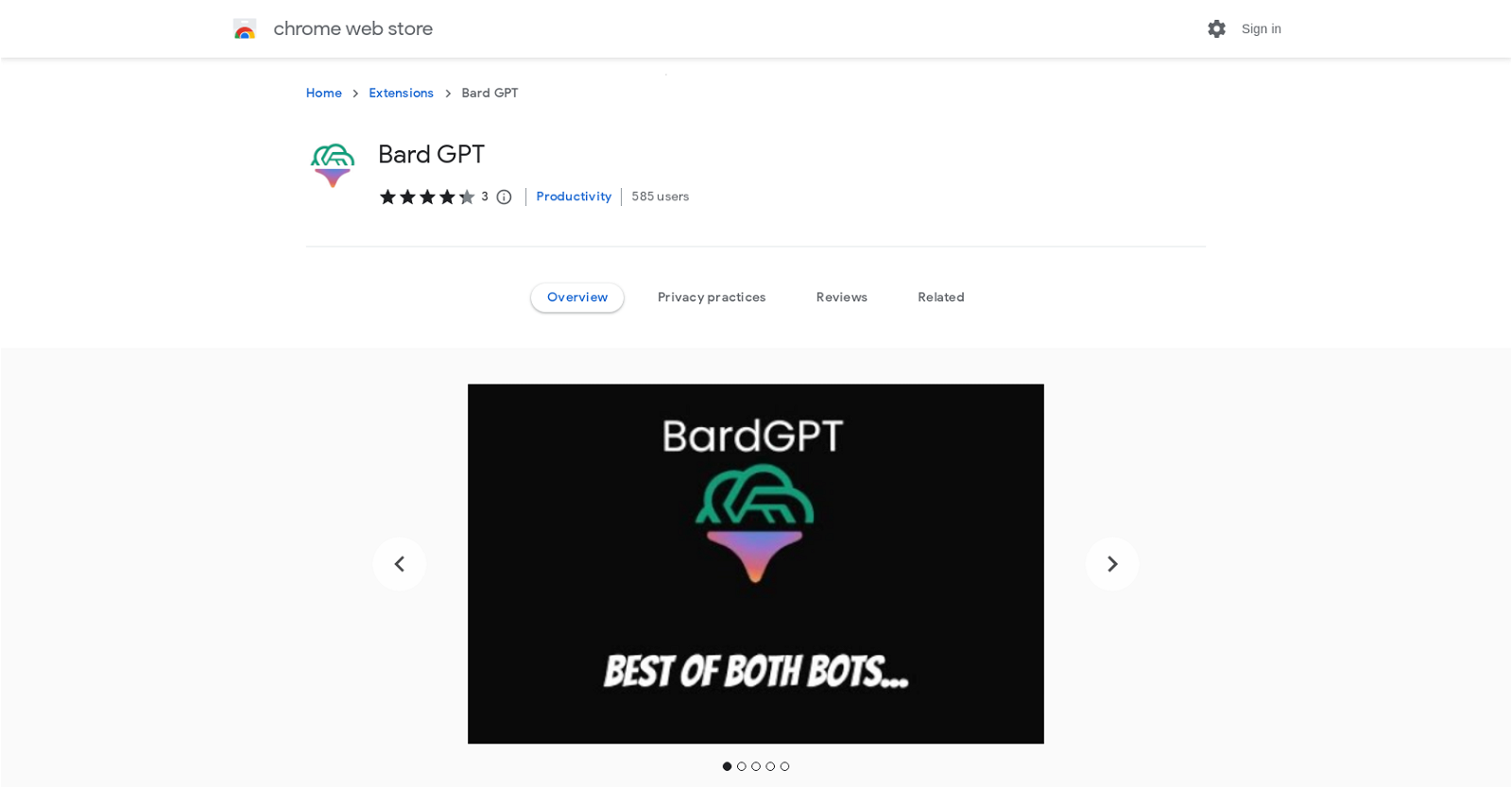
Bard GPT is a Chrome extension that seamlessly combines the features of ChatGPT and Bard AI, allowing users to view responses from both AI models side-by-side. The extension offers a user-friendly interface for easy comparison and eliminates the need to switch between tabs. By simply hitting the keyboard shortcut “ctrl/⌘ j” and entering a prompt, users can access the dual AI-powered interface and view results together in a side-by-side format. The extension also offers a dark mode for improved visibility and fluid interaction, as well as a fast access feature using a popup window. Notably, Bard GPT does not require an in-app login and is completely free to use.

ChatGPT is a language model developed by OpenAI, trained on a vast amount of text data from the internet. It can understand and generate human-like text and perform various natural language processing tasks such as language translation, text summarization, and text completion. On the other hand, Bard AI is a large language model chatbot developed by Google AI, trained on a massive dataset of text and code. It can generate text, translate languages, write creative content, and provide informative answers. BardGPT, the Chrome extension, opens ChatGPT and Bard AI side-by-side and allows users to search and view results together. To use the extension, users need to have accounts for both ChatGPT and Google Bard, which can be created for free.

Overall, Bard GPT provides a convenient and efficient way to harness the capabilities of ChatGPT and Bard AI simultaneously, enabling users to save time and enhance their productivity.

BardGPT Read More »

Coefficient

Coefficient

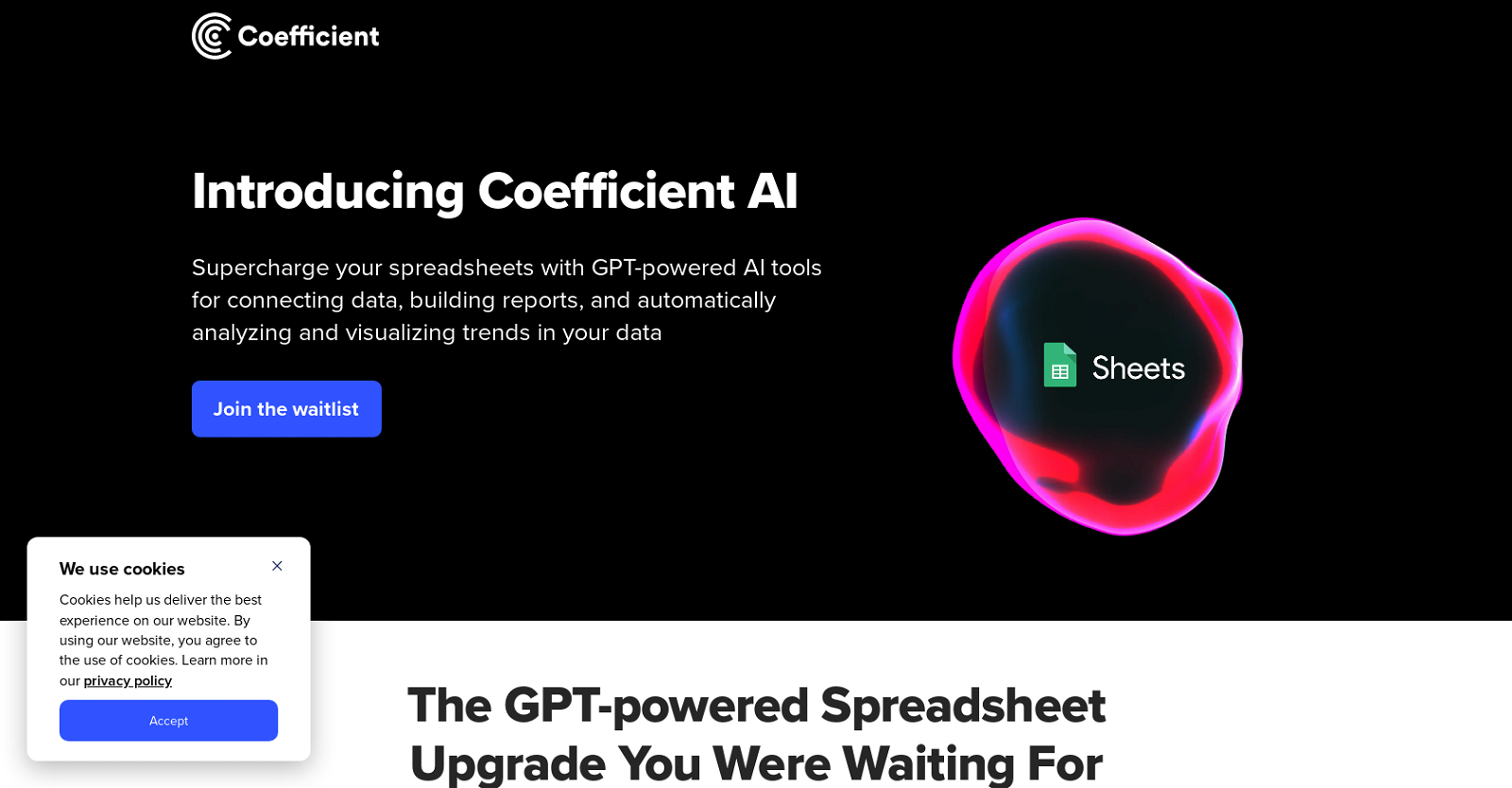
Coefficient is an AI tool called GPT Copilot that seamlessly integrates with Google Sheets to revolutionize data analysis. It enables users to efficiently connect and analyze their data by pulling live data from various business systems, including Salesforce, Shopify, and Tableau, using simple text instructions.

With the GPTX() family of spreadsheet functions, users can even chat directly with GPT from their spreadsheets, automating the generation of powerful formulas, pivots, and charts using plain English instructions. GPT Copilot also leverages intelligent analysis to generate visually stunning and insightful charts, highlighting the most valuable trends in any table.

By unlocking GPT use cases across industry news, competitor blogs, market trends, customer reviews, and social media analytics, GPT Copilot enhances productivity and streamlines data analysis. It combines live web data and chat GPT data to provide a comprehensive set of insights and seamlessly connect data in the easiest and most flexible way possible. Coefficient’s AI Copilot combines historical and real-time data, empowering users to effortlessly build the reports and dashboards they need. The tool offers a waitlist for early access to Coefficient’s AI tools and provides a catalog of integrations, product overview, pricing, data security, and customer stories on its website for users to explore.

Coefficient Read More »

LetsView Chat

LetsView Chat

LetsView Chat is an AI tool that allows users to chat with an AI assistant to get answers to various questions. The tool is accessible through a web page and does not require any downloads or installations. Users can sign up or log in to the platform to get access to the AI assistant. The AI assistant can respond to a variety of queries such as translation, summarization, rewriting, code explanation, and many others. The AI assistant can provide users with multiple responses to their questions, making it a useful search tool. Users can ask the AI assistant questions such as “How do you say ‘Nice to meet you!’ in Korean?” or “Give me creative ideas for a pizza shop brand name and slogan.” The AI assistant provides users with informative responses, hence serving as a valuable knowledge base.

Additionally, LetsView Chat provides users with an option to become a VIP member and join their Discord community. This could be a useful feature for users who would like to interact directly with the developers or other users of the tool.

In summary, LetsView Chat is a useful AI tool that provides users with an AI assistant that can respond to a variety of questions. Its accessibility through a webpage and availability to users worldwide make it a useful knowledge base. It is particularly helpful for those in search of quick and accurate responses to their inquiries.

LetsView Chat Read More »

Painfinder

Painfinder

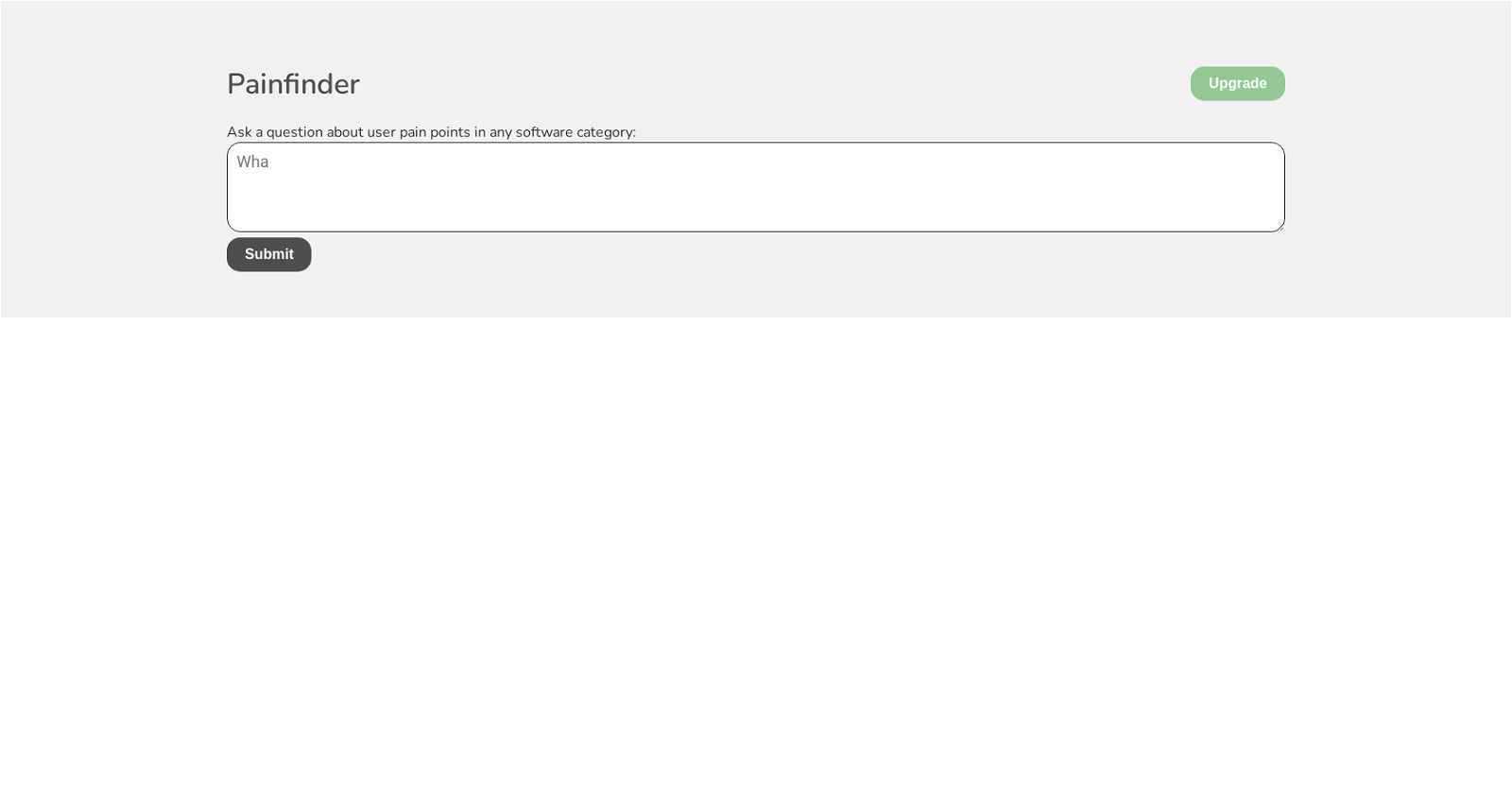
Painfinder is a web application designed to assist users in identifying pain points within any software category. The tool offers a simple interface where users can ask questions related to the pain points they encounter when using a particular software.

Painfinder allows users to obtain insights about the challenges they face while interacting with software, which can help software developers build user-centered solutions. The tool is particularly useful for software developers, product managers, and designers in creating effective products that satisfy the needs of their users.

Painfinder aims to make it easy for users to ask questions about software pain points without needing prior knowledge of the software development process. Painfinder was created using create-react-app, a framework for building robust and scalable web applications. To use the tool, users must have JavaScript enabled on their devices.

Currently, Painfinder is in an upgrade stage, and interested users can join a waitlist to receive updates about future releases. Overall, Painfinder is a useful tool for software developers and designers who seek to understand their users’ pain points and create more efficient and satisfying software solutions.

Painfinder Read More »

Chaindesk

Chaindesk

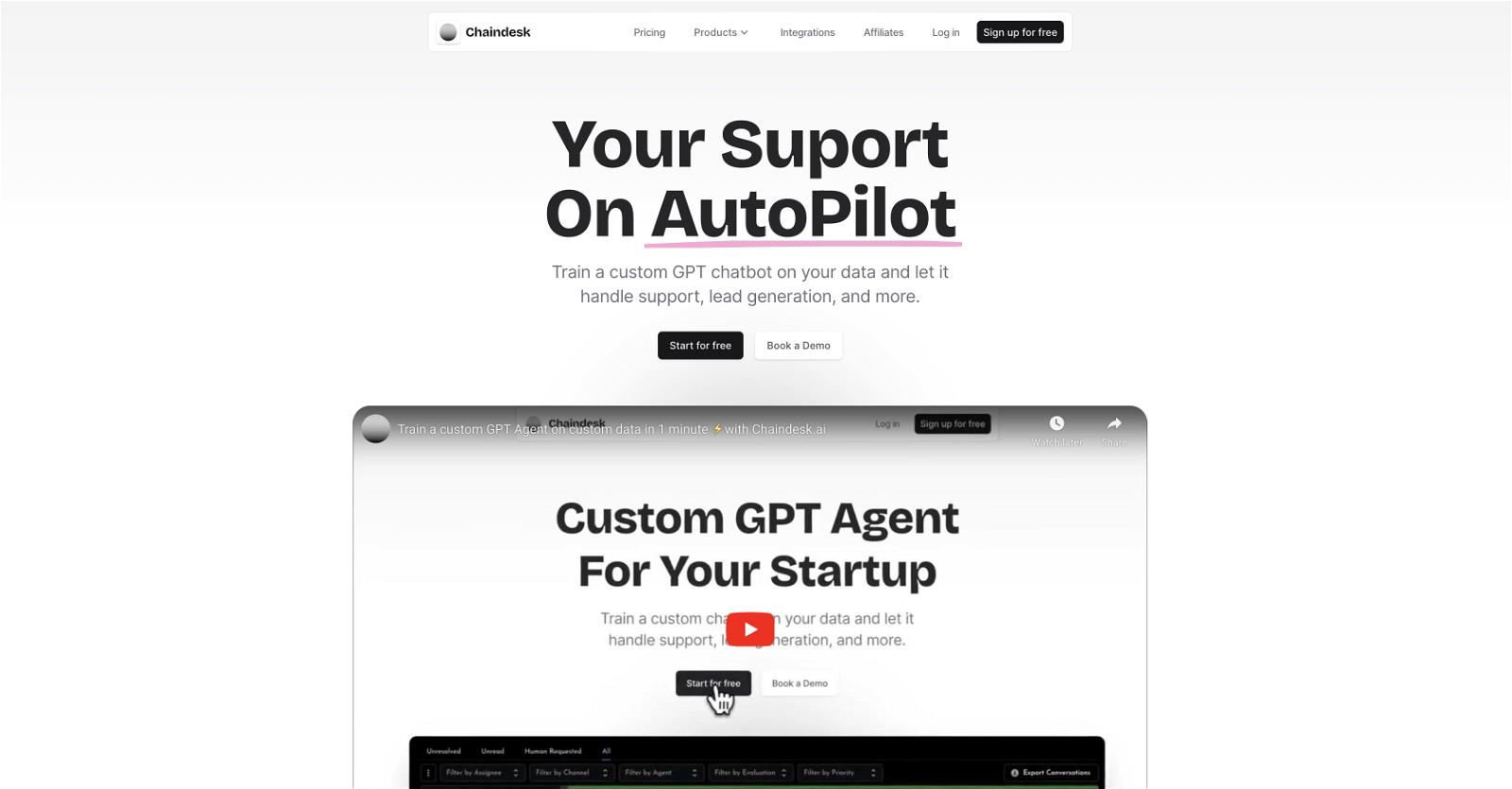
Chaindesk is a no-code platform that allows users to build custom AI chatbots trained on their own data. The tool offers a streamlined solution for customer support, onboarding new team members, and simplifying team workflows. With Chaindesk, users can create AI chatbots in seconds, eliminating the need for technical knowledge.

The tool provides a range of features to enhance customer support. The AI chatbot can answer frequently asked questions and handle simple support requests, allowing the team to focus on providing personalized assistance to customers. Moreover, the chatbot can operate 24/7, ensuring efficient support even when the team is unavailable. Integration onto websites is straightforward, requiring users to copy and paste code onto their site to provide instant support to visitors.

Chaindesk also caters to makers by offering a no-code platform for creating and managing AI chatbots. Additionally, users can leverage the Chaindesk API to query the AI agent or perform document retrieval. The tool allows for easy integration with data sources and APIs, opening up various possibilities for limitless applications. Integration onto platforms like Slack and Whatsapp is seamless, allowing engagement with the audience on their preferred channels.

Furthermore, Chaindesk enables users to connect custom data to ChatGPT without any code. This allows for powerful interactions with personal documents through ChatGPT and assists in brand awareness by utilizing the Plugin Store. Insightful statistics on user interactions with the Plugin are available as well.

Chaindesk supports multiple languages and offers secure data hosting on AWS servers in Europe. Users can add chatbots to their websites using iframes or chat bubbles. Instructions can be provided to chatbots for specialized responses.

Join thousands of businesses in the generative AI revolution by building your own custom AI chatbot with Chaindesk today.

Chaindesk Read More »

Next.js AI Chatbot

Next.js AI Chatbot

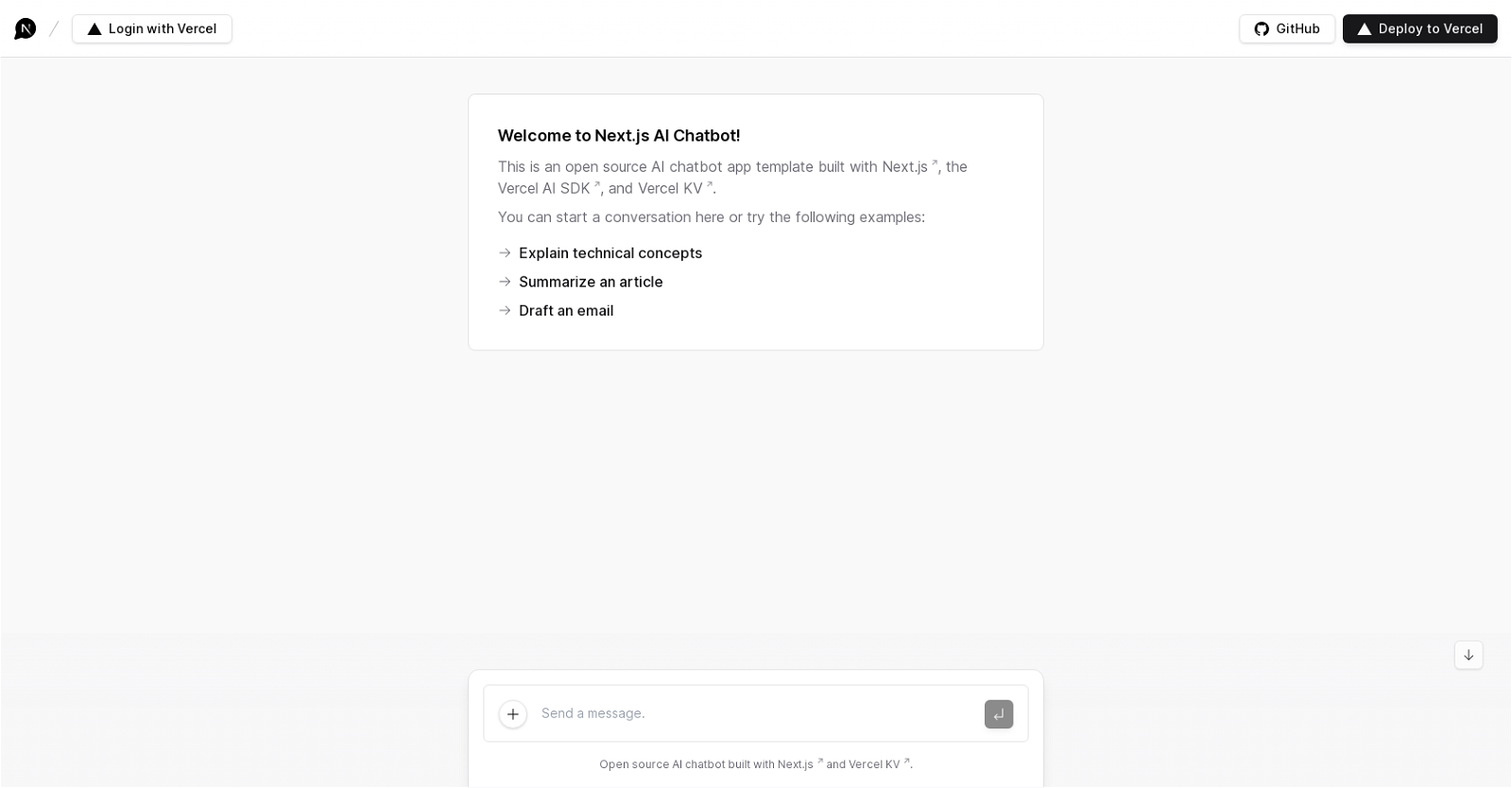
The Next.js AI Chatbot is an open-source chatbot tool built with the Next.js framework and Vercel’s AI SDK and KV storage. This tool is designed to help developers build and deploy fully functional chatbots that can perform a range of functions.

Using this tool, developers can create chatbots that have the ability to explain technical concepts, summarize articles, draft emails, and even scroll to the bottom of a webpage. The chatbot is powered by artificial intelligence and is capable of learning from user interactions to improve its responses over time.

The Next.js AI Chatbot is built with modern web technologies and utilizes Vercel’s serverless infrastructure to provide high performance and scalability. It can be easily deployed to Vercel with the click of a button, or can be downloaded directly from GitHub for local hosting.

Overall, the Next.js AI Chatbot is a powerful and versatile tool for creating AI-powered chatbots that can be customized to fit a variety of use cases. Its open-source nature and ease of deployment make it a popular choice for developers looking to add chatbot functionality to their applications.

Next.js AI Chatbot Read More »

Typemagic

Typemagic

Typemagic is an AI toolkit developed by Typemagic Technologies, Inc. that aims to help users bring their AI agents to life. With Typemagic, users can easily teach their AI agents using the ChatGPT feature, enabling the agents to apply the teachings when required, making them more useful.

One of the key features of Typemagic is its ability to allow users to manage their AI agent’s context and knowledge on the Typemagic context page. This feature provides users with a convenient way to organize and update their AI agent’s knowledge, ensuring that it stays up to date and relevant.

Typemagic is designed to minimize the coding effort required to build AI agents. By leveraging the power of ChatGPT, users can teach their agents without extensive programming knowledge. This accessibility makes Typemagic a user-friendly toolkit for bringing AI agents to life.

Although Typemagic is expected to be available in 2023 in San Francisco, it is important to note that the tool is not yet launched and its features and availability may be subject to change. Nonetheless, Typemagic appears to be positioned as an accessible toolkit that empowers users to easily create and manage AI agents, making it a promising tool for AI enthusiasts and developers alike.

Typemagic Read More »

Arches AI

Arches AI

Introducing Arches AI: A revolution in document exploration!

Arches AI is an innovative platform that blends AI-powered chatbots with the vast world of text documents. Simply upload your files, and let the intelligent LLM agents delve deep to fetch you the information you need.

Standout Features:

– Semantic Search Engines: Boost your website or app with our search engine.
– Embeddable Chatbots: Seamlessly integrate our bots into your existing websites.
– Customizable AI Agents: Tailor-made based on large language models, ensuring optimal results in every setting.
– On-Premise or Cloud: Deploy according to your preference.
– Comprehensive Plans: From starter to enterprise, Arches has you covered. Enjoy perks like image generation, API access, and team management.
– Security First: All documents are encrypted and stored securely in the cloud. Search across multiple files with ease.
– Flexible Pricing & Credits: Pay for what you use! The credit system caters to uploads, chats, and more. Plus, roll over unused credits to the next month.

What’s Next?: Llama 2 support

Check it out at Arches AI.

Arches AI Read More »