
ChatGPT

Gista

Gista

Gista is an AI tool that allows businesses to build their own ChatGPT Plugin, an AI assistant for their teams, and run custom chatbots on their websites. With Gista, businesses can leverage their knowledge base to set themselves apart from the competition without having to write a single line of code.

Gista’s ChatGPT Plugin empowers businesses to build their own exclusive data chatbots in just five minutes, which can reach over 100 million users. Using Gista, businesses can bring their vision to life by creating and maintaining an AI assistant that enhances their customer service capabilities, automates repetitive tasks, and improves customer engagement.

Gista’s AI chatbot technology helps businesses to streamline their operations, save time, and increase customer satisfaction. Moreover, Gista’s custom chatbots are easy to use and require minimal technical knowledge to set up and deploy on websites.

Overall, Gista is a powerful and user-friendly AI tool that can help businesses create and deploy custom chatbots and AI assistants that improve their customer experience and enhance their competitive edge. With Gista, businesses can access next-generation AI technology with minimal investment and effort, empowering them to scale their operations and enhance their offerings.
Gista Read More »

AskGen.ie

AskGen.ie

AskGen.ie is a versatile tool that allows users to create AI agents using their existing data. With a simple upload of files or linking of websites, users can generate a ChatGPT-style bot. The AI agent can be embedded onto a website or interacted with through the API. askGenie supports a wide range of data sources, including files and websites, with plans to expand further.

Integration and deployment options are flexible, with current support for website widgets and web iframes, and upcoming support for channels such as Slack, Discord, Teams, Telegram, Whatsapp, Zapier, and API. The tool also offers customization and branding options, allowing users to personalize the agent’s name, color, logo, welcome message, sample questions, and prompts.

Users have praised askGenie for its exceptional versatility and reliability. The setup, chat, integration, and usage are intuitive, and the tool consistently produces coherent and adequate responses, meeting user expectations. Customers are eagerly anticipating future enhancements. askGenie’s interface seamlessly combines and presents information from various sources in an organized and convenient manner. It has proven to be a valuable tool for showcasing AI expertise, enhancing customer service operations, and revamping interactions between clients’ customers and website visitors.

askGenie offers different pricing plans, including a free option with limited features, as well as paid plans for increased agents, knowledge bases, message credits, and text processing capabilities. Users appreciate the tool’s quick setup, powerful performance in multiple languages, and seamless operation with uploaded data.

Overall, askGenie is a reliable AI agent builder that empowers users to leverage their existing data and enhance their interactions with customers and website visitors.

AskGen.ie Read More »

AI-anywhere

AI-anywhere

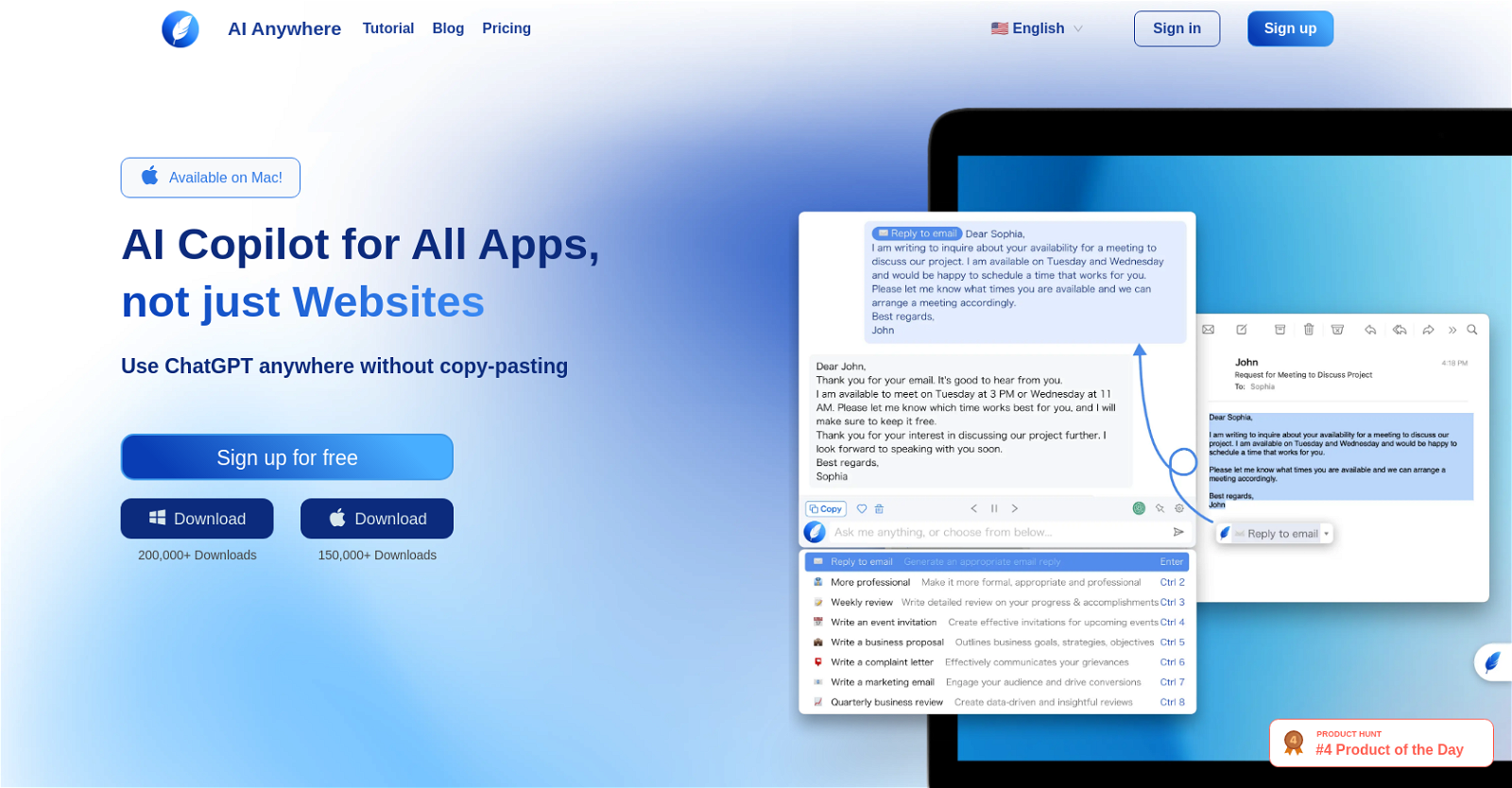
AI Anywhere is an AI tool that serves as a copilot for all types of applications, not limited to websites. It offers seamless integration with various apps such as PDF readers, messengers, text editors, and code editors. Unlike browser-based copilots, AI Anywhere works locally, allowing users to access AI capabilities without the need for copy-pasting.

The tool’s main features include quick action processing, where selected text can be effortlessly processed with just one click. Users can translate, explain, summarize, or perform any frequently used action on any selected text. AI Anywhere also provides powerful AI commands that can be accessed through a customizable shortcut key combination. These commands adapt dynamically based on user preferences and usage.

Additionally, AI Anywhere facilitates chat conversations about any topic, providing assistance with assignments, writing improvement, or general chatting needs. The tool offers a personalized copilot experience, allowing users to interact with AI for various purposes.

AI Anywhere prioritizes user privacy and security, ensuring the protection of personal information. The tool is available for use on Mac and can be downloaded from the provided link. It has received over 200,000 downloads, highlighting its popularity.

To support users, AI Anywhere offers a community for instant support and provides updates through social media channels. The tool is aimed at enhancing productivity by leveraging advanced AI capabilities across a wide range of applications.

AI-anywhere Read More »

Beamcast

Beamcast

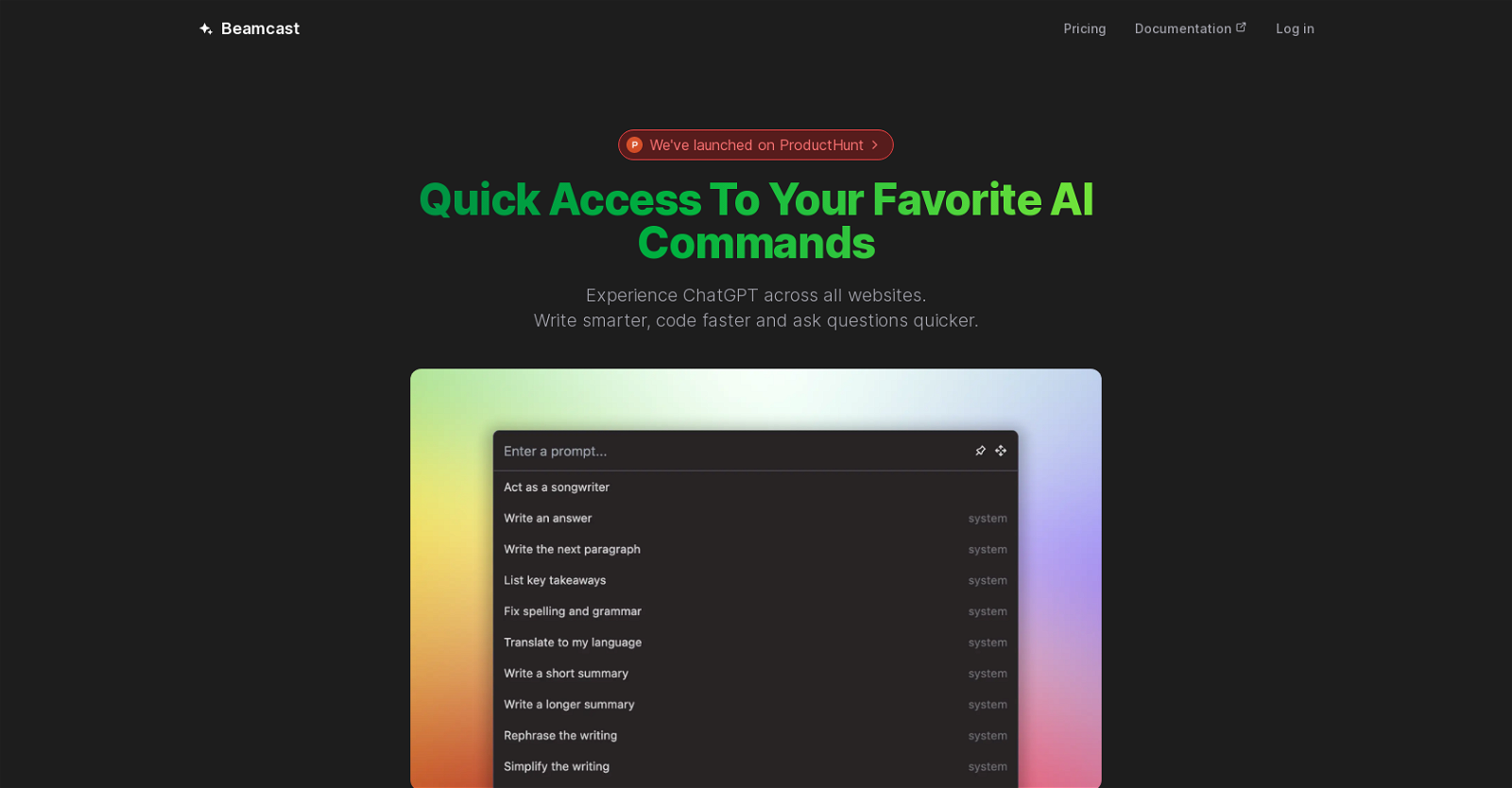
Beamcast is an AI tool that enhances productivity by providing quick access to AI commands, specifically ChatGPT, on any website. With Beamcast, users can select text, run an AI command, and receive instant results. The tool offers a range of built-in AI commands curated to boost efficiency, and users can also input their own custom prompts for the AI to handle.

Beamcast securely stores user commands on their server and syncs them to any browser with their extension installed, ensuring easy accessibility across devices. Powered by OpenAI, Beamcast utilizes state-of-the-art AI models to execute commands, enabling users to write smarter, code faster, and ask questions more efficiently. The tool offers a free plan with 50 credits, access to GPT-3.5, and 10 custom AI commands. For more advanced features, users can opt for the premium plan at $24/year, which includes 2000 credits per month, access to all models (GPT-3.5, GPT-3.5-16K, GPT-4, GPT-4-32K), and unlimited custom AI commands. Beamcast seamlessly integrates into popular browsers like Chrome and Firefox through its downloadable extension.

For additional information and support, users can refer to the FAQ section provided by Beamcast. Developed by Umida Inc., Beamcast can be found on ProductHunt.

Beamcast Read More »

Sirius

Sirius

Sirius is a tool that enhances the capabilities of Siri, Apple’s digital assistant, by integrating GPT-4, a powerful Artificial Intelligence model developed by OpenAI. With Sirius, Siri gains the ability to navigate and extract information from the internet through web scraping tasks. This means that Siri can now perform advanced web searches, gather and synthesize web content, and present the results to the user.

The integration of GPT-4 allows Siri to comprehend, summarize, and engage with web content in a more nuanced and human-like manner. It can understand and interpret complex data from a variety of web sources, making it proficient in tasks such as reading, summarizing, and analyzing web articles, forums, blogs, research papers, and more. Additionally, Sirius enables Siri to extract specific information from various websites, such as comparing product prices, monitoring social media trends, or extracting news articles on specific topics.

Sirius is compatible with all iOS, macOS, and iPadOS devices, ensuring accessibility across the entire range of Apple devices. It supports multilingual content, allowing Siri to interpret and translate web pages or gather information from foreign language sites.

The tool can be activated by saying “Hey Sirius” after installing a shortcut, which will be provided upon a one-time payment. Lifetime updates and features are included with the purchase, and there are no additional costs or subscription fees.

Overall, Sirius is a game-changing tool that empowers Siri to bring a new level of intelligence and web interaction to users, revolutionizing the way we interact with the web through our devices.

Sirius Read More »

TwoSlash

TwoSlash

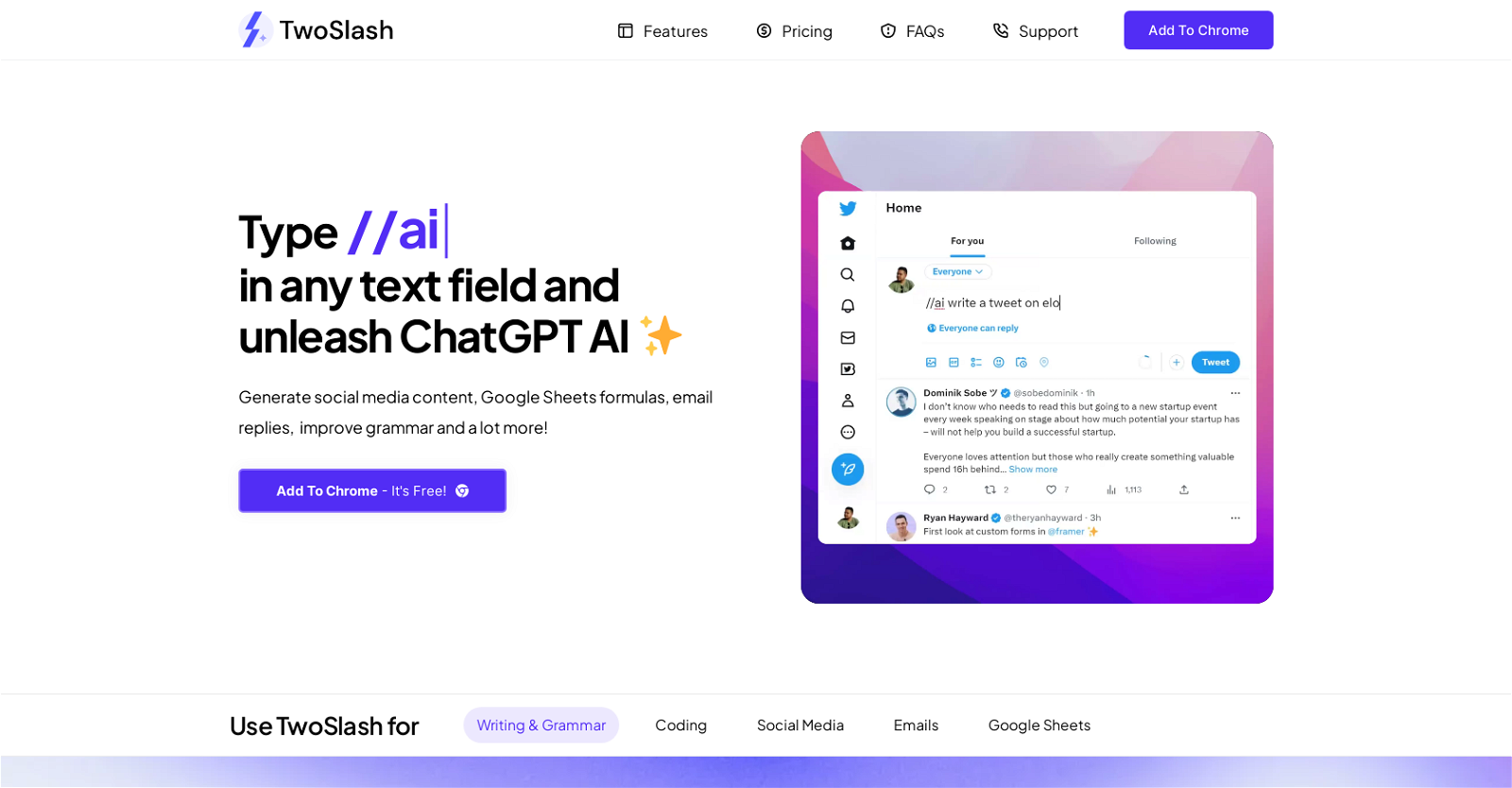
TwoSlash is a Chrome extension that brings AI capabilities to your fingertips. It allows you to generate social media content, improve your grammar, create Google Sheets formulas, and enhance your email replies, among other functions. By typing “//ai|” in any text field, you can access ChatGPT AI and leverage its capabilities.

With TwoSlash, you can effortlessly generate engaging blog posts, optimize articles, and correct grammar mistakes in real-time. It also enables you to rewrite and summarize content and translate it into multiple languages. In coding, TwoSlash helps you fix bugs, write code in your preferred language, explain code snippets, and even convert code into different programming languages.

For social media, TwoSlash enables you to generate captivating posts for platforms like Facebook, LinkedIn, and Instagram. You can also reply to comments and direct messages using AI. In email communication, the tool assists with writing and replying to emails, as well as summarizing email content. Additionally, TwoSlash allows you to generate and explain Google Sheets formulas within the application.

TwoSlash offers a simple pricing plan, including a standard option that provides up to 1000 commands per month without requiring an API key. Alternatively, users can connect their own OpenAI API key for a one-time fee. The extension currently supports the Chrome browser, with plans to expand to other browsers soon.

TwoSlash differentiates itself from ChatGPT by integrating AI capabilities into Chrome’s text input fields, optimizing performance and compatibility with Chrome’s APIs and extensions. It also allows for customization and potential integration with different AI models, providing dedicated support and a seamless user experience within the Chrome environment.

TwoSlash Read More »

ChatGPT Desktop Hub

ChatGPT Desktop Hub

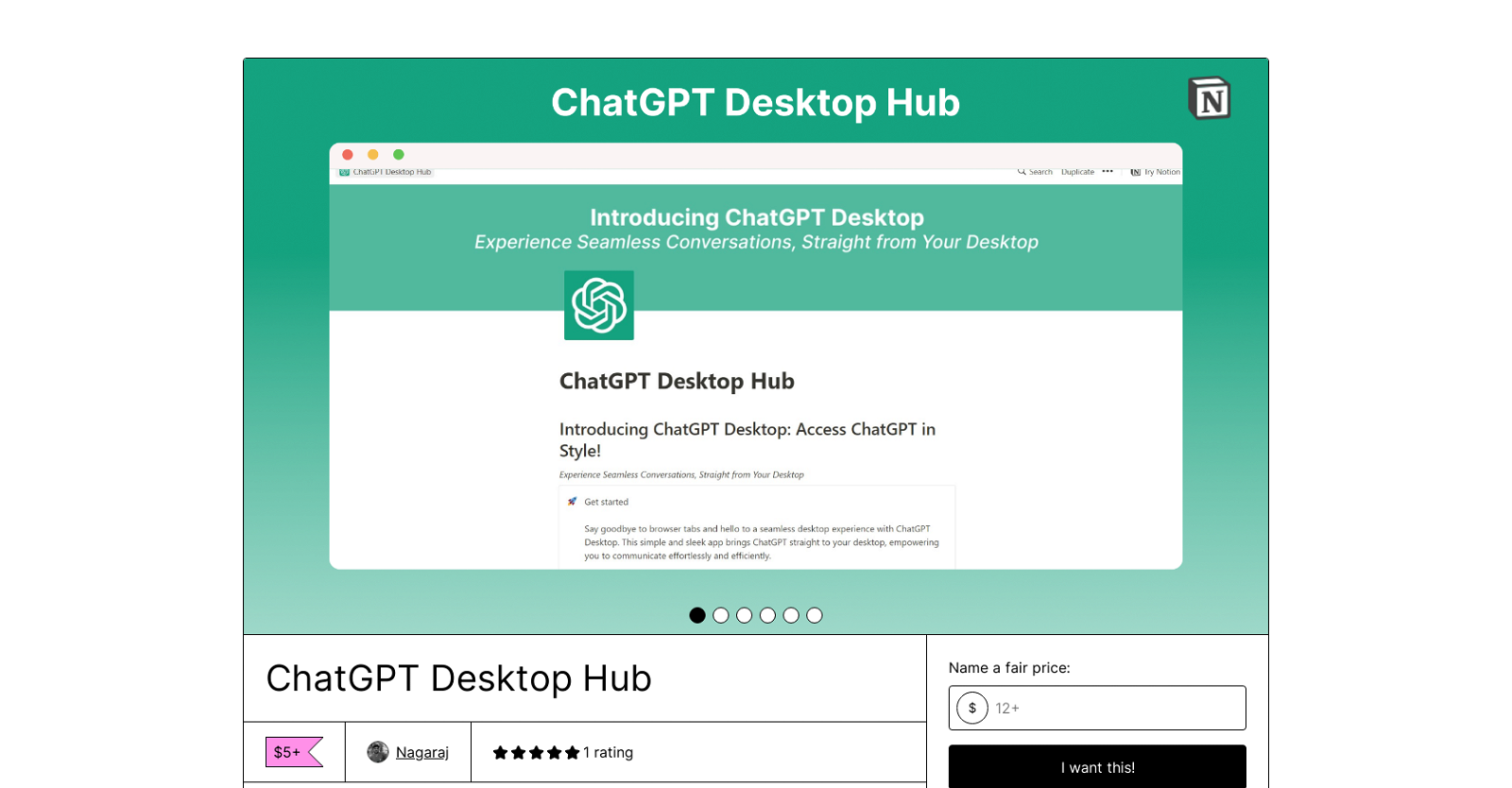
ChatGPT Desktop Hub is a simple and sleek app that provides users with direct access to ChatGPT from their desktop. With lightning-fast conversations and a highly responsive interface, users can maximize productivity and save time throughout the day. The app offers customization options, allowing users to personalize the appearance, layout, and behavior according to their preferences.

One of the standout features of ChatGPT Desktop is its ability to create a focused work environment. By eliminating the need for multiple browser tabs or applications, users can reduce distractions and improve concentration and productivity. The app window support feature enables seamless communication and effortless task juggling, allowing users to handle multiple conversations simultaneously.

Security and privacy are prioritized in ChatGPT Desktop. The app offers enhanced security measures, ensuring that users’ data is protected and secure within the app. This provides users with peace of mind as they engage in meaningful conversations.

By downloading ChatGPT Desktop, users can revolutionize their communication experience. The app offers convenient access to ChatGPT straight from the desktop, providing a new level of productivity and convenience. It is a valuable tool for individuals looking to elevate their communication game.

Overall, ChatGPT Desktop Hub is a powerful desktop application that brings ChatGPT to the user’s fingertips. It enables effortless and efficient communication while providing customization options, a focused work environment, and enhanced security.

ChatGPT Desktop Hub Read More »

Chatmap AI

Chatmap AI

ChatMap-AI is an AI-powered map search tool that allows users to quickly search for locations based on their description or location information. The tool uses ChatGPT, an AI technology, to interpret natural language input from users.

Users can enter a description of a geographic location as a query, such as “the highest mountain in the world” or “the location of the sinking of the Titanic,” and the tool will display the corresponding location on the map.

The AI-powered tool also provides keyboard shortcuts for navigation and allows users to toggle between terrain and satellite views for a better understanding of the location. Additionally, ChatMap-AI provides options to toggle between metric and imperial units for distance measurement.

ChatMap-AI is designed to be user-friendly and offer quick, accurate results for geographic searches. It is particularly useful for those who may not have specific location names but have a description or information about the location they wish to search for. The tool does not require the user to have extensive knowledge of map navigation or specific location names, making it accessible to a wider audience.

ChatMap-AI is a product of SMARTWAVE LLC, and the terms of use and privacy policy are available on the company’s website.

Chatmap AI Read More »

BoltAI

BoltAI

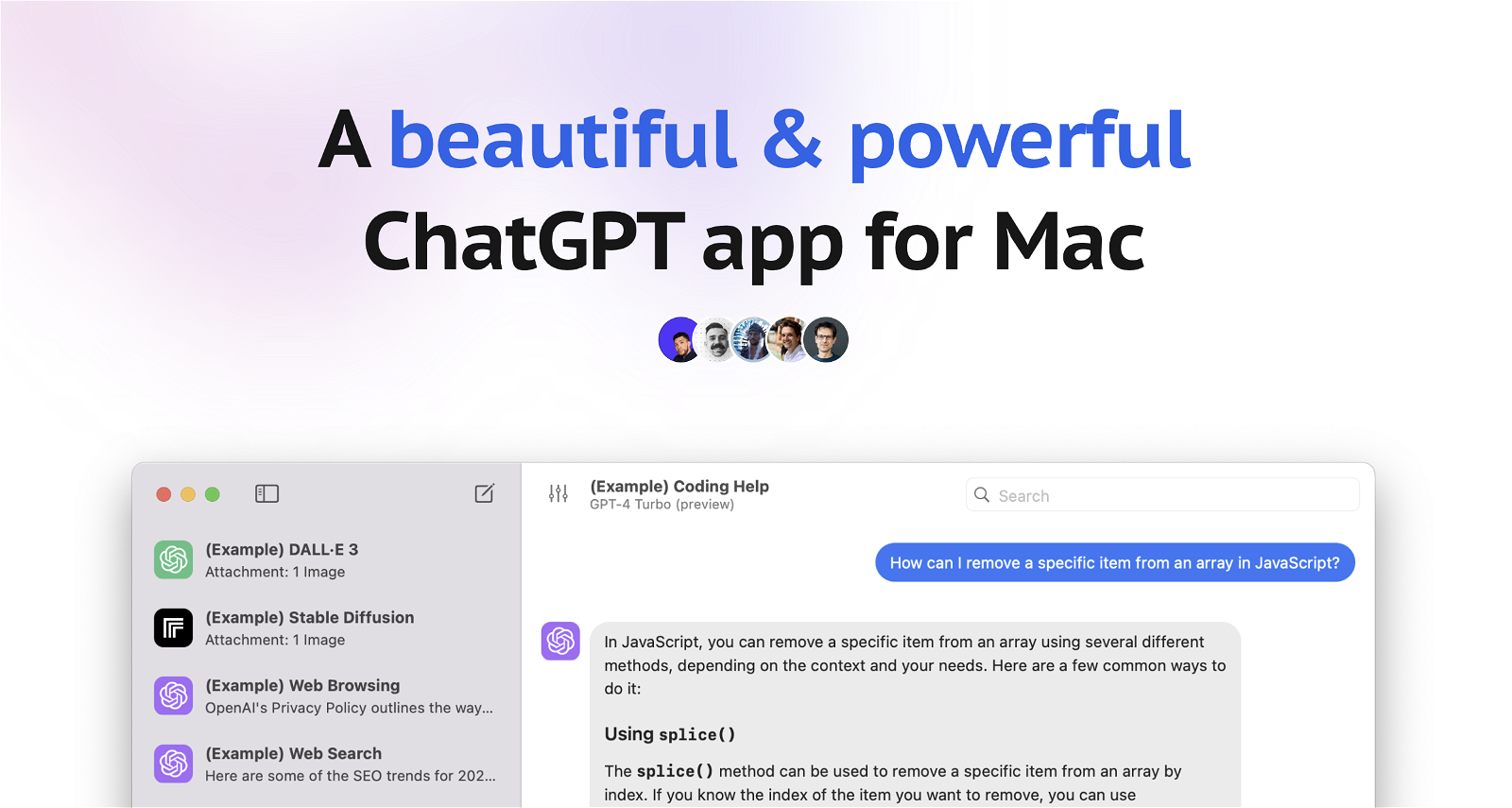
BoltAI is a native macOS ChatGPT client that enables users from various professional backgrounds to integrate AI assistance into their daily tasks. It is specifically designed to enhance productivity across a wide range of professions, including writing, development, management, and entrepreneurship. By providing access to OpenAI’s GPT, BoltAI offers AI suggestions to users as they work on tasks such as emails, reports, coding, or idea generation.

With a diverse range of use cases, BoltAI caters to developers, content creators, marketers, students, and anyone seeking AI assistance. The tool is highly customizable, allowing users to create their own custom AI assistants and tailor the AI’s behavior to suit specific tasks or roles. Additionally, BoltAI provides a prompt library that users can leverage to maximize the benefits of AI assistance.

Privacy and security are paramount to BoltAI. The tool securely stores the key in the Apple Keychain and automatically redacts sensitive data, ensuring user privacy and peace of mind. Unlike many other bulky Electron-based apps, BoltAI is a fast and powerful native macOS app that offers a seamless chat experience.

BoltAI offers a range of pricing plans to accommodate different user needs. Users have the option to purchase a one-time license, which includes one year of free updates, providing flexibility and value for money.

In summary, BoltAI is a versatile AI tool that empowers users to integrate AI assistance into their daily tasks. With its customizable features, privacy focus, and native macOS experience, BoltAI is a valuable asset for entrepreneurs, developers, marketers, students, and anyone looking to enhance their productivity with AI.

BoltAI Read More »

GPTBricks

GPTBricks

GPTBricks is a no-code/low-code platform that allows users to create and customize AI chatbots using OpenAI’s GPT-4 technology. With GPTBricks, users can build conversational flows and integrate them with their systems or external APIs without the need for coding skills. The platform offers an intuitive interface for creating chatbots and provides extensive help resources for users of all technical skill levels.

One of the main features of GPTBricks is its ability to seamlessly integrate with various APIs, allowing users to personalize their chatbots with real-world actions. Users can integrate their chatbots with APIs of their choice, such as sending emails, web scraping, or URL shortening, to add customized functionalities to their chatbots.

GPTBricks also offers no-code design, dynamic customization, and effortless deployment, allowing users to create robust and intelligent chat solutions that align with their unique business requirements. The platform is scalable and secure, ensuring top-notch security for businesses of all sizes. Powerful analytics and real-time performance tracking are available for users to make data-driven decisions and optimize their chatbot’s performance.

GPTBricks can be integrated into popular platforms like Slack, WhatsApp, Facebook Messenger, Salesforce, and more, enhancing communication, automating workflows, and revolutionizing customer service on these platforms.

The platform offers different pricing plans, including a free plan with limited features, a Pro plan with advanced functionalities, and a Premium plan with additional benefits. Dedicated customer support is provided to all users, with priority support offered to Pro and Premium plan users. Customized plans are also available for larger businesses with unique requirements.

GPTBricks Read More »