Free

Dreamspace.art

Dreamspace.art

DreamSpace.art is an AI-powered diagramming tool designed to help users visually represent their ideas. With its intuitive interface, users can easily create and manipulate nodes and edges to build comprehensive diagrams.

To interact with the tool, users can select a node by pressing enter or space, and then use the arrow keys to move the node around. If a node needs to be removed, simply press delete, or cancel the action by pressing escape. Similarly, edges can be selected and removed using the delete key, or cancelled with escape.

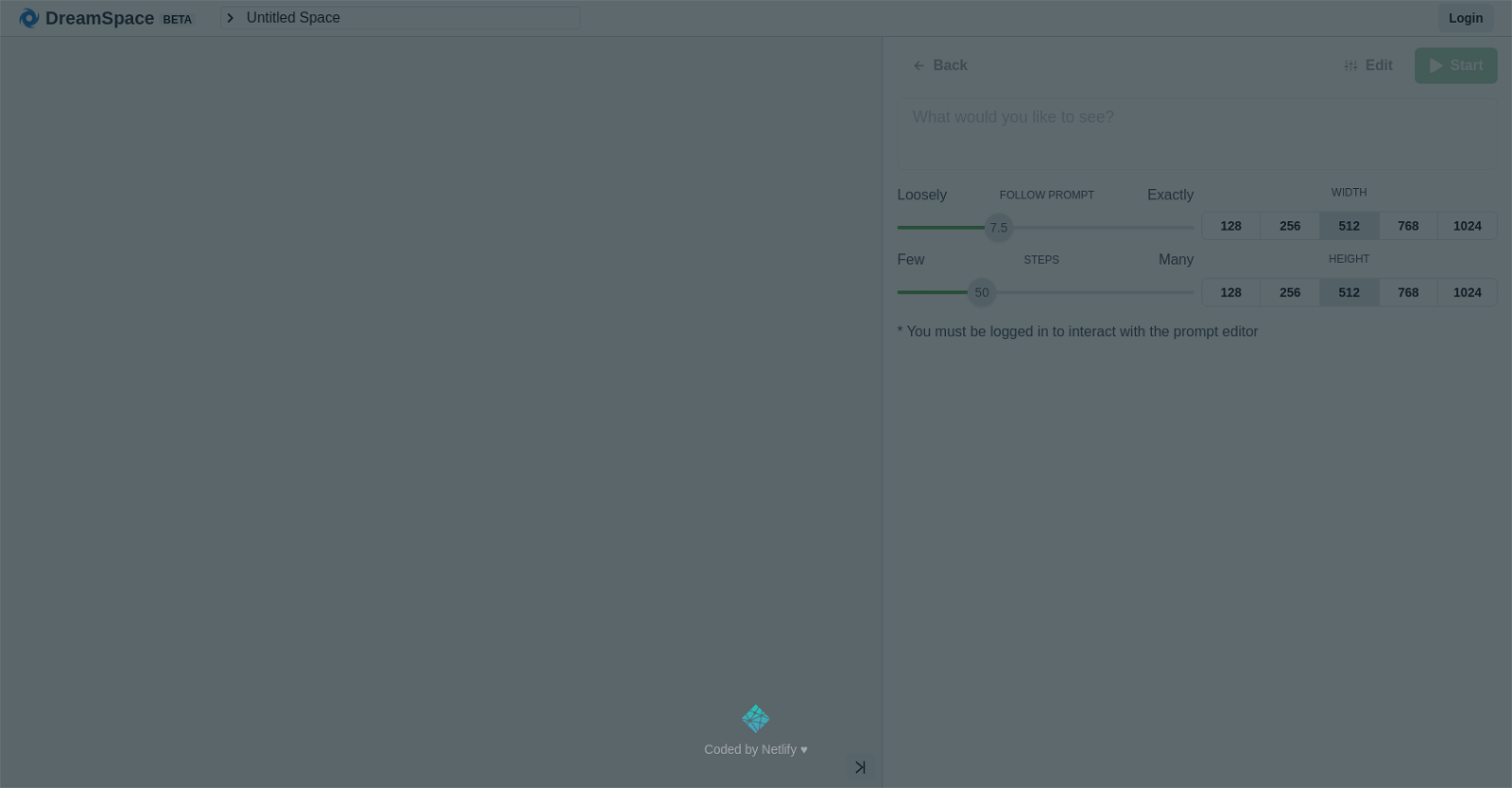
DreamSpace.art offers the flexibility to adjust the width and height of the diagram in increments of 128, 256, 512, or 1024. This allows users to customize the size of their diagrams according to their specific needs and preferences.

The tool provides two modes: Loosely Follow Prompt and Exactly Follow Prompt. These modes allow users to choose the level of difficulty in creating their diagrams. Whether users prefer a more relaxed approach or a precise representation, DreamSpace.art caters to their preferences.

To initiate the diagramming process, users can simply click the Start button. This sets the stage for creating and organizing their ideas visually. Additionally, the Back button enables users to conveniently undo their last action, providing a seamless editing experience.

DreamSpace.art empowers users to effortlessly transform their thoughts and concepts into visually appealing diagrams. With its user-friendly features and customizable options, this AI tool is a valuable asset for individuals and teams seeking to communicate and collaborate effectively.
Dreamspace.art Read More »

Erase.bg

Erase.bg

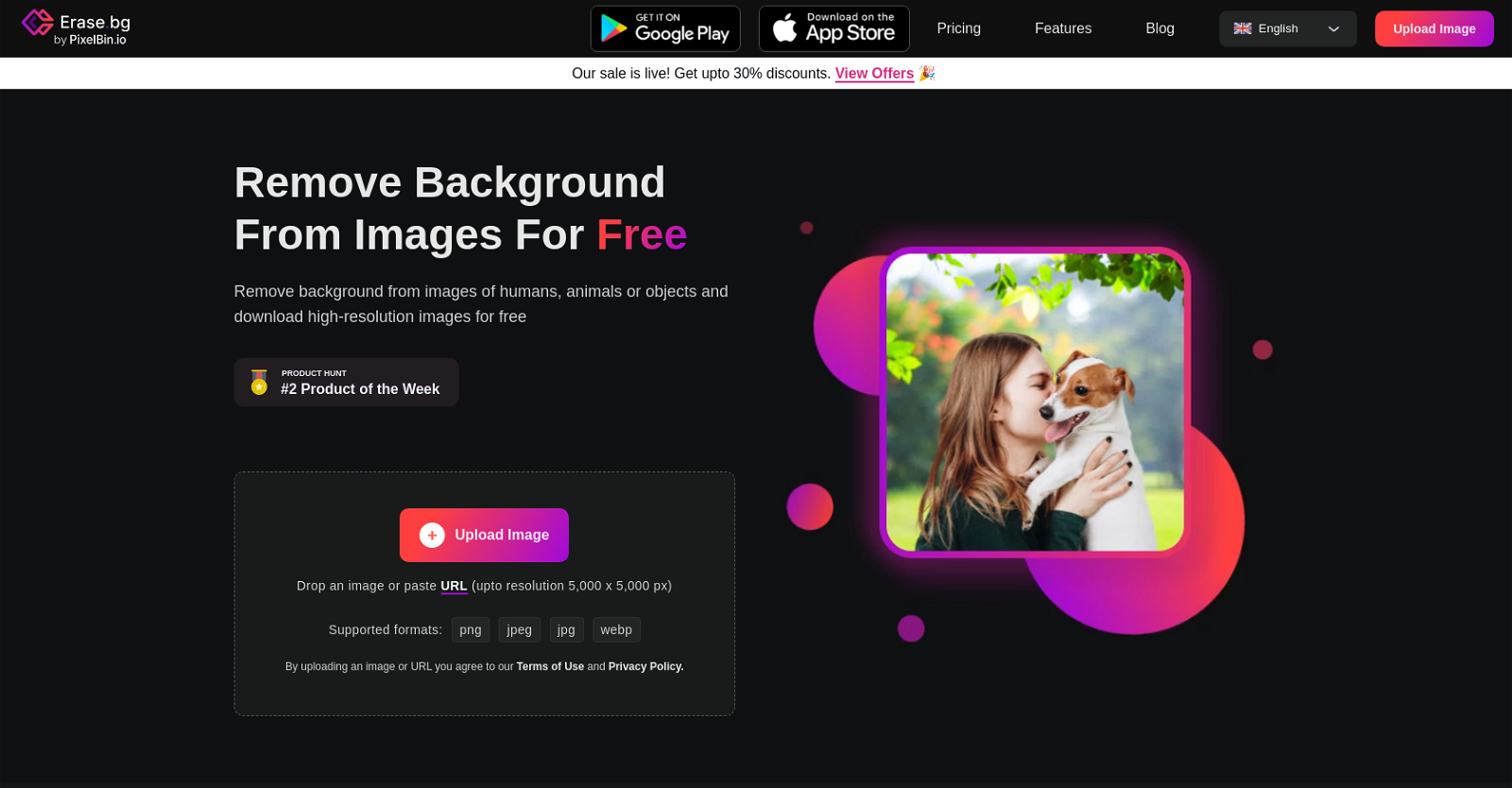
Erase.bg is a powerful AI tool that allows users to effortlessly remove backgrounds from images of humans, animals, and objects. With just a single click, users can achieve professional-looking results, thanks to the advanced AI technology behind the tool. Whether you’re a professional photographer, an individual user, or an enterprise customer, Erase.bg offers a range of features tailored to your specific needs.

Not only does Erase.bg provide a web-based platform for background removal, but it also offers mobile applications for both Android and iOS devices. This means you can enjoy the convenience of removing backgrounds on the go, directly from your smartphone or tablet.

The tool goes beyond simple background removal, offering additional features to enhance your images. For example, you can create custom WhatsApp display pictures with gradients and patterns, giving your profile a unique and eye-catching look. Erase.bg also supports bulk image processing, allowing you to quickly process thousands of high-quality images in no time. This feature is particularly useful for e-commerce businesses and developers who need to process large volumes of images efficiently.

To help users make the most out of the tool, Erase.bg provides a blog section with helpful articles. These articles offer tips and tricks on how to create stunning content for social media and websites using the tool. Whether you’re a beginner or an experienced user, you’ll find valuable insights to enhance your editing skills.

In summary, Erase.bg is a user-friendly and versatile AI tool that simplifies the process of background removal. With its high-resolution output, mobile applications, and additional features, it caters to the needs of various users, from individuals to professionals and businesses. Whether you’re looking to create captivating visuals for personal use or streamline your image processing workflow, Erase.bg is the go-to tool for all your background removal needs.

Erase.bg Read More »

Pixian

Pixian

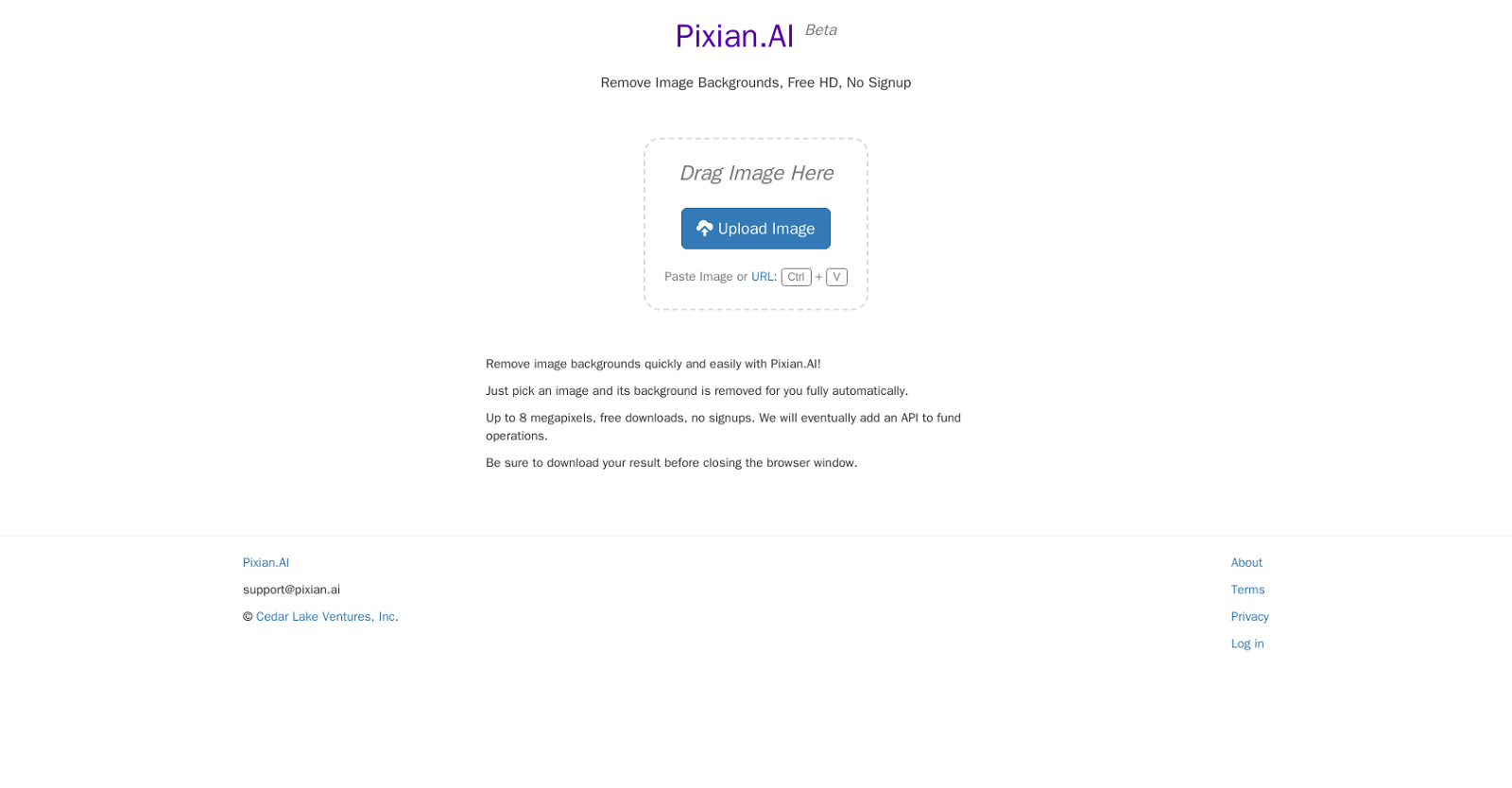
Pixian.AI is an AI tool that allows users to quickly and easily remove image backgrounds. It is free to use and requires no sign up. It supports up to 8 megapixels and is powered by Cedar Lake Ventures, Inc.

The process is easy – just drop an image into the designated area and the background will be removed automatically. The result can be downloaded in HD resolution. Additionally, an API will be available soon to fund operations.

Pixian.AI is a great tool for creating professional images with the background removed.

Pixian Read More »

Stock AI

Stock AI

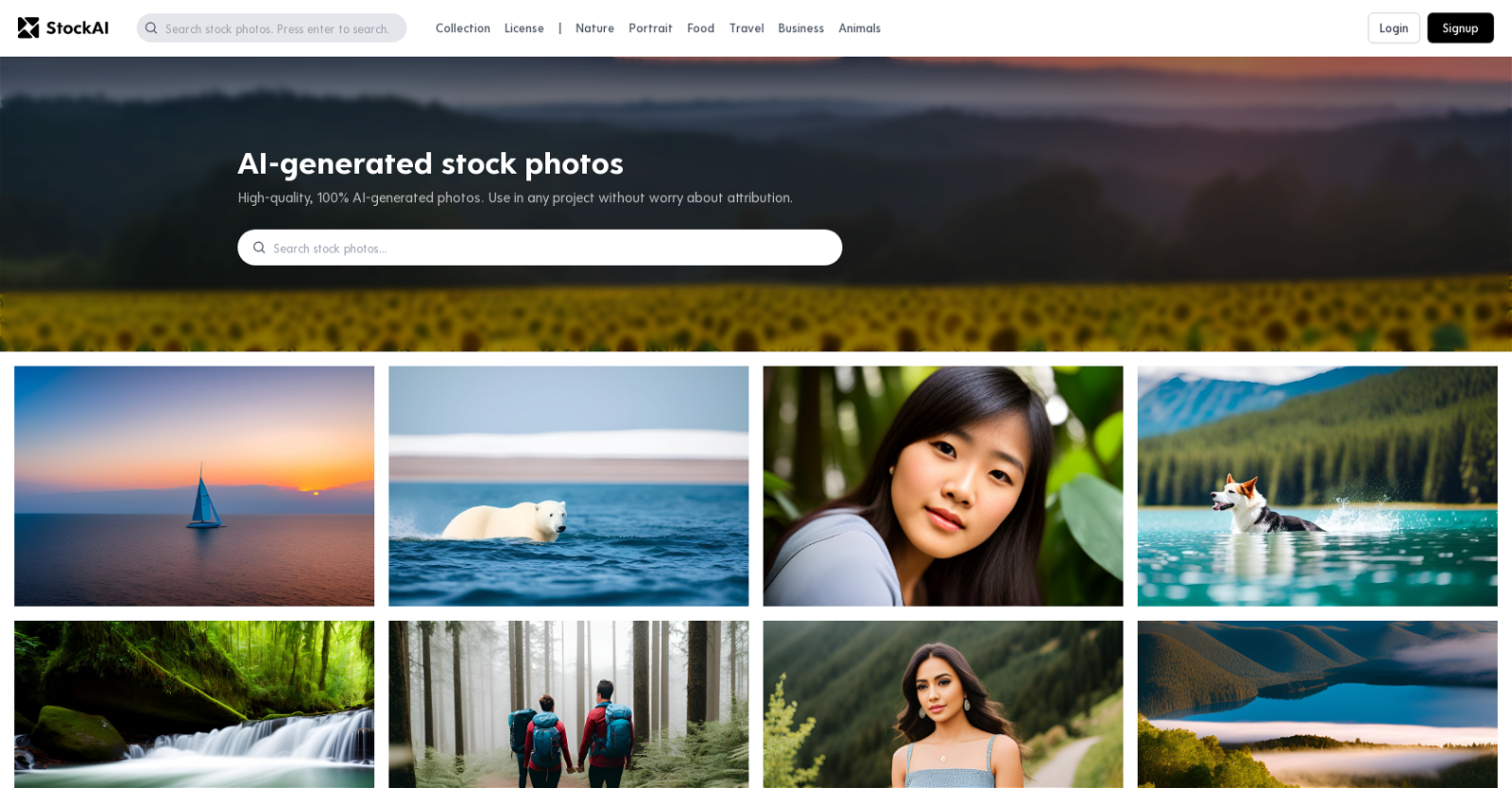
Stock AI is an innovative AI tool that revolutionizes the world of stock photos and pictures. With its advanced technology, Stock AI generates high-quality, 100% AI-generated photos that cater to a wide range of themes. From nature and portrait to food, travel, business, and animals, this platform offers a diverse collection of images suitable for any project. The best part is that these photos can be used without the need for attribution, providing convenience and flexibility for users. The visuals provided by Stock AI are truly captivating, featuring vivid colors and intricate details. Whether it’s a serene sailboat scene at sunset or a mysterious forest with glowing eyes, the photos capture the imagination and bring projects to life. Additionally, Stock AI offers abstract ocean photos with luxurious textures like marble swirls and agate ripples, adding a touch of elegance to any design. With Stock AI, accessing AI-generated stock photos and pictures has never been easier or more convenient.

Stock AI Read More »

ReImage AI

ReImage AI

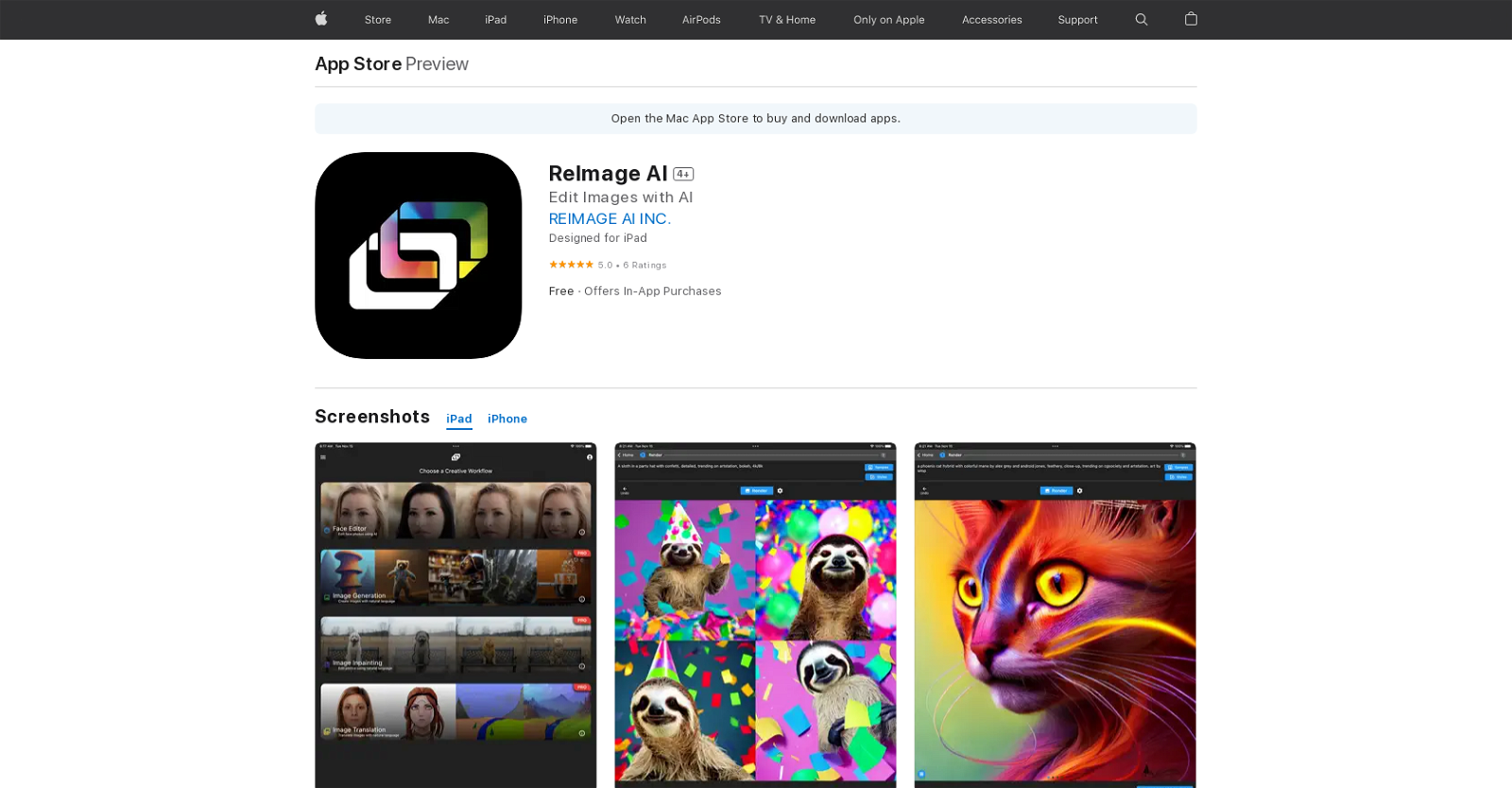
ReImage AI is an artificial intelligence (AI) image editing and generation application available on the App Store. This app utilizes cloud-based AI servers to access the latest AI models in a user-friendly interface.

With ReImage AI, users can effortlessly edit their own photos using natural language, making it incredibly intuitive and accessible. Additionally, the app allows users to create stunning photos, artwork, and other content using natural language commands, expanding the possibilities of image generation.

One of the standout features of ReImage AI is its ability to transform a user’s appearance in images. Whether you want to look younger, turn yourself into a cartoon, or experiment with different hairstyles, ReImage AI has got you covered. It offers a range of options to enhance and modify your appearance, adding a touch of creativity to your photos.

The app is free to download and use, ensuring that anyone can take advantage of its powerful AI capabilities. For those seeking additional features and benefits, ReImage AI offers in-app purchases for Pro Monthly and Pro Yearly plans, providing even more advanced editing and generation options.

ReImage AI is designed to be compatible with iPad, iPhone, and iPod Touch devices running iOS 11.0 or later. It is also optimized for Mac computers running macOS 11.0 or later, specifically those equipped with an Apple M1 chip or later. This ensures a seamless and efficient experience across a range of Apple devices.

In summary, ReImage AI is an innovative AI image editing and generation tool that brings the power of artificial intelligence to your fingertips. With its user-friendly interface, natural language commands, and transformative features, ReImage AI empowers users to create and edit stunning photos and artwork with ease.

ReImage AI Read More »

Stable UI

Stable UI

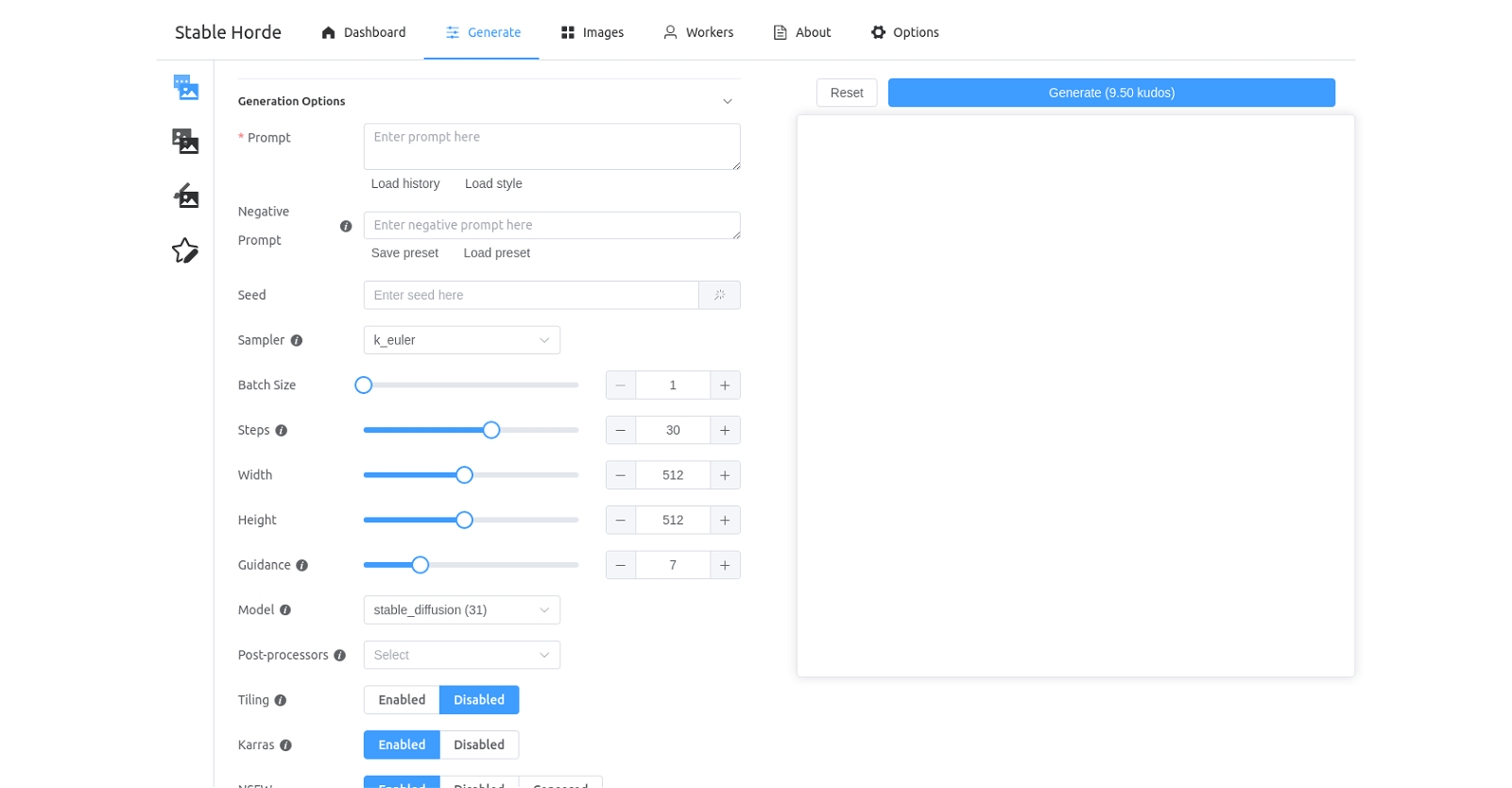
Stable UI is an AI tool that empowers users to effortlessly generate, save, and load images. The user-friendly dashboard offers a wide range of options, allowing users to customize their image generation process. With the ability to select presets, seed, batch size, steps, width, and height, users have complete control over the generation parameters.

To further enhance the generated images, Stable UI provides a variety of models and post-processors to choose from. Users can opt for models like Karras, NSFW, and Censored Worker Type, enabling them to achieve the desired output. Additionally, a selection of preset AI algorithms, including Stable Horde, Stable Diffusion, Waifu Diffusion, Midjourney Diffusion, and more, are available for users to experiment with.

Stable UI goes beyond customization options by allowing users to save their preferred settings as presets. This feature enables quick access to previously used configurations, saving time and effort. Whether it’s for personal or professional use, Stable UI offers a seamless and efficient solution for generating and manipulating images with the power of AI.

Stable UI Read More »

Magician

Magician

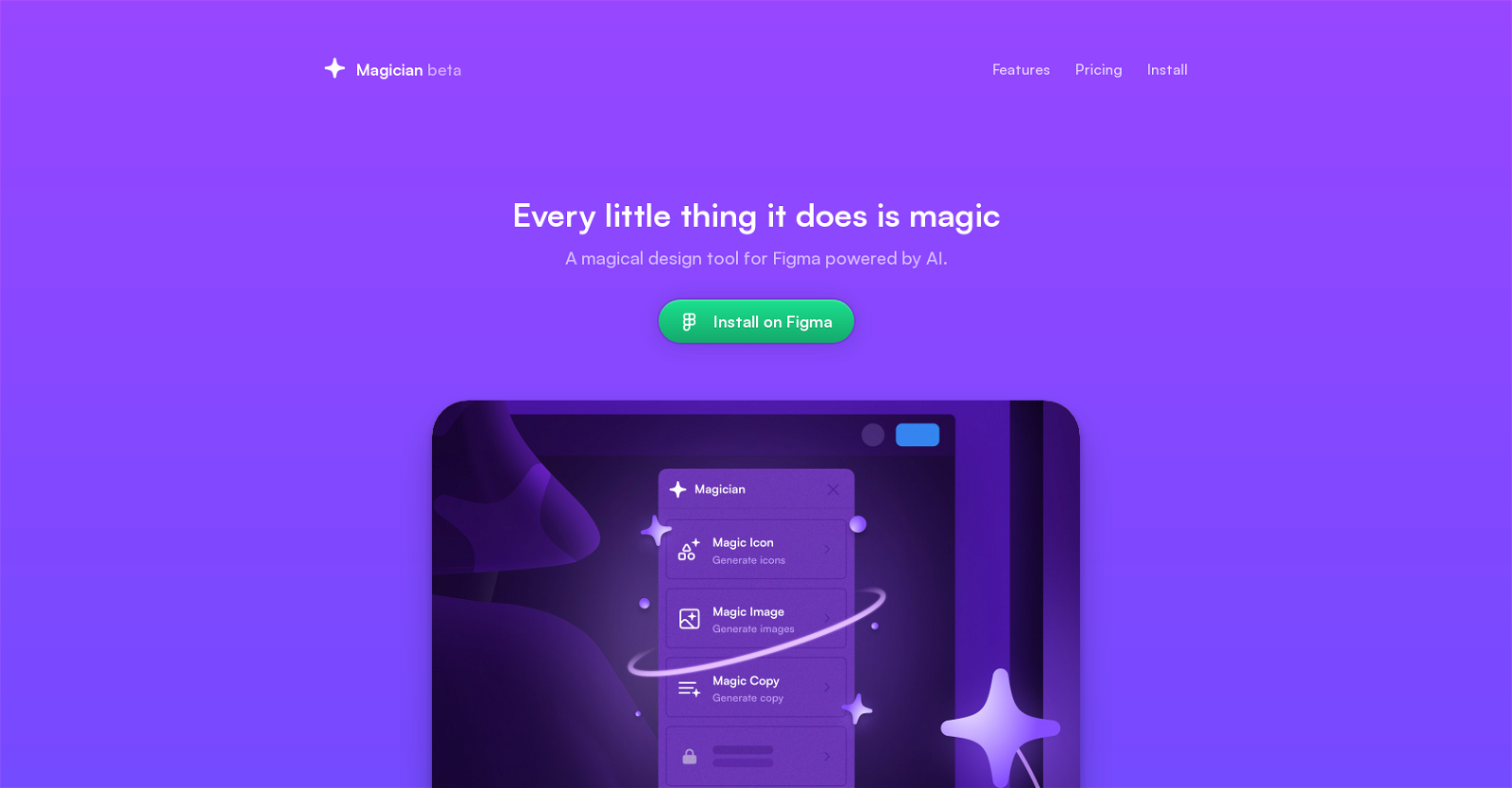
Magician for Figma is an AI-powered design tool developed by Diagram, a company specializing in smarter design tools. It is specifically designed for Figma users, aiming to enhance creativity and imagination with its unique “magic” features.

Magician offers a range of magical features, including Text to Icon, Copywriting, Text to Image, Magic Icon, Magic Copy, Magic Image, and more. These features empower designers to explore new possibilities and effortlessly create captivating designs.

In addition to its magic features, Magician also provides Automator and Prototyper tools. These tools enable users to quickly and efficiently create prototypes or automate repetitive tasks, saving valuable time and effort.

Currently in a public beta stage, Magician offers a 7-day free trial for all users. After the trial period, it is available for a monthly fee of $12 or a yearly fee of $99, with a limited-time 25% discount. Subscribers gain access to all spells and future updates, ensuring they always have the latest and most powerful tools at their disposal.

With Magician, Figma users can unlock their full creative potential and bring their design ideas to life with ease.

Magician Read More »

Flair

Flair

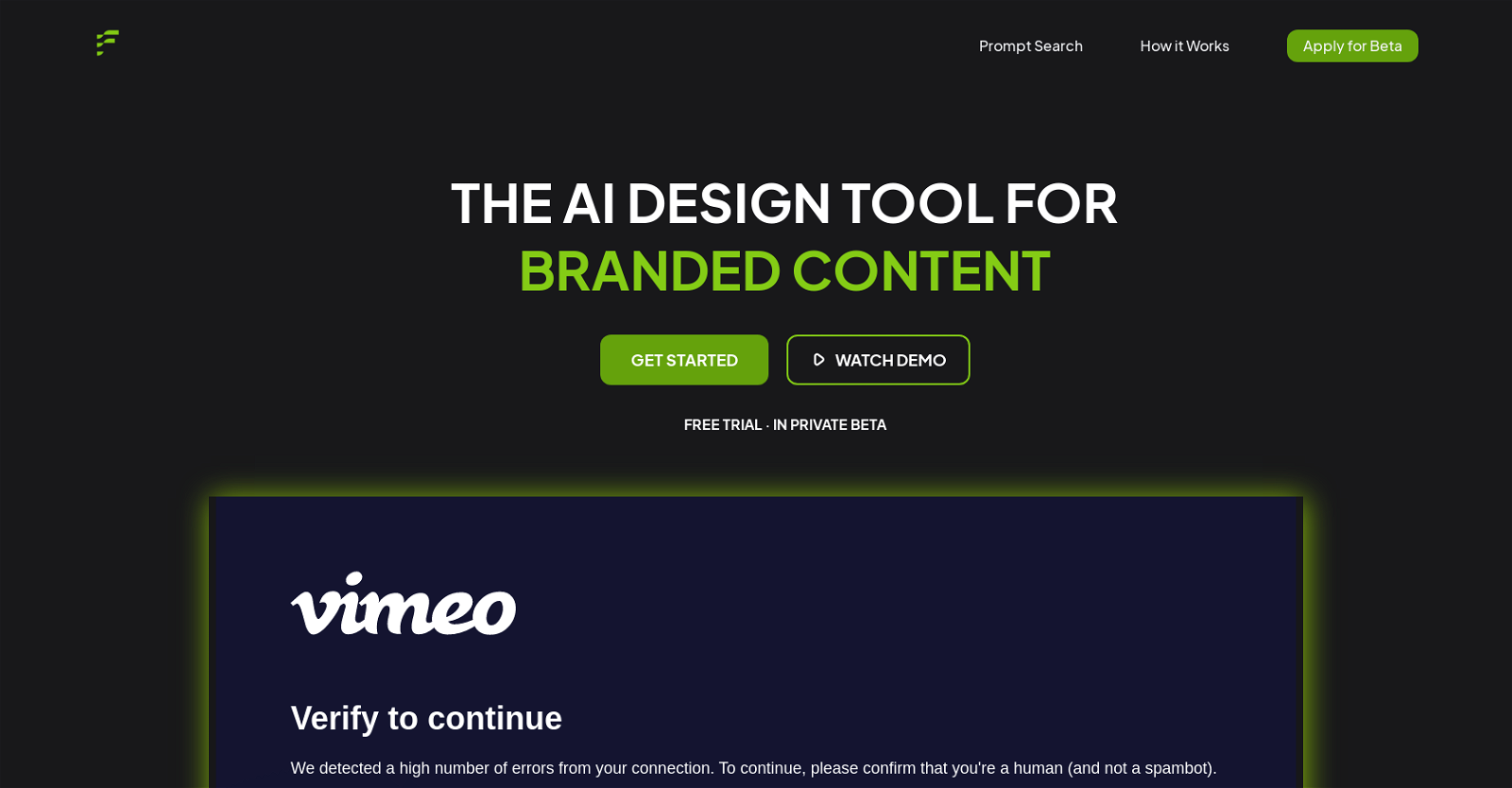
Flair is an AI-powered design tool for branded content. It enables users to create visually stunning content with just a few clicks. With a drag and drop interface, users can upload their own branded assets onto a flexible canvas and build a scene around their product with the help of accessories.

Flair also features smart prompt recommendations and an autocomplete feature to help users communicate with the AI. Tutorials are also available to help users learn how to make the most of the tool. Furthermore, users can explore examples of user-generated content and watch a demo video to quickly get started.

Flair is currently in private beta and offers a free trial.

Flair Read More »

Random Face Generator

Random Face Generator is an AI-powered tool designed to generate realistic-looking faces that do not actually exist. The application uses a combination of deep learning techniques and facial recognition algorithms to create new, unique faces based on a database of facial images.

The application can generate an unlimited number of faces, making it an ideal tool for creating diverse characters for use in animation and digital art projects. The faces generated are highly detailed and have realistic features and textures, such as skin tone, facial hair, and eye color.

The application also allows users to customize the faces with different hairstyles, accessories, and clothing. This feature enables users to create truly unique and personalized characters for their projects.

The Random Face Generator is a great tool for creating unique characters for video games, graphic novels, and other digital projects. It provides a convenient and efficient way to generate a wide variety of realistic faces, saving artists and designers valuable time and effort.

Moreover, the tool is also useful for creating believable characters for use in research and training scenarios. Researchers and trainers can utilize the Random Face Generator to generate diverse and lifelike faces that can be used to enhance the realism and effectiveness of their simulations and scenarios.

In summary, the Random Face Generator is an AI tool that harnesses the power of deep learning and facial recognition algorithms to generate realistic and customizable faces. With its ability to create an unlimited number of unique faces, it is a valuable asset for artists, designers, researchers, and trainers in various digital projects and scenarios.

Random Face Generator Read More »

Nft Creator

Nft Creator

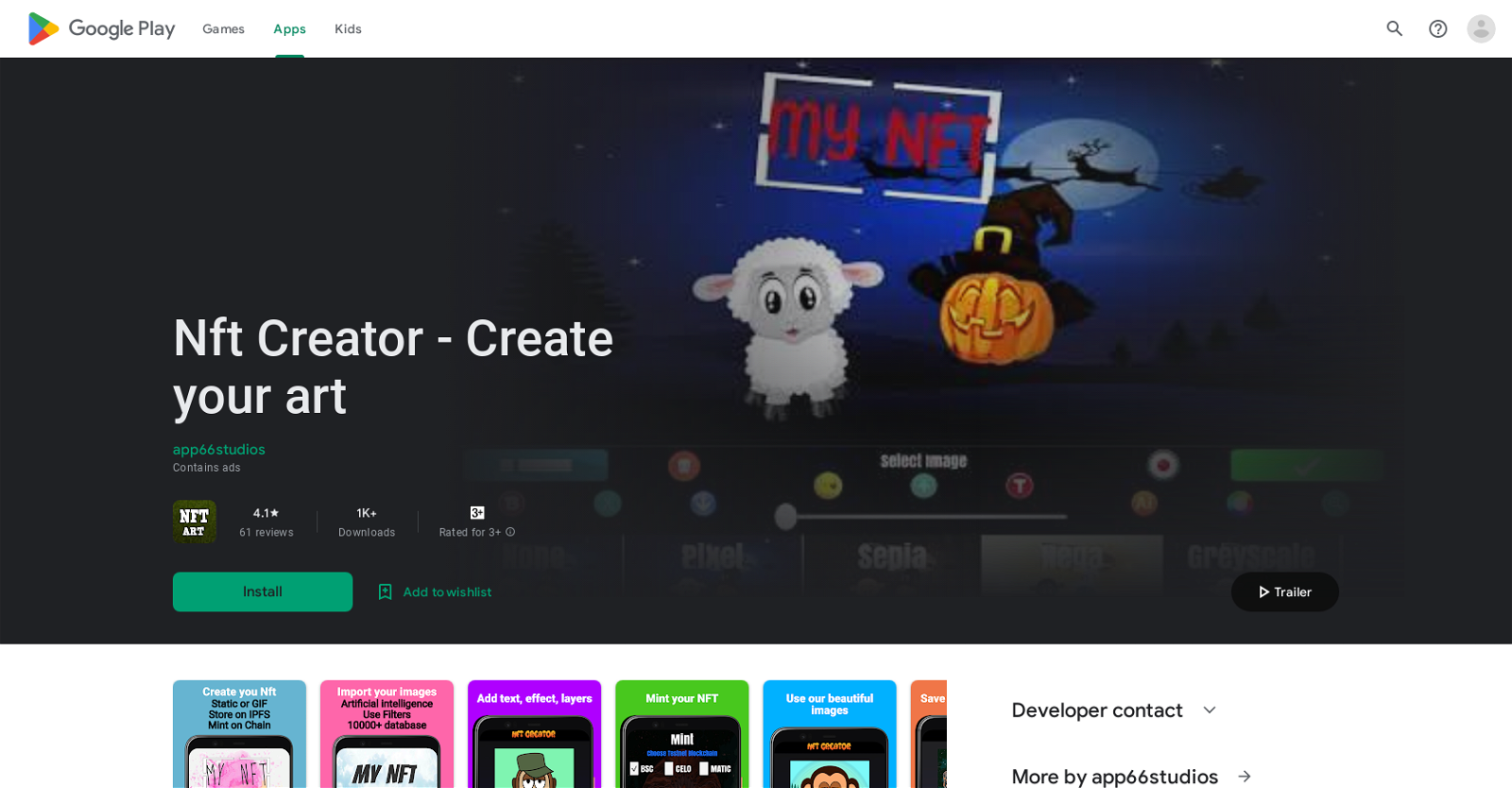
NFT Creator is an app that empowers users to effortlessly create their own Non-Fungible Tokens (NFTs) directly from their mobile devices. With this tool, users can generate static images or GIFs, selecting from a diverse range of backgrounds and sizes. They also have the option to import their own images and leverage the power of Artificial Intelligence (AI) to stylize their creations. Additionally, users can enhance their NFTs by adding text, filters, effects, and colors, allowing for endless customization possibilities.

To ensure the security and immutability of the NFTs, the app enables users to store their creations on the InterPlanetary File System (IPFS). Furthermore, users can mint their NFTs on various testnet blockchains like Binance, CELO, or Matic, as well as on the Polygon mainnet, all at no cost. The app also features a convenient gallery where users can easily access and view their saved NFTs. Moreover, a search function is incorporated, enabling users to effortlessly find NFTs by name or address.

The data associated with the NFTs is securely stored on IPFS, and a content identifier (CID) is derived from the data, establishing an immutable link between the blockchain and the stored information. Users can rest assured that their data remains private, as no information is shared with third parties. Additionally, the app provides users with the option to request the deletion of their data, ensuring full control over their personal information.

To further enhance the user experience, NFT Creator includes a referral program, allowing users to earn rewards for storing NFTs on IPFS. The app also provides a direct link to a comprehensive privacy policy and terms of service, ensuring transparency and clarity for users. With NFT Creator, anyone can effortlessly unleash their creativity and participate in the exciting world of NFTs, all from the convenience of their phone or tablet.

Nft Creator Read More »