
generator

AutoDraft

AutoDraft

AutoDraft is a generative AI tool designed to assist with visual storytelling and help bring creative ideas to life. The tool utilizes advanced techniques such as text-to-image, image-to-image, and AI-paint to generate stunning visuals that are consistent with natural language descriptions.

With AutoDraft, users can easily generate multiple images in seconds and modify small details or entire visual features on any image. Text-to-image functionality allows users to describe desired images in natural language and seamlessly blend different artistic styles to produce stunning visual masterpieces.

Image-to-image optimization is made easy with the help of AI in-painting, which allows users to erase unwanted objects or elements from the picture, with the AI rendering new content in the empty space. Users can also easily edit images with AI paint and transform any image to a customized version with subtle tweaks or dramatic modifications.

Overall, AutoDraft is a powerful tool for any creative workflow and offers users complete creative control to produce exciting comics and other visual content. The tool is engineered for speed and accuracy and is designed to assist with character consistency, ensuring that images are generated with consistent characters.

Users can easily create an account and take a tour of the product to see how AutoDraft can revolutionize their creative process.
AutoDraft Read More »

FreeImage

FreeImage

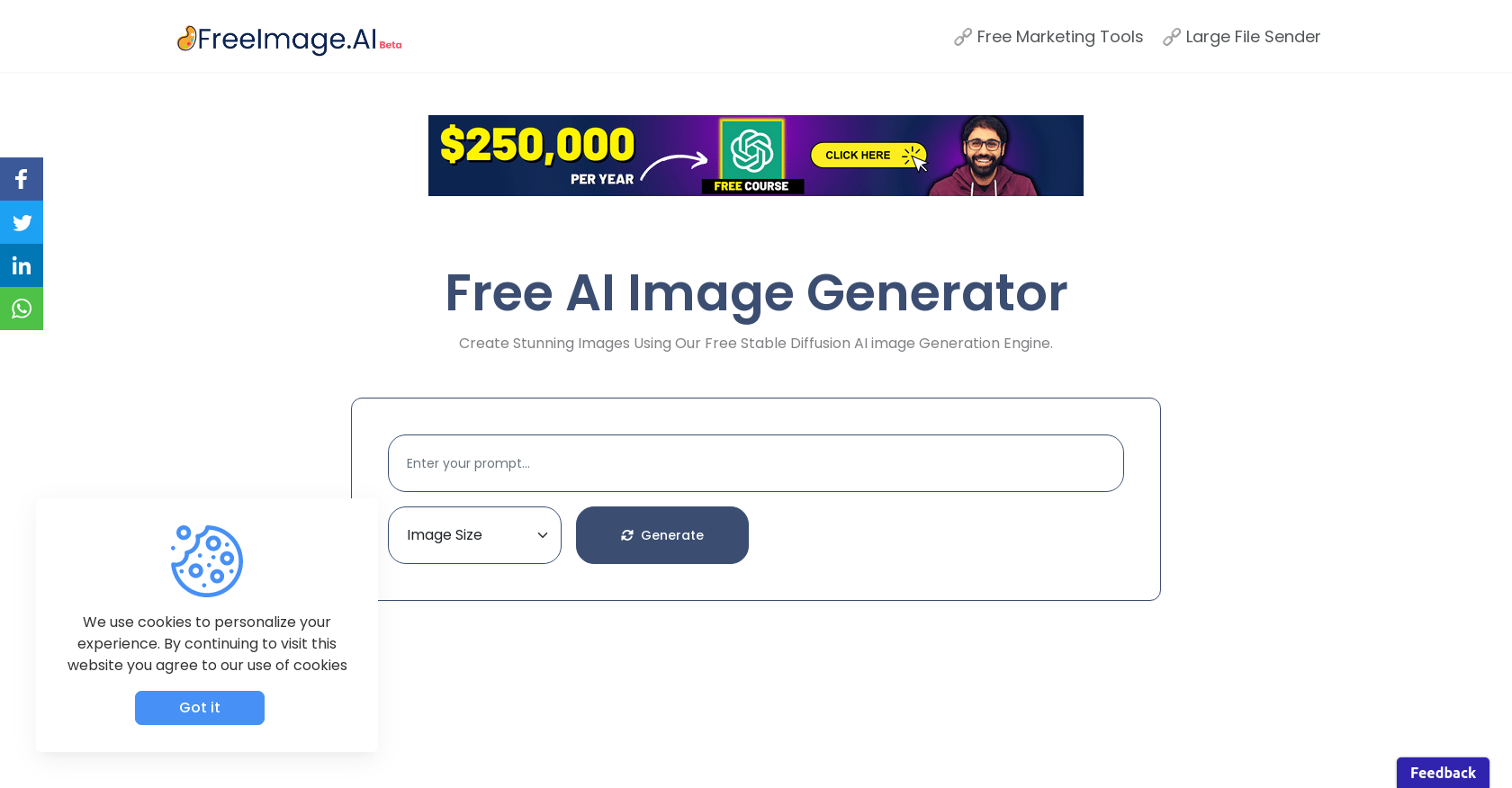
FreeImage.AI is a free AI-powered image generator that allows users to create unique and custom images effortlessly. The tool uses a Stable Diffusion AI image Generation Engine to generate a variety of images including logos, landscapes, UI UX landing page website mockups, and 3D hyper-realistic colorful rubik’s cubes among others.

Users can select from two image sizes: 256×256 or 512×512, and choose the visibility of the image as either public or private. FreeImage.AI provides users with the option of downloading the generated images, sharing them on social media, or viewing them in enlarged form. The generated images are stored in the user’s account and can be viewed and managed from the user dashboard.

FreeImage.AI offers a large database of images for users to explore, and the generated images can be viewed by both registered and non-registered visitors on the platform. The tool offers a smooth user experience and helps users create images that are visually stunning and tailored to their needs.

FreeImage Read More »

Dazzle

Dazzle

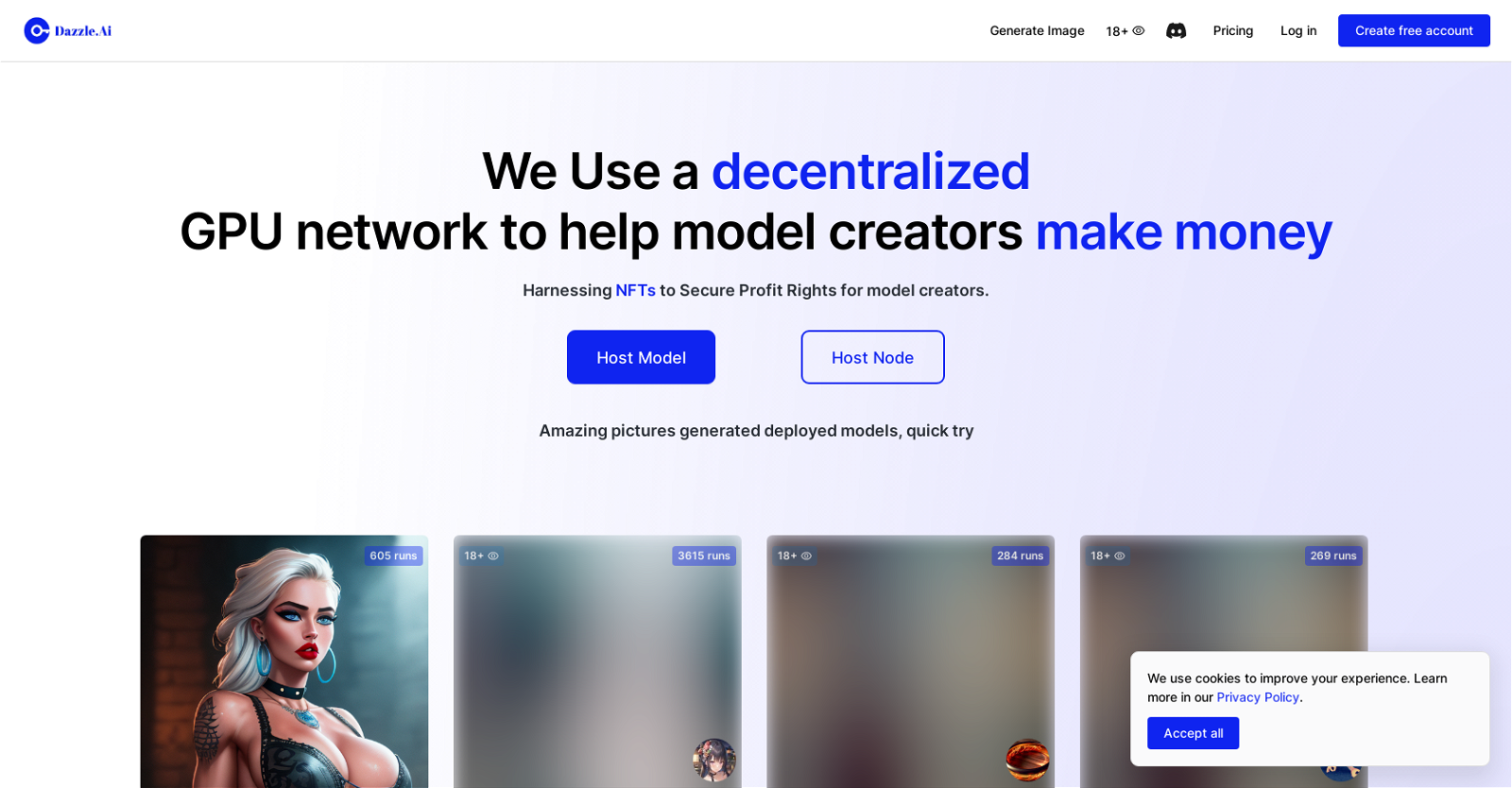
Dazzle is an AI tool that empowers users to create unique images and modify existing ones using a range of AI art tools. With Dazzle, users can generate original pictures, expand images beyond their original borders, and perform various AI-based image manipulation tasks. The tool not only offers a decentralized GPU network to help model creators earn money but also utilizes NFTs to secure profit rights for these creators. To access the full range of features, users can easily create an account on the platform and login.

Dazzle’s platform hosts a diverse collection of AI-generated pictures deployed from multiple models. Users can browse through this collection or use the images as a starting point to generate new and unique visuals. The tool provides a wide range of models and styles, catering to different preferences, from fun pictures to explicit and adult content. Users have the flexibility to choose their preferences before generating their images.

The generated images produced by Dazzle vary in complexity and can be utilized for various applications such as art projects, advertisements, social media graphics, and more. The platform ensures an enhanced user experience by employing cookies and adheres to a privacy policy to protect user data.

For support and pricing options, Dazzle offers a Discord server where users can seek assistance and explore different pricing plans. Additionally, the platform provides users with the opportunity to host their own models or nodes, allowing other users to access and utilize them for generating images. Dazzle aims to provide a comprehensive AI art tool that empowers users to unleash their creativity and achieve their desired visual outcomes.

Dazzle Read More »

Image App

Image App

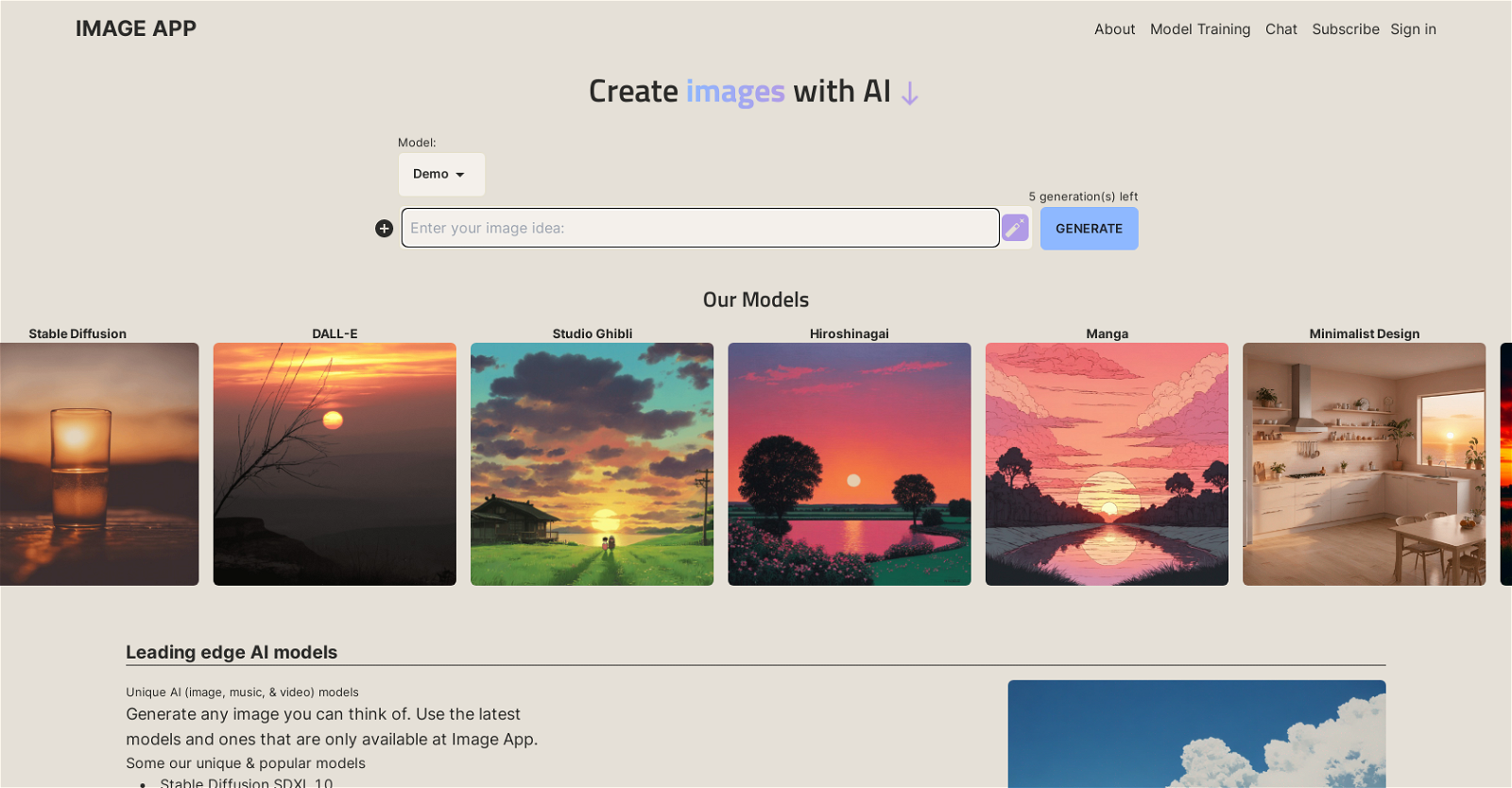
Image App is a powerful tool that specializes in AI image generation and model training. With a wide range of cutting-edge models available, including Stable Diffusion SDXL 1.0, OpenAI DALL-E, Kandinsky 2.2, and more, users can dive into the world of AI-generated images.

One of Image App’s key features is its model training platform, which allows users to fine-tune their own models. This custom model training capability sets Image App apart from other tools in the market, providing users with the flexibility to create unique and personalized AI models.

The tool offers a variety of subscription options, including a free plan with limited features, as well as starter and unlimited plans for more advanced users. The starter plan includes 500 image generations per month, access to all image generation models, and one model training per month. The unlimited plan, on the other hand, grants users unlimited image generations per month and five model trainings per month, providing unrestricted creative possibilities.

Image App prides itself on its unique and popular AI models, offering a wide range of styles and genres, such as Studio Ghibli, Minimalist Design, Classic Animation, Realistic Vision V5, and many more. This diverse selection ensures that users can generate any image they can think of using the latest and exclusive AI models available on the platform.

Overall, Image App is a comprehensive AI tool that empowers users to generate high-quality and unique images using state-of-the-art AI models, while also offering the flexibility for users to train their own models.

Image App Read More »

Remixo

Remixo

Remixo 1.0 is an AI tool designed to simplify the process of creating images. It offers a user-friendly interface to efficiently generate images for various purposes. With Remixo, users can reduce the time and effort typically required to create compelling visual content.

The tool’s main features include a gallery and an image creation function. The gallery allows users to browse and select from a library of existing images, potentially saving time by utilizing pre-existing resources. The image creation function enables users to generate new images tailored to their specific needs, thus offering flexibility and customization.

Remixo emphasizes usability and aims to provide a seamless experience for users of varying technical backgrounds. By offering an intuitive interface, the tool facilitates efficient image creation, even for individuals without extensive design expertise.

Additionally, the presence of social media links, such as a Twitter account, indicates that Remixo embraces collaboration and community engagement. This feature fosters communication between the tool’s developers and users, potentially opening avenues for feedback, support, and enhancement of the tool’s capabilities.

Overall, Remixo 1.0 emerges as a practical AI tool that streamlines image creation, combining an extensive image library, customizable image generation, and cooperative user engagement. It presents a viable option for individuals or businesses seeking to efficiently produce visual content with minimal design expertise.

Remixo Read More »

Rangeen

Rangeen

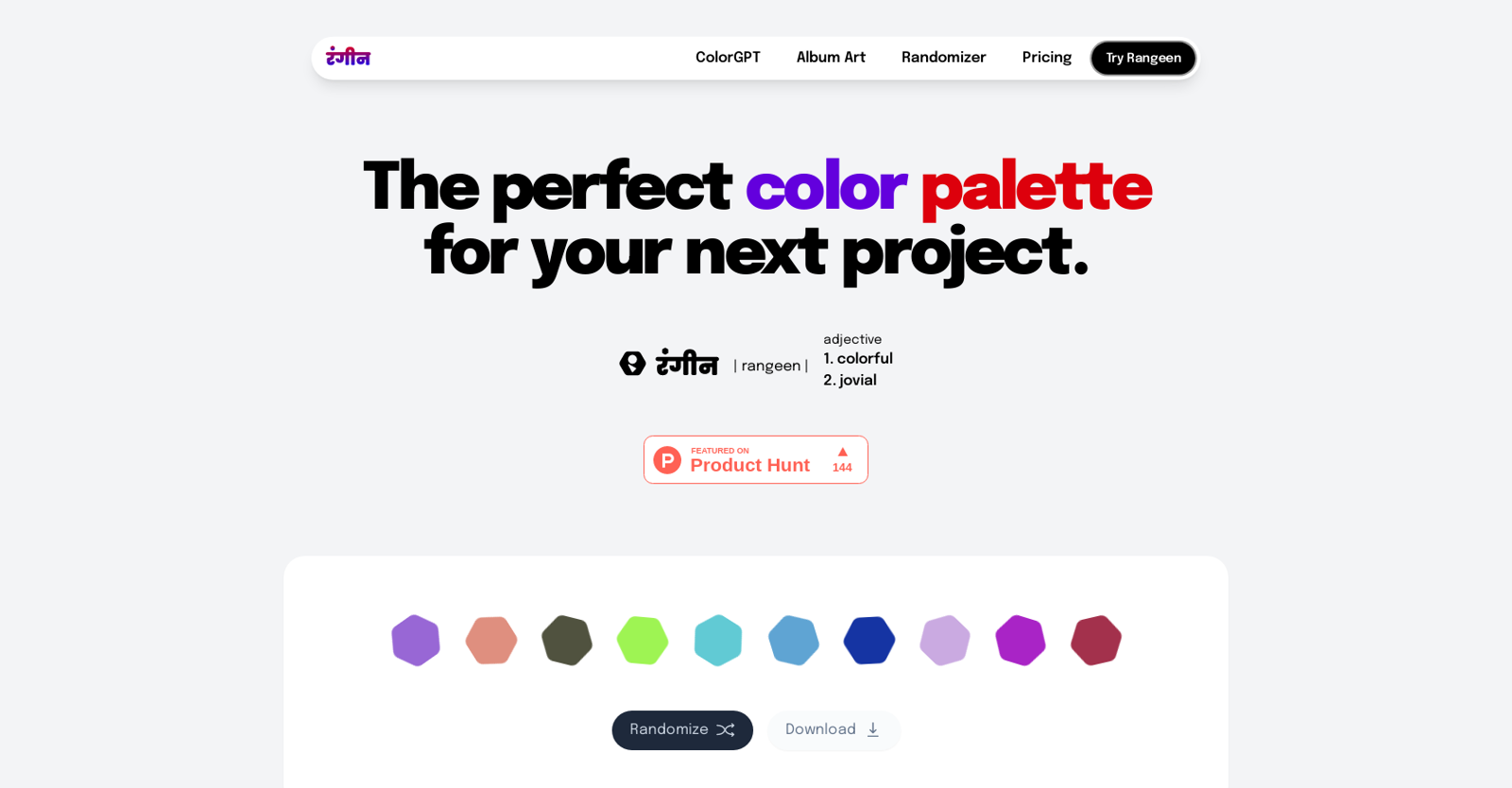
Rangeen is an AI tool that helps designers and creators generate and curate color palettes for their next project. The tool offers a range of features including ColorGPT, Album Art, Randomizer and Pricing to aid the color selection process.

The ColorGPT feature allows users to input colors to generate suitable and complimentary color palettes for their project. The Randomizer feature offers users a range of pre-existing color palettes to choose from, which can be downloaded and used in their projects. The tool also offers options to save, view and export palettes as SVG, HEX, RGB and CMYK files.

Rangeen is designed to help designers keep accessibility in mind, with options to design colors for typical vision issues such as protanomaly, deuteranomaly, tritanomaly, achromatomaly and achromatopsia. Additionally, users can expect more features to be added soon, such as polar coordinate-based palettes, Figma plugin, curated palettes and visualizations of palettes.

Rangeen’s user interface is easy to navigate, and its features are designed to offer a systematic and well-organized approach to curating color palettes for any project. The tool is suitable for designers, illustrators and anyone looking to create a colorful and vibrant design.

Overall, Rangeen is a powerful AI tool for generating and curating color palettes, offering a variety of features that make the color selection process more accessible and streamlined.

Rangeen Read More »

PicCraft

PicCraft

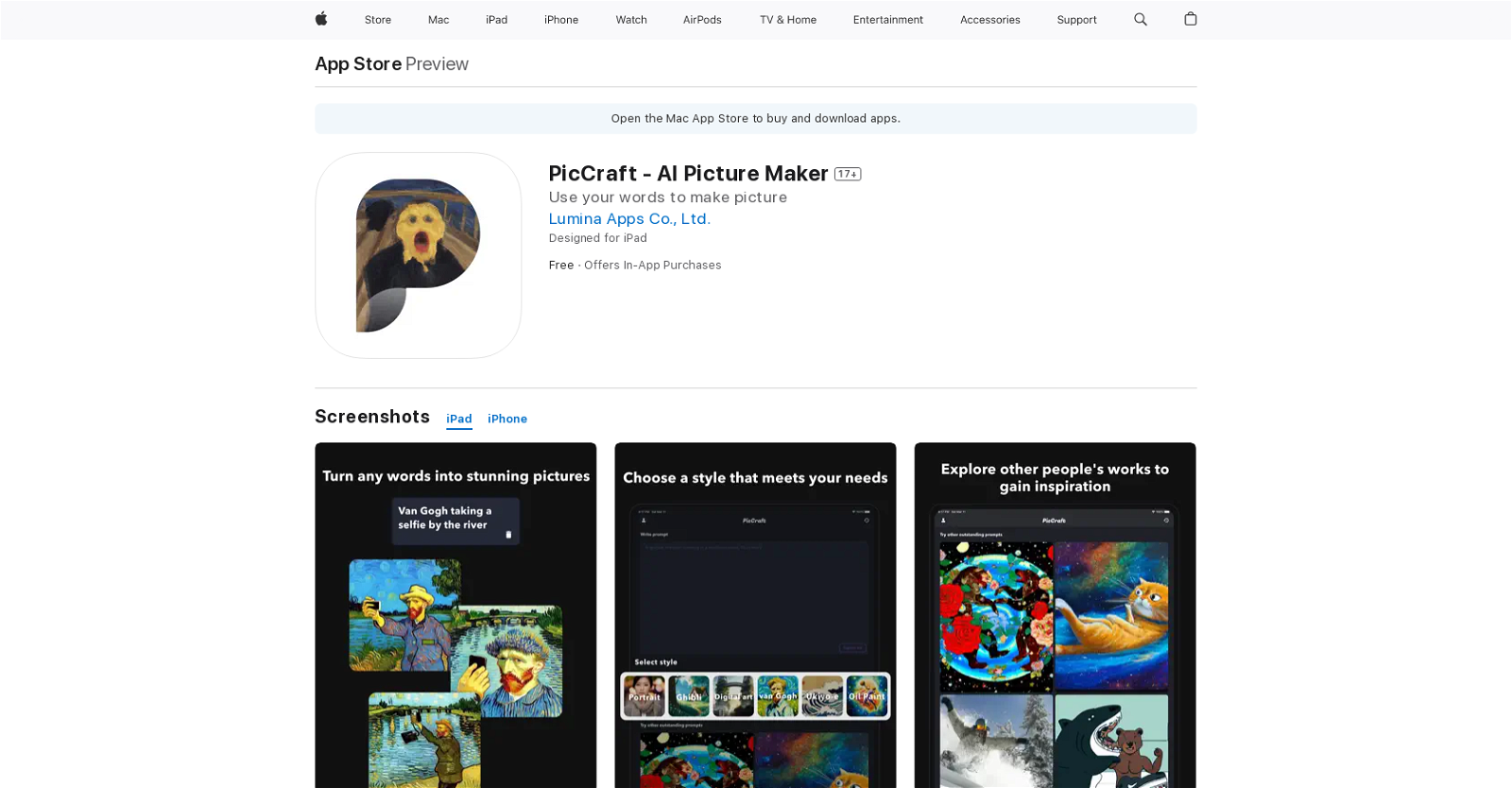
PicCraft is an AI picture maker app available on the App Store for iPhone, iPad, and iPod Touch. The app allows users to create unique and customized pictures using artificial intelligence technology.

The app offers a range of features including filters, styles, and effects that can be applied to any image. It also includes a smart cropping tool that ensures that images can fit into any desired aspect ratio. Additionally, users can adjust colors and apply other effects to bring their images to life.

The app further uses advanced AI algorithms to suggest styles and effects that would match the picture’s content. As such, it enhances creativity, saves time, and adds originality to pictures.

Users can also download the images they create and share them across social media platforms or save them to the device’s camera roll. The app is user-friendly, and anyone can quickly learn how to use it to create stunning images.

PicCraft is a useful tool for those who wish to add a bit of flair to their images or create customized images without spending significant amounts of time on various design tools. With AI technology guiding the app’s features, users can expect to produce unique and high-quality images with ease.

PicCraft Read More »

Picapiu

Picapiu

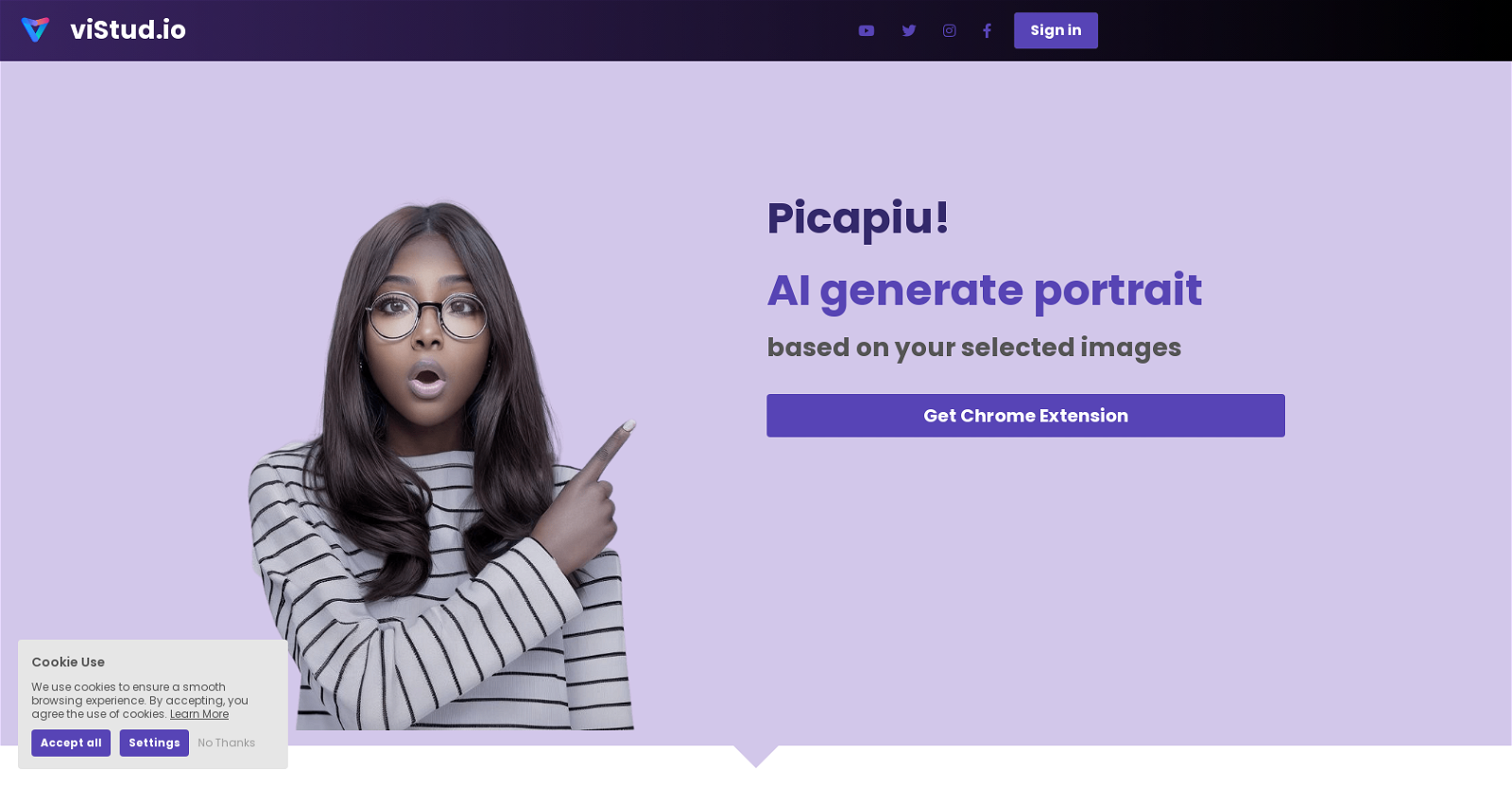
Picapiu! AI is an online tool that generates portrait images based on user-selected images. The tool can be easily installed as a Chrome extension and provides a ‘Piu!’ button on the top left side of every big image on webpages. Alternatively, if the ‘Piu!’ button does not appear, users can right-click the image they want to use and select ‘Piu!’ from the context menu. Users can then choose any image they want and click the ‘generate’ button to generate an AI-generated portrait image. The tool takes just a few seconds to generate an image, and users can download their results. The tool promises to generate portraits that resemble the chosen images in terms of pose, skin, hair color, etc., and users can try generating images multiple times until they find an image they like. Picapiu! AI is a free tool that does not require a credit card to use, and users can use images from webpages or from their local drives. The tool has a FAQ section that answers common questions and invites users to join their Discord server or support them on Product Hunt. Overall, Picapiu! AI is an easy-to-use and free tool that quickly generates portrait images with just a few clicks. However, it lacks any customization options and its AI-generated portraits may not be as accurate or detailed as portrait images manually created by professional artists.

Picapiu Read More »

Spheroid

Spheroid

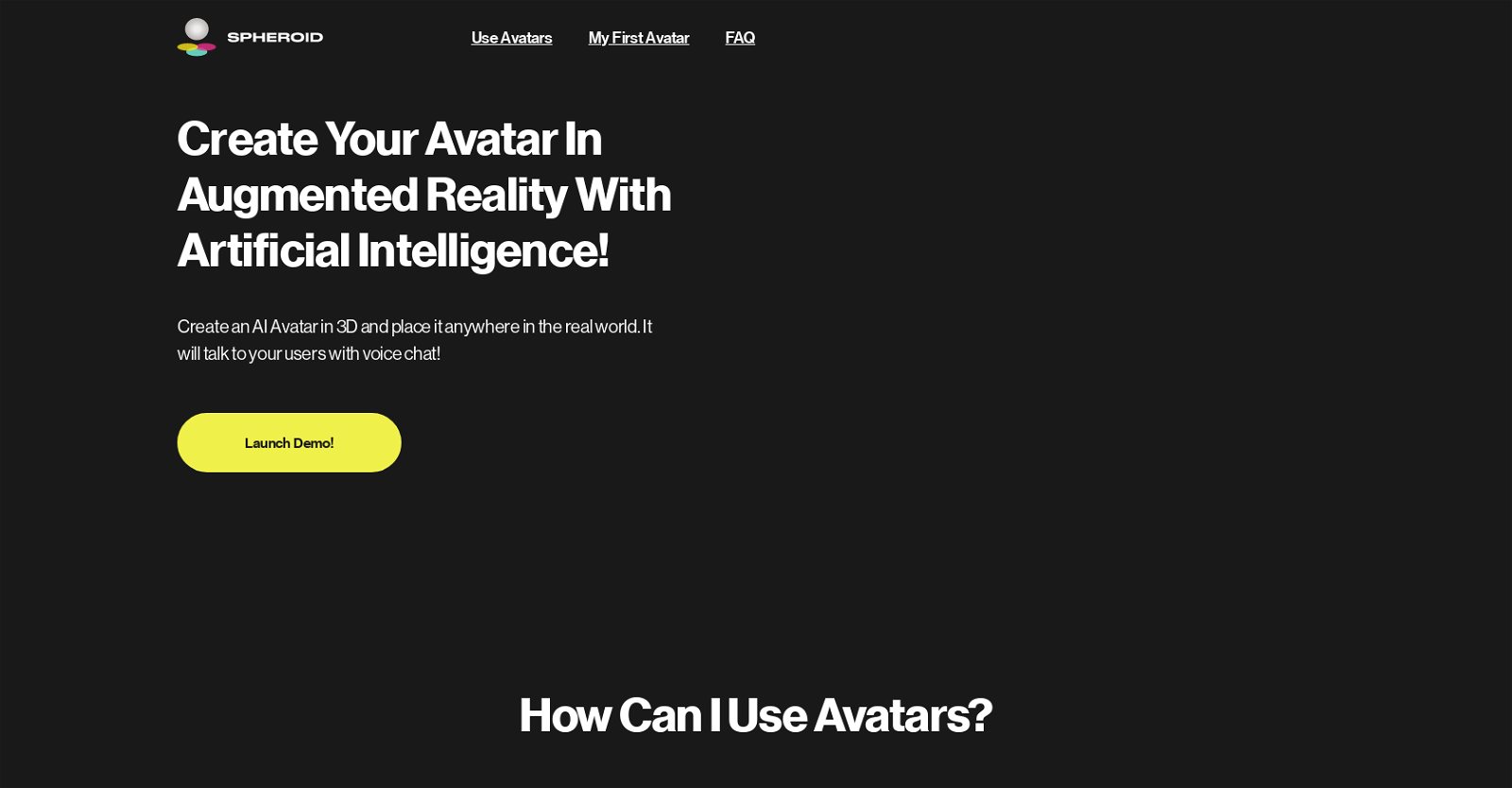
Spheroid AI Avatars is an artificial intelligence tool that allows users to create and customize 3D avatars capable of speaking, conversing, and seeing in augmented reality. With this technology, users can place their personalized avatars anywhere in the real world and engage with them through voice chat and interactive controls. The tool finds applications in customer service, entertainment, education, advertising, and business, enabling users to create personalized and engaging experiences by customizing the avatars’ appearance, voice, personality, and behavior.

To create an AI avatar with Spheroid AI Avatars, users begin by selecting a real-world space for their avatar, choosing a 3D model from the library or uploading their own, adding personality and character descriptions, and publishing the avatar for others to interact with. The XR Hub augmented reality app allows users to view and chat with their avatars using their mobile devices. Additionally, Spheroid Warp simplifies the process of creating and launching AR/XR content worldwide.

The use of Spheroid AI Avatars in augmented reality offers numerous benefits, including enhancing customer service and satisfaction, increasing brand awareness and loyalty, improving learning outcomes and retention, boosting creativity and expression, and providing entertainment. Users can interact with their avatars through the XR Hub app or integrate the technology into their own branded app with the assistance of Spheroid Universe.

Spheroid Read More »

Smudge

Smudge

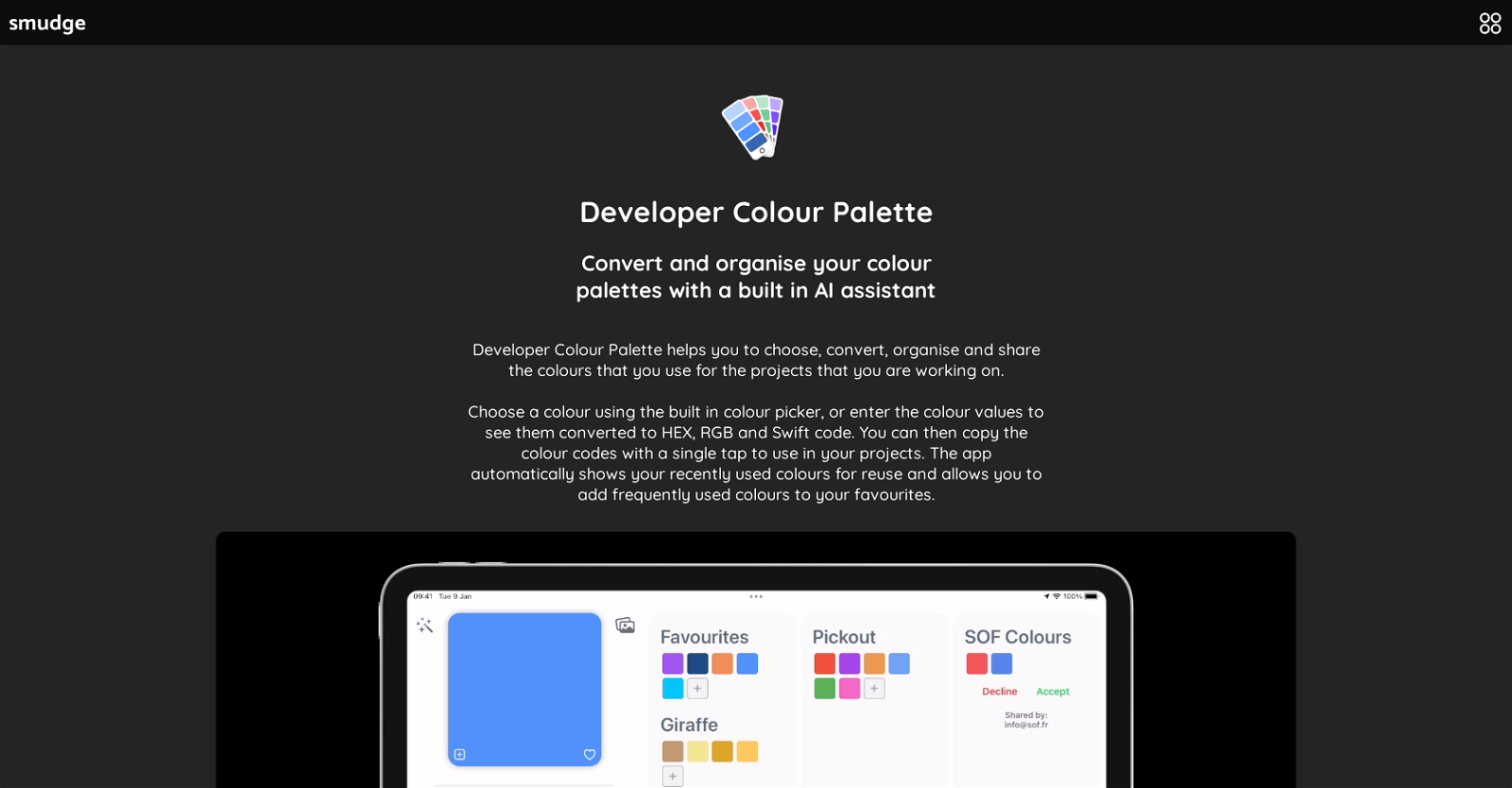
Smudge is a developer colour palette app that comes with built-in AI assistance, available for download on iPhone, iPad, and Mac. The app helps in choosing, converting, organizing, and sharing colours that are commonly used in projects. The tool provides a colour picker to choose a colour, or users can enter colour values to convert them into HEX, RGB and Swift codes. It also shows recent colour selections and allows users to add frequently used colours to their favourites. The app further enables users to organize colours by grouping them into various palettes for each project or brand and to name individual colours and add notes on each palette. Additionally, palettes can be shared with other members of a design team, and permissions can be set for each person who is given access. With the app, users can choose a colour from an image or use an AI colour extraction feature to generate palettes from objects, scenes, or other elements. This tool also lets users import images, logos or style guides and automatically extracts dominant colours within the image. However, some of these AI features require subscription with monthly usage limits. Smudge is a useful tool for developers and designers who frequently work with colour palettes and need to share them within a team or with clients.

Smudge Read More »