image

Runway

Runway

Runway is an AI-powered content creation suite designed to help users create, edit and collaborate on content. It offers a wide range of AI-powered creative tools, such as text to image generation, erase and replace, AI training, text to color grade, super-slow motion, image to image generation, and infinite image. It also features powerful video editing tools like green screen, inpainting, and motion tracking.

Runway simplifies the tedious, repetitive, and time consuming aspects of content creation and video editing, allowing users to have full creative control over their projects. The suite also offers collaboration tools to enable users to securely share compositions, assets and content with their team. Runway also provides hundreds of professionally crafted templates that users can customize with just a few clicks.

Runway’s AI Magic Tools provide users with a faster and better way to create content. It includes automatic beat detection, automatic subtitles, automatic noise removal, and more. Runway offers advanced security, team management, and an asset hub to keep all of a user’s assets, videos, fonts, and content in one centralized place.

Runway Read More »

Slazzer 3.0

Slazzer 3.0

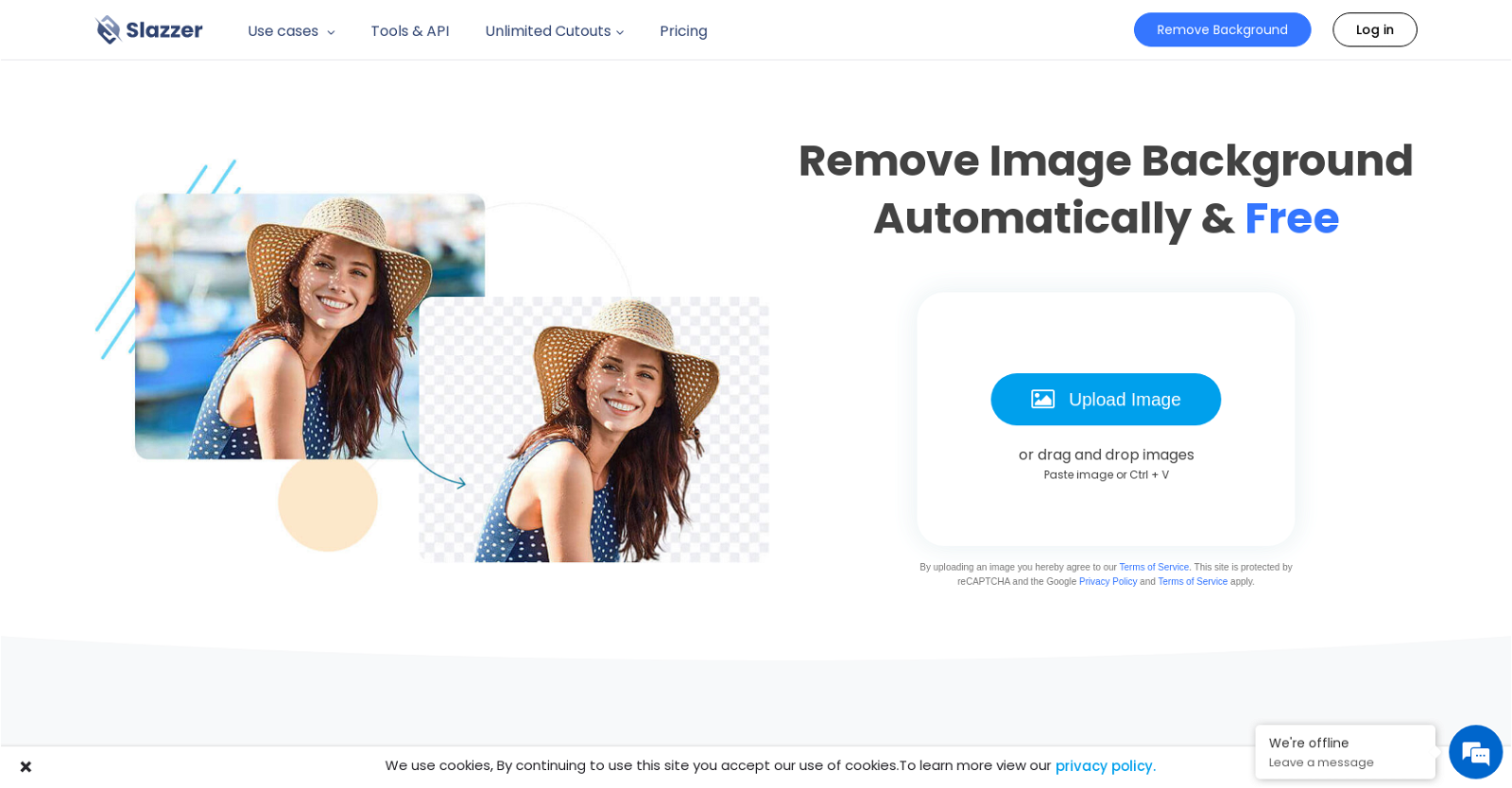
Slazzer 3.0 is an AI-powered tool that revolutionizes the process of removing backgrounds from images. With just a simple click of a button, this tool automatically eliminates the background from any image. Powered by advanced computer vision algorithms and artificial intelligence, Slazzer swiftly detects the subject in a photo and provides a smooth, clear cut-out of the foreground within seconds.

Designed to save time and effort, Slazzer is a versatile tool that caters to a wide range of users. Whether you are an individual, photographer, advertiser, developer, car dealership, news & media outlet, ecommerce store, or enterprise, Slazzer offers a suite of features tailored to your specific needs.

In addition to its powerful background removal capabilities, Slazzer offers a host of other useful features. Users can take advantage of editing options such as painting/erasing blur, selecting images, and adding/designing new backgrounds. This comprehensive tool empowers users to enhance and customize their images effortlessly.

Slazzer goes beyond being a standalone tool by providing a range of integrations, tools, and apps. It offers an on-premise solution for those who prefer to keep their data locally, as well as an AI-powered desktop app for seamless image editing. This flexibility ensures that users can seamlessly incorporate Slazzer into their existing workflows.

One of the key strengths of Slazzer is its commitment to data privacy. It is 100% GDPR compliant, ensuring that user data is handled with the utmost care and security. This dedication to privacy has earned Slazzer the trust and loyalty of customers worldwide.

In summary, Slazzer 3.0 is an AI-powered tool that simplifies the process of removing backgrounds from images. With its advanced algorithms and intuitive interface, it offers a time-saving solution for individuals and businesses alike. Whether you need to remove backgrounds, edit images, or integrate with other tools, Slazzer provides a comprehensive suite of features to meet your needs. Trustworthy and loved by customers worldwide, Slazzer is the go-to tool for effortless background removal.

Slazzer 3.0 Read More »

Designer Clone AI

Designer Clone AI

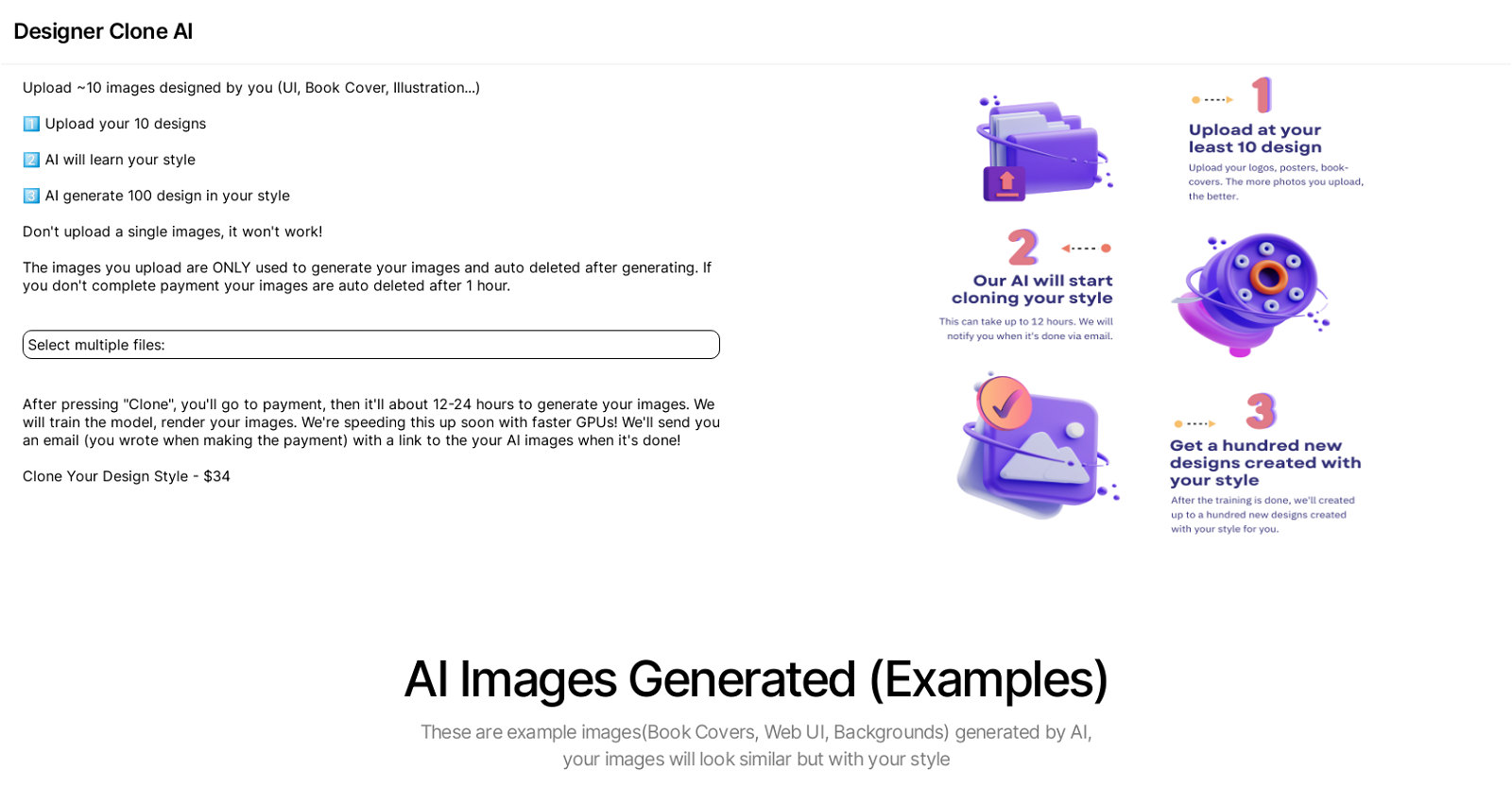
Designer Clone AI is an artificial intelligence tool that enables users to upload 10 of their own designs, including book covers, web UI, illustrations, and backgrounds.

By analyzing these designs, the AI learns the user’s unique style and generates up to 100 design images that match the same aesthetic. Multiple files must be uploaded for the tool to function effectively.

Once the payment process is completed, the AI will take approximately 12-24 hours to generate the images. Users will receive a link to access the AI-generated images via email upon completion.

The cost for utilizing this tool is $34, and it is essential for users to review and understand the terms and conditions before uploading their images.

To get a glimpse of the images produced by the AI, examples can be found on the Stockimg.ai website and Twitter page.

Designer Clone AI Read More »

Removal.ai

Removal.ai

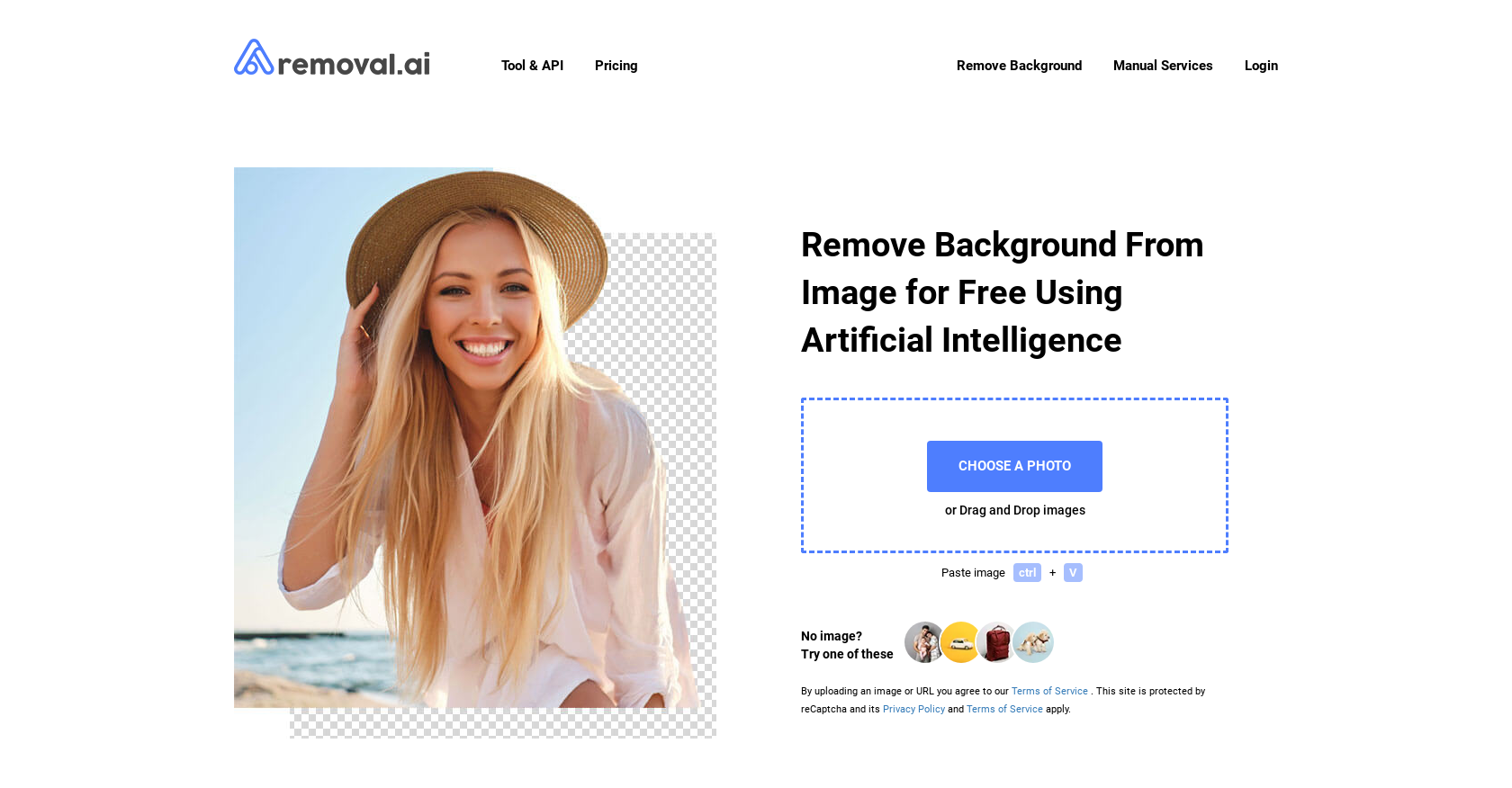
Removal.AI is a free background remover tool powered by Artificial Intelligence. It uses advanced computer vision algorithms to detect the foreground pixel and separate the background from the foreground.

The tool is able to process over 1,000 images in a single upload, with a 99% uptime guarantee. The output image is provided in a transparent, white or customized background in 3 seconds or less.

Removal.AI also provides an API integration for speedy workflow, and a Photo Editor tool to create cool designs. The Photo Editor tool provides a background eraser tool and presets to fit in different marketplaces.

Removal.AI can be used for various applications including products, people, cars, animals, graphics, and more. It is also suitable to be used in business automation with SaaS, eCommerce businesses, and media.

The company provides dedicated customer support and a blog with helpful resources.

Removal.ai Read More »

Pfpmaker

Pfpmaker

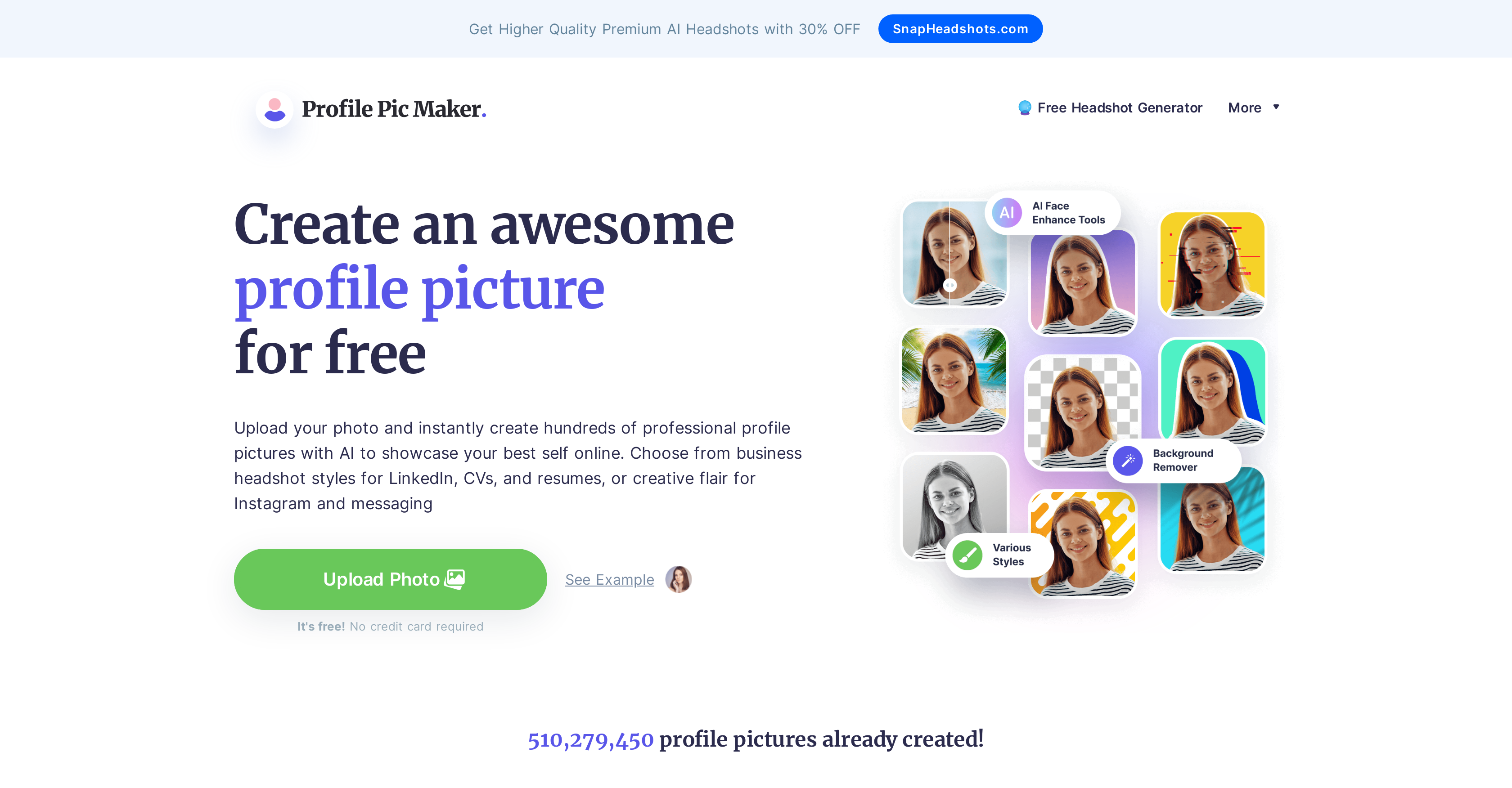
PFPMaker is a free online tool that enables users to create the perfect profile picture for their social media profiles and instantly increase their likes and interactions. The AI PFP Maker uses artificial intelligence to automatically remove backgrounds from any photo, allowing users to customize their profile picture with a range of professionally generated options. It also creates a matching background cover for the profile picture. The tool is suitable for use on social media, messengers, email signatures, and dating apps.

The process is simple: users upload a photo of themselves or a custom image, and the AI PFP Maker removes the background automatically. Users can then review and customize dozens of professionally generated profile pics, editing colors, shadows and other settings. Studies show that profiles with a profile picture receive 14 times more views than those without, and are 36 times more likely to receive messages.

The AI PFP Maker supports JPG/PNG images up to 5mb and is constantly evolving to provide more precise background removal and better processing results.

Pfpmaker Read More »

Luminar AI

Luminar AI

Luminar AI is an AI-driven photo editing tool that enables users to edit their photos automatically. It is powered by AI technology and is designed to help users save time and get professional-quality results.

The tool is equipped with several automatic modes, which can be used to apply various effects and adjustments to photos with just a few clicks. This makes it easy for users, even those without extensive editing experience, to enhance their images effortlessly.

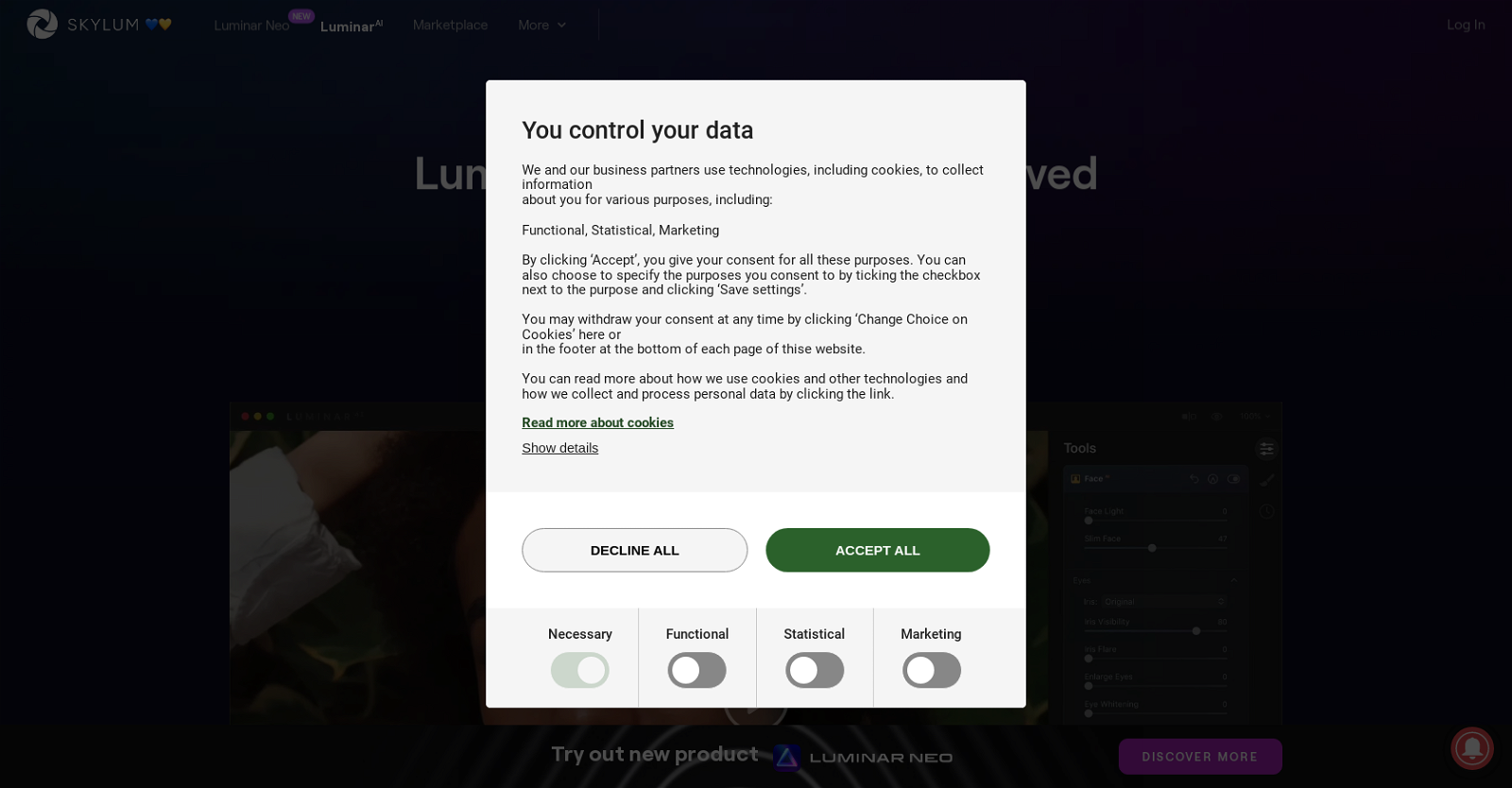
Luminar AI also prioritizes user privacy by allowing users to control the data that is collected about them. Users have the option to specify the purposes for which their data is used, ensuring transparency and giving them peace of mind.

In addition to its AI capabilities, Luminar AI utilizes cookies and other technologies to collect information about users for various purposes. These purposes include functional, statistical, and marketing needs, allowing the tool to provide a personalized and tailored experience to each user.

Furthermore, Luminar AI supports the website’s technical functions, such as smooth page navigation and secure access to website areas. This ensures a seamless and secure user experience while utilizing the tool’s features.

Lastly, Luminar AI allows users to save information that customizes the way the website appears or acts. This includes preferences like language or region settings, enabling users to personalize their experience and make the tool more user-friendly.

Overall, Luminar AI is a powerful AI-driven photo editing tool that combines automation, user privacy control, and customization options to provide users with a convenient and professional editing experience.

Luminar AI Read More »

Astria.ai

Astria.ai

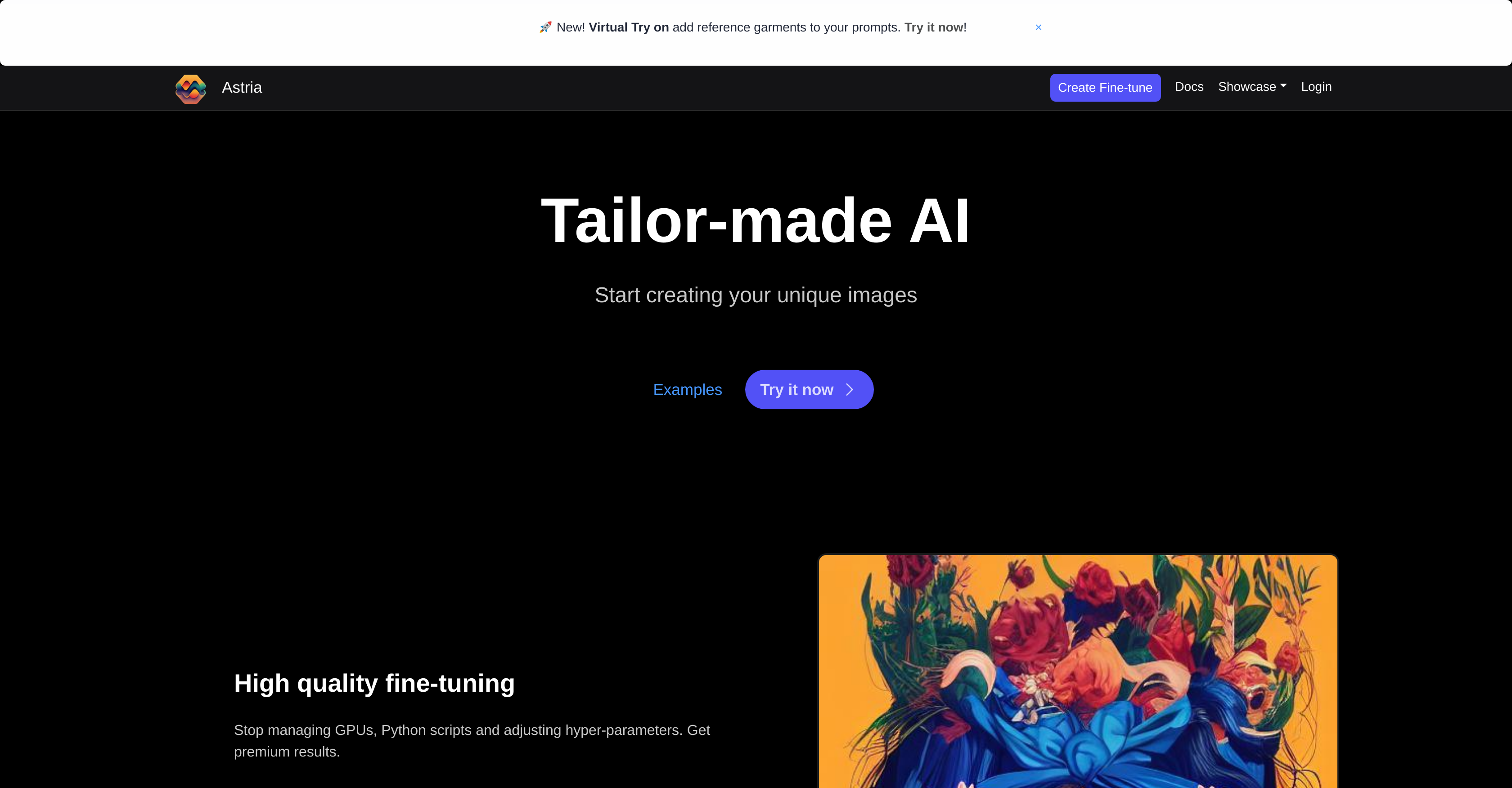
Astria – Dreambooth API is an AI tool that enables users to create custom images. By utilizing this tool, users can generate unique and personalized images according to their preferences and requirements. Astria offers a fine-tuning feature, eliminating the need for users to manage GPUs, Python scripts, and hyper-parameters adjustments. This ensures high-quality results without the complexities typically associated with image creation processes. Astria also provides an easy-to-use and performant API, allowing users to get started quickly and effortlessly. The documentation provided by Astria assists users in understanding the tool and its functionalities effectively, making it easy to integrate into their workflows.

Additionally, Astria’s capabilities extend beyond static images. It enables users to create motion and bring their stories to life using concepts, eliminating the need for actual footage. This versatility allows for more dynamic and engaging content creation. Astria also offers a showcase and a community gallery where users can explore and share their creations, providing inspiration and fostering collaboration within the user community.

Astria is backed by Tailor-made AI, a company that specializes in providing custom AI solutions. The tool’s reliability, stability, and partnership with Tailor-made AI enhance its credibility and ensures that users can trust in the quality of its results. Astria also offers resources such as how-to guides, FAQ section, and a PROs corner for users to further enhance their understanding and utilization of the tool.

Astria.ai Read More »

Immag.in

Immag.in

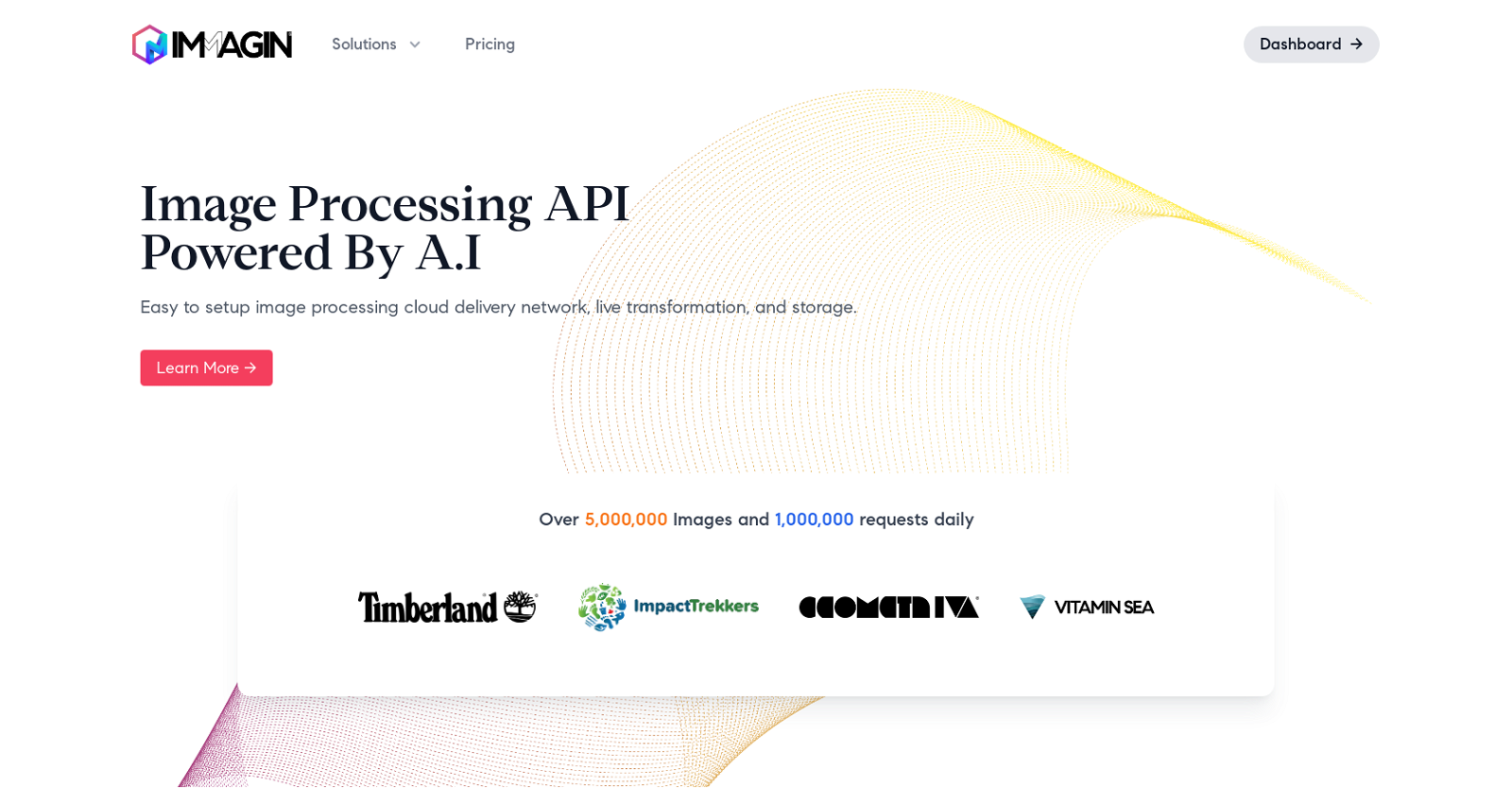
Immagin is an AI-powered image processing API and CDN that offers automatic optimization, real-time transformation, and storage capabilities. It can be easily integrated into your existing setup within minutes. Immagin’s image processing engine is designed to deliver images quickly and efficiently.

With a powerful query language, Immagin allows developers to resize, rotate, crop, apply filters, and watermark images using simple URL parameters. The tool also provides intelligent and automated compression to eliminate slow load times, ensuring a seamless user experience.

Immagin’s serverless technologies enable fast editing and serving of static images while maintaining security and reliability. Its integrated API, powered by graph nodes and REST API, allows easy access to photos and efficient delivery with minimal changes to existing code.

By leveraging their global content delivery network, Immagin ensures images are served without delays. With over 5,000,000 images and 1,000,000 requests processed daily, the CDN guarantees a 99.9% uptime, providing a reliable and efficient service.

Pricing is based on the number of image requests served, with various tiers available to suit different needs. Immagin offers a free tier for up to 25,000 monthly requests and provides transparent pricing for additional requests.

Immagin aims to provide developers and businesses with a cost-effective and efficient solution for image processing, storage, and delivery, ultimately enhancing the performance and user experience of websites and applications.

Immag.in Read More »

Clickmajic

Clickmajic

Clickmajic’s Image Background Remover is a tool that automatically removes the background from images. Users can upload their images or drag and drop them onto the platform, and the tool will then process the images using the latest AI technology to deliver high-quality results. No software downloads or technical skills are required to use this tool.

The Image Background Remover is versatile and can be used on various types of images, such as cars, people, and products. It is capable of detecting subjects in photos automatically and produces clean and smooth cutout edges, even when dealing with hair or fur edges. Users can expect quick and efficient processing, with the ability to remove backgrounds from over 1,000 images in a single upload.

The tool also offers features to customize the background, allowing users to choose between a transparent background, a new background, a removed background, a customized design, or a solid background. This flexibility makes it suitable for a range of applications, from creating stunning graphics and visual presentations to preparing product photos for online stores.

Clickmajic’s Image Background Remover is accessible through their website and can be used for free, with an option to upgrade for additional features. Additionally, an API is available for users who need to process large volumes of images, and plugins are offered for integration with various design tools, programs, apps, and eCommerce platforms.

Clickmajic Read More »

Pixcleaner

Pixcleaner

PixCleaner is an automated background removal tool that utilizes AI and computer vision technology. It offers both automated and supervised background removal options, allowing for a smooth and fast editing process.

With PixCleaner, you can easily remove backgrounds from your images, saving time and effort in your editing tasks. The tool is equipped with AI-powered image editing capabilities, providing static shots with white or transparent backgrounds. It also features a built-in editor and refiner for achieving professional design and results.

PixCleaner offers a variety of useful features, including Smart Touch, which allows you to fine-tune and guide the AI towards your desired result. You can also utilize the Photo Editor to crop, resize, change the background, manage layers, and more. The tool supports bulk operations, allowing you to automate your workflow and save time when editing multiple pictures simultaneously.

PixCleaner guarantees accurate and efficient results, even with complex images and intricate details like edges or hair. Additionally, the tool offers an integration-ready Background Remover API, enabling developers to enhance their applications with PixCleaner’s background removing technology.

Overall, PixCleaner is a cost-effective and professional solution for image editing, suitable for various use cases such as e-commerce, personal use, advertising, and more.

Pixcleaner Read More »