image

Face-generator

Face-generator

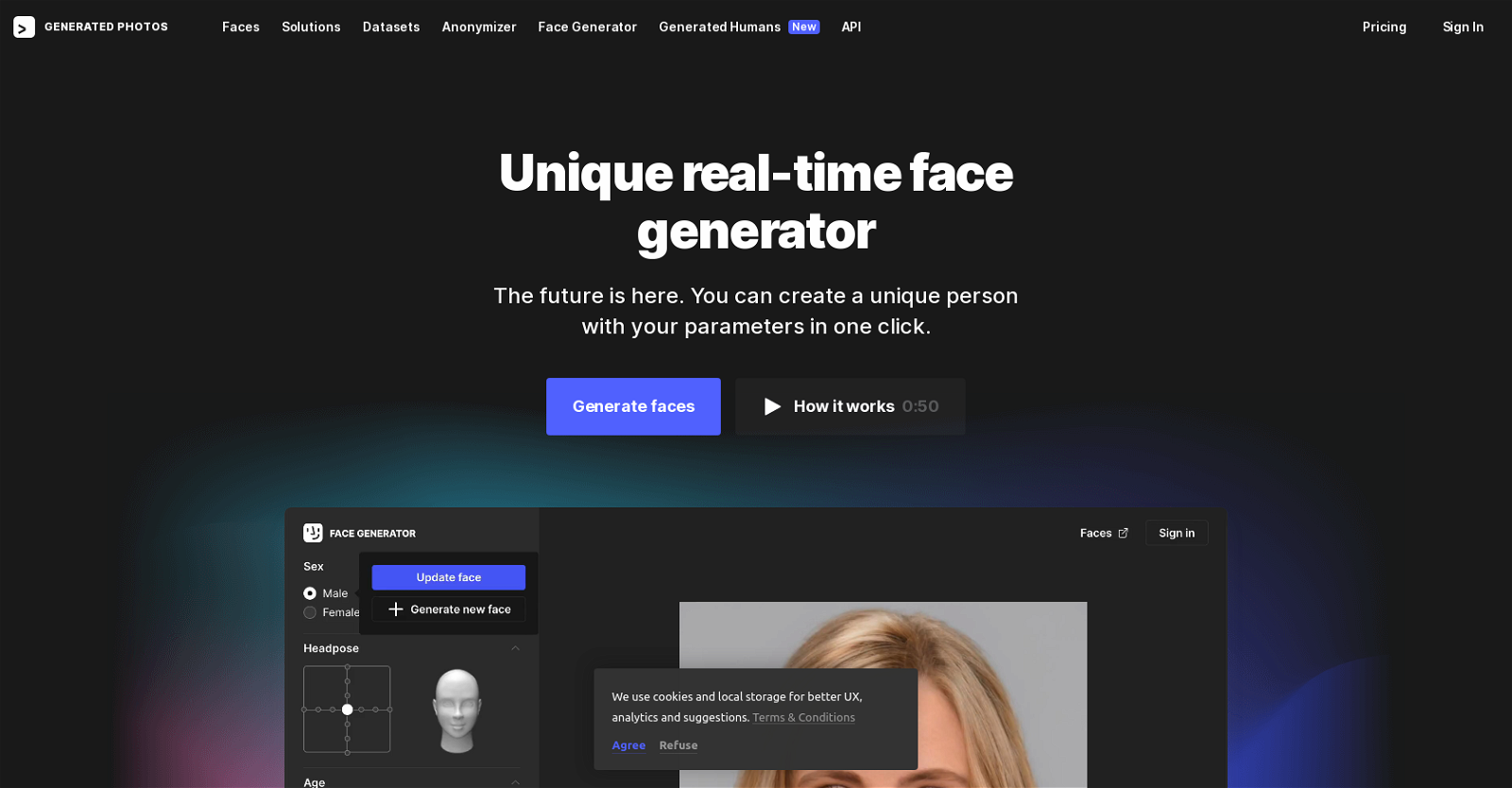
Face-generator is an AI tool called Generated Photos that enables users to create unique faces by adjusting a few simple parameters. Users have the ability to select the age, head pose, skin tone, emotion, sex, and hair color of the generated person. With an impressive range of over 11,232,000 variations of the same face, users can fine-tune the parameters to generate a diverse array of faces.

One of the key advantages of Generated Photos is its commitment to ensuring worry-free usage and compliance with privacy regulations. The tool exclusively utilizes model-released images from their studio, guaranteeing that the images are 100% BIPA and GDPR safe. This provides users with peace of mind when using the generated photos for their projects.

For commercial usage of the images, users have the option to purchase a license for a one-time fee of $8.97 per image or subscribe to a monthly plan for $19.99, which includes 15 photos per month. These AI-generated photos possess distinctive characteristics such as centered eyes, asymmetric earrings, and reflections in the eyes, making them easily identifiable as AI-generated. The photos can be utilized in various domains including creative works, ecommerce, and academic research.

Generated Photos is trained on studio photos by Icons8, ensuring high-quality results. The tool leverages cookies and local storage to enhance user experience, provide analytics, and offer personalized suggestions. With its user-friendly interface and extensive customization options, Face-generator is a powerful AI tool for generating unique and diverse faces.

Face-generator Read More »

Stock AI

Stock AI

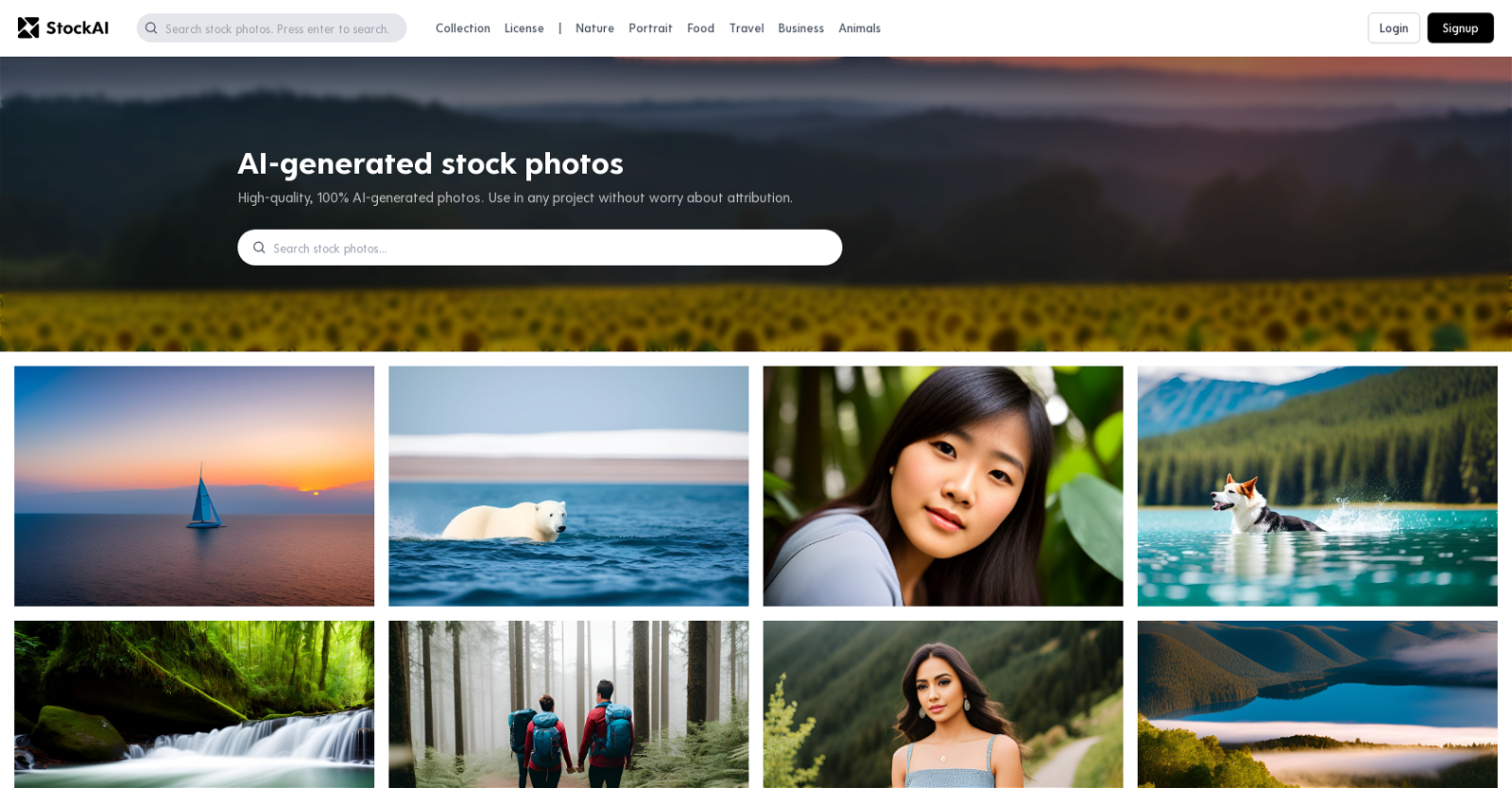
Stock AI is an innovative AI tool that revolutionizes the world of stock photos and pictures. With its advanced technology, Stock AI generates high-quality, 100% AI-generated photos that cater to a wide range of themes. From nature and portrait to food, travel, business, and animals, this platform offers a diverse collection of images suitable for any project. The best part is that these photos can be used without the need for attribution, providing convenience and flexibility for users. The visuals provided by Stock AI are truly captivating, featuring vivid colors and intricate details. Whether it’s a serene sailboat scene at sunset or a mysterious forest with glowing eyes, the photos capture the imagination and bring projects to life. Additionally, Stock AI offers abstract ocean photos with luxurious textures like marble swirls and agate ripples, adding a touch of elegance to any design. With Stock AI, accessing AI-generated stock photos and pictures has never been easier or more convenient.

Stock AI Read More »

ReImage AI

ReImage AI

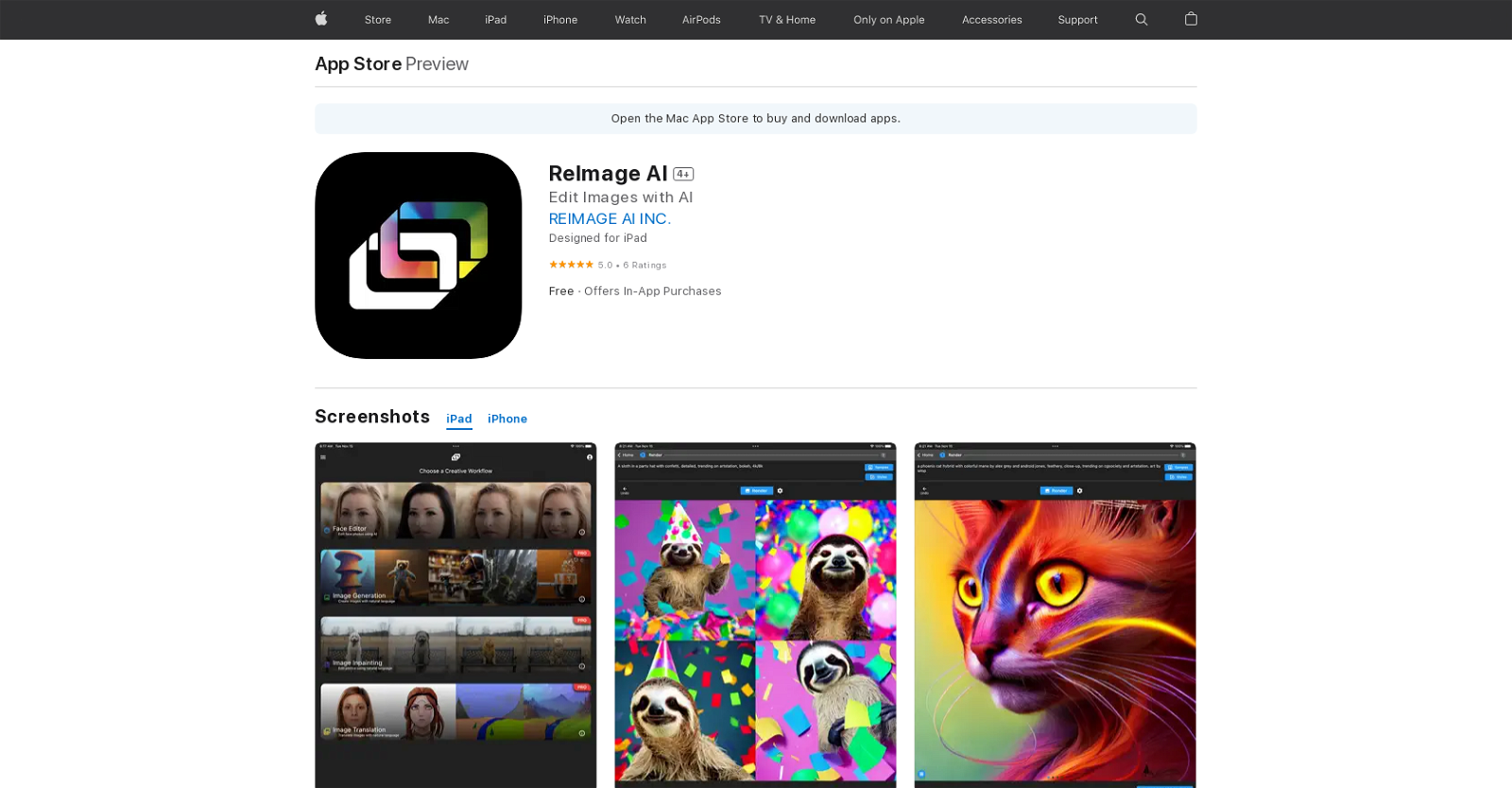
ReImage AI is an artificial intelligence (AI) image editing and generation application available on the App Store. This app utilizes cloud-based AI servers to access the latest AI models in a user-friendly interface.

With ReImage AI, users can effortlessly edit their own photos using natural language, making it incredibly intuitive and accessible. Additionally, the app allows users to create stunning photos, artwork, and other content using natural language commands, expanding the possibilities of image generation.

One of the standout features of ReImage AI is its ability to transform a user’s appearance in images. Whether you want to look younger, turn yourself into a cartoon, or experiment with different hairstyles, ReImage AI has got you covered. It offers a range of options to enhance and modify your appearance, adding a touch of creativity to your photos.

The app is free to download and use, ensuring that anyone can take advantage of its powerful AI capabilities. For those seeking additional features and benefits, ReImage AI offers in-app purchases for Pro Monthly and Pro Yearly plans, providing even more advanced editing and generation options.

ReImage AI is designed to be compatible with iPad, iPhone, and iPod Touch devices running iOS 11.0 or later. It is also optimized for Mac computers running macOS 11.0 or later, specifically those equipped with an Apple M1 chip or later. This ensures a seamless and efficient experience across a range of Apple devices.

In summary, ReImage AI is an innovative AI image editing and generation tool that brings the power of artificial intelligence to your fingertips. With its user-friendly interface, natural language commands, and transformative features, ReImage AI empowers users to create and edit stunning photos and artwork with ease.


ReImage AI Read More »

Stable UI

Stable UI

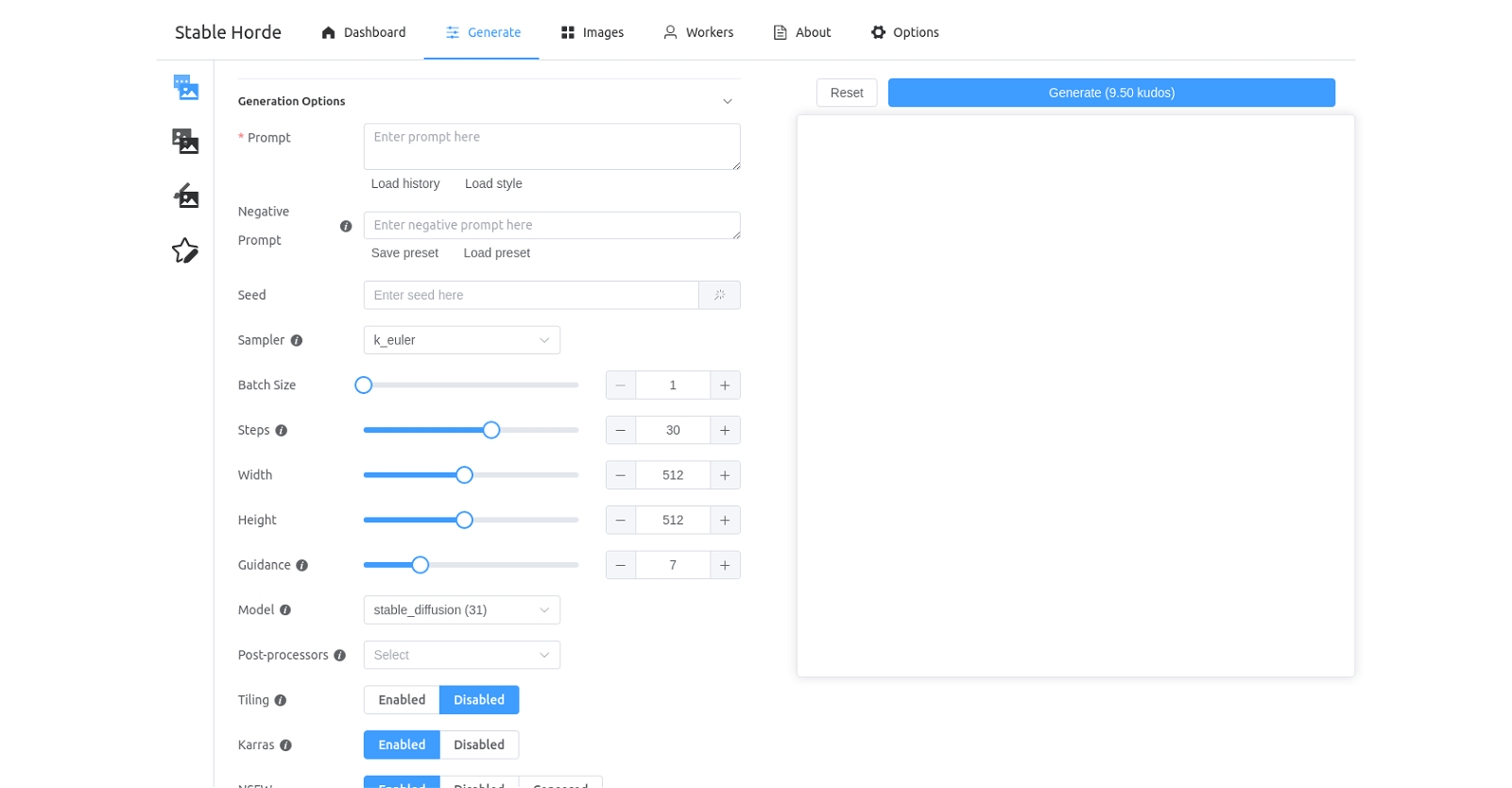
Stable UI is an AI tool that empowers users to effortlessly generate, save, and load images. The user-friendly dashboard offers a wide range of options, allowing users to customize their image generation process. With the ability to select presets, seed, batch size, steps, width, and height, users have complete control over the generation parameters.

To further enhance the generated images, Stable UI provides a variety of models and post-processors to choose from. Users can opt for models like Karras, NSFW, and Censored Worker Type, enabling them to achieve the desired output. Additionally, a selection of preset AI algorithms, including Stable Horde, Stable Diffusion, Waifu Diffusion, Midjourney Diffusion, and more, are available for users to experiment with.

Stable UI goes beyond customization options by allowing users to save their preferred settings as presets. This feature enables quick access to previously used configurations, saving time and effort. Whether it’s for personal or professional use, Stable UI offers a seamless and efficient solution for generating and manipulating images with the power of AI.

Stable UI Read More »

Pollinations

Pollinations

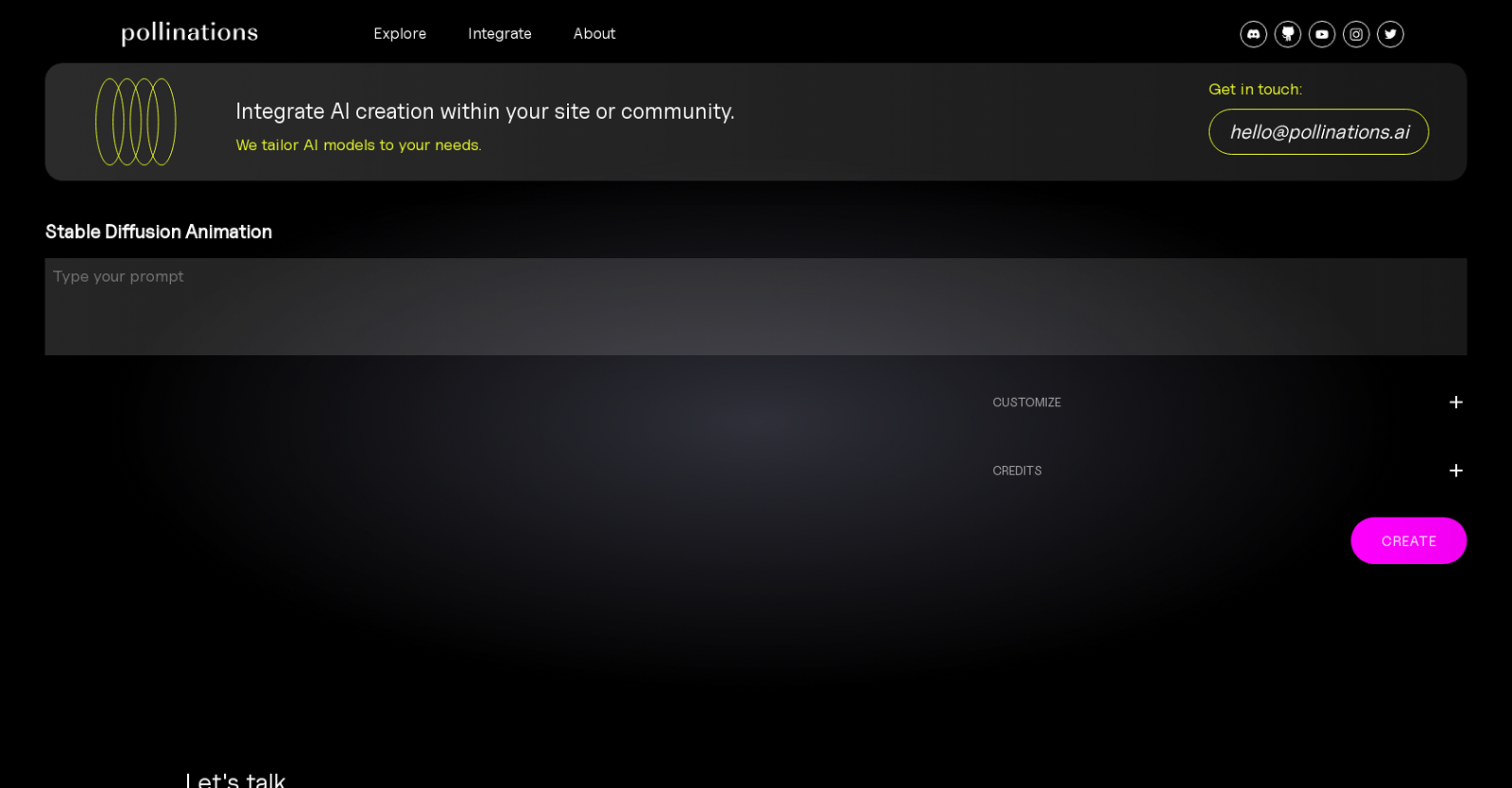
Pollinations is a platform that harnesses the power of AI to generate media. With its Stable Diffusion Animation tool, users can create customized, royalty-free audio, images, 3D objects, and soon, fully immersive 3D environments. This tool seamlessly integrates into any website or community, offering tailored solutions to meet the user’s specific needs. Inspired by iconic artworks from artists like Magritte, Dalí, and Munch, Pollinations allows users to personalize their animations by adjusting various parameters such as ‘Prompt Scale’, ‘Number of Frames per Prompt’, ‘Random Seed’, ‘Diffusion Steps’, ‘Width’, ‘Height’, and ‘Init Image Strength’. The platform is backed by Stability.AI, and the Pollinations team is readily available to assist with any inquiries or questions.

Pollinations Read More »

Magician

Magician

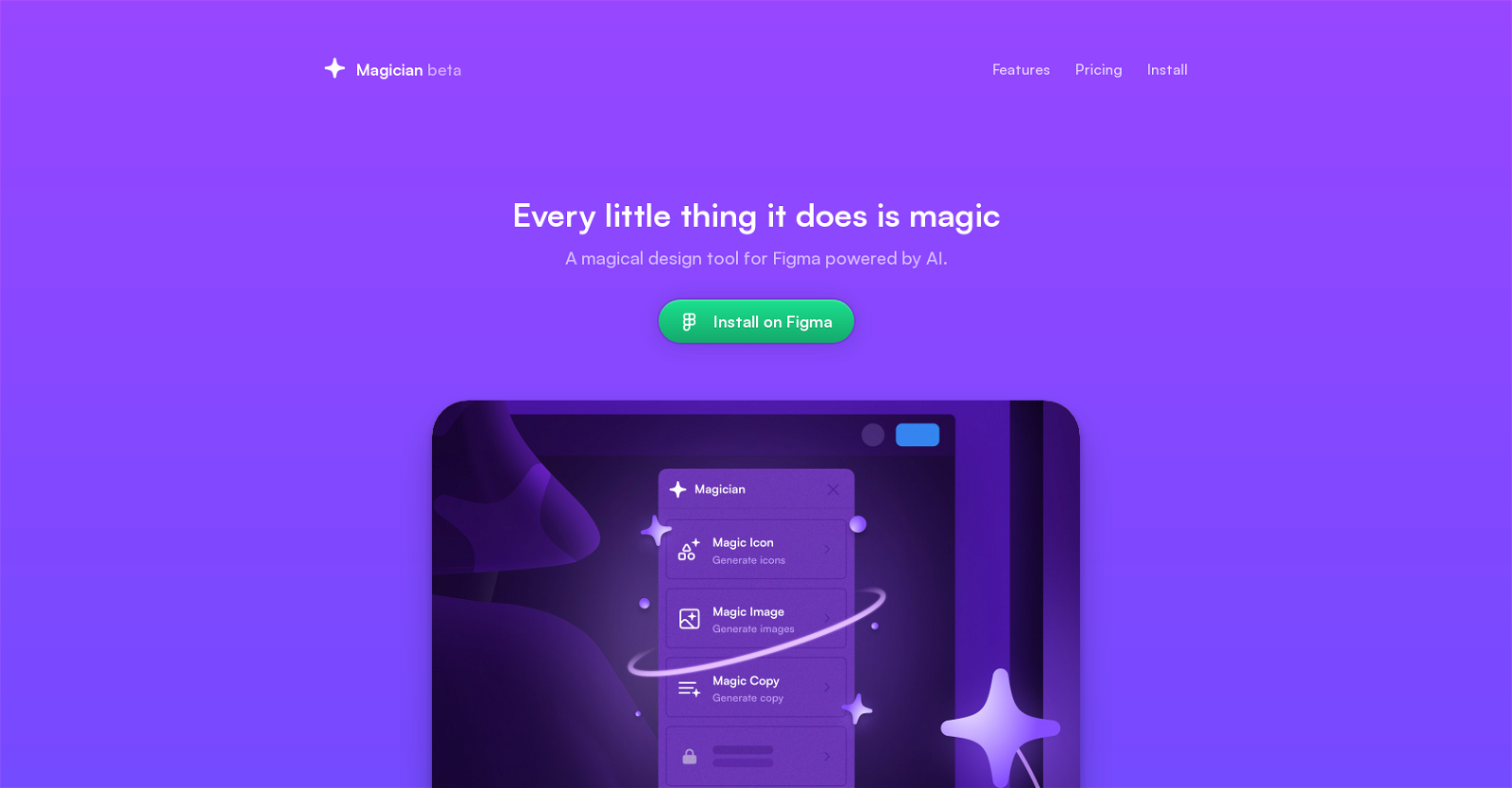
Magician for Figma is an AI-powered design tool developed by Diagram, a company specializing in smarter design tools. It is specifically designed for Figma users, aiming to enhance creativity and imagination with its unique “magic” features.

Magician offers a range of magical features, including Text to Icon, Copywriting, Text to Image, Magic Icon, Magic Copy, Magic Image, and more. These features empower designers to explore new possibilities and effortlessly create captivating designs.

In addition to its magic features, Magician also provides Automator and Prototyper tools. These tools enable users to quickly and efficiently create prototypes or automate repetitive tasks, saving valuable time and effort.

Currently in a public beta stage, Magician offers a 7-day free trial for all users. After the trial period, it is available for a monthly fee of $12 or a yearly fee of $99, with a limited-time 25% discount. Subscribers gain access to all spells and future updates, ensuring they always have the latest and most powerful tools at their disposal.

With Magician, Figma users can unlock their full creative potential and bring their design ideas to life with ease.

Magician Read More »

Lightricks

Lightricks’ Text to Image tool is an AI-powered image generator that enables users to create unique and personalized images with just a few clicks. The tool uses advanced open source AI technology to convert text prompts into numbers, which then get diffused into images.

It’s accessible from within the company’s mobile photo and video editing apps, Facetune, Videoleap, and Photoleap. This tool gives users the freedom to explore their creative potential and produce art that is unique to them.

It’s a simple and convenient way to generate images and is ideal for those looking to create stunning visuals for their content. It allows users to express their ideas in a more tangible way and share them on their favorite platforms.

Lightricks Read More »

Flair

Flair

Flair is an AI-powered design tool for branded content. It enables users to create visually stunning content with just a few clicks. With a drag and drop interface, users can upload their own branded assets onto a flexible canvas and build a scene around their product with the help of accessories.

Flair also features smart prompt recommendations and an autocomplete feature to help users communicate with the AI. Tutorials are also available to help users learn how to make the most of the tool. Furthermore, users can explore examples of user-generated content and watch a demo video to quickly get started.

Flair is currently in private beta and offers a free trial.

Flair Read More »

Magic Studio by PhotoRoom

Magic Studio by PhotoRoom

Magic Studio by PhotoRoom is an AI-powered tool available on Apple’s App Store for iPhone, iPad, and iPod touch. It is specifically designed to assist users in creating, editing, and organizing professional product images for various purposes such as e-commerce marketplaces, marketing materials, profile pictures, and stories. With its intuitive features and functionalities, PhotoRoom empowers users to enhance their visual content effortlessly.

One of the standout features of PhotoRoom is its Background Removal tool, which enables users to quickly and accurately edit photos by removing unwanted backgrounds. This tool saves users valuable time and effort, allowing them to focus on creating stunning visuals without the need for complex editing techniques.

In addition to background removal, PhotoRoom also offers a Batch Editor feature, which allows users to edit multiple photos simultaneously. This feature streamlines the editing process, making it more efficient and convenient for users who need to edit a large number of images.

The Magic Retouch tool is another noteworthy feature of PhotoRoom. It provides users with the ability to instantly remove unwanted objects and defects from their photos. This feature ensures that users can achieve flawless and professional-looking images with ease.

PhotoRoom also includes Magic Resize, a feature that simplifies the exporting process by automatically resizing images to fit different platforms and requirements. This saves users the hassle of manually adjusting image dimensions for various purposes.

To assist users further, PhotoRoom offers Smart Templates, which provide recommendations for enhancing images based on AI analysis. This feature helps users make informed editing decisions and achieve optimal results.

For precise refinement of image edges, PhotoRoom offers Assisted Cutout. This feature ensures that users can achieve clean and accurate cutouts, particularly useful when working with intricate details or complex backgrounds.

The app also supports team favorites, allowing users to collaborate and share their preferred designs with colleagues or friends. Additionally, the Shared with You section enables users to conveniently view designs sent by others, fostering a collaborative and creative environment.

PhotoRoom goes beyond editing capabilities by offering a built-in camera with tips on how to capture better photos. This feature helps users improve their photography skills and ensures that they have high-quality images to work with.

With new text styles and higher fidelity background removal for hair, PhotoRoom continues to enhance its features and provide users with even more creative possibilities.

While the app is free to download and use, PhotoRoom also offers a Pro subscription for users who require additional advanced features. The subscription can be charged monthly or annually to the user’s iTunes Account, providing users with access to a premium editing experience.

In summary, Magic Studio by PhotoRoom is a powerful AI tool that empowers users to create, edit, and organize professional product images effortlessly. With its intuitive features such as background removal, batch editing, retouching, resizing, and smart recommendations, PhotoRoom is a valuable asset for individuals and businesses looking to enhance their visual content.

Magic Studio by PhotoRoom Read More »