Chatbots & Assistants

LLamA2 Chat Perplexity

LLamA2 Chat Perplexity

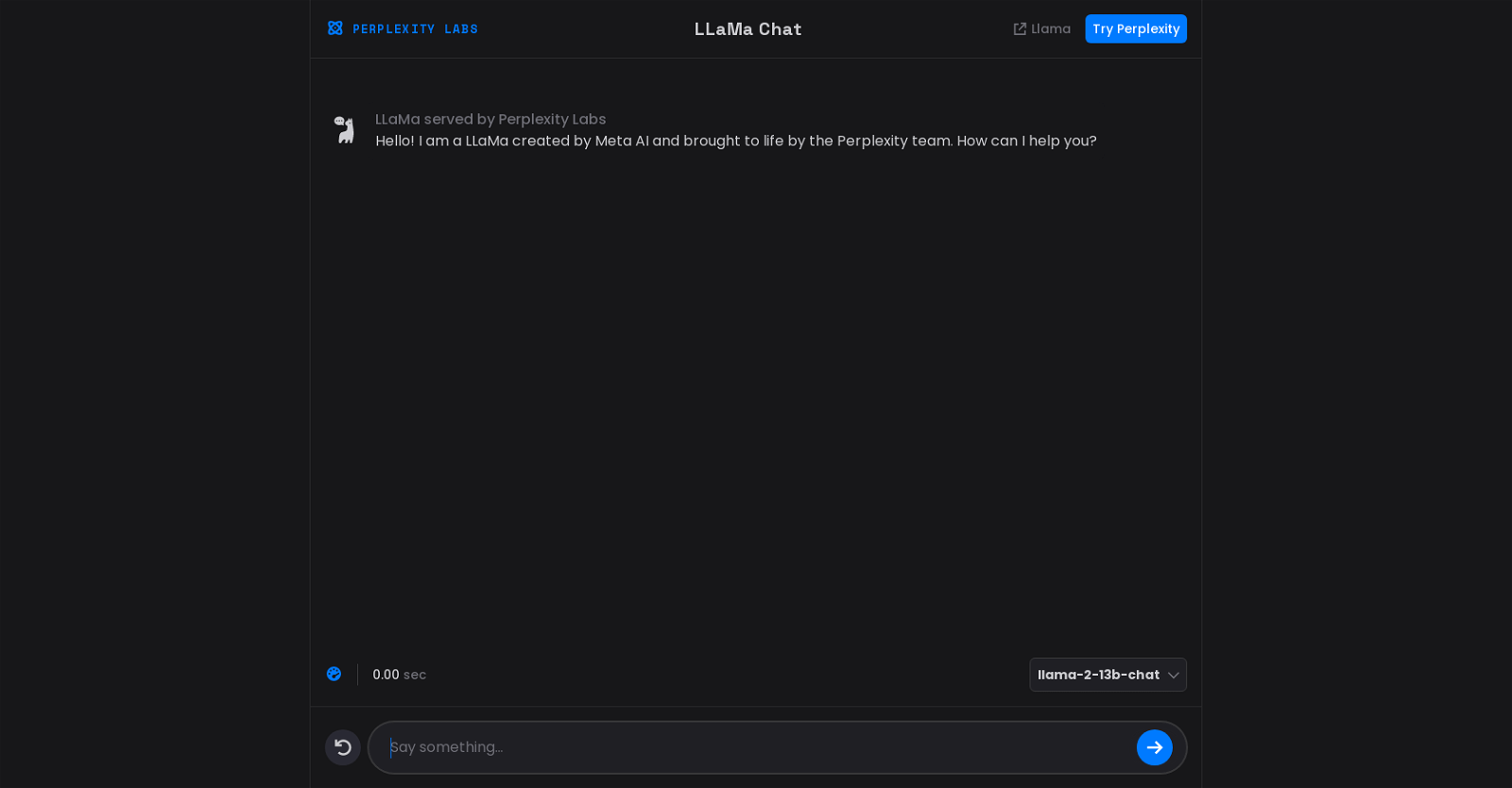
Perplexity Labs’ LLaMa Chat is an AI-powered chatbot developed by Meta AI and brought to life by the Perplexity team. LLaMa Chat serves as a virtual assistant capable of assisting users in various tasks and providing relevant information. By leveraging advanced artificial intelligence technology, this chatbot aims to deliver a responsive and interactive conversation experience.

LLaMa Chat is designed to engage with users in real-time, providing assistance and answering queries promptly. It possesses the capability to handle a wide range of topics, addressing user inquiries and concerns comprehensively. With its conversational interface, LLaMa Chat offers users a seamless interaction that simulates human-like communication.

This AI tool developed by Perplexity Labs utilizes machine learning algorithms and natural language processing to understand user inputs and generate appropriate responses. By analyzing the context and intent behind user queries, LLaMa Chat aims to deliver accurate and relevant information effectively.

Furthermore, LLaMa Chat can be utilized across various domains, including customer support, knowledge sharing, and interactive engagement. It is built to adapt and learn from user interactions, continuously improving its performance over time. Through its use of AI technology, LLaMa Chat strives to enhance user experience by providing efficient and personalized support.

Overall, Perplexity Labs’ LLaMa Chat demonstrates its ability to leverage AI capabilities to create an effective and interactive chatbot that assists users with their queries and tasks in a conversational manner.

LLamA2 Chat Perplexity Read More »

Realchar

Realchar

RealChar is a web-based tool that provides real-time AI character creation and communication capabilities. Designed for desktop browsers, the tool offers an immersive experience for users. With a focus on audio-driven interactions, RealChar allows users to record their voice through a connected audio input device. The recorded audio can then be processed by the AI to generate a character’s response.

RealChar offers multiple communication options, including text input, sending messages, and establishing connections between characters. The tool provides intuitive icons for initiating and continuing conversations, as well as for ending calls. Notably, RealChar acknowledges the upcoming release of a mobile version, indicating a commitment to expanding accessibility and addressing a wider user base. The website also encourages users to wear headphones during interactions, suggesting a focus on audio quality and enhancing the immersive experience.

RealChar provides additional resources for users to access. These include links to the project’s GitHub repository, a Discord server for community interaction, and the developer’s Twitter account.

The tool is owned by RealChar and is protected by copyright, emphasizing the exclusivity of its content.

Overall, RealChar offers users a web-based platform to create and interact with AI characters in real-time, primarily through voice-based communication. Its integration of different communication options and focus on audio input highlights its potential for engaging experiences.

Realchar Read More »

ChatGPT for Android

ChatGPT for Android

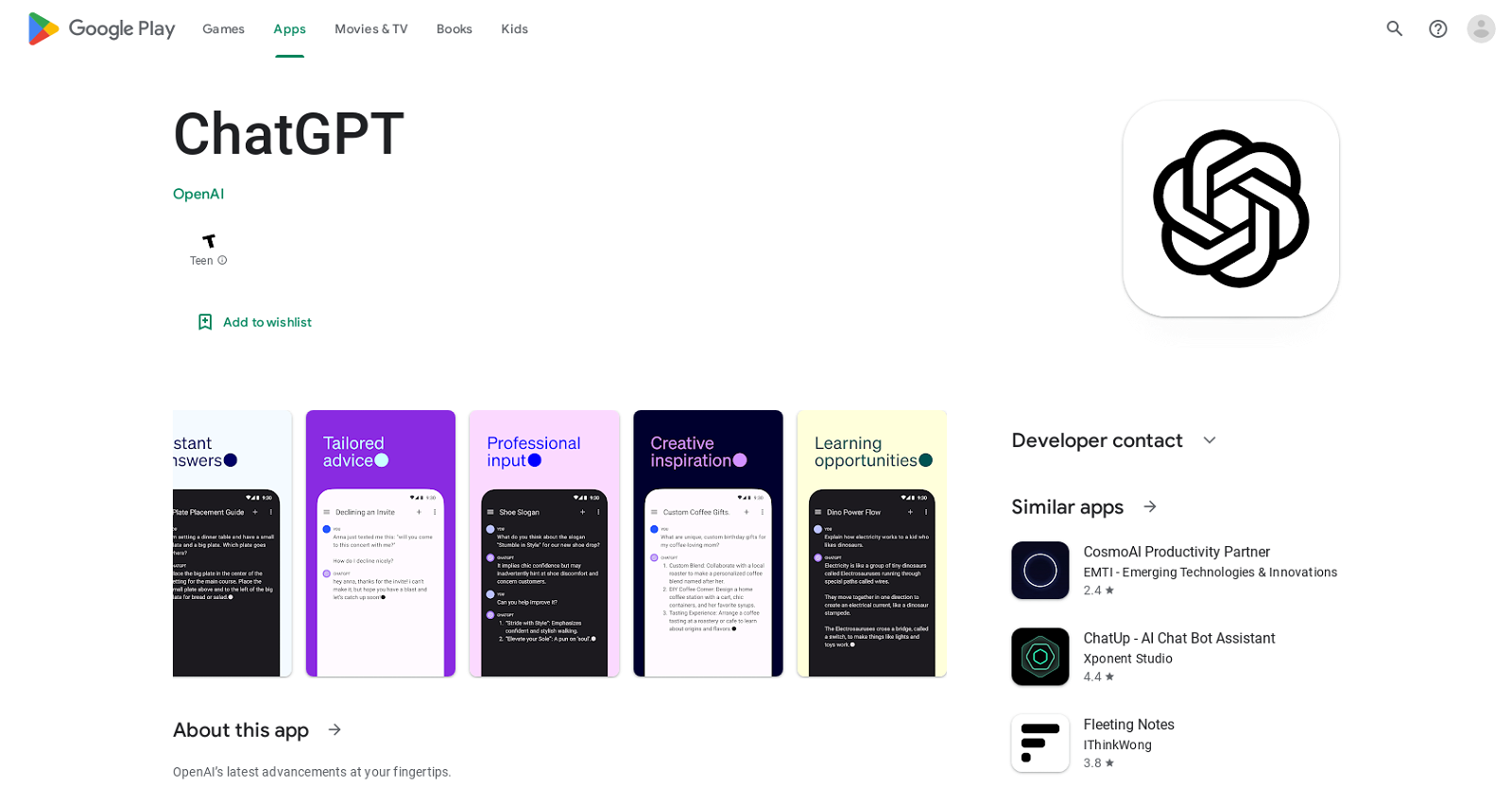
ChatGPT is an official app developed by OpenAI that offers users access to OpenAI’s latest advancements. This free app allows users to find instant answers, receive tailored advice, gain creative inspiration, obtain professional input, and engage in learning opportunities. With ChatGPT, users can sync their history across devices and benefit from the newest model improvements from OpenAI. Millions of users have already been captivated by this app.

In terms of data safety, ChatGPT assures users that no data is shared with third parties. The app collects various types of data, including location and personal information, but ensures that data is encrypted in transit. Users also have the option to request the deletion of their data. It is crucial to note that data privacy and security practices may vary based on the user’s region, use, and age.

The app is available for download on Google Play and can be accessed on multiple devices. OpenAI provides a privacy policy and terms of service, which users can find on their website. Users can flag any inappropriate content encountered within the app and contact the developer directly through their website or via email.

This app falls under the productivity category on Google Play and offers similar features to other AI chatbot assistants available on the platform.

ChatGPT for Android Read More »

ChatGPT Butler

ChatGPT Butler

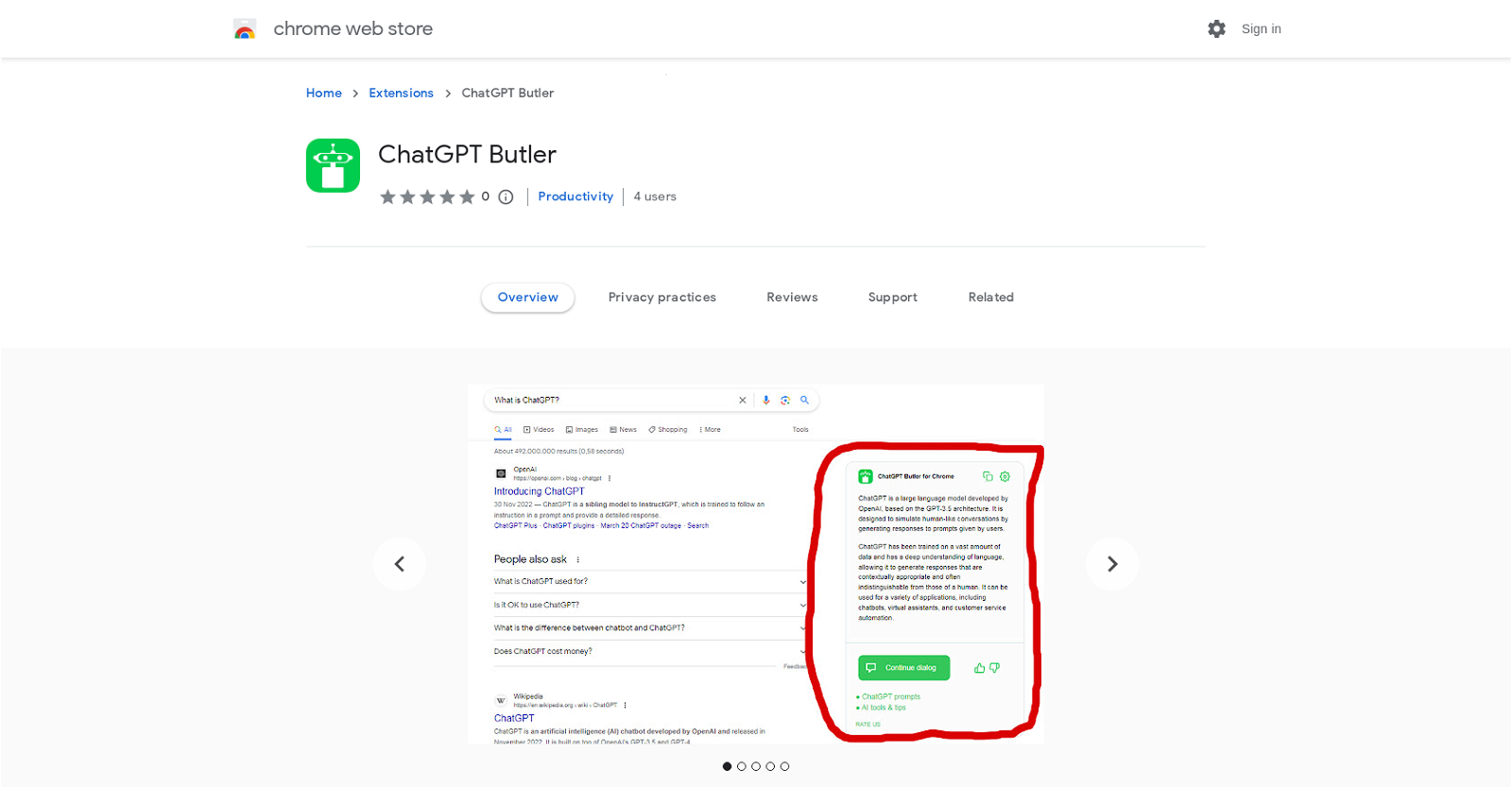
ChatGPT Butler is a browser extension that integrates ChatGPT, a powerful AI model, into any website. With ChatGPT Butler, users can obtain intelligent and informative responses to their inquiries in a natural and human-like manner. The extension adds a Chat GPT assistant button directly onto the website, allowing users to ask questions and receive instant helpful responses.

One of the key features of ChatGPT Butler is its integration with popular search engines like Google, Bing, and DuckDuckGo. Users can simply enter their request into the search field, and the extension will display the AI answer to their question alongside the search results, eliminating the need to visit external websites or repeat the question on other platforms.

In addition to its search capabilities, ChatGPT Butler offers additional features such as a custom trigger mode, day/night view selection, and the ability to copy responses to the clipboard. The extension is designed to ensure that users always receive the most precise and current information thanks to ChatGPT’s cutting-edge technology.

To get started with ChatGPT Butler, users need to install it as a browser extension and log in to the chat.openai.com website. It is important to note that ChatGPT Butler may not work with other ChatGPT extensions installed in parallel, so it is recommended to disable or uninstall them if any issues arise.

Overall, ChatGPT Butler provides a seamless and convenient way to access the intelligent capabilities of ChatGPT directly on any website or through popular search engines, enhancing user productivity and knowledge acquisition.

ChatGPT Butler Read More »

Venty Chat

Venty Chat

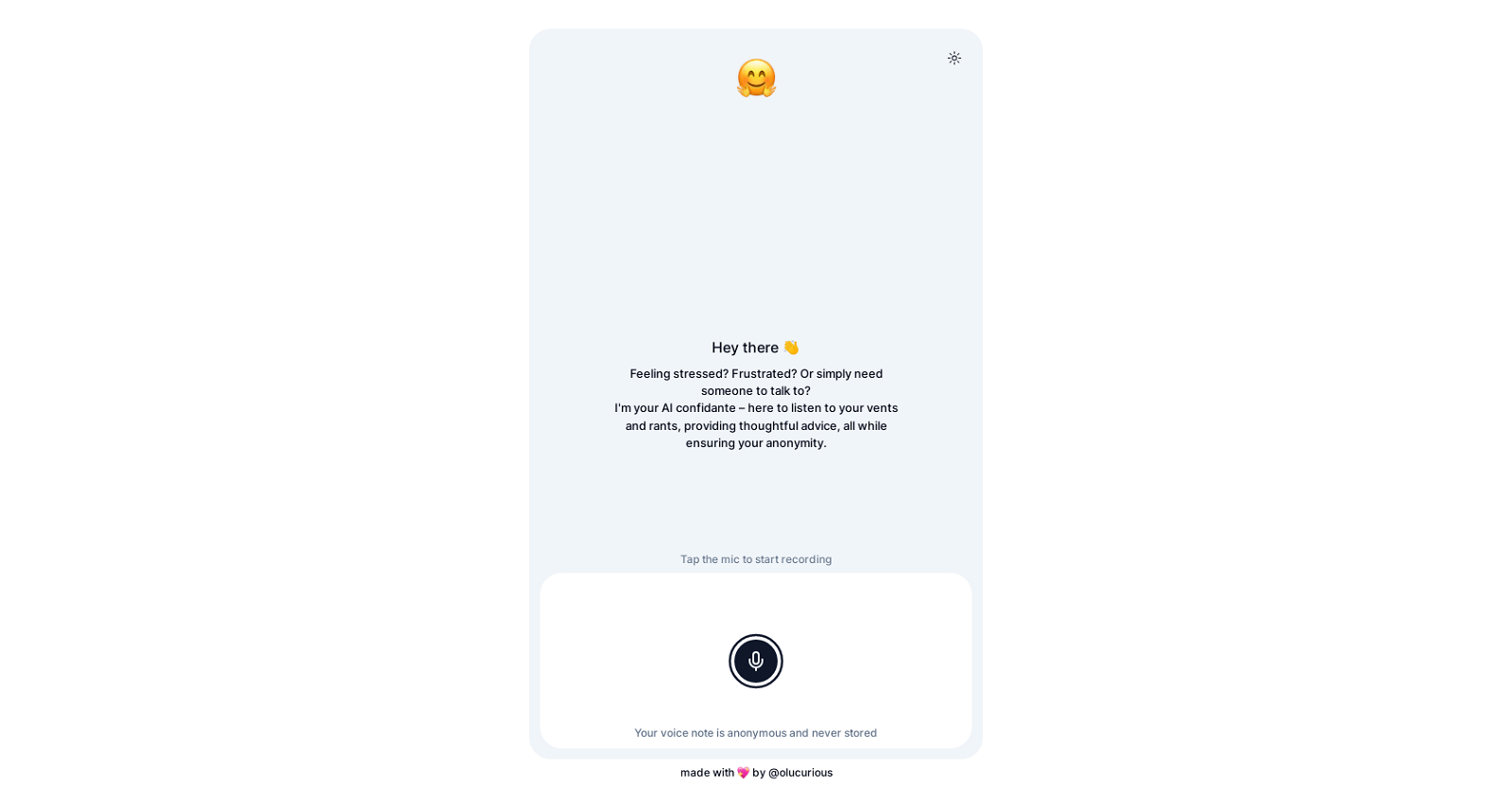
Venty.chat is an AI tool designed to provide a safe space for users to express their thoughts and rants. Acting as an AI confidante, this tool offers active listening, empathy, and thoughtful replies without any judgment or criticism. With Venty, users can release their stress, frustration, or simply engage in conversation with a virtual companion.

The tool allows users to record their thoughts and rants by tapping the microphone icon, ensuring complete anonymity. The recorded voice notes are never stored, maintaining the user’s privacy and confidentiality.

Venty.chat aims to provide a supportive and understanding environment for users to express themselves freely. It offers a non-human interface for individuals seeking an outlet for their emotions, enabling them to receive thoughtful advice or engage in conversation without fear of being judged.

Developed by @olucurious, Venty serves as a platform where users can feel heard and understood. This AI tool prioritizes providing a safe space for users to express their thoughts, offering empathy and guidance in times of need.

In summary, Venty.chat is an AI confidante that offers a safe space for users to share their thoughts and rants. It provides active listening, empathy, and thoughtful replies while maintaining anonymity and confidentiality.

Venty Chat Read More »

ChatNBX

ChatNBX

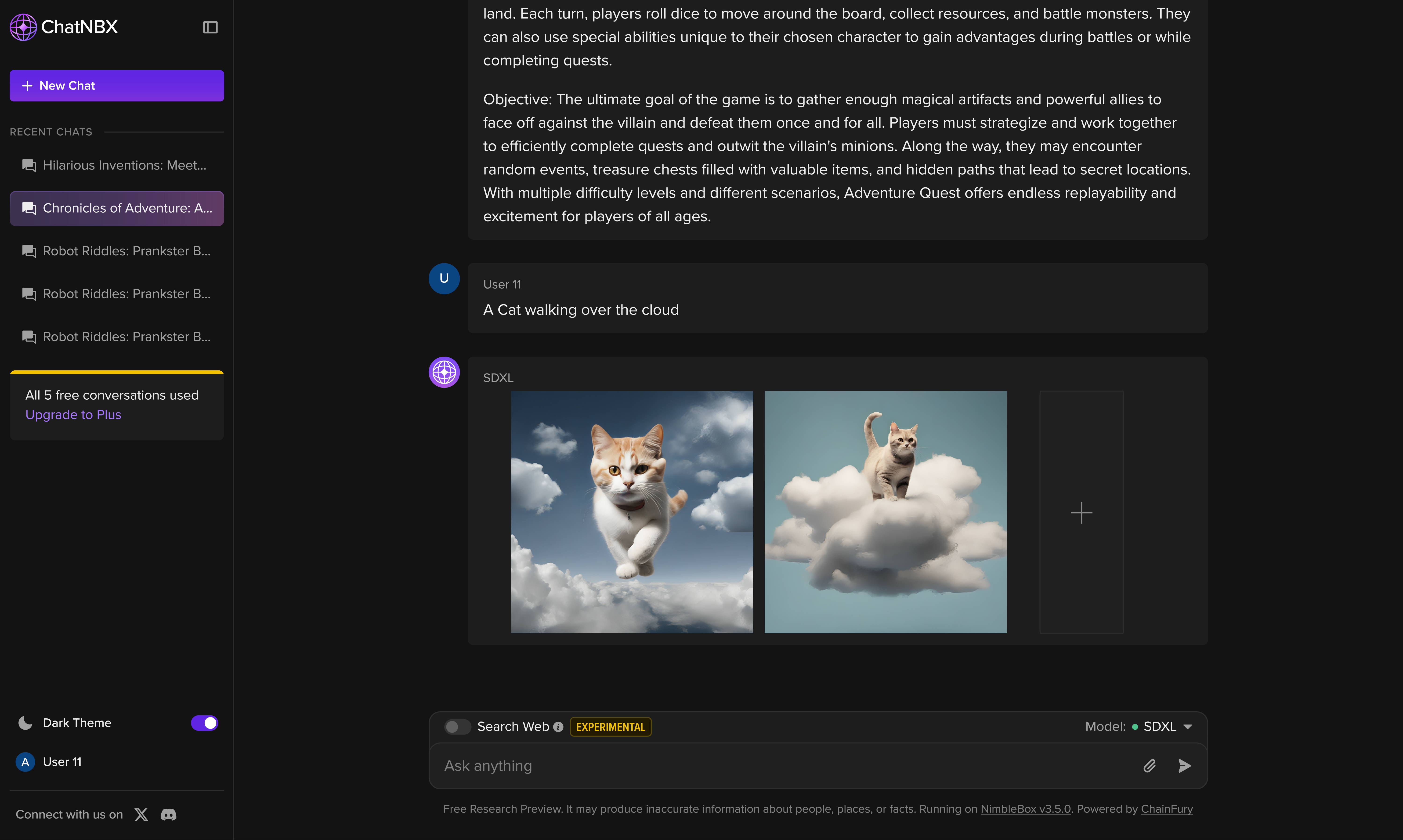
ChatNBX is an AI-powered application designed for research and demonstration purposes. It allows users to engage in conversations and explore the capabilities of AI language models. However, the generated responses from ChatNBX may be imaginative but potentially inaccurate, leading to “hallucinations” and the possibility of misinformation being produced.

Conversations conducted on ChatNBX may be shared with the authors of the AI models, unless users choose to disable this feature through their settings. This ensures transparency and allows model authors to analyze and improve the system based on real-world interactions.

To stimulate creativity, ChatNBX offers examples and prompts for users. They can create funny and useless inventions, write limericks about mischievous robots, or invent board games that combine elements from various forms of media. This encourages users to explore their imaginations and engage in entertaining and thought-provoking activities.

It is important to note that ChatNBX is an experimental tool and may provide inaccurate information about people, places, or facts. It is built on the NimbleBox platform, version 3.5.0, and powered by ChainFury, an open-source library available on GitHub.

ChatNBX Read More »

Baron

Baron

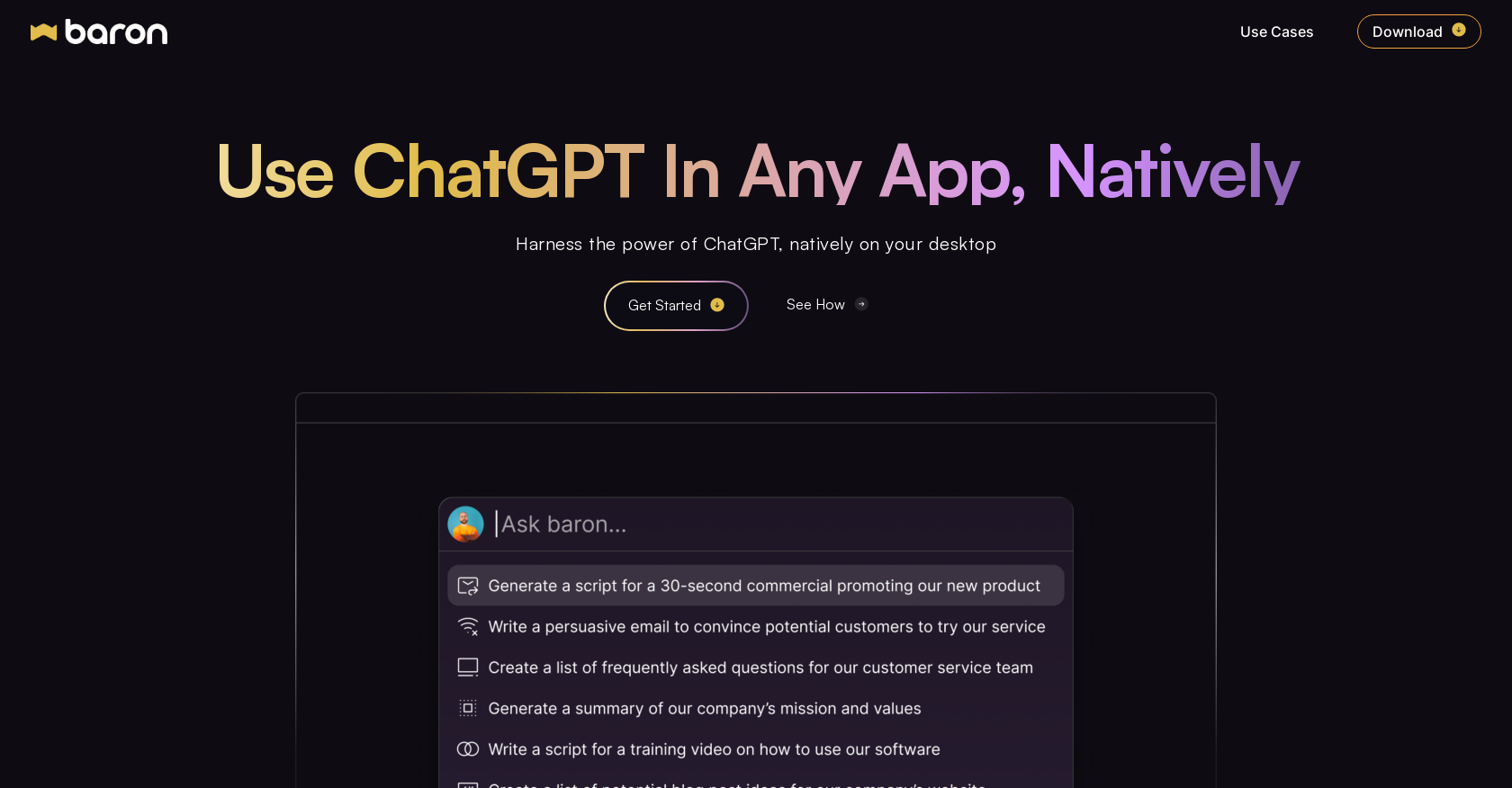
The Free ChatGPT App by Baron is a powerful AI tool that allows users to access ChatGPT, a state-of-the-art text generation model, directly on their Windows, Mac, or Linux desktop. With seamless integration into the desktop environment, users can effortlessly tap into the AI capabilities of ChatGPT without the need for browsers or app switching. By simply pressing a hotkey combination (‘⌥ spacebar’), users can instantly engage with the AI and enhance their conversations.

This tool comes equipped with a profile builder and prompt engine, empowering users to customize and elevate their interactions with ChatGPT. Users can create personalized profiles and save prompts to enhance the context and quality of their conversations with the AI. This feature allows for a more tailored and efficient user experience.

One standout feature of the Free ChatGPT App is its context awareness. Users can easily highlight any text, launch the tool, and ChatGPT will analyze the highlighted text to provide context-rich responses. This eliminates the need for manual copy-pasting and significantly improves the efficiency of AI-powered conversations.

The Free ChatGPT App caters to a wide range of roles and use cases, making it a versatile tool for professionals across various industries. Whether in marketing, software engineering, support, product management, finance, sales, or administration, users can leverage role-specific AI functionalities offered by the tool. These functionalities include code documentation, content optimization, support ticket analysis, user experience simulation, personalized outreach, financial analysis, information summarization, and project planning acceleration.

Overall, the Free ChatGPT App by Baron provides users with a convenient and efficient way to harness the power of ChatGPT’s AI capabilities directly on their desktop. By enhancing workflow productivity and enabling context-rich conversations, this tool proves to be an invaluable asset for professionals in diverse fields.

Baron Read More »

Shelf Chat

Shelf Chat

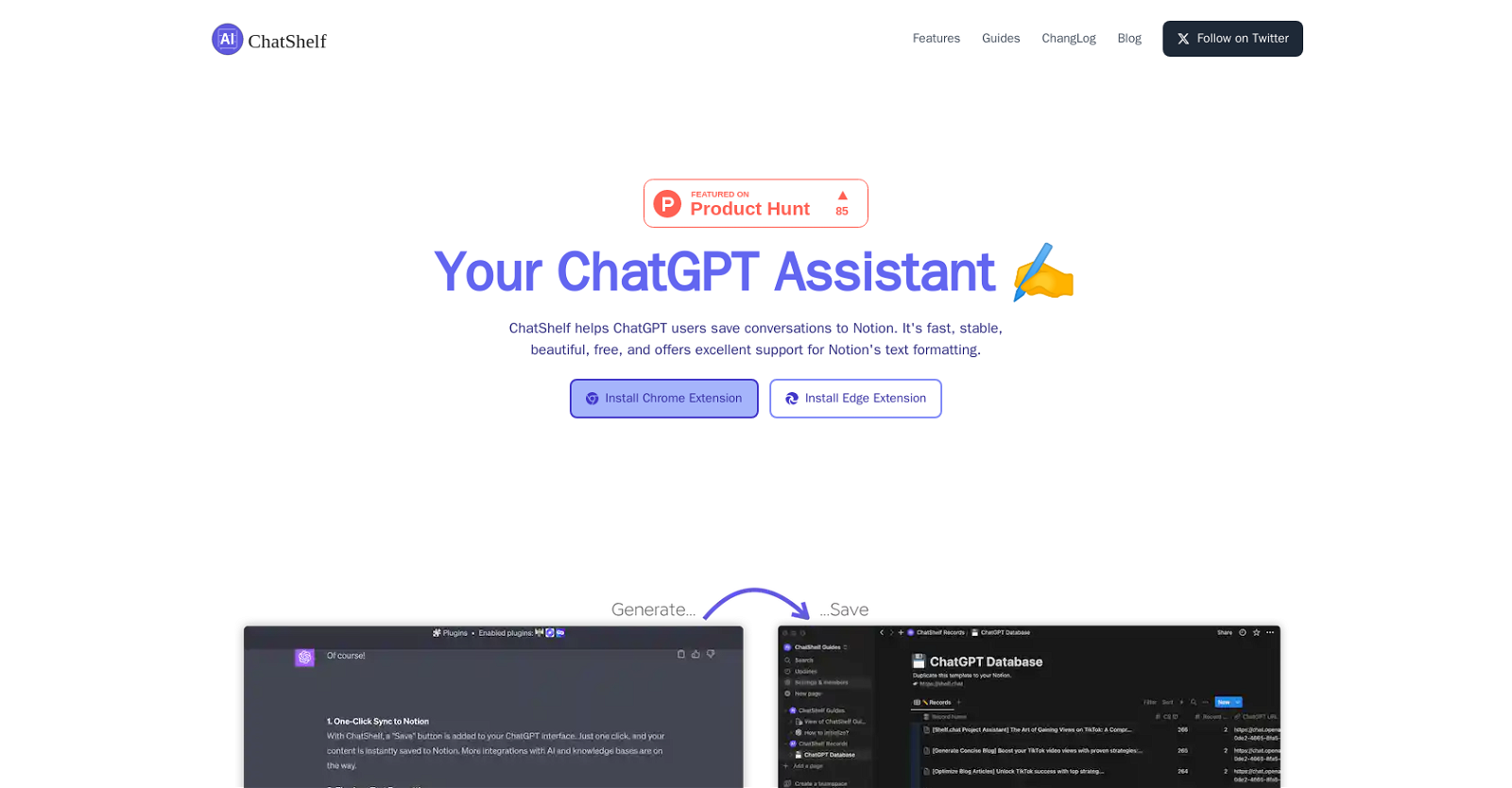
ChatShelf is a browser extension that allows users of the ChatGPT platform to save their conversations to Notion. It offers a simple and convenient way to archive and organize chat sessions. With a one-click “Save” button added to the ChatGPT web interface, users can effortlessly sync their content to Notion, providing seamless integration between the two platforms.

One notable feature of ChatShelf is its excellent support for Notion’s text formatting. It effectively transforms ChatGPT text into Notion Blocks, ensuring that headings, lists, and code snippets are accurately captured and preserved.

ChatShelf aims to deliver a stable and fast experience with reliable data security measures in place. It offers lightning-fast syncs to Notion, enabling users to efficiently store their chat conversations without compromising on speed or security.

Additionally, ChatShelf prides itself on being visually appealing, providing users with a beautiful interface that enhances the overall user experience. The tool is currently available as a browser extension for Chrome and Microsoft Edge.

It is free to use, making it accessible to ChatGPT users who want to conveniently save their chat conversations to Notion. Overall, ChatShelf offers an efficient and user-friendly solution for ChatGPT users to seamlessly save their conversations to Notion, enhancing productivity and organization.

Shelf Chat Read More »

WizBoard

WizBoard

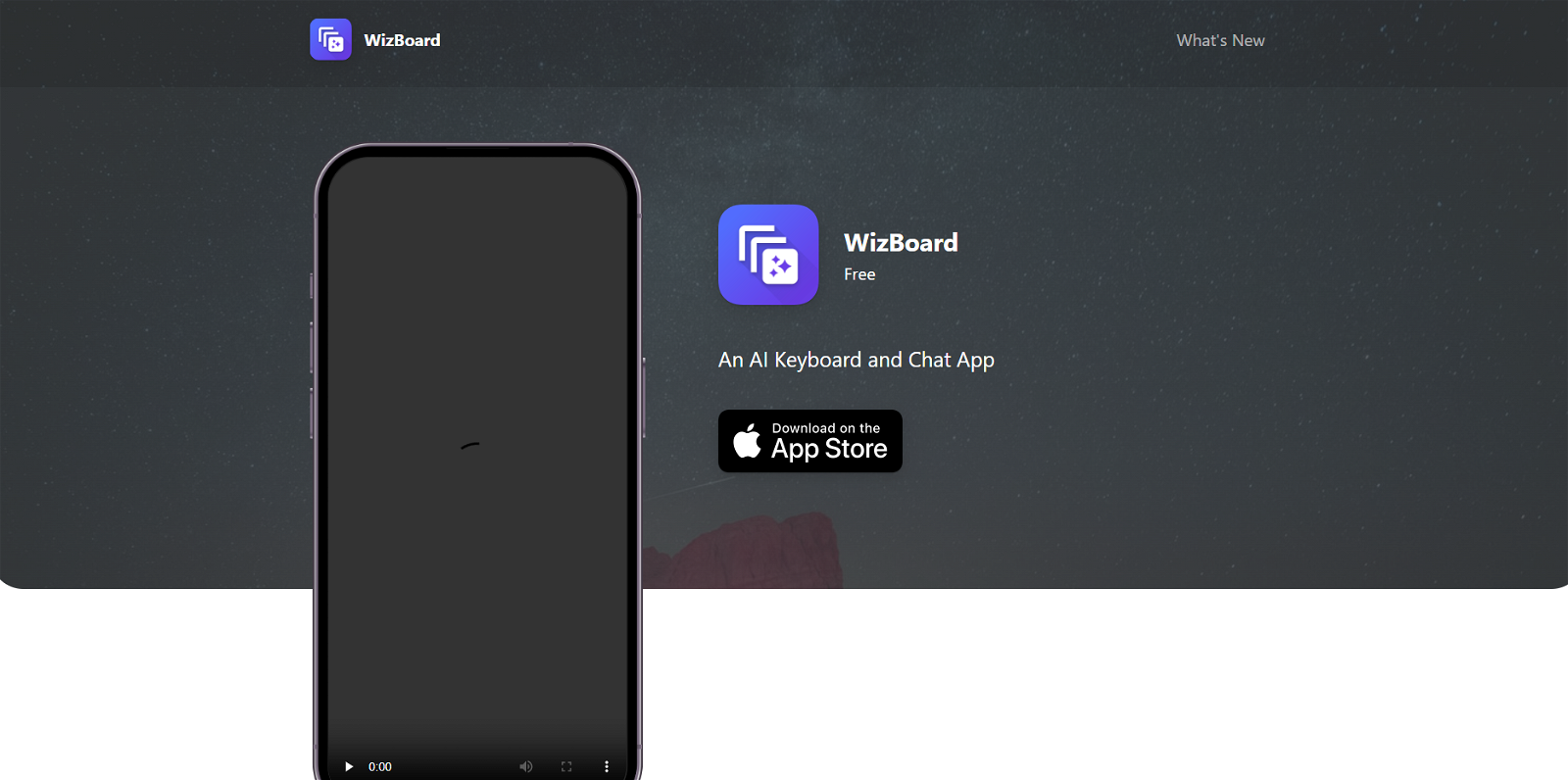
WizBoard is an AI Keyboard and Chat App that seamlessly integrates with various applications and writing workflows. It follows a spell-centered design, incorporating AI-powered text transformation tools called “SPELLS” to enhance the user’s writing experience. Serving as a personal writing assistant, WizBoard can be accessed anywhere through an input box, aiding users in writing emails, analyzing documents, posting on social media, and more.

Known for its ultimate productivity features, WizBoard offers an array of AI-powered tools to boost efficiency and creativity. It provides access to an extensive spell gallery that covers an unlimited number of scenarios, including translation, travel planning, and many other applications. Users can also create and edit custom spells using advanced features like parameterization and example messages.

WizBoard supports multi-format message rendering, allowing users to utilize markdown, code highlighting, and inline LaTeX rendering for a more visually appealing output. Additionally, WizBoard enables data synchronization across multiple devices through iCloud sync.

The tool offers various subscription plans, including Pro, Family, and Bring Your Own Keyboard (BYOK) plans, all of which provide a free trial option. Developed by the WizBoard Team, this app ensures privacy with its privacy policy and sets clear terms of use for users’ benefit.

WizBoard Read More »

Genesi AI

Genesi AI

Genesi AI is a tool designed for creating custom ChatGPT plugins without the need for coding skills or technical expertise. With Genesi AI, users can effortlessly develop their own personalized plugins in just a few simple clicks, enabling them to leverage the power of AI in their specific business contexts. This tool serves as a virtual assistant, seamlessly collecting and organizing data to create a cohesive ecosystem.

The interface of Genesi AI is user-friendly and intuitive, eliminating the necessity for coding knowledge. Integration between the user’s data and the plugin is hassle-free and can be accomplished in just two minutes. This swift integration process allows for the efficient utilization of AI’s potential by tailoring the custom plugin to align with the company’s needs. Whether it’s enhancing customer acquisition channels, conducting product presentations, or interacting with private company data, Genesi AI facilitates these interactions effortlessly.

The creation process involves entering the necessary data, following step-by-step instructions, and filling in all required fields accurately. Once the data is provided, Genesi AI generates a URL for the custom plugin. This URL can then be easily deployed by following simple instructions and pasting it into the plugin store. The user has the freedom to edit and customize the plugin as needed using the intuitive interface, making it adaptable to their unique requirements and allowing for easy updates with a single click.

Genesi AI offers businesses the potential to unlock numerous opportunities and streamline their operations by harnessing AI capabilities tailored to their specific needs.

Genesi AI Read More »