



































































































Shelf Chat
 Guide2 min read
☷Table of contents▾
Shelf Chat
Freemium
Effortlessly Save Chat Conversations
VISIT WEBSITE
Introduction:
Are you tired of losing track of your valuable conversations on AI platforms?
Introducing Shelf Chat, the ultimate solution for ChatGPT users to effortlessly archive and organize their chat sessions.
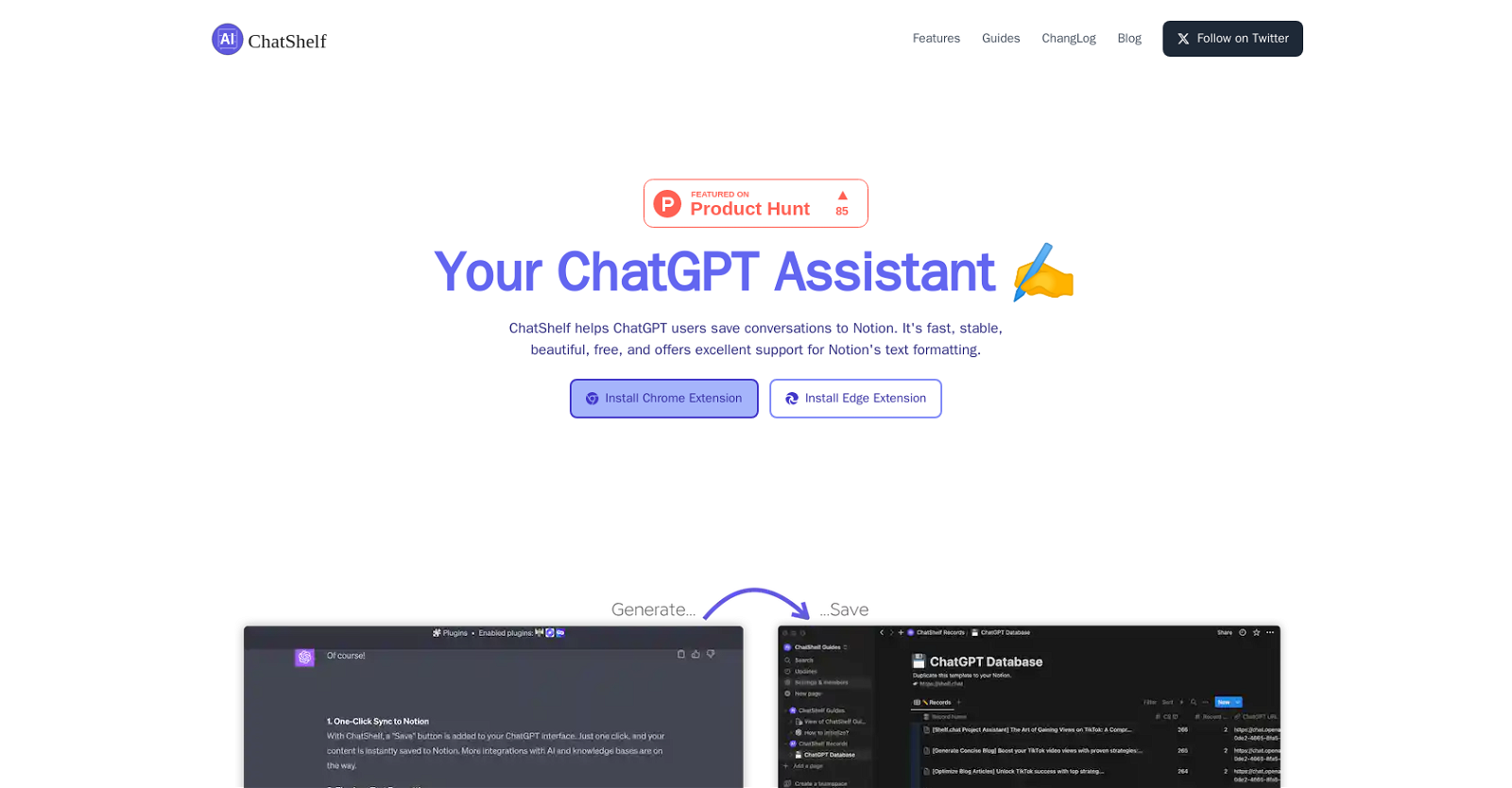
With Shelf Chat, you can now save your ChatGPT conversations to Notion with just one click. Say goodbye to the hassle of manually copying and pasting your chats, and embrace a seamless integration between ChatGPT and Notion.
But that’s not all! Shelf Chat goes above and beyond by ensuring that your text formatting is accurately captured and preserved in Notion. From headings to lists and code snippets, every detail is meticulously transformed into Notion Blocks.
Experience lightning-fast syncs to Notion without compromising on data security. Shelf Chat prioritizes stability, speed, and reliable security measures, giving you peace of mind while storing your chat conversations.
And it doesn’t stop there. Shelf Chat offers a visually appealing interface that enhances your overall user experience. With its sleek design, you can effortlessly navigate and organize your archived chats.
Want to earn with the tools you are reading about?
The $50K AI Income Roadmap: 20 modern ways to earn with AI, with steps, prompts and real numbers. Free, one chapter a day.
Available as a browser extension for Chrome and Microsoft Edge, Shelf Chat is completely free to use. It’s the perfect tool for ChatGPT users who want to conveniently save their conversations to Notion, boosting productivity and organization.
Say hello to a new era of efficient and user-friendly conversation archiving with Shelf Chat. Try it today and revolutionize the way you manage your AI-powered discussions.
Overview:
ChatShelf is a browser extension that allows users of the ChatGPT platform to save their conversations to Notion. It offers a simple and convenient way to archive and organize chat sessions. With a one-click “Save” button added to the ChatGPT web interface, users can effortlessly sync their content to Notion, providing seamless integration between the two platforms.
One notable feature of ChatShelf is its excellent support for Notion’s text formatting. It effectively transforms ChatGPT text into Notion Blocks, ensuring that headings, lists, and code snippets are accurately captured and preserved.
ChatShelf aims to deliver a stable and fast experience with reliable data security measures in place. It offers lightning-fast syncs to Notion, enabling users to efficiently store their chat conversations without compromising on speed or security.
Additionally, ChatShelf prides itself on being visually appealing, providing users with a beautiful interface that enhances the overall user experience. The tool is currently available as a browser extension for Chrome and Microsoft Edge.
It is free to use, making it accessible to ChatGPT users who want to conveniently save their chat conversations to Notion. Overall, ChatShelf offers an efficient and user-friendly solution for ChatGPT users to seamlessly save their conversations to Notion, enhancing productivity and organization.
Benefits:
- Effortless syncing of ChatGPT conversations to Notion with a one-click “Save” button
- Excellent support for Notion’s text formatting, accurately capturing and preserving headings, lists, and code snippets
- Stable and fast experience with reliable data security measures in place
- Lightning-fast syncs to Notion, ensuring efficient storage of chat conversations without compromising on speed or security
- Visually appealing interface that enhances the overall user experience

The TechLaugh editorial team, led by founder Akshay Kumar Singh, tests AI tools on real marketing and creative work. We check pricing on the day of writing, note free-plan limits, and update guides when tools change or shut down.