



































































































µScale
☷Table of contents▾
µScale
Freemium
Enhance Images with µScale
VISIT WEBSITE
Most popular alternative: Upscayl
Introduction:
Are you tired of pixelated images that lack detail and clarity?
Introducing µScale, the open-source image upscaling tool that harnesses the power of AI technology to enhance image quality and size. With µScale, you can increase the dimensions of your images up to 4 times their original size, without compromising their visual integrity.
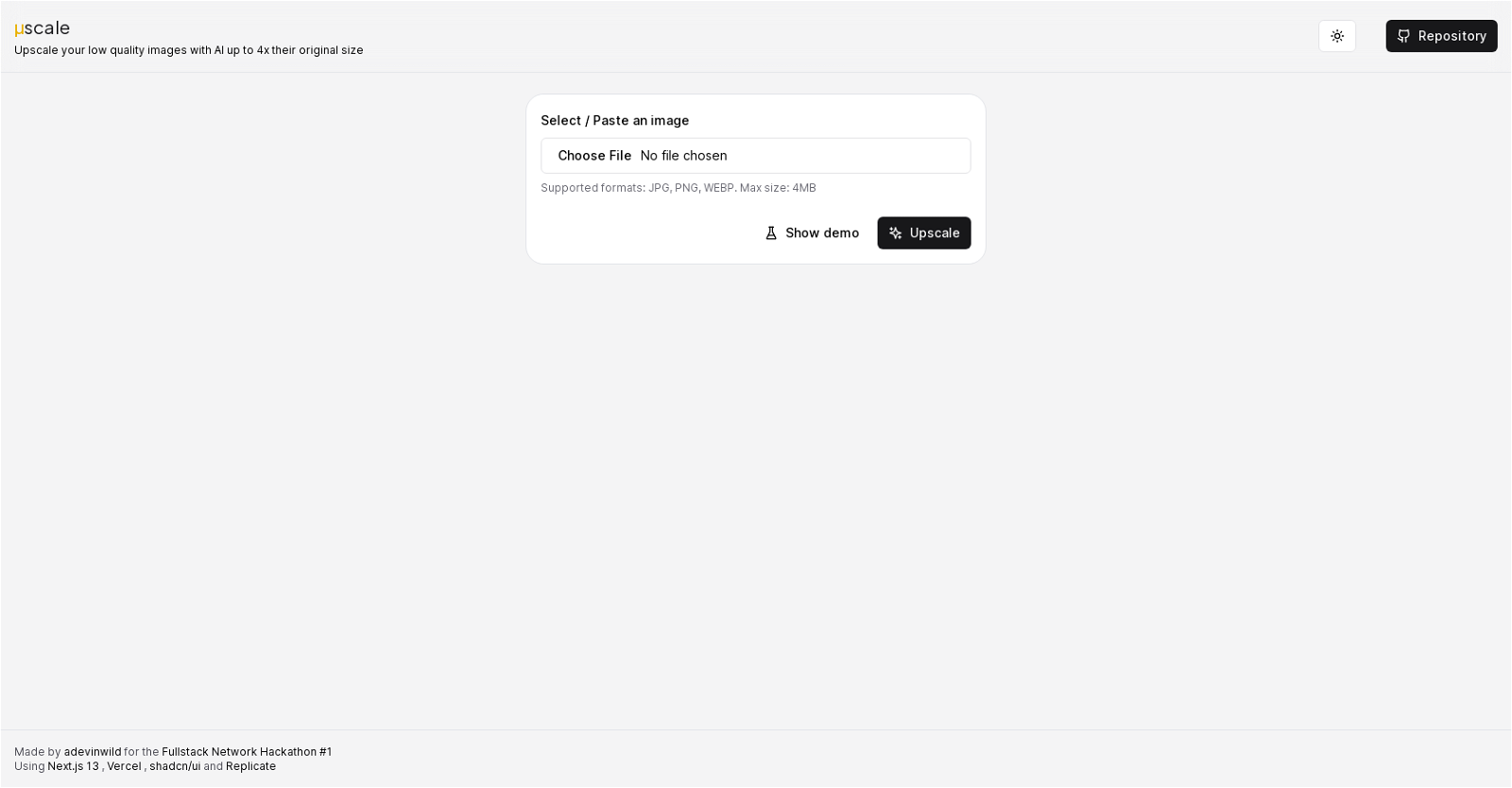
This user-friendly tool supports popular image formats like JPG, PNG, and WEBP, and has a maximum file size limit of 4MB. Simply select or paste your image into µScale, and watch as it transforms into a high-resolution masterpiece.
Developed by adevinwild for the FullstackNetwork Hackathon #1, µScale leverages Next.js 13, Vercel, shadcn/ui, and Replicate technologies to deliver exceptional results. As an open-source project, µScale empowers users to access and modify its code, allowing for customization and contribution to its development.
Say goodbye to low-resolution images and hello to stunning visuals. Whether you’re a photographer, designer, or simply someone who values image quality, µScale is the perfect solution for enhancing your images with AI algorithms. Upgrade your visuals today with µScale.
Overview:
µScale is an open-source image upscaling tool that utilizes AI technology to enhance the quality of images by increasing their size up to 4 times the original dimensions. This tool supports various image formats, including JPG, PNG, and WEBP, and has a maximum file size limit of 4MB. With a user-friendly interface, µScale allows users to select or paste an image directly into the tool for upscaling.
Developed by adevinwild for the FullstackNetwork Hackathon #1, µScale relies on the integration of Next.js 13, Vercel, shadcn/ui, and Replicate technologies. However, precise usage details or specific functionalities pertaining to these technologies are not mentioned in the provided text.
As an open-source project, µScale provides users with the freedom to access and modify its code. This means that users can contribute to the tool’s development or customize it according to their specific requirements. The absence of marketing jargon in the text suggests a focus on providing accurate and factual information rather than promoting the tool’s benefits.
µScale targets users who need to improve the quality of low-resolution images without compromising their visual integrity. It uses AI algorithms to intelligently upscale images, providing a convenient way to enhance the size and quality of images for various applications.
Benefits:
- Enhances the quality of images by increasing their size up to 4 times the original dimensions
- Supports various image formats, including JPG, PNG, and WEBP
- Has a maximum file size limit of 4MB
- Provides a user-friendly interface for easy image selection or pasting
- Allows users to access and modify its code for customization and contribution

Writer at TechLaugh, covering practical AI tools for creators and businesses.