



































































































Smarty
☷Table of contents▾
Smarty
Free from $4.99/mo
Smarty: Your AI-Powered Chat Assistant
VISIT WEBSITE
Most popular alternative: WhyBot
Introduction:
Are you tired of constantly switching between apps to find answers or complete tasks on your mobile device? Imagine having an AI assistant right at your fingertips, ready to help you instantly with any question or task.
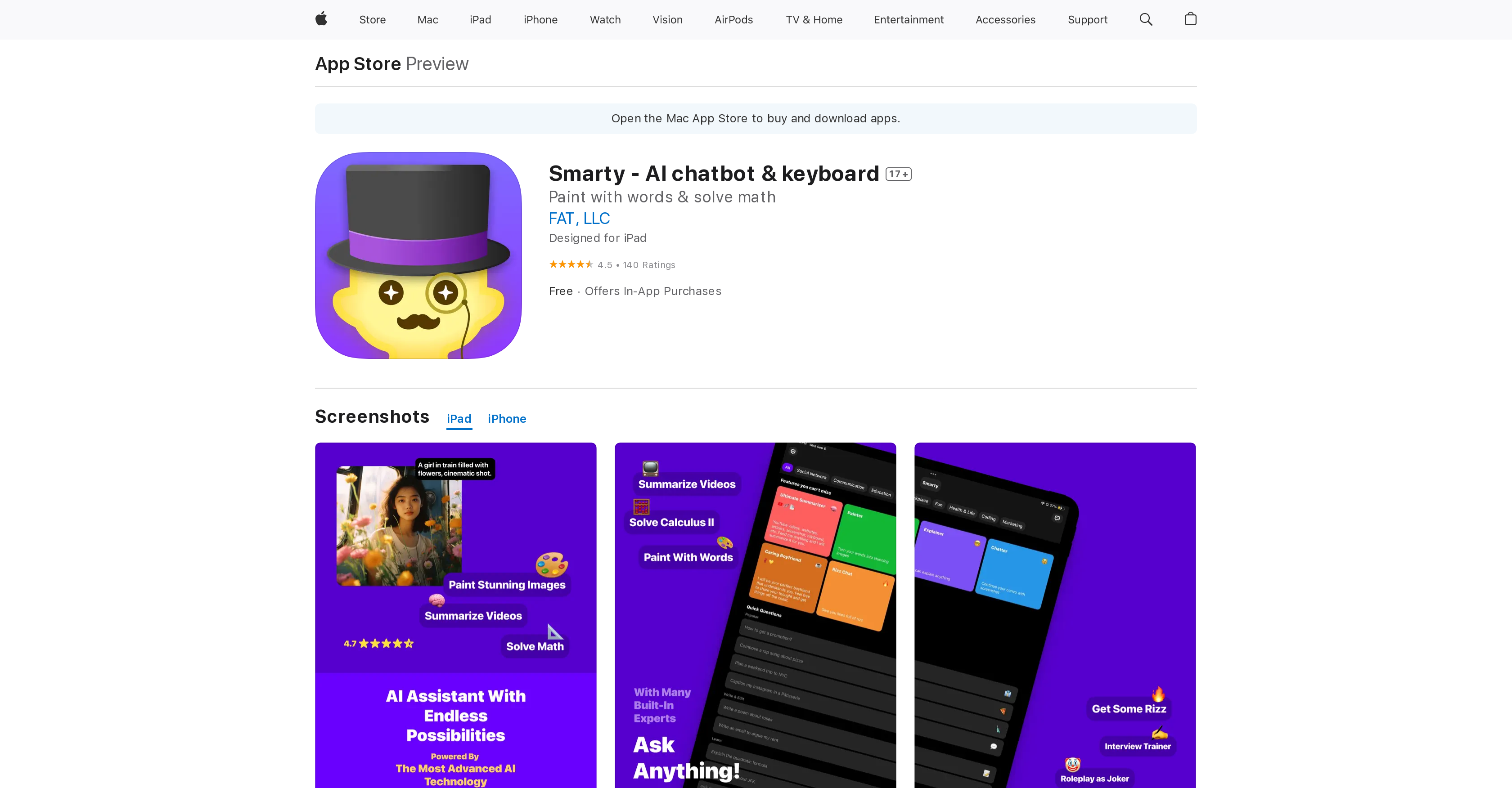
Introducing Smarty, the AI keyboard chatbot designed specifically for mobile devices. Available on the App Store for iPhone, iPad, and iPod touch, Smarty revolutionizes the way you communicate with your device.
With Smarty, you can effortlessly chat with an AI assistant in real-time, directly through your keyboard. Whether you need to find information, set reminders, or even play games, Smarty is here to assist you every step of the way.
But that’s not all – Smarty’s “Smart Suggest” feature takes AI to the next level. It predicts what you want to say next and suggests words or phrases accordingly, making your conversations even smoother and more efficient.
The app’s user-friendly interface includes a chat window that displays your conversation with the AI assistant, along with convenient buttons for emoticons and stickers. It’s designed to make your interaction with AI as easy and intuitive as possible.
Smarty is the ultimate tool for those who rely on their mobile devices for messaging and want a streamlined, AI-powered experience. By saving you time, increasing productivity, and simplifying your daily routines, Smarty becomes your indispensable companion. So why wait? Experience the power of Smarty today and unlock a whole new level of mobile assistance.
Overview:
Smarty is an AI keyboard chatbot available on the App Store for iPhone, iPad, and iPod touch. It allows users to communicate with an AI assistant through their keyboard in real-time. Users can ask Smarty for help with a variety of tasks, such as finding information, setting reminders, or even playing games.
Smarty also includes a feature known as “Smart Suggest,” which uses AI to predict what the user wants to say next and suggests words or phrases accordingly. The app’s user interface includes a chat window that displays the conversation with the AI assistant, as well as buttons to access additional features like emoticons and stickers.
Smarty’s keyboard chatbot is designed to make communication with an AI assistant as easy and intuitive as possible, and the app’s features are intended to assist users in their day-to-day tasks. Overall, Smarty is a useful tool for those who frequently use their mobile device for messaging and want a more streamlined, AI-powered experience. The app’s chatbot can help users save time, increase productivity, and simplify their daily routines by effortlessly responding to their queries and providing useful information.
Benefits:
- Real-time communication with an AI assistant through the keyboard
- Ability to ask for help with various tasks, such as finding information, setting reminders, or playing games
- “Smart Suggest” feature that predicts and suggests words or phrases
- User-friendly interface with a chat window and additional features like emoticons and stickers
- Streamlined and AI-powered experience for messaging on mobile devices

Writer at TechLaugh, covering practical AI tools for creators and businesses.