
























































Text to Image by Photoleap
☷Table of contents▾
Text to Image by Photoleap
Free
Transform Text into Stunning Images
VISIT WEBSITE
Most popular alternative: Astria.ai
Introduction:
Are you tired of spending hours trying to convert text into editable images?
Introducing Text to Image by Photoleap, the revolutionary AI-powered tool that effortlessly transforms text into stunning, editable images.
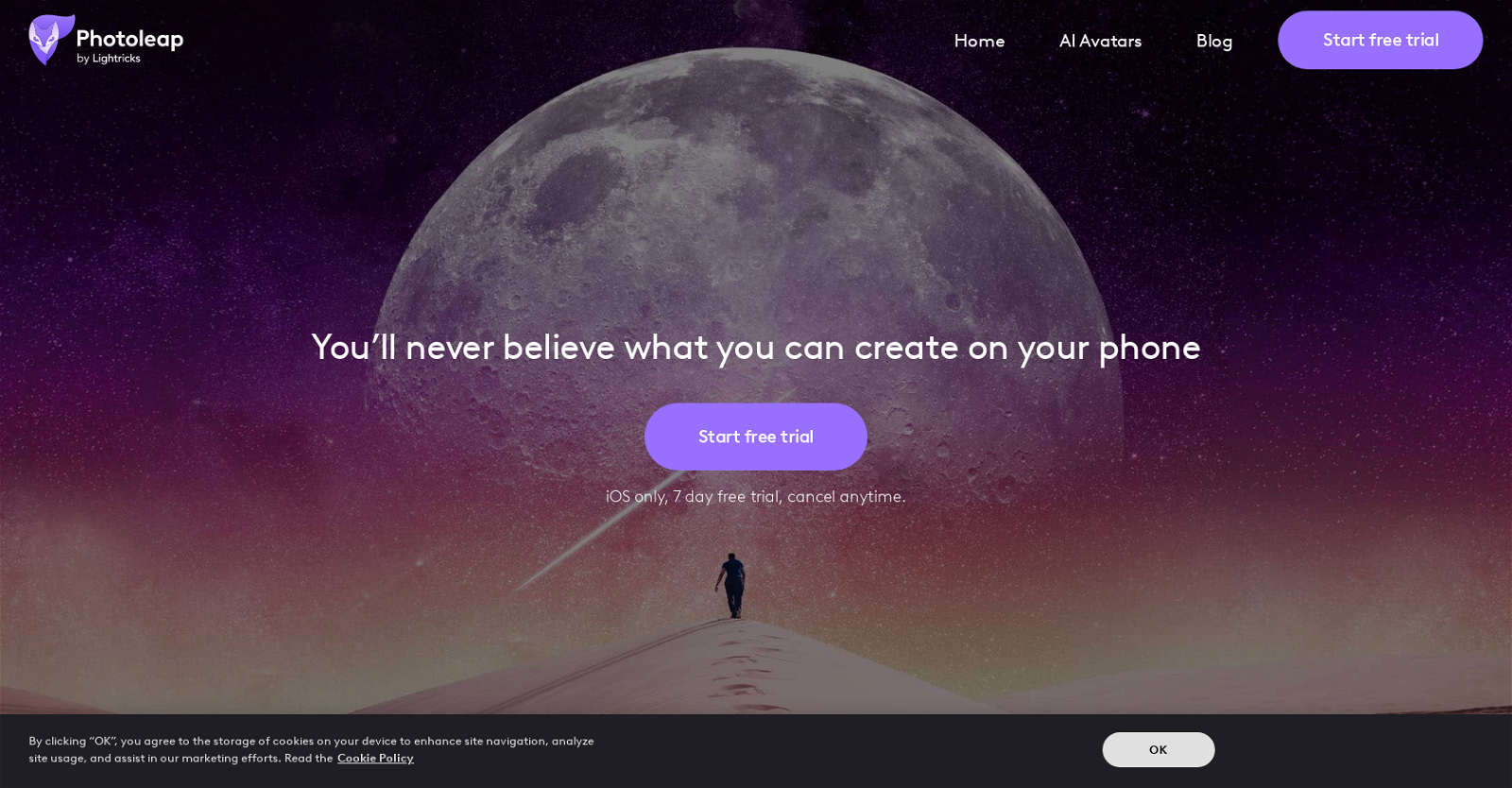
Photoleap, developed by Lightricks, is a powerful and creative photo editing app designed for iPhones. With its all-in-one solution, you can easily cut out backgrounds, remove objects, and access a vast library of stickers, filters, effects, and fonts. But that’s not all – Photoleap also offers AI-generated images and animations, pro-level editing tools, quick filters, and even Motionleap capabilities.
With Photoleap, you have the flexibility to create photos, GIFs, and videos with ease and precision. And the best part? You can try it out for free with our 7-day trial, so you can experience the magic before making a commitment.
Say goodbye to tedious manual conversions and unlock a world of creative possibilities with Text to Image by Photoleap. Try it today and see the difference AI can make.
Overview:
Text to Image by Photoleap is an AI-powered tool developed by Lightricks, designed to enhance the creative potential of photo editing on iPhones. With a wide range of features and capabilities, this app offers users a comprehensive solution for transforming photos and creating stunning visual creations.
One of the key features of Photoleap is its ability to generate AI-generated images and animations. This allows users to go beyond traditional photo editing and explore new possibilities by leveraging the power of artificial intelligence. By using this tool, users can create unique and captivating visuals that stand out from the crowd.
In addition to its AI capabilities, Photoleap also provides a variety of other tools and features. Users can take advantage of cutouts, background and object removals, and a library of assets including stickers, filters, effects, and fonts. These resources enable users to add personalized touches and enhance their photos with ease.
Photoleap also incorporates Motionleap capabilities, which further expands its creative potential. With this feature, users can bring their photos to life by adding motion and creating mesmerizing GIFs and videos. This adds a dynamic element to the editing process and allows users to express their creativity in new and exciting ways.
To ensure a seamless editing experience, Photoleap offers pro-level editing tools and quick filters. These tools enable users to fine-tune their creations and achieve professional-quality results. Whether users are beginners or experienced photographers, Photoleap provides the necessary tools to achieve their desired outcomes.
For those who are interested in trying out Photoleap, the app offers a 7-day free trial. This allows users to explore its features and capabilities before making a commitment to purchase. With its user-friendly interface and powerful editing tools, Photoleap empowers users to create photos, GIFs, and videos with ease and precision.
Benefits:
- Time-saving: The AI tool Text to Image by Photoleap allows users to quickly convert text into editable images, saving time and effort in creating visual content.
- Enhanced creativity: With the ability to transform text into images, users can unleash their creativity and create visually appealing and engaging content.
- Easy customization: The tool offers various customization options, allowing users to adjust the font, color, size, and other elements of the generated images to match their desired style and branding.
- Versatility: Text to Image by Photoleap can be used for a wide range of purposes, including social media posts, presentations, marketing materials, and more.
- Convenient trial period: The tool offers a 7-day free trial, giving users the opportunity to test its features and functionality before making a purchase.

Writer at TechLaugh, covering practical AI tools for creators and businesses.