



































































































Tyles
☷Table of contents▾
Tyles
Freemium
Unlock Insights with Tyles
VISIT WEBSITE
Most popular alternative: Qwerki
Introduction:
Are you tired of juggling multiple tabs and sources to uncover new concepts and gain valuable insights?
Introducing Tyles, the free knowledge management tool that revolutionizes the way you organize and discover information.
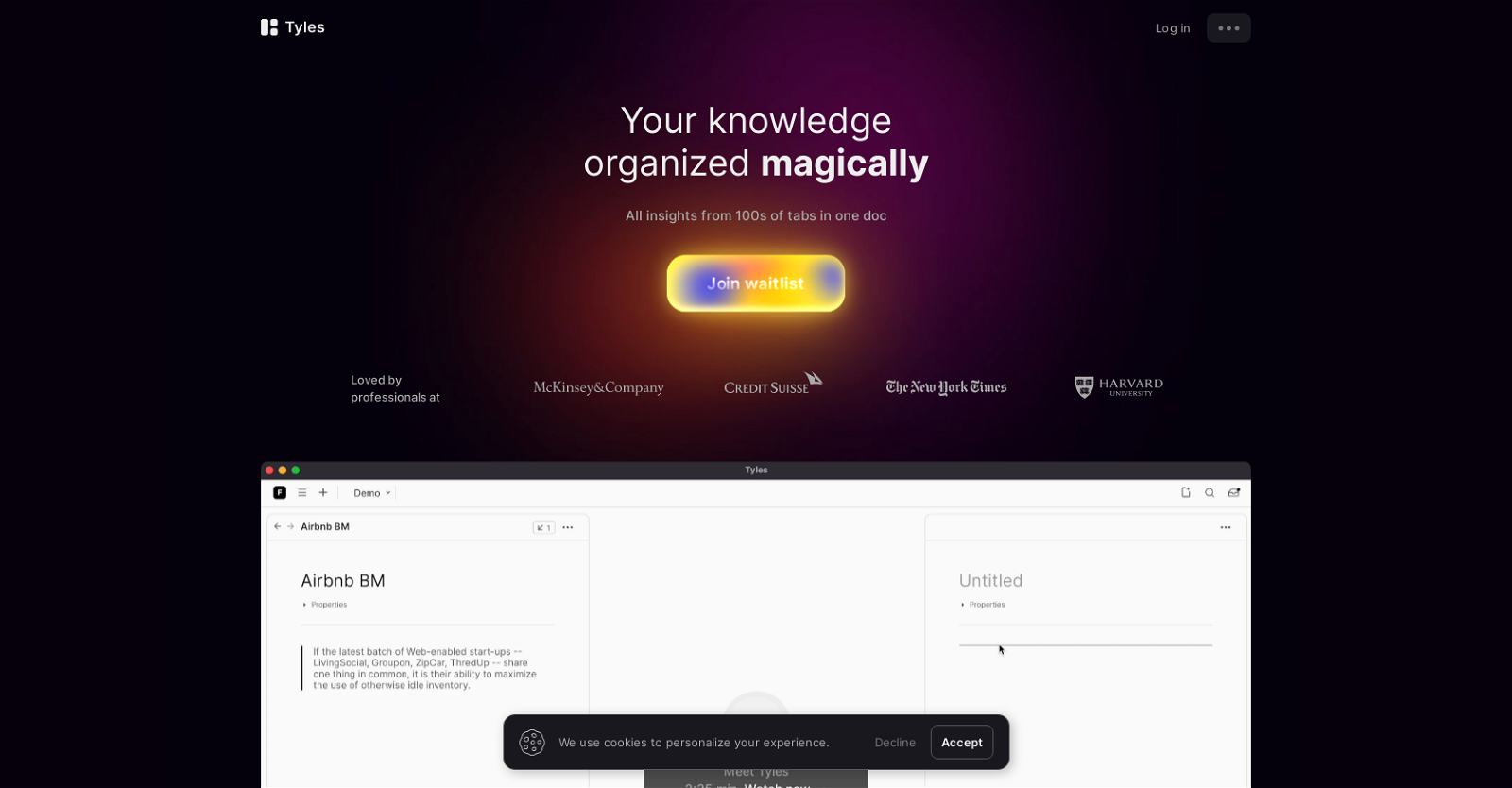
With Tyles, you can effortlessly compile insights from various sources into a single document, making it easier than ever to connect the dots and unlock new ideas.
Highlight and save important findings, transforming them into building blocks for your creative process.
Currently in beta, Tyles is available on Mac, Windows, and web, with plans for iOS and Android apps in the pipeline.
Rest assured, your data security is our utmost priority. Your information remains securely stored and under your complete ownership at all times.
To ensure an exceptional user experience, we personally onboard every user. And while Tyles currently requires an internet connection, offline functionality is on the horizon.
Download your data and seamlessly integrate it across ecosystems whenever you need, although this feature is not yet available in beta.
Visit our website for tutorials and reach out to our dedicated team for any questions. Join the professionals who have embraced Tyles as their go-to tool for accelerated knowledge building.
Overview:
Tyles is a free knowledge management tool that helps users organize insights from multiple tabs and sources in a single document. It allows users to make highlights and save anything they find important, which can then be used as building blocks for generating ideas and discovering insights on a canvas.
Tyles is currently in beta version and available on Mac, Windows, and web, with plans for iOS and Android apps in the future. Data security is a top priority for Tyles, and users’ data is kept secure and remains in their absolute ownership at all times. The tool is currently in beta, and every user is onboarded personally to ensure a stellar experience with the tool.
While Tyles does not currently work offline, there are plans to make it work offline in the future. Users can also download their data and use them across ecosystems at any time, although this feature is not yet available in beta. The Tyles website offers tutorials for getting started, and users can reach out to the Tyles team if they have any particular questions.
Tyles has been loved by professionals and is seen as a tool that can help users build up their knowledge faster.
Benefits:
- Tyles helps users organize insights from multiple tabs and sources in a single document.
- Users can make highlights and save anything they find important, which can be used as building blocks for generating ideas and discovering insights on a canvas.
- Data security is a top priority for Tyles, and users’ data is kept secure and remains in their absolute ownership at all times.
- Every user is onboarded personally to ensure a stellar experience with the tool.
- Tyles has been loved by professionals and is seen as a tool that can help users build up their knowledge faster.

Writer at TechLaugh, covering practical AI tools for creators and businesses.