



































































































Hippo
 Guide2 min read
☷Table of contents▾
Hippo
Freemium
Hippo AI: Revolutionizing Web Illustrations
VISIT WEBSITE
Introduction:
Are you tired of spending hours manually converting and adjusting file formats for your web illustrations?
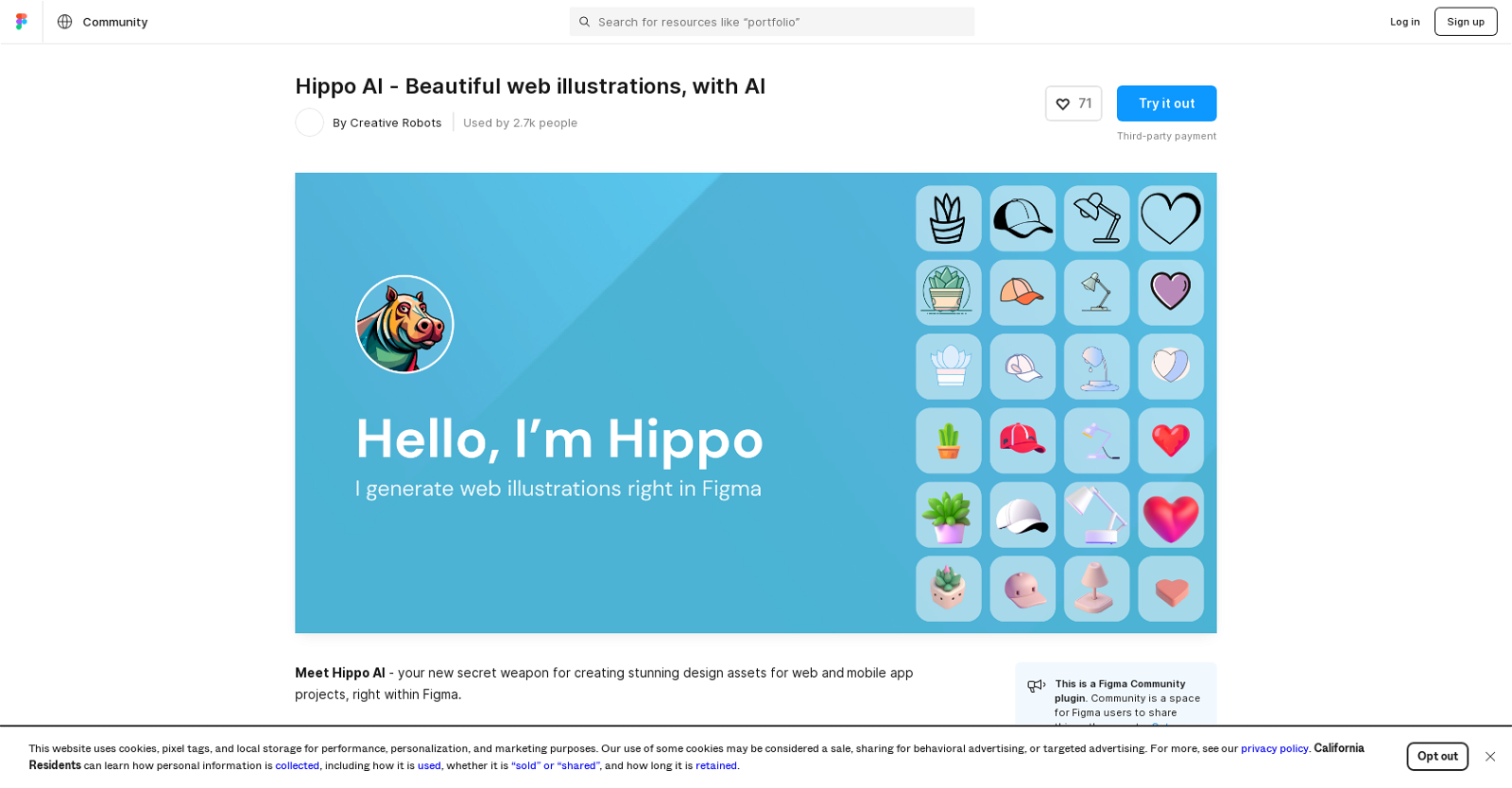
Introducing Hippo AI, the ultimate web illustration editing solution for designers. With its powerful AI capabilities, Hippo AI generates stunning vector illustrations directly within Figma, eliminating the need for tedious conversions.
But that’s not all. Hippo AI goes beyond just generating illustrations. It offers handpicked styles tailored specifically for web design, simplifying the process and saving you time. Plus, it provides image editing features like background removal, upscaling, outpainting, and text removal, all within the same tool.
With support for four models and a promise to expand its library, Hippo AI offers endless possibilities for your designs. Join the Hippo AI Discord community to share feedback and ideas, and be part of a community-driven tool.
Want to earn with the tools you are reading about?
The $50K AI Income Roadmap: 20 modern ways to earn with AI, with steps, prompts and real numbers. Free, one chapter a day.
Experience the convenience of Hippo AI, the Figma Community Plugin that empowers designers with superior AI-powered web illustration creation and editing capabilities. Get ready to unleash your creativity seamlessly within the Figma design environment.
Overview:
Hippo AI is an AI tool specifically designed for creating beautiful and high-quality web illustrations for both web and mobile app projects. Unlike other AI plugins, Hippo AI stands out in several ways. Firstly, it generates vector illustrations directly within Figma, eliminating the need for manual conversions or file format adjustments. Secondly, it simplifies the process by offering handpicked styles tailored specifically for web design, eliminating the need for complex prompts or long tweaking processes. In addition to generating vector illustrations, Hippo AI also provides image editing features such as background removal, upscaling, outpainting, and text removal. This functionality allows designers to edit their images directly within the tool without the need for additional software or plugins.Hippo AI currently supports four models, namely Dall-E, Stable Diffusion, SDXL, and OpenJourney. However, the tool promises to continuously expand its model library with hundreds of models in the future, offering even more options and possibilities to users.To foster a sense of community and collaboration, Hippo AI invites users to join their Discord community to share feedback and ideas. It is important to note that Hippo AI is a Figma Community Plugin, which means it is built by the community for the community.Overall, Hippo AI offers designers a superior AI-powered solution for creating stunning web illustrations, with the added convenience of editing capabilities and a growing selection of models, all seamlessly integrated within the Figma design environment.
Benefits:
- Generates vector illustrations directly within Figma, eliminating the need for manual conversions or file format adjustments.
- Offers handpicked styles tailored specifically for web design, simplifying the process without complex prompts or long tweaking processes.
- Provides image editing features such as background removal, upscaling, outpainting, and text removal.
- Supports four models (Dall-E, Stable Diffusion, SDXL, and OpenJourney) with a promise to expand the model library in the future.
- Invites users to join the Discord community to share feedback and ideas, fostering a sense of community and collaboration.
Use case: Web illustration editing solution for designers.
TRY Hippo Now
Explore Similar Tools

The TechLaugh editorial team, led by founder Akshay Kumar Singh, tests AI tools on real marketing and creative work. We check pricing on the day of writing, note free-plan limits, and update guides when tools change or shut down.