



































































































Background remover by Hitpaw
 GuideFree plan2 min read
☷Table of contents▾
Background remover by Hitpaw
Free from $9.99/mo
HitPaw: Background Remover Revolutionized
VISIT WEBSITE
Introduction:
Are you tired of spending hours manually removing backgrounds from your photos?
Introducing the Background Remover by HitPaw, a powerful AI tool that effortlessly removes backgrounds from images with customization options.
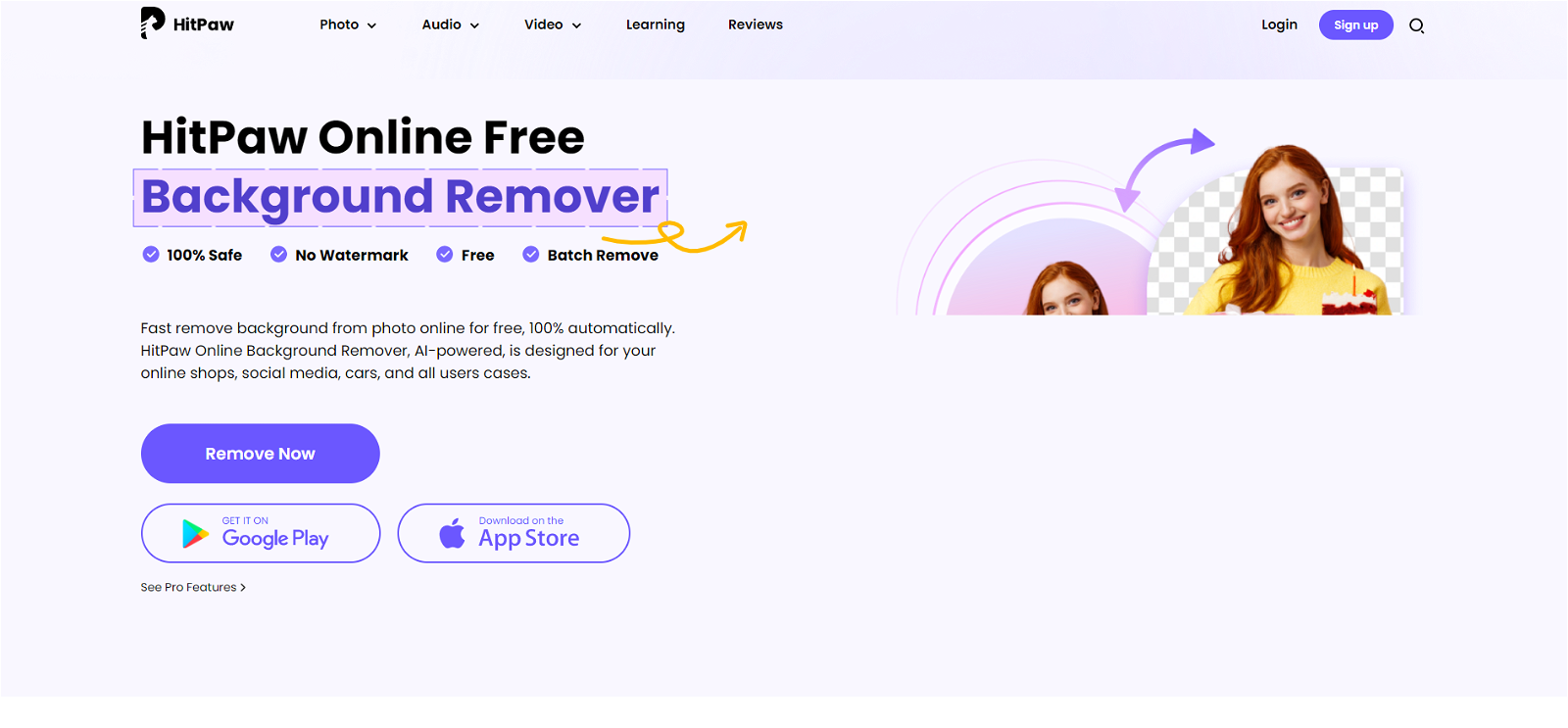
With HitPaw Online Background Remover, you can bid farewell to tedious editing tasks. This free online tool utilizes advanced AI technology to automatically eliminate backgrounds from your photos.
But that’s not all! After removing the background, you have the freedom to edit the size, adjust, and scale of the image according to your preferences.
Rest assured, HitPaw Online Background Remover is completely safe to use and leaves no watermark on your images. It’s the perfect solution for those who need to edit images in large quantities, as it offers batch background removal.
Want to earn with the tools you are reading about?
The $50K AI Income Roadmap: 20 modern ways to earn with AI, with steps, prompts and real numbers. Free, one chapter a day.
Whether you’re an online shop owner, a social media enthusiast, or simply someone who wants to customize their profile photo, this tool is for you. Choose from various options like transparent backgrounds, colored backgrounds, or personalized backgrounds to suit your needs.
Visit our website today to discover detailed instructions on how to use the Background Remover by HitPaw, and explore our wide range of other photo and audio tools. Say goodbye to background woes and say hello to effortless editing!
Overview:
HitPaw Online Background Remover is a free online tool designed to help users remove the background of their photos easily. This tool uses AI to automatically remove the background of the image, and users can then edit the size, adjust, and scale of the image with a variety of options.
HitPaw Online Background Remover does not leave any watermark and is 100% safe to use. The tool allows users to batch remove the background from multiple photos, making it ideal for users who need to edit images in large quantities.
HitPaw Online Background Remover can be used for a variety of purposes, from creating transparent backgrounds for online shops or social media to customizing profile photos. The tool features different options for background removal, including making the background transparent, coloring it, or customizing it according to the user’s preferences.
The website provides detailed instructions on how to use the tool and offers a variety of other photo and audio tools for users to choose from.
Benefits:
- AI-powered background removal: The tool uses AI technology to automatically remove the background of images.
- Easy to use: Users can easily remove the background of their photos without any technical skills or software installation.
- Batch processing: The tool allows users to remove the background from multiple photos at once, saving time and effort.
- Customization options: Users can edit the size, adjust, and scale of the image with various options after removing the background.
- Safe and watermark-free: HitPaw Online Background Remover is 100% safe to use and does not leave any watermark on the edited images.

The TechLaugh editorial team, led by founder Akshay Kumar Singh, tests AI tools on real marketing and creative work. We check pricing on the day of writing, note free-plan limits, and update guides when tools change or shut down.