



































































































Lintrule
 Guide2 min read
☷Table of contents▾
Lintrule
Freemium
Supercharge Code Reviews with Lintrule
VISIT WEBSITE
Introduction:
Are you tired of spending countless hours manually reviewing code and hunting down bugs?
Introducing Lintrule, the game-changing command-line tool that revolutionizes code review and bug detection for developers.
With Lintrule, you can harness the power of a large language model (LLM) to conduct comprehensive code reviews, going beyond traditional linters and tests.
Say goodbye to time-consuming manual checks and hello to enhanced code quality and efficiency.
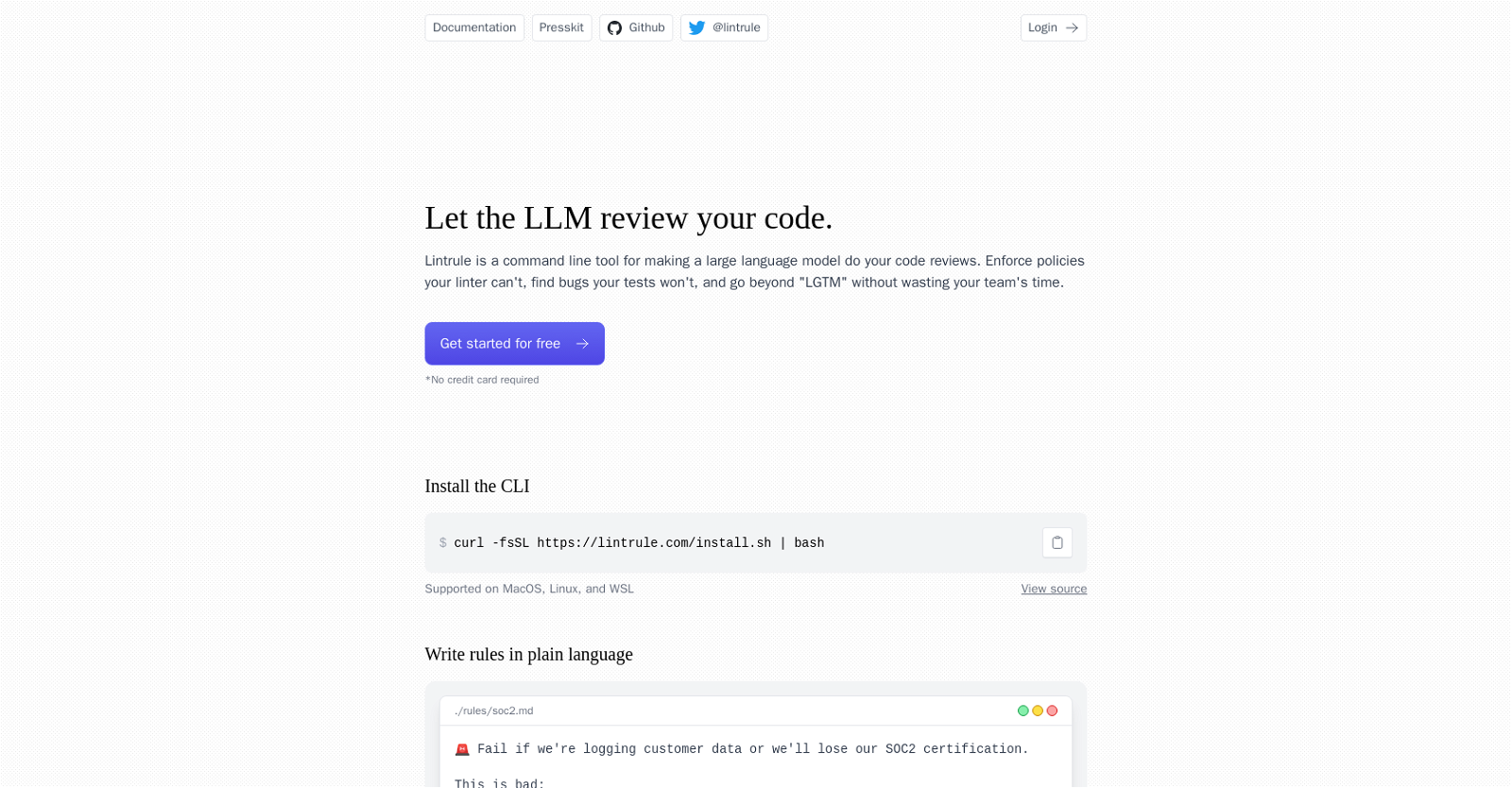
Install Lintrule effortlessly using the provided CLI command, compatible with MacOS, Linux, and WSL.
By enabling users to write rules in plain language, Lintrule empowers teams to enforce policies that linters can’t handle and identify bugs that tests may miss.
Experience the convenience of parallel file checks, receiving clear pass or fail results with highlighted issues that require attention.
Seamlessly integrate Lintrule with popular platforms like GitHub, streamlining your code review process.
Want to earn with the tools you are reading about?
The $50K AI Income Roadmap: 20 modern ways to earn with AI, with steps, prompts and real numbers. Free, one chapter a day.
Configure project-specific rules through the Lintrule dashboard, with costs estimated based on lines of code changed.
Customize the tool to your needs by specifying files for rule application, ensuring a tailored code review experience.
Lintrule acknowledges the possibility of false positives and provides guidance on minimizing them through specific rule writing.
Elevate your code review processes, enforce policies effortlessly, and identify bugs effectively with Lintrule.
Unlock improved code quality and efficiency today.
Overview:
Lintrule is a command-line tool designed to leverage a large language model (LLM) for conducting code reviews. It offers capabilities beyond traditional linters and tests by allowing users to enforce policies that cannot be managed by linters and identify bugs that tests may miss. With Lintrule, teams can enhance code quality without wasting valuable time.
The tool can be installed via the provided CLI command, which is supported on MacOS, Linux, and WSL. Lintrule allows users to write rules in plain language, as demonstrated in the example of the /rules/soc2.md file. The tool can then perform checks on multiple files in parallel, providing pass or fail results and highlighting specific issues that need attention.
Lintrule offers integration with popular platforms such as GitHub, as demonstrated by the provided GitHub links. Users can log in to the Lintrule dashboard and configure rules specific to their project’s needs. Costs are estimated based on the number of lines of code changed, and examples are given to illustrate pricing for different project sizes.
In addition, Lintrule provides instructions on how to set up the tool in a codebase, login, and configure rules. The tool also allows users to specify files on which rules should be applied, enhancing customization. Lintrule acknowledges the possibility of false positives and advises users to write specific rules to minimize them.
Overall, Lintrule is a powerful tool that utilizes a large language model to enhance code review processes, enforce policies, and identify bugs, offering improved code quality and efficiency.
Benefits:
- Enhances code review process
- Identifies bugs that tests may miss
- Enforces policies that cannot be managed by linters
- Provides pass or fail results and highlights specific issues
- Integrates with popular platforms such as GitHub

The TechLaugh editorial team, led by founder Akshay Kumar Singh, tests AI tools on real marketing and creative work. We check pricing on the day of writing, note free-plan limits, and update guides when tools change or shut down.