



































































































Compose AI
 GuideFree plan3 min read
☷Table of contents▾
Compose AI
Free
Compose AI: Effortless Writing Assistant
VISIT WEBSITE
Introduction:
Are you tired of spending hours crafting the perfect email or struggling to find the right words for your essays and blogs?
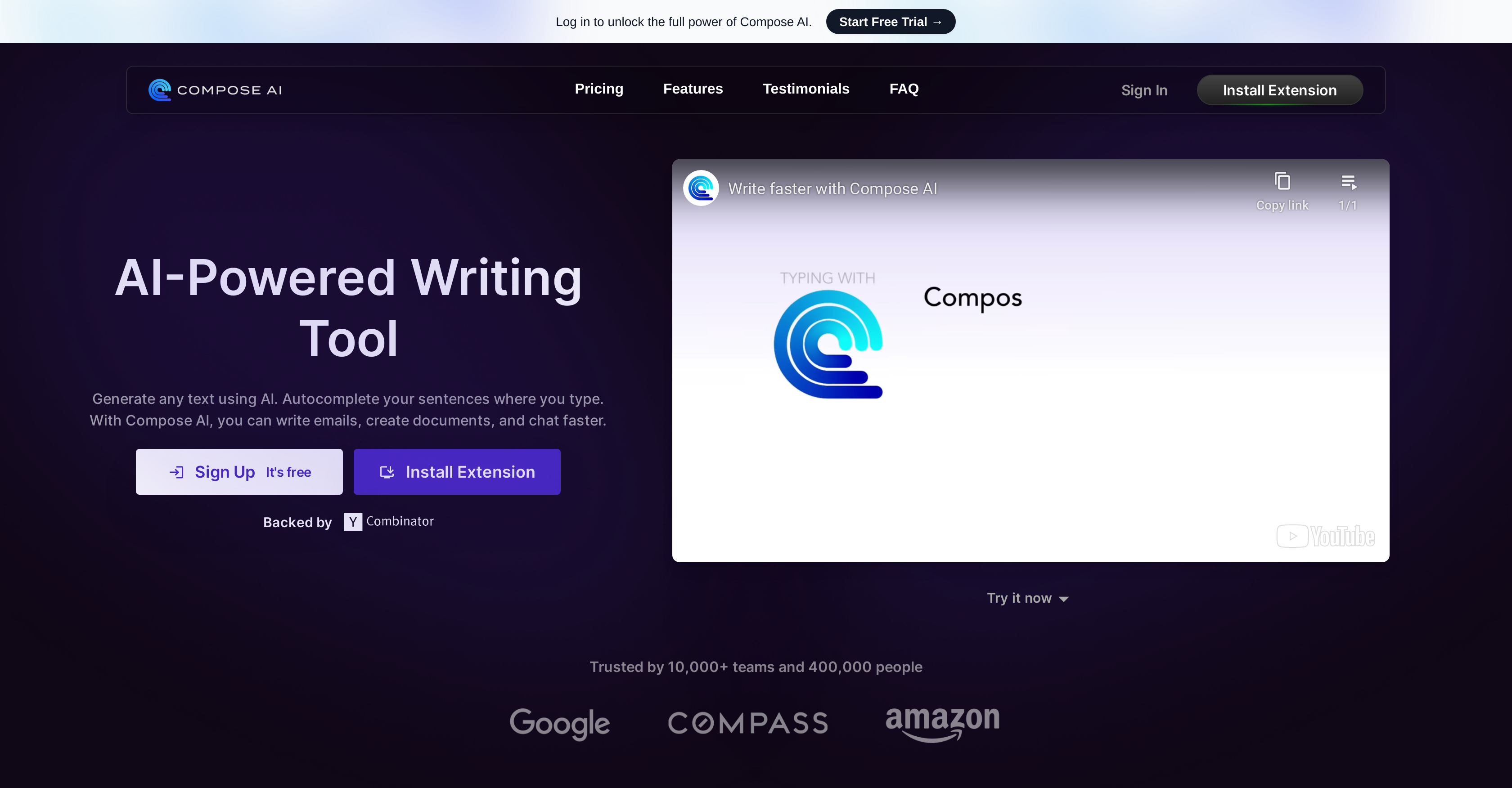
Introducing Compose AI, the game-changing Chrome extension that revolutionizes the way you write. With its AI-powered features, Compose AI takes the hassle out of composition, making it efficient and accurate.
Imagine a tool that not only saves you time but also enhances your writing. Compose AI does just that, reducing your typing efforts by approximately 40%. It provides autocomplete suggestions, sentence rephrasing, and inspiration from the AI’s suggestions, allowing you to effortlessly create compelling content.
Editing your writing has never been easier. With just one click, you can make sentences longer or shorter, adjust the tone, and even compose full emails based on natural language instructions. Say goodbye to tedious email communications as Compose AI generates professional email replies effortlessly, referencing the original text.
But that’s not all. Compose AI seamlessly integrates with various platforms and tools, ensuring a smooth user experience. It offers suggestions for common phrases and writing styles across email, communication tools, productivity applications, and long-form text creation tools. It understands the context of your content and tailors its suggestions accordingly, learning and adapting to your personal writing style over time.
While the basic version of Compose AI is free, there is a premium version available at a monthly cost. This premium version offers personalized auto-complete that mirrors your “voice” and API access, taking your writing experience to the next level. And don’t worry, your privacy is our priority. Compose AI emphasizes data privacy, assuring you that your data will never be sold.
Want to earn with the tools you are reading about?
The $50K AI Income Roadmap: 20 modern ways to earn with AI, with steps, prompts and real numbers. Free, one chapter a day.
Say goodbye to writer’s block and hello to efficient and accurate composition with Compose AI. Try it today and experience the power of AI in your writing.
Overview:
Compose AI is a free Chrome extension that automates your writing using AI-powered features. The tool aims to save time by reducing typing efforts by approximately 40%.
With Compose AI, users can benefit from autocomplete suggestions, sentence rephrasing, and drawing inspiration from the AI’s suggestions. The tool allows users to easily edit their writing, make sentences longer or shorter, and adjust the tone with just one click.
It also enables users to compose full emails based on natural language instructions, making it convenient for offloading tedious email communications to the AI. Additionally, Compose AI can generate professional full email replies effortlessly, referencing the text from the original email.
The tool retains a universal integration with various platforms and tools, ensuring an unobtrusive user experience. It provides suggestions for common phrases and writing style across email, communication tools, productivity applications, and long-form text creation tools like essays and blogs. Compose AI is contextually aware, understanding the type of content being written and tailoring its suggestions accordingly.
The tool aims to learn and adapt to the user’s personal writing style over time. While the basic version of Compose AI is free, there is a premium version available at a monthly cost, offering features like personalized auto-complete that mirrors the user’s “voice” and API access.
Compose AI emphasizes privacy and reassures users that their data will not be sold.
Benefits:
- Reduces typing efforts by approximately 40%
- Provides autocomplete suggestions, sentence rephrasing, and inspiration from AI
- Allows easy editing, adjusting sentence length and tone with one click
- Enables composing full emails based on natural language instructions
- Generates professional email replies effortlessly, referencing original text

The TechLaugh editorial team, led by founder Akshay Kumar Singh, tests AI tools on real marketing and creative work. We check pricing on the day of writing, note free-plan limits, and update guides when tools change or shut down.