



































































































Autolicious
 Guide2 min read
☷Table of contents▾
Autolicious
Freemium
Autolicious: Effortless Bookmark Organization
VISIT WEBSITE
Introduction:
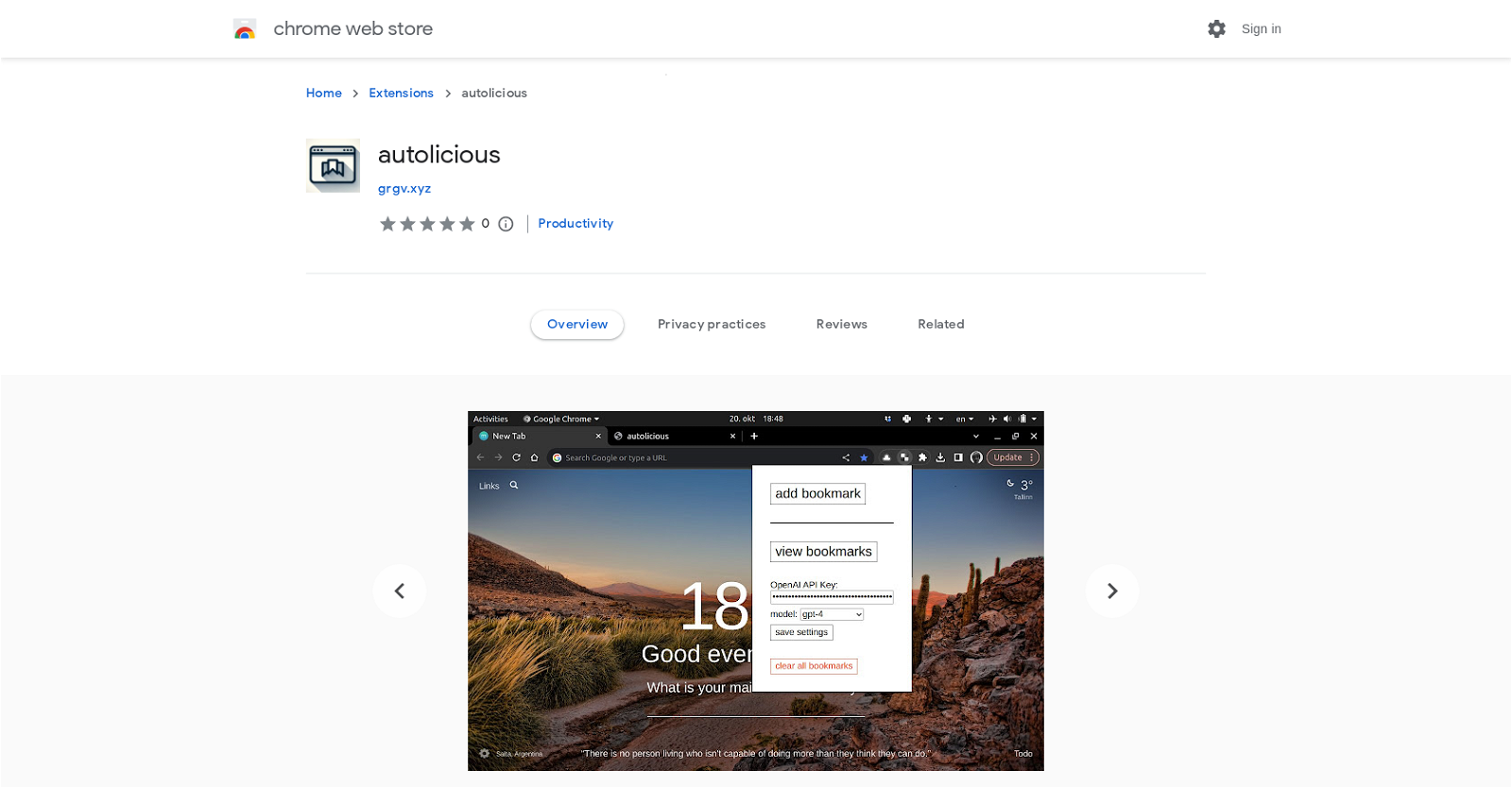
Are you tired of manually organizing and categorizing your bookmarks? Imagine a tool that can do it for you with just one click. Introducing Autolicious, a powerful Chrome extension that leverages the capabilities of ChatGPT and the OpenAI API to automatically organize and categorize your bookmarks.
With Autolicious, adding a bookmark is as simple as pressing a button. The extension will instantly assign the appropriate category, sub-category, and description to your bookmark, saving you valuable time and effort.
Please note that using the GPT API by OpenAI incurs a cost, starting from approximately $0.0015 per bookmark added using the gpt-3.5-turbo model. To ensure transparency, we recommend referring to the OpenAI pricing page and setting usage limits to avoid unexpected charges.
To get started, users need to provide their OpenAI API key, which can be obtained by registering with OpenAI and creating an API key through their platform. Rest assured, Autolicious securely sends only the page content to the OpenAI API for categorization, prioritizing your privacy.
Want to earn with the tools you are reading about?
The $50K AI Income Roadmap: 20 modern ways to earn with AI, with steps, prompts and real numbers. Free, one chapter a day.
However, if you have concerns about the security of your browsing history, we advise against using this extension. Autolicious is currently in its early stage of development and only supports bookmark viewing, lacking manual organization capabilities.
For more information, access additional details, report abuse, and review the developer’s privacy policy. Please note that the developer is not identified as a trader, and consumer rights may not apply to contracts with this developer in the European Union. Upgrade your bookmark organization experience with Autolicious today!
Overview:
Autolicious is a Chrome extension that automates bookmark organization using ChatGPT and the OpenAI API. With a single button press, users can add a bookmark and Autolicious will automatically assign a category, sub-category, and description. It’s important to note that using the GPT API by OpenAI incurs a cost, starting from approximately $0.0015 per bookmark for the gpt-3.5-turbo model. Users should refer to the OpenAI pricing page and their user profile for accurate pricing information and consider setting usage and spending limits to avoid overcharging.
To use Autolicious, users need to provide their OpenAI API key, which can be obtained by registering with OpenAI and creating an API key through the platform. Autolicious sends the page content to the OpenAI API for categorization, and OpenAI assures secure handling of user data. However, if privacy and browsing history security are concerns, it is advisable to avoid using this extension.
Currently, Autolicious only supports viewing saved bookmarks and does not offer manual organization capabilities. This version of the extension is considered to be in its early stage of development.
For more information, users can access additional details, report abuse, and review the developer’s privacy policy. Please note that the developer has not identified themselves as a trader, and consumer rights may not apply to contracts with this developer in the European Union.
Benefits:
- Automatically organizes bookmarks
- Adds category, sub-category, and description to bookmarks
- Saves time and effort by eliminating manual organization
- Uses AI technology to categorize bookmarks accurately
- Provides a convenient and user-friendly interface for bookmark management

The TechLaugh editorial team, led by founder Akshay Kumar Singh, tests AI tools on real marketing and creative work. We check pricing on the day of writing, note free-plan limits, and update guides when tools change or shut down.