



































































































Maestro
 Guide2 min read
☷Table of contents▾
Maestro
Freemium
Maestro: Optimize Conversations with Ease
VISIT WEBSITE
Introduction:
Are you tired of spending hours crafting the perfect prompts for AI models?
Introducing Maestro, the browser extension that revolutionizes prompt creation and optimization.
With Maestro, you can effortlessly enhance your interactions with OpenAI’s ChatGPT model. Craft effective questions and obtain the most relevant answers with ease.
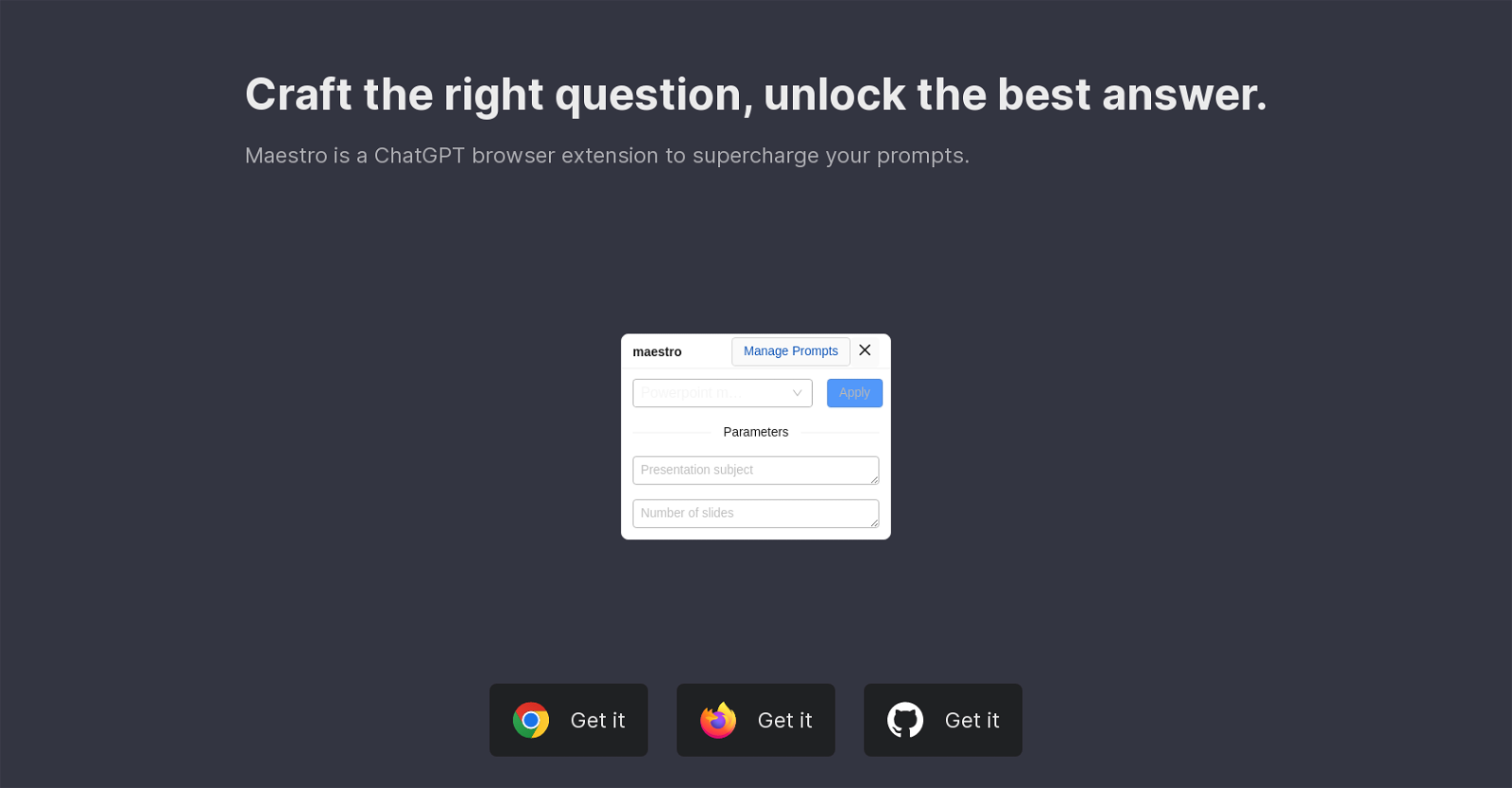
Manage prompts efficiently and set the right context for your inquiries using our seamless prompt manager integrated within chat.openai.com.
Experience a user-friendly prompt creation process that streamlines your workflow.
Unlock advanced capabilities with parametrized prompts, allowing for enhanced flexibility and customization.
Rest assured, privacy and security are our top priorities. Maestro operates exclusively on the client-side, without any external web calls.
Want to earn with the tools you are reading about?
The $50K AI Income Roadmap: 20 modern ways to earn with AI, with steps, prompts and real numbers. Free, one chapter a day.
Transparency and accountability are key, which is why Maestro is an open-source tool.
Install Maestro as a browser extension from the Chrome Store, Firefox Store, or GitHub repositories to optimize your interactions with OpenAI’s ChatGPT model.
Enhance your prompt crafting experience and unlock the full potential of AI tools with Maestro.
Overview:
Maestro is a browser extension called ChatGPT that enhances your prompt creation process. It allows users to optimize their interactions with OpenAI’s ChatGPT model by helping them craft effective questions and obtain the most relevant answers.
With Maestro, you can manage prompts efficiently, ensuring that you set the right context for your inquiries. This tool offers a prompt manager that seamlessly integrates within the chat interface of chat.openai.com. It streamlines the prompt creation process, allowing for a user-friendly experience.
Additionally, Maestro provides advanced prompting capabilities, enabling the use of parametrized prompts. These parametrized prompts enhance flexibility and customization, enhancing the quality of the generated responses.
Privacy and security are prioritized in Maestro, as it operates exclusively on the client-side, without making any external web calls. Furthermore, the tool is open-source, fostering transparency and accountability.
The availability of Maestro as a browser extension ensures ease of access and compatibility across different web browsers. Users can install Maestro from the Chrome Store, Firefox Store, or GitHub repositories to enhance their prompt crafting experience and optimize their interactions with OpenAI’s ChatGPT model.
Benefits:
- Enhances prompt creation process
- Helps craft effective questions
- Obtains the most relevant answers
- Streamlines prompt creation process
- Enables use of parametrized prompts

The TechLaugh editorial team, led by founder Akshay Kumar Singh, tests AI tools on real marketing and creative work. We check pricing on the day of writing, note free-plan limits, and update guides when tools change or shut down.