



































































































ProPulse
 Guide2 min read
☷Table of contents▾
ProPulse
Freemium
Revolutionize Scheduling with ProPulse!
VISIT WEBSITE
Introduction:
Are you tired of the endless back-and-forth emails and calendar conflicts when trying to schedule meetings?
Introducing ProPulse, the revolutionary AI tool known as “Emily” that will transform your scheduling experience.
With Emily as your personal scheduling assistant, you can say goodbye to the hassles of managing your calendar.
By engaging in conversation with your contacts, Emily optimizes timing and eliminates the need for countless emails.
Simply add Emily to your scheduling email thread, describe your needs, preferences, and meeting details, and let Emily take over.
No configuration required, just register with your Gmail account and add Emily’s designated email address.
Want to earn with the tools you are reading about?
The $50K AI Income Roadmap: 20 modern ways to earn with AI, with steps, prompts and real numbers. Free, one chapter a day.
With ProPulse’s AI tool, Emily, scheduling becomes effortless, allowing you to focus on what truly matters.
Overview:
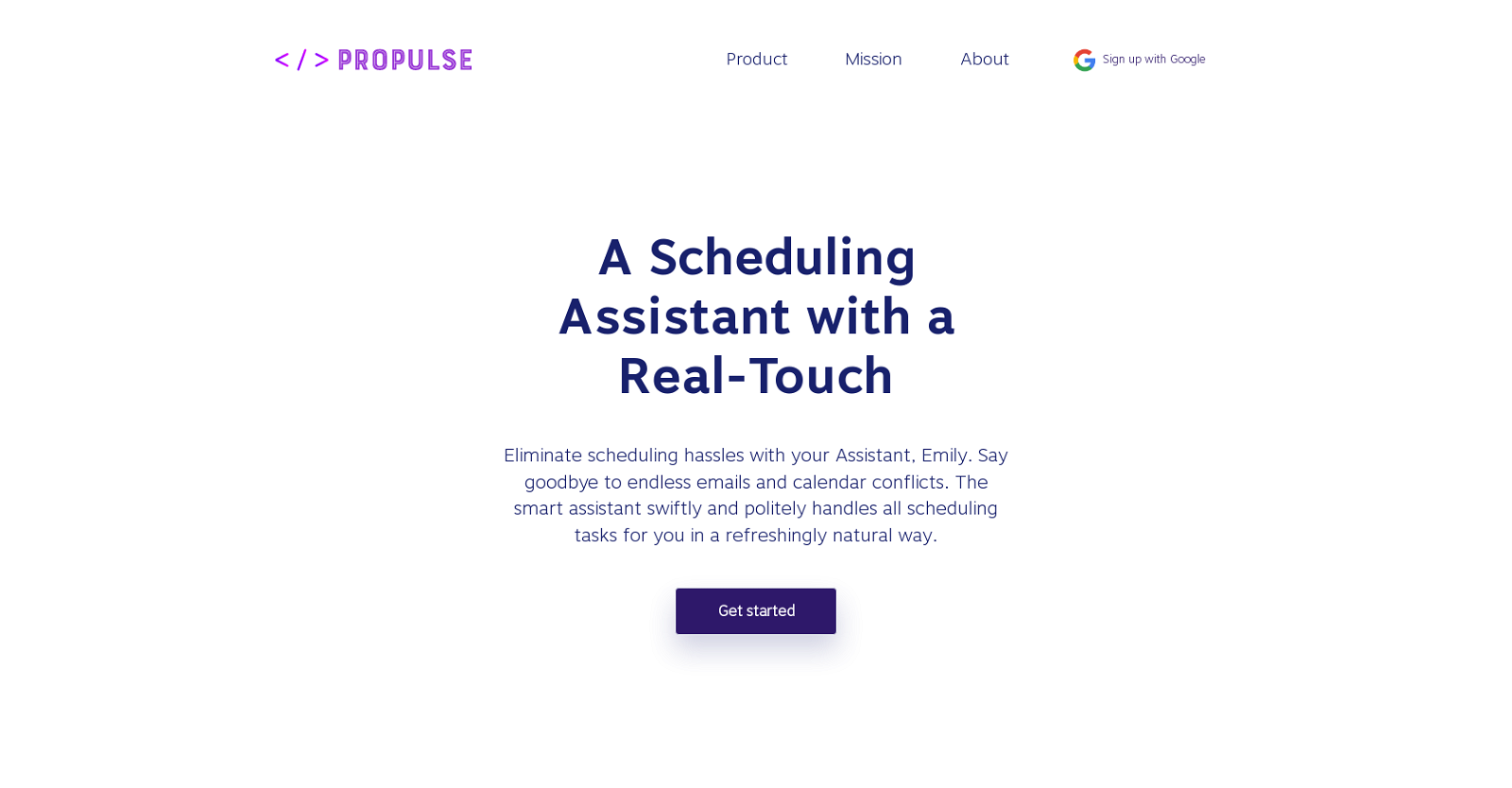
ProPulse is an AI tool known as “Emily” that functions as a scheduling assistant. Its primary mission is to eliminate the hassles associated with scheduling by handling all scheduling tasks on behalf of the user.
Emily engages in conversation with the user’s contacts to optimize timing, effectively replacing the need for endless emails and calendar conflicts. It acts as a personal assistant, managing calendar schedules by scheduling, updating, and providing reminders for meetings and appointments.
In addition to scheduling, Emily also assists in email management by prioritizing, categorizing, and offering brief summaries of emails. Users can easily utilize Emily by adding it to their scheduling email thread without the need for any configuration.
By including Emily in the email conversation, users can describe their scheduling needs, preferences, and meeting details, and Emily will intuitively understand and take over the scheduling tasks. To access Emily, users must register with their Gmail account and add the designated email address (emily.jarvis.assistant@gmail.com) to their scheduling email thread.
ProPulse’s AI tool, Emily, provides a refreshing and natural way to tackle scheduling tasks, allowing users to focus their attention on more important matters.
Benefits:
- Eliminates the hassles associated with scheduling by handling all scheduling tasks on behalf of the user
- Engages in conversation with the user’s contacts to optimize timing, effectively replacing the need for endless emails and calendar conflicts
- Acts as a personal assistant, managing calendar schedules by scheduling, updating, and providing reminders for meetings and appointments
- Assists in email management by prioritizing, categorizing, and offering brief summaries of emails
- Allows users to easily describe their scheduling needs, preferences, and meeting details, and intuitively understands and takes over the scheduling tasks

The TechLaugh editorial team, led by founder Akshay Kumar Singh, tests AI tools on real marketing and creative work. We check pricing on the day of writing, note free-plan limits, and update guides when tools change or shut down.