



































































































OnePrompt
 Guide2 min read
☷Table of contents▾
OnePrompt
Freemium
Streamline AI Chat with OnePrompt
VISIT WEBSITE
Introduction:
Are you tired of manually managing chat prompts while using AI chat tools?
Introducing OnePrompt, the ultimate solution for optimized chat prompts management with a chatbot.
With OnePrompt, you can effortlessly enhance the usability of AI chat by leveraging its AI chat prompt-focused features. Its user-friendly interface allows seamless interaction with AI through the OpenAI API. No more hassle of copying and pasting prompts from a web browser, as OnePrompt lets you switch between prompts directly from the chat screen.
But that’s not all! OnePrompt goes beyond just managing prompts. It enables you to save chat logs within the application and export them in text format to the Files.app folder. Plus, with its innovative plugins utilizing the OpenAI API’s “function calling” feature, you can enjoy enhanced AI chat experiences by integrating iOS features like Contacts, Calendar, and Weather.
Want to earn with the tools you are reading about?
The $50K AI Income Roadmap: 20 modern ways to earn with AI, with steps, prompts and real numbers. Free, one chapter a day.
Experience the power of OnePrompt with its key features, including easy prompt creation, prompt parameter optimization, and prompt switching via the chat screen menu. Set a default prompt to automatically apply at the start of a chat, import prompt files effortlessly, and share chat logs with other applications. Copying text is a breeze with a simple long-press on chat bubbles.
Designed specifically for iOS devices, OnePrompt ensures a seamless and convenient experience for all compatible devices. Say goodbye to the complexities of AI chat interactions and embrace the simplicity of OnePrompt.
Overview:
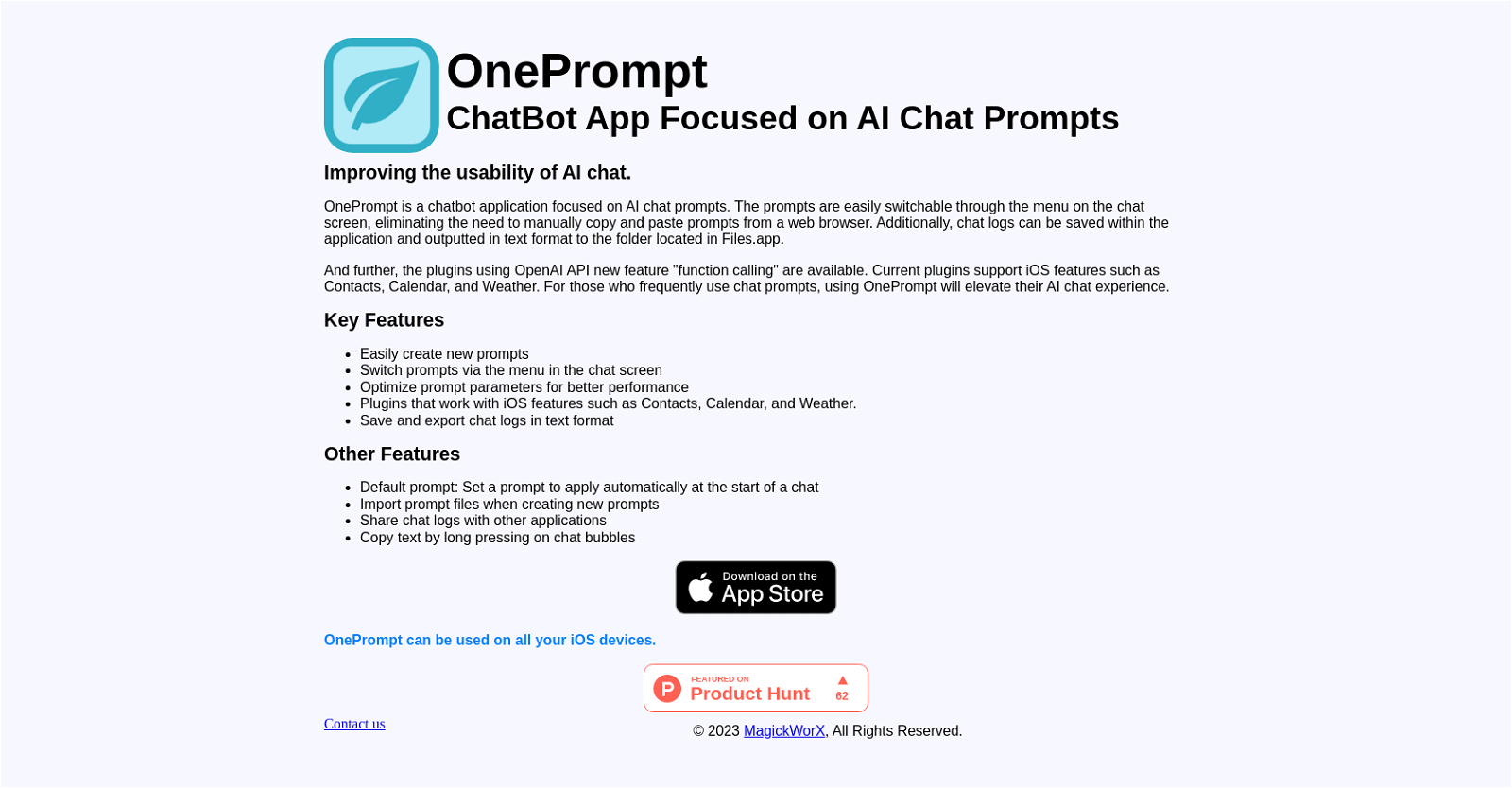
OnePrompt is a chatbot application that focuses on AI chat prompts, improving the usability of AI chat. It offers a user-friendly interface for interacting with AI through the OpenAI API. The application allows users to easily switch between different prompts directly from the chat screen, eliminating the need to manually copy and paste prompts from a web browser.
OnePrompt also provides the ability to save chat logs within the application and export them in text format to the Files.app folder. In addition, the app offers plugins that utilize the OpenAI API’s “function calling” feature. These plugins currently support iOS features such as Contacts, Calendar, and Weather, enhancing the AI chat experience for users.
Key features of OnePrompt include the ability to create new prompts easily, optimize prompt parameters for better performance, and switch prompts via the menu on the chat screen. The app also offers features like setting a default prompt to automatically apply at the beginning of a chat, importing prompt files when creating new prompts, sharing chat logs with other applications, and copying text by long-pressing on chat bubbles.
OnePrompt is specifically designed for iOS devices and can be used on all compatible devices. It aims to provide a seamless and convenient experience for users engaging in AI chat interactions.
Benefits:
- Improved usability of AI chat
- User-friendly interface for interacting with AI
- Easy switching between different prompts
- Ability to save and export chat logs
- Plugins for enhanced AI chat experience

The TechLaugh editorial team, led by founder Akshay Kumar Singh, tests AI tools on real marketing and creative work. We check pricing on the day of writing, note free-plan limits, and update guides when tools change or shut down.