



































































































AVCLabs
 Guide3 min read
☷Table of contents▾
AVCLabs
Freemium
Enhance Videos and Photos Easily
VISIT WEBSITE
Introduction:
Are you tired of blurry videos and dull photos?
Introducing AVCLabs, the ultimate solution for enhancing videos and photos with advanced technology.
With AVCLabs AI, you can unlock the true potential of your visual content. Our range of tools, including Video Enhancer, Photo Editor, Photo Enhancer, and Video Blur AI, are designed to take your videos and photos to the next level.
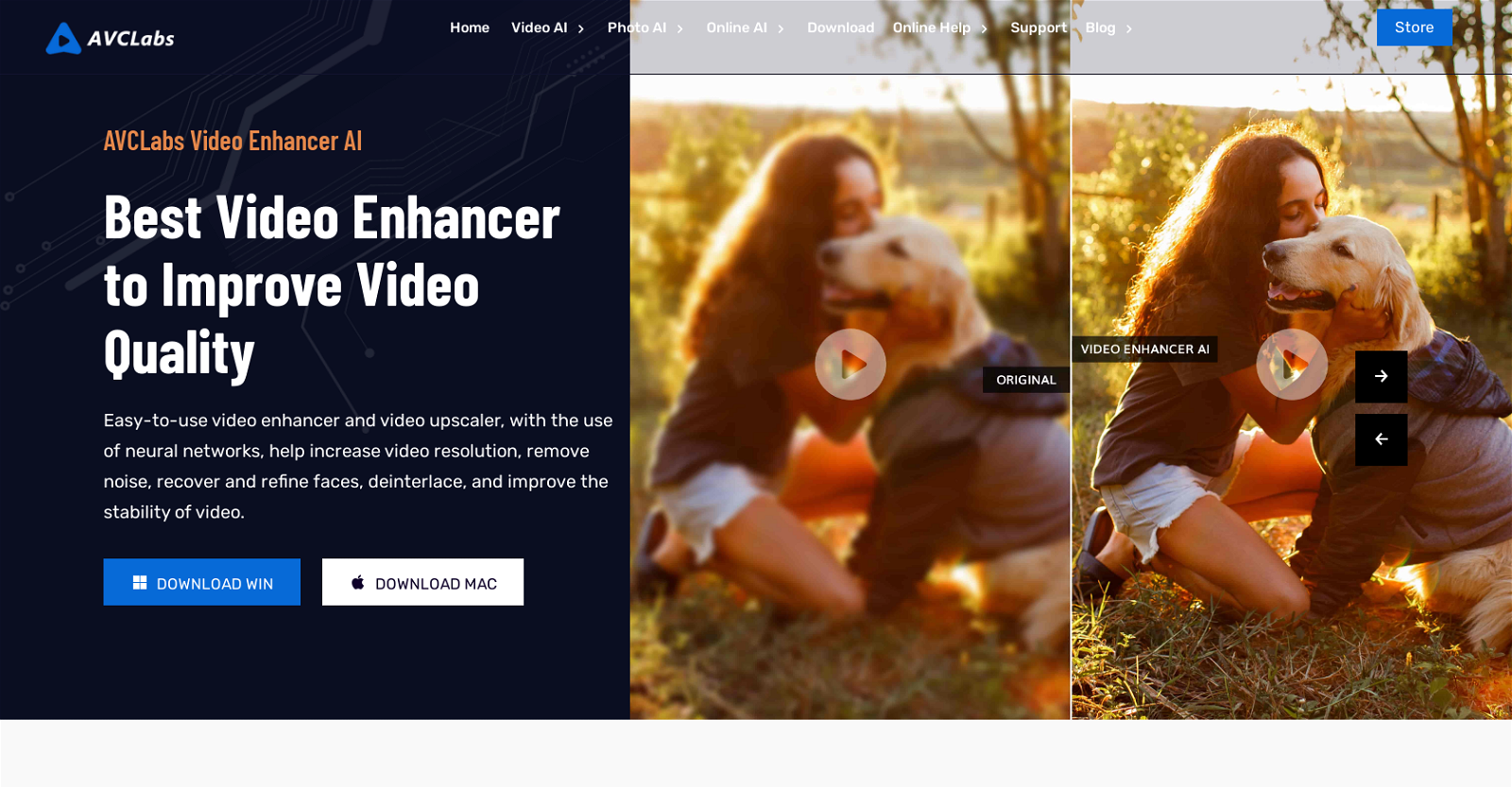
AVCLabs Video Enhancer AI utilizes neural networks to increase video resolution, remove noise, refine faces, and improve stability. Upscale, denoise, recover and refine faces, colorize, and deinterlace with ease.
For effortless photo editing, AVCLabs PhotoPro AI is your go-to all-in-one solution. Featuring quick and auto selection tools, one-click AI enhancements, and a user-friendly interface, it simplifies complicated editing tasks. Enhance quality, increase resolution, calibrate colors, and remove unwanted elements or backgrounds in just a few clicks.
And for those seeking to add artistic effects, AVCLabs Video Blur AI automatically adds blur effects to moving faces, video backgrounds, fixed objects, and license plates in videos.
Want to earn with the tools you are reading about?
The $50K AI Income Roadmap: 20 modern ways to earn with AI, with steps, prompts and real numbers. Free, one chapter a day.
Unlock the power of AI with AVCLabs and transform your videos and photos into stunning masterpieces. Experience the ease and creativity of AI upscaling, denoising, face recovery, colorizing, and deinterlacing. Elevate your visual content today.
Overview:
AVCLabs AI is a provider of AI products that aim to enhance video and photo quality. They offer a range of tools, including Video Enhancer, Photo Editor, Photo Enhancer, and Video Blur AI.
AVCLabs Video Enhancer AI is a user-friendly tool that uses neural networks to increase video resolution, remove noise, recover and refine faces, deinterlace, and improve video stability. It allows users to enhance video quality by upscaling, denoising, face recovery and refinement, colorizing, and deinterlacing.
AVCLabs PhotoPro AI is an all-in-one AI photo editor that simplifies complicated photo editing. It features quick and auto selection tools, one-click AI tools, and an easy-to-use interface suitable for both beginners and professionals. It offers features such as enhancing photo quality, increasing resolution, colorizing, color calibrating, and removing unwanted elements or backgrounds from photos.
AVCLabs Video Blur AI is an AI-powered tool that automatically adds blur effects to moving faces, video backgrounds, fixed objects, and license plates in videos.
Overall, AVCLabs AI provides powerful AI tools that allow users to enhance videos and images in creative and easier ways. With features such as AI upscaling, denoising, face recovery and refinement, colorizing, and deinterlacing, users can achieve improved video and photo quality.
Benefits:
- Improved video and photo quality: AVCLabs AI tools use advanced technology such as neural networks to enhance video and photo quality by upscaling resolution, denoising, and refining faces.
- User-friendly interface: AVCLabs Video Enhancer AI and PhotoPro AI have easy-to-use interfaces suitable for both beginners and professionals, making it accessible for users of all skill levels.
- All-in-one photo editing: AVCLabs PhotoPro AI is an all-in-one AI photo editor that simplifies complicated photo editing tasks. It offers features such as increasing resolution, colorizing, color calibrating, and removing unwanted elements or backgrounds from photos.
- Automatic blur effects: AVCLabs Video Blur AI automatically adds blur effects to moving faces, video backgrounds, fixed objects, and license plates in videos, providing users with an easy way to protect privacy or create artistic effects.
- Creative enhancement options: AVCLabs AI tools offer a range of creative enhancement options, including AI upscaling, denoising, face recovery and refinement, colorizing, and deinterlacing, allowing users to achieve unique and improved video and photo results.

The TechLaugh editorial team, led by founder Akshay Kumar Singh, tests AI tools on real marketing and creative work. We check pricing on the day of writing, note free-plan limits, and update guides when tools change or shut down.