AutoPod
☷Table of contents▾
AutoPod
From $29/mo
AutoPod: Revolutionizing Video Podcast Editing
VISIT WEBSITE
Most popular alternative: Cleanvoice AI
Introduction:
Are you tired of spending hours editing your video podcasts?
Introducing AutoPod, the ultimate solution for effortless video podcast editing.
With AutoPod’s powerful Adobe Premiere Pro plug-ins, you can now automate the editing process, saving you valuable time and effort.
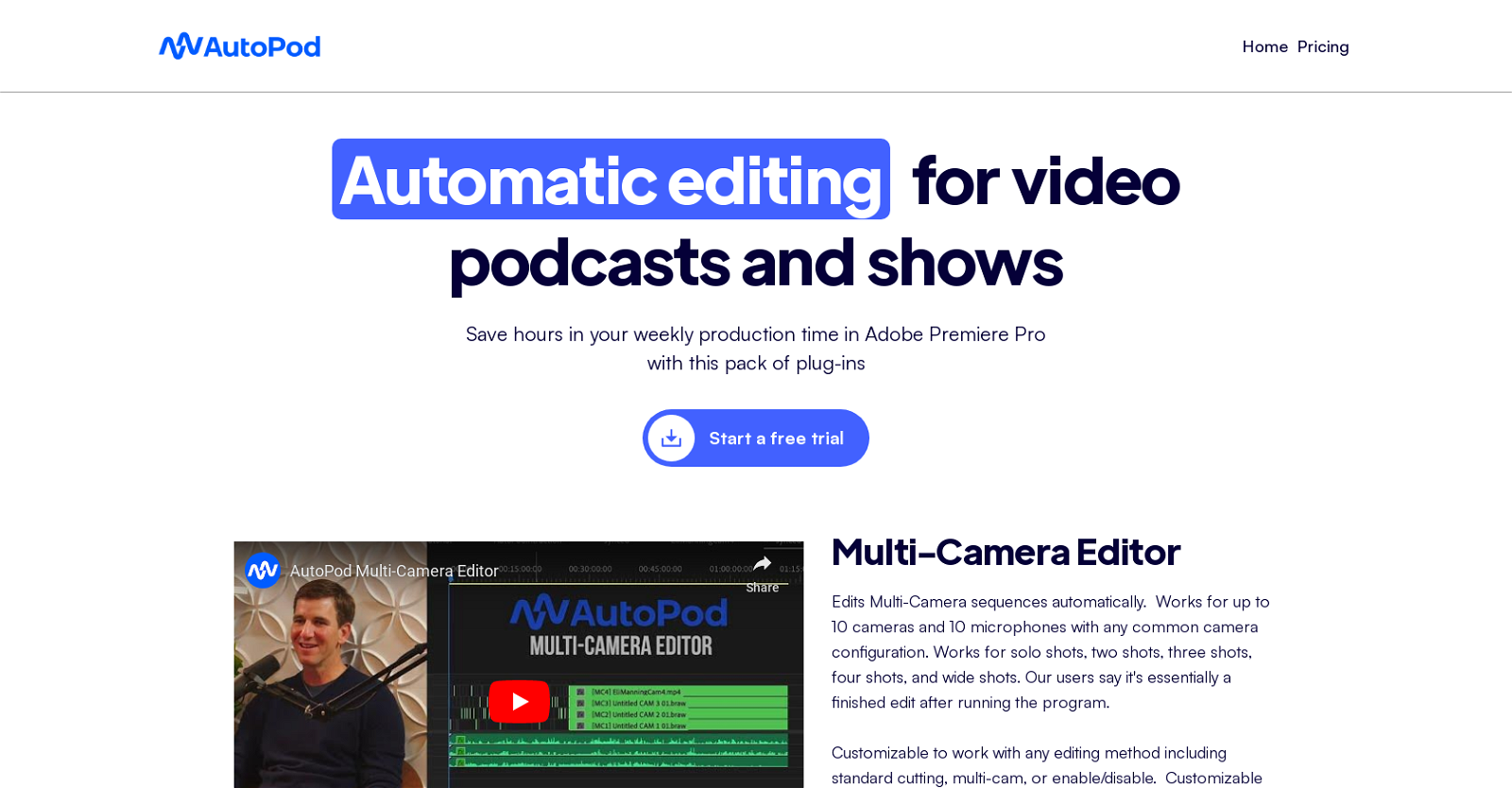
Imagine being able to edit multi-camera sequences automatically, regardless of camera configurations, with support for up to 10 cameras and 10 microphones.
But that’s not all – AutoPod is fully customizable, allowing you to choose your preferred editing method, whether it’s multi-camera or standard cutting.
And for those engaging social clips, our jump cut editor creates cuts based on silence, ensuring precise and seamless transitions. You can even set a decibel cutoff for your microphones to achieve the perfect result.
AutoPod’s social clip creator takes it a step further by automatically resizing sequence settings and footage sizes based on your chosen aspect ratio. It adds auto-reframe, watermarks, and end pages according to your preferences.
With a simple click, you can batch export your clips, saving you even more time and effort.
Designed by editors for editors, AutoPod is the user-friendly and efficient tool you’ve been waiting for. Say goodbye to manual processes and hello to streamlined editing.
Experience the power of AutoPod and optimize your editing workflow today.
Overview:
AutoPod is a set of Adobe Premiere Pro plug-ins that revolutionizes the editing process for video podcasts and shows. With AutoPod, video editors can now enjoy automatic editing capabilities, significantly reducing the time and effort required for post-production. Whether you have a complex multi-camera setup or a simple single-camera configuration, AutoPod can handle it all, allowing up to 10 cameras and 10 microphones to be seamlessly edited together.
One of the standout features of AutoPod is its versatility. The plug-in is fully customizable, giving you the freedom to choose any editing method that suits your needs. Whether you prefer the precision of multi-camera editing or the simplicity of standard cutting, AutoPod has got you covered.
For those looking to create engaging social clips, AutoPod offers a jump cut editor that automatically detects silence in the footage and creates cuts accordingly. This feature is perfect for capturing and retaining audience attention in short clips. With the ability to input a decibel cutoff for your specific microphones, the jump cut editor ensures that the cuts are precise and seamless.
AutoPod also includes a social clip creator that simplifies the process of resizing sequence settings and footage sizes based on the selected aspect ratio. Whether you need your clips to be in 1920×1080, 1080×1350, or 1080×1920, AutoPod takes care of it effortlessly. Additionally, the plug-in allows you to add auto-reframe, watermarks, and end pages based on your preferences, further enhancing the visual appeal of your clips.
To streamline your workflow, AutoPod conveniently stores the created clips in a designated folder and enables batch exporting with just a single click. This user-friendly plug-in not only saves video editors a significant amount of time but also offers the flexibility to save and reuse any presets that you frequently use.
Designed by editors for editors, AutoPod aims to optimize the editing experience by automating various processes that would otherwise be done manually. With its powerful features and intuitive interface, AutoPod is a game-changer for video podcast and show editing, empowering editors to create professional-quality content efficiently and effortlessly.
Benefits:
- Reduces production time required for editing video podcasts and shows
- Enables automatic editing of multi-camera sequences regardless of camera configurations
- Offers a jump cut editor that automatically creates cuts in footage based on silence
- Automatically resizes sequence settings and footage sizes based on selected aspect ratio
- User-friendly and easy to use, saving video editors lots of time

Writer at TechLaugh, covering practical AI tools for creators and businesses.
Join the conversation