



































































































Q Slack Chatbot
 Guide2 min read
☷Table of contents▾
Q Slack Chatbot
From $0.20/mention
Boost Slack Productivity with Q
VISIT WEBSITE
Introduction:
Are you tired of spending valuable time on repetitive tasks in Slack? Imagine having an AI-powered assistant that can automate those tasks for you, allowing you to focus on what truly matters. Introducing Q Slack Chatbot, the ultimate Slack assistant for task automation and productivity.
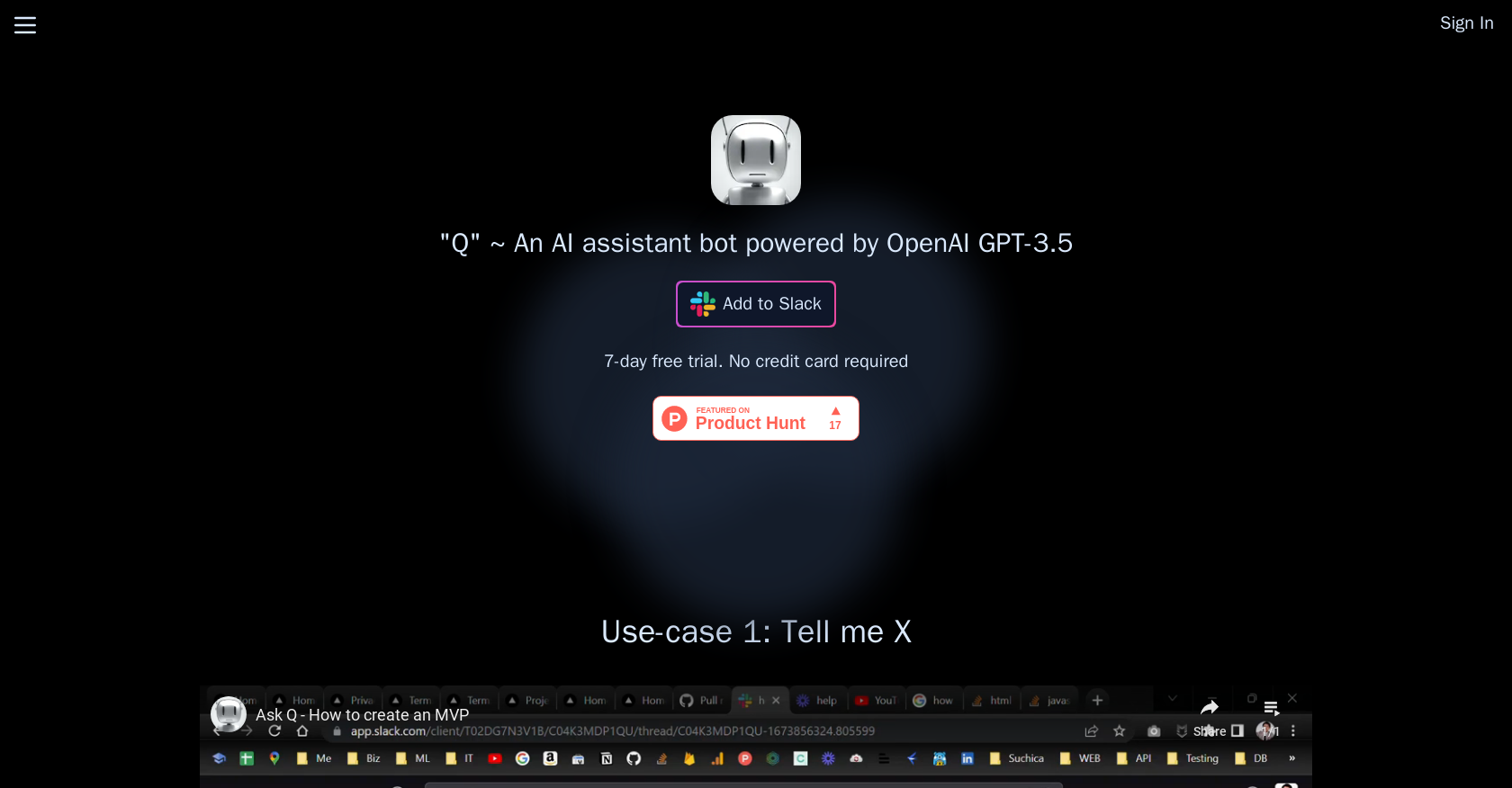
Q utilizes OpenAI’s powerful GPT-3.5 to generate intelligent responses when mentioned by @Q. This AI chatbot serves as your personal assistant, helping you with various tasks like creating task lists and providing information on specific topics. With Q, you can effortlessly streamline your workflow and boost your productivity.
Installing the Q app in Slack and adding it to your channel or direct message is all it takes to get started. Interact with Q on @Q to perform a wide range of tasks, all powered by OpenAI’s cutting-edge GPT-3.5. And the best part? You can enjoy a 7-day free trial without the need for a credit card. After that, simply choose a paid plan that suits your needs.
Don’t let repetitive tasks hold you back. Experience the power of Q Slack Chatbot and unlock a new level of efficiency in your Slack environment.
Want to earn with the tools you are reading about?
The $50K AI Income Roadmap: 20 modern ways to earn with AI, with steps, prompts and real numbers. Free, one chapter a day.
Overview:
Q is a Slack bot that utilizes OpenAI’s GPT-3.5 to generate responses to messages when mentioned by @Q. It serves as an AI chatbot assistant, aiding users in tasks like creating task lists and obtaining specific information. When mentioned in a Slack channel, Q comprehends the conversation naturally by reading the thread’s content. It does not store the conversation, but OpenAI retains it for abuse and misuse monitoring for up to 30 days.
To begin using Q, users must install the Q app in Slack and add it to their channel or direct message. Interacting with Q is as simple as mentioning @Q to perform various tasks. Powered by OpenAI’s GPT-3.5, specifically designed for chat applications and released on March 1, 2023, Q offers a 7-day free trial without requiring a credit card. After the trial, users can choose to upgrade to a paid plan to continue benefiting from Q’s capabilities.
Overall, Q acts as an AI-powered assistant, automating tasks and enhancing productivity within the Slack environment.
Benefits:
- Q uses OpenAI’s GPT-3.5 to generate responses to messages in Slack.
- Q serves as an assistant to users, helping them with tasks such as creating task lists and obtaining information on specific topics.
- Q reads the content of the thread when mentioned in a Slack channel, allowing it to understand the conversation naturally.
- Q does not store the content of the conversation, but OpenAI retains it for abuse and misuse monitoring purposes for a maximum of 30 days.
- Users can install the Q app in Slack and add Q to their channel or direct message to start using it.

The TechLaugh editorial team, led by founder Akshay Kumar Singh, tests AI tools on real marketing and creative work. We check pricing on the day of writing, note free-plan limits, and update guides when tools change or shut down.