


































































































Shopify Magic: 9 Free AI Features and How to Use Them
 Guide7 min read
☷Table of contents▾
Shopify Magic is the free AI built into every Shopify store. It writes product descriptions, cleans up product photos, drafts emails, and can even build theme sections, and you never pay extra for any of it.
That is the short answer. The longer answer is more interesting, because most store owners use two of its features and never find the rest. I went through Shopify’s own documentation and pulled the whole list into one place, including the limits Shopify does not put on the front page.
What is Shopify Magic?
Shopify Magic is Shopify’s name for all the AI features baked into its platform. It is not an app you install. If you have a Shopify store on any plan, you already have it, and it shows up as a small sparkle icon across your admin.
Under the hood, it mixes Shopify’s own commerce data with large language models, the same kind of engine you meet in ChatGPT. The difference is that Magic lives where you work: product pages, the theme editor, your inbox.
Shopify’s own team explains Magic and Sidekick, and shows both in use, in this video:
Is Shopify Magic free?
Yes. Shopify Magic is free on every Shopify plan, from Basic all the way to Plus. There is no add-on fee and no credit system for the core features.
That is rare. Most stand-alone AI writing apps charge monthly, which is why free marketing tools get hunted down so eagerly. Here, the platform simply gives you the AI.
The 9 things Shopify Magic can do
1. Product descriptions. Open a product, click the sparkle icon next to the description box, type a few keywords, and pick a tone. Magic writes a full description in seconds. The drafts read clean, though they still need a human pass for accuracy.
2. Email subject lines and campaign text. Inside Shopify Email, Magic suggests subject lines, writes body copy, and can recommend send times based on when subscribers actually open messages.
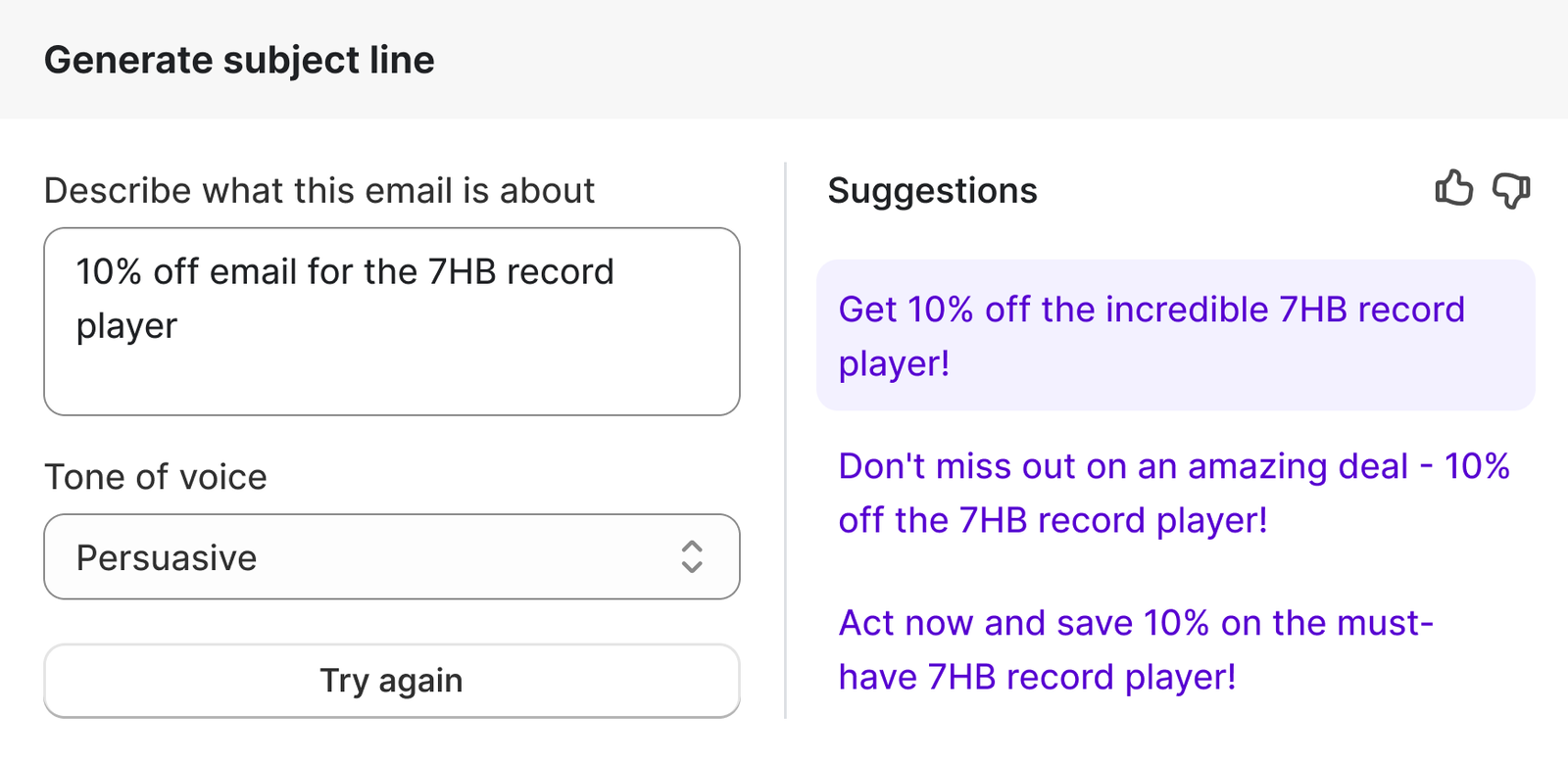
3. Blog posts and pages. Magic drafts blog text right in the admin editor. Give it a topic and some keywords and it hands you a starting draft. It does not research anything, so the facts are your job.
4. Instant answers in Shopify Inbox. Magic powers suggested replies and instant answers in chat, so questions about shipping or returns get handled while you sleep.
5. Product photo backgrounds. The media editor removes backgrounds or generates a new scene behind your product. Good enough for a clean catalog look. Not a replacement for a real shoot on your hero products.
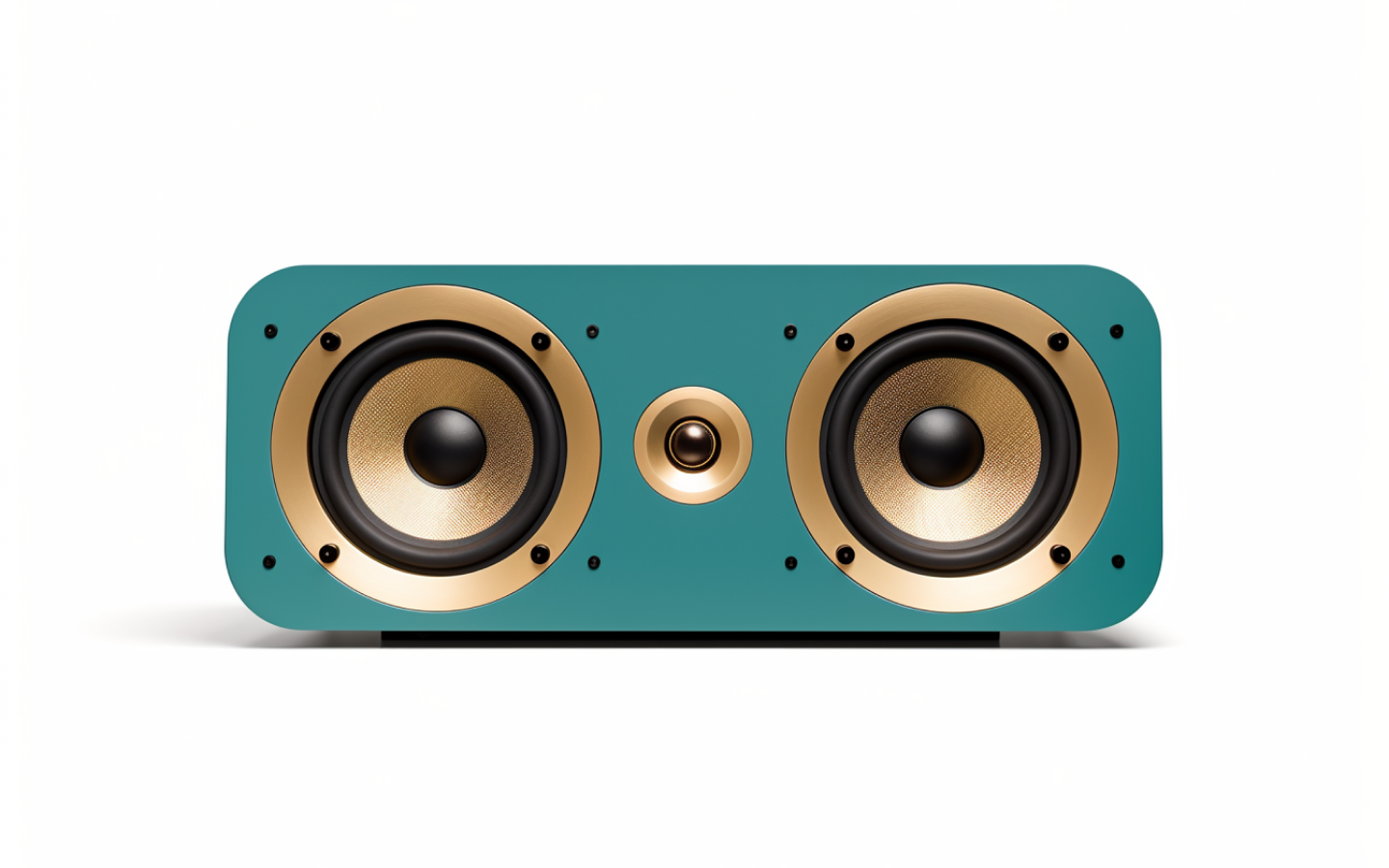
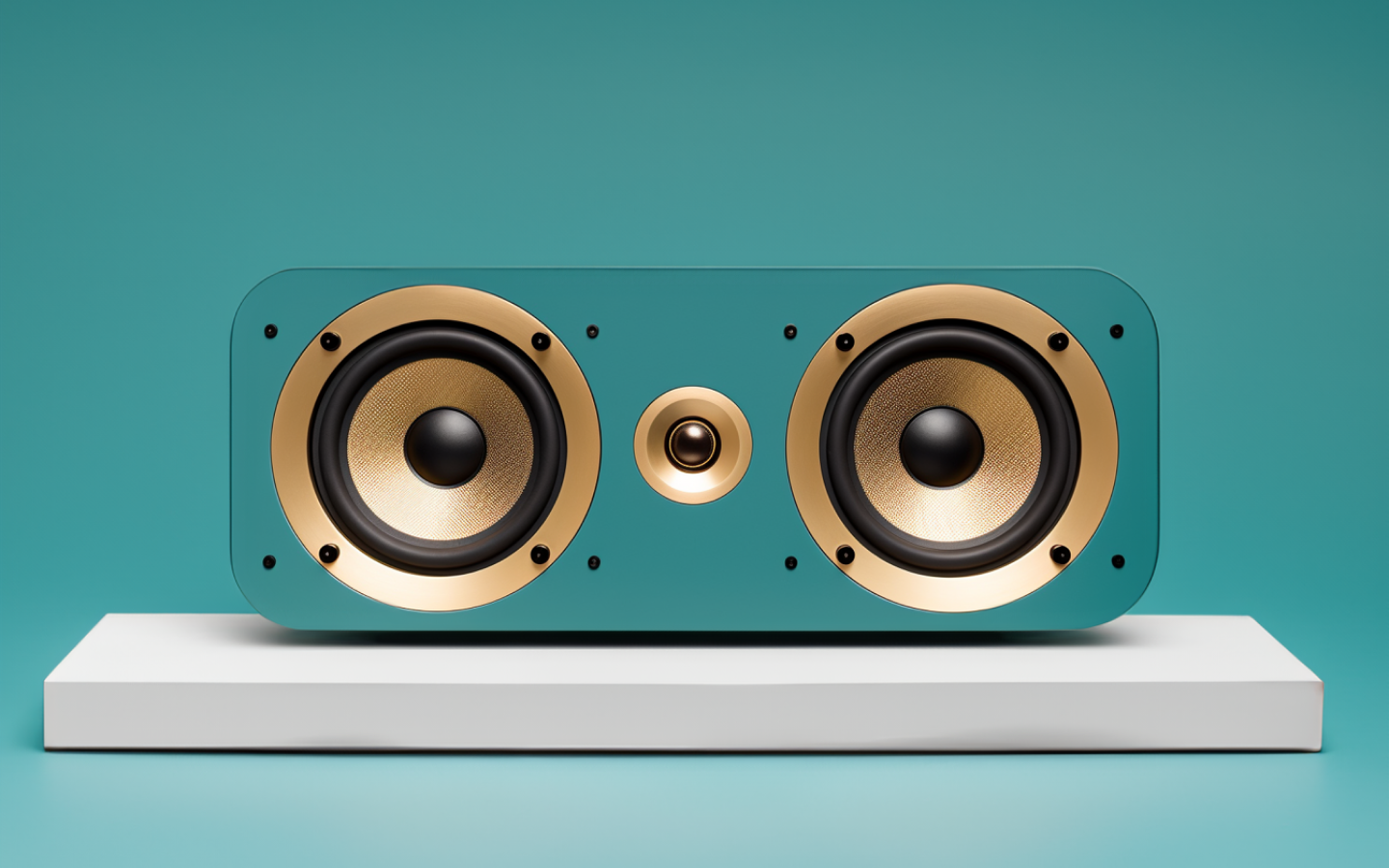
6. Logos. Starting from zero? Magic can generate a logo so your store does not launch with a blank header.
7. Hero banners. It also creates banner images for your storefront, which saves a Canva session on launch week.
8. Theme sections. In the theme editor, Magic writes section content and can generate whole theme blocks from a plain text prompt. It outputs real Liquid code, the kind of thing that normally means paying a developer.
9. Predictions and summaries. Magic writes customer segment descriptions and projects what a customer might spend, based on up to two years of your store data. Shopify itself says these projections are not guarantees. Treat them as hints, not promises.
How do you use Shopify Magic?
There is nothing to switch on. Open any product in your admin, click into the description field, and look for the sparkle icon. Add a few keywords, pick a tone, generate, then read the draft and fix what is wrong before saving.
The same icon waits in the theme editor, Shopify Email, and Inbox. Wherever you find it, the flow is identical: prompt, generate, edit.
Here is Shopify’s own 40-second clip of Magic writing a product description:
Want to earn with the tools you are reading about?
The $50K AI Income Roadmap: 20 modern ways to earn with AI, with steps, prompts and real numbers. Free, one chapter a day.
The edit step is not optional. Magic writes confident text, and confident text with the wrong fabric or size in it will cost you returns.
Shopify Magic vs Sidekick: what is the difference?
People mix these up constantly. Shopify Magic is the set of AI tools spread across your admin. Sidekick is the AI assistant you chat with: a sidebar where you type things like “why did sales dip last week” and get an answer, or an action.
A simple way to remember it: Magic is the toolbox, Sidekick is the coworker who uses it with you. Both are free, and both come from Shopify.
Shopify’s official Sidekick tutorial shows the assistant working through real store tasks:
Where Shopify Magic falls short
It works one product at a time. If your store has 800 products with empty descriptions, clicking a sparkle icon 800 times is not a plan. Bulk editing is exactly the gap apps like ShopGPT fill.
It also stays inside Shopify’s lines. Magic will not translate your whole catalog, its image tools are basic next to dedicated editors, and some newer features reach English stores first.
None of this makes Magic weak. It is the best free tier in e-commerce AI right now. It is just not the whole toolbox, which is why serious stores still stack a few extra AI tools for e-commerce on top of it.
Which languages does Shopify Magic support?
English gets everything first. Beyond that, Shopify lists support for German, Spanish, French, Italian, Japanese, Brazilian Portuguese, and Simplified Chinese, though not every feature speaks every language yet.
Shopify’s own wording is careful here: language support “may vary by feature.” In practice, the writing tools are the most widely translated, while newer features tend to arrive in English and expand later. If you sell in two languages, test Magic in both before you build your workflow around it.
Is Shopify Magic safe to use with your store data?
Shopify says your store data is not shared with other merchants, and Magic runs on a mix of Shopify’s own data plus third-party language models under Shopify’s security and privacy policies.
The practical risk is not privacy. It is accuracy. The spending projections come with Shopify’s own warning that they do not guarantee future sales, and generated text can state a wrong detail with total confidence. Keep a copy of your original product text before any AI rewrite, whether it comes from Magic or from an app.
Three ways to get better results from Shopify Magic
First, feed it specifics. “Organic cotton, oversized fit, ships in recycled packaging” produces a far better description than “nice t-shirt.” The keywords you type are the only product knowledge Magic has.
Second, pick one tone and stay with it. Magic offers several tones, and a store that sounds playful on one page and corporate on the next reads like nobody owns it. Choose once, reuse everywhere.
Third, treat every draft as a draft. Read it, cut the fluff, check the sizes and materials, then save. Two minutes of editing per product keeps the speed benefit and removes most of the risk.
Should you use Shopify Magic?
Yes. It is free, it is already installed, and it saves real time on descriptions and emails. Start with Magic before you pay anyone for AI writing. When you outgrow it, you will know, because you will be tired of clicking that sparkle icon on every single product.
FAQs
What is Shopify Magic?
Shopify Magic is the free AI built into the Shopify platform. It generates product descriptions, emails, blog drafts, images, and theme content directly inside your store admin.
Is Shopify Magic free?
Yes. Shopify Magic is included free on every Shopify plan, with no separate fee or credit system for its core features.
What does Shopify Magic do for blog posts?
It drafts blog post text inside the admin editor from a topic and keywords you provide. It does not do research, so you still check facts and add your own detail before publishing.
Can Shopify Magic write content for my theme?
Yes. In the theme editor it writes section content and can generate theme blocks from a text prompt, including the Liquid code behind them.
Does Shopify have AI?
Yes, two kinds. Shopify Magic is the set of AI features across the admin, and Sidekick is the chat assistant. Third-party apps add what they skip, like bulk editing.
How do I use Shopify Magic AI?
Look for the sparkle icon in your admin, for example next to a product description field. Click it, add keywords, pick a tone, generate, then edit the draft before saving.
Over to you: which Magic feature do you actually use, and which one did you not know existed until today? Tell me in the comments.
Keep reading: our ShopGPT review for bulk product content, the e-commerce AI tools list, and the 30 best AI tools guide.

The TechLaugh editorial team, led by founder Akshay Kumar Singh, tests AI tools on real marketing and creative work. We check pricing on the day of writing, note free-plan limits, and update guides when tools change or shut down.
Join the conversation