



































































































AI Profile Pic – Avatar Maker
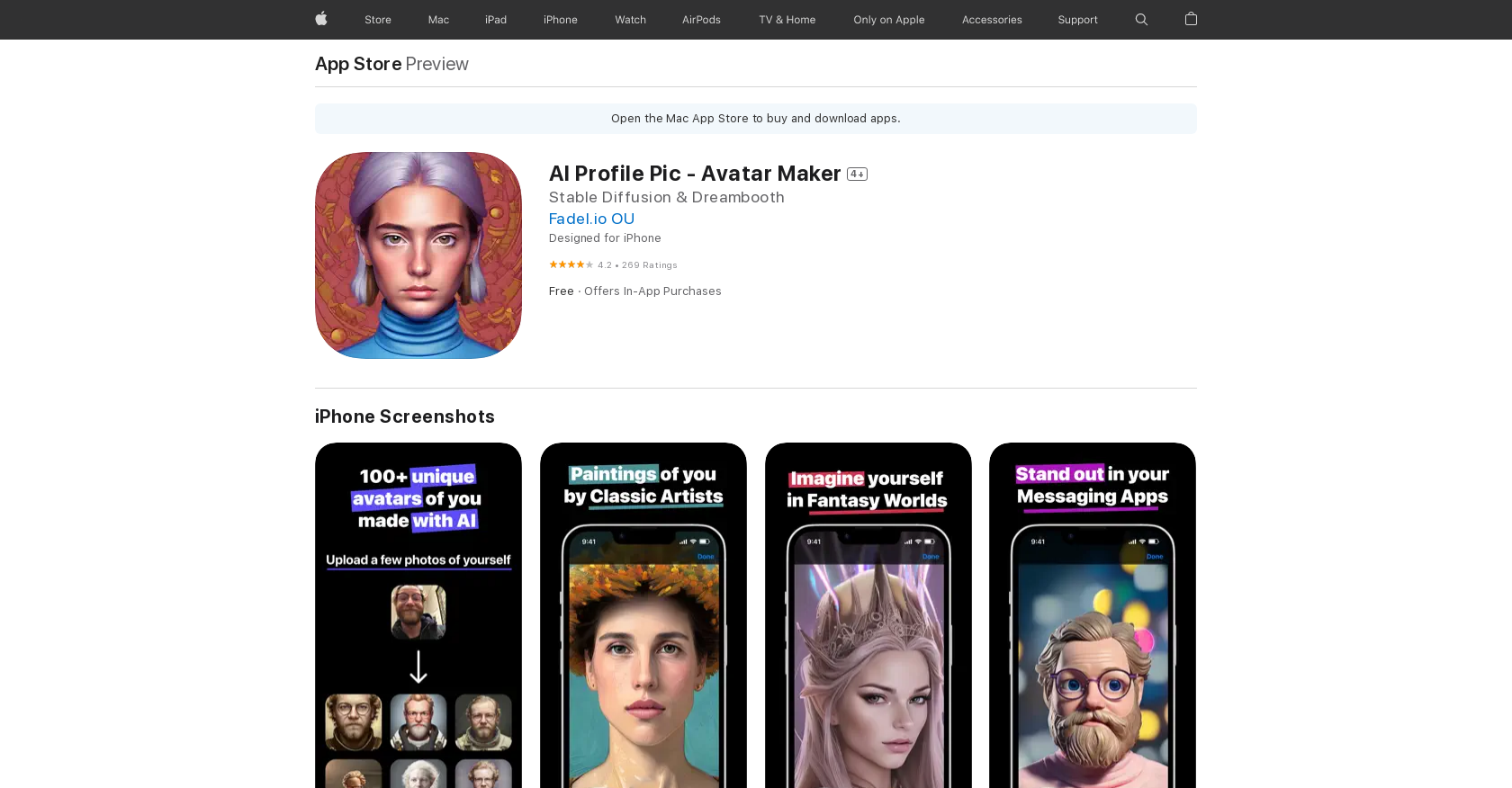 Guide3 min read
☷Table of contents▾
AI Profile Pic – Avatar Maker
Free
AI Profile Pic: Create Stunning Avatars!
VISIT WEBSITE
Introduction:
Are you tired of using the same old profile picture on your social media accounts?
Introducing AI Profile Pic – Avatar Maker, the ultimate mobile app for creating personalized avatars from your own photos.
With the power of Artificial Intelligence (AI), this app generates over 100 unique avatars in various styles, all based on your uploaded photos.
Simply upload multiple photos of yourself from different angles and distances, following the app’s guidelines, and let the AI work its magic.
Once the AI-generated avatars are ready, you can choose your favorites and use them as profile pictures on any online platform.
Download the app for free and experience the convenience of having custom-made avatars at a fraction of the cost.
Want to earn with the tools you are reading about?
The $50K AI Income Roadmap: 20 modern ways to earn with AI, with steps, prompts and real numbers. Free, one chapter a day.
Unleash your creativity and make a lasting impression with AI Profile Pic – Avatar Maker.
Overview:
AI Profile Pic – Avatar Maker is a mobile app for iPhone, iPad, and iPod touch that allows users to create stunning avatars from photos of themselves. The app uses Artificial Intelligence (AI) to generate 100 avatars in different styles based on a user’s uploaded photos.
To ensure accurate results, users are required to upload several photos of themselves from different angles and distances. This provides the AI with enough material to work with and create a diverse range of avatars. The app also provides guidelines for taking the photos, such as avoiding sunglasses and ensuring no other people are present in the pictures.
Once the AI-generated avatars are completed, users have the freedom to select the ones they prefer and use them as profile pictures on various social media platforms or other online platforms. This allows users to personalize their online presence with unique and eye-catching avatars.
While the app is free to download and use, each batch of avatars requires a payment. However, this payment is a cost-effective solution compared to the time and effort required to manually create custom avatars. The app offers a convenient and affordable way to obtain personalized avatars without breaking the bank.
Despite its many advantages, the app does have a few drawbacks. It may face difficulties in accurately recognizing people with darker skin tones, which can affect the quality of the generated avatars. Additionally, users are unable to download the entire album of avatars to their device, limiting their accessibility and convenience.
Overall, AI Profile Pic – Avatar Maker is a powerful tool that harnesses the capabilities of AI to create impressive avatars. With its user-friendly interface and wide range of customization options, it offers a convenient and affordable solution for individuals looking to enhance their online presence with personalized avatars.
Benefits:
- AI Profile Pic – Avatar Maker is a mobile app for iPhone, iPad, and iPod touch.
- The app allows users to create stunning avatars from photos of themselves.
- The app uses Artificial Intelligence (AI) to generate 100 avatars in different styles based on a user’s uploaded photos.
- Users must upload several photos of themselves from different angles and distances to ensure the AI has enough material to work with.
- Once the AI-generated avatars are completed, users can select the ones they like and use them as profile pictures on social media or other online platforms.

The TechLaugh editorial team, led by founder Akshay Kumar Singh, tests AI tools on real marketing and creative work. We check pricing on the day of writing, note free-plan limits, and update guides when tools change or shut down.