



































































































BG Remover
 Guide2 min read
☷Table of contents▾
BG Remover
Free
AI BG Remover: Instantly Remove
VISIT WEBSITE
Introduction:
Are you tired of spending hours manually removing backgrounds from images?
Introducing BG Remover, the revolutionary AI Image Background Remover tool by Stockphotos.com.
With just a few clicks, this free online tool automatically detects objects, smoothens edges, and removes backgrounds from your images.
No more tedious manual manipulation or complex software required. BG Remover streamlines your workflow, boosts productivity, and unlocks endless creative possibilities.
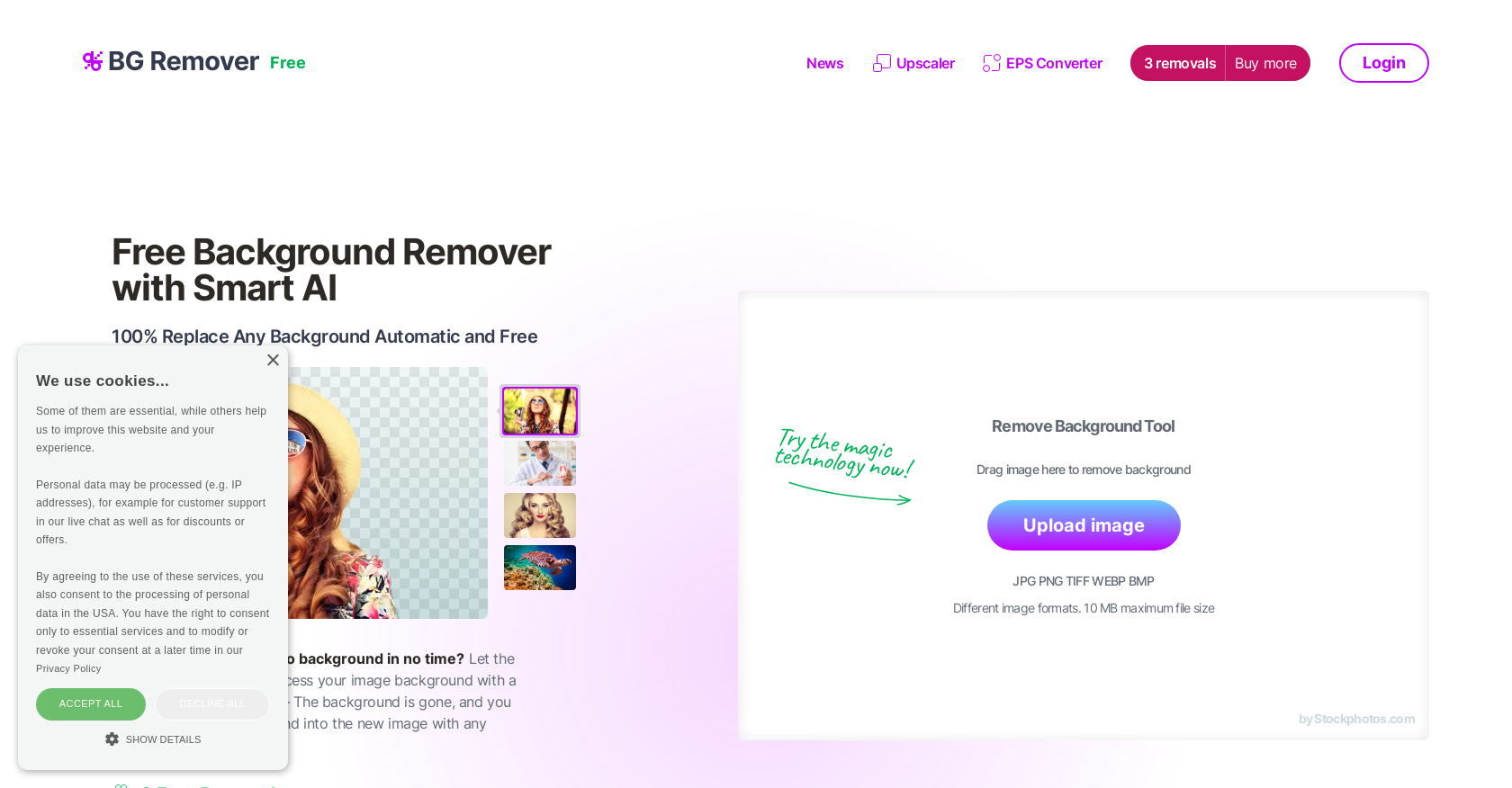
Compatible with popular image file formats like JPG, PNG, TIFF, WEBP, and BMP, this tool supports files up to 10 MB in size.
The resulting image file is in PNG format, allowing you to effortlessly add new backgrounds or create transparent images.
But that’s not all! BG Remover seamlessly integrates with other apps, plugins, design software, mobile apps, and eCommerce tools through its user-friendly API.
Want to earn with the tools you are reading about?
The $50K AI Income Roadmap: 20 modern ways to earn with AI, with steps, prompts and real numbers. Free, one chapter a day.
By simply adding a few lines of code, you can replace backgrounds in an instant.
And the best part? You get 3 free removals and 10 free upscales with our Upscaler feature.
Say goodbye to manual work and hello to a time-saving and efficient tool that caters to the needs of graphic designers, web developers, marketers, and anyone working with images.
Experience the power of AI with BG Remover and unlock a world of creative possibilities today.
Overview:
AI Image Background Remover is a free online tool offered by Stockphotos.com that automatically removes the background of images. The tool uses AI to detect objects in images, smoothen edges, and remove backgrounds quickly and easily, without the need for manual image manipulation.
The tool supports various image file formats, including JPG, PNG, TIFF, WEBP, and BMP, with a maximum file size of 10 MB. The Background Remover tool is designed to speed up workflows, improve productivity, and enhance creative possibilities, with the ability to create instant banners and bold graphics. The resulting image file is in PNG format, making it easy to add new backgrounds to the image or to make it transparent.
The tool can also be integrated with other apps, plugins, design software, mobile apps, and eCommerce tools via an easy-to-use API for faster workflow. The API process enables users to replace the background with just a few lines of code. Additionally, the Background Remover tool offers 3 free removals, as well as 10 free upscales for Upscaler.
No manual work is required to get 100% replacement of any background, making it a time-saving and efficient tool for graphic designers, web developers, marketers, and others who work with images.
Benefits:
- AI Image Background Remover is a free online tool offered by Stockphotos.com.
- The tool uses AI to detect objects in images, smoothen edges, and remove backgrounds quickly and easily.
- It supports various image file formats, including JPG, PNG, TIFF, WEBP, and BMP, with a maximum file size of 10 MB.
- The Background Remover tool is designed to speed up workflows, improve productivity, and enhance creative possibilities.
- The resulting image file is in PNG format, making it easy to add new backgrounds or make it transparent.

The TechLaugh editorial team, led by founder Akshay Kumar Singh, tests AI tools on real marketing and creative work. We check pricing on the day of writing, note free-plan limits, and update guides when tools change or shut down.