



































































































Bright Eye
 Guide2 min read
☷Table of contents▾
Bright Eye
Free
AI4MI’s Bright Eye: Mobile Magic!
VISIT WEBSITE
Introduction:
Are you tired of struggling to come up with captions for your mobile images and texts?
Introducing Bright Eye, the ultimate AI tool for iPhone, iPad, and iPod touch users on the App Store.
With its advanced AI capabilities, Bright Eye can effortlessly generate captions for your images and texts.
But that’s not all – this powerful app also allows you to analyze and play with AI-generated content.
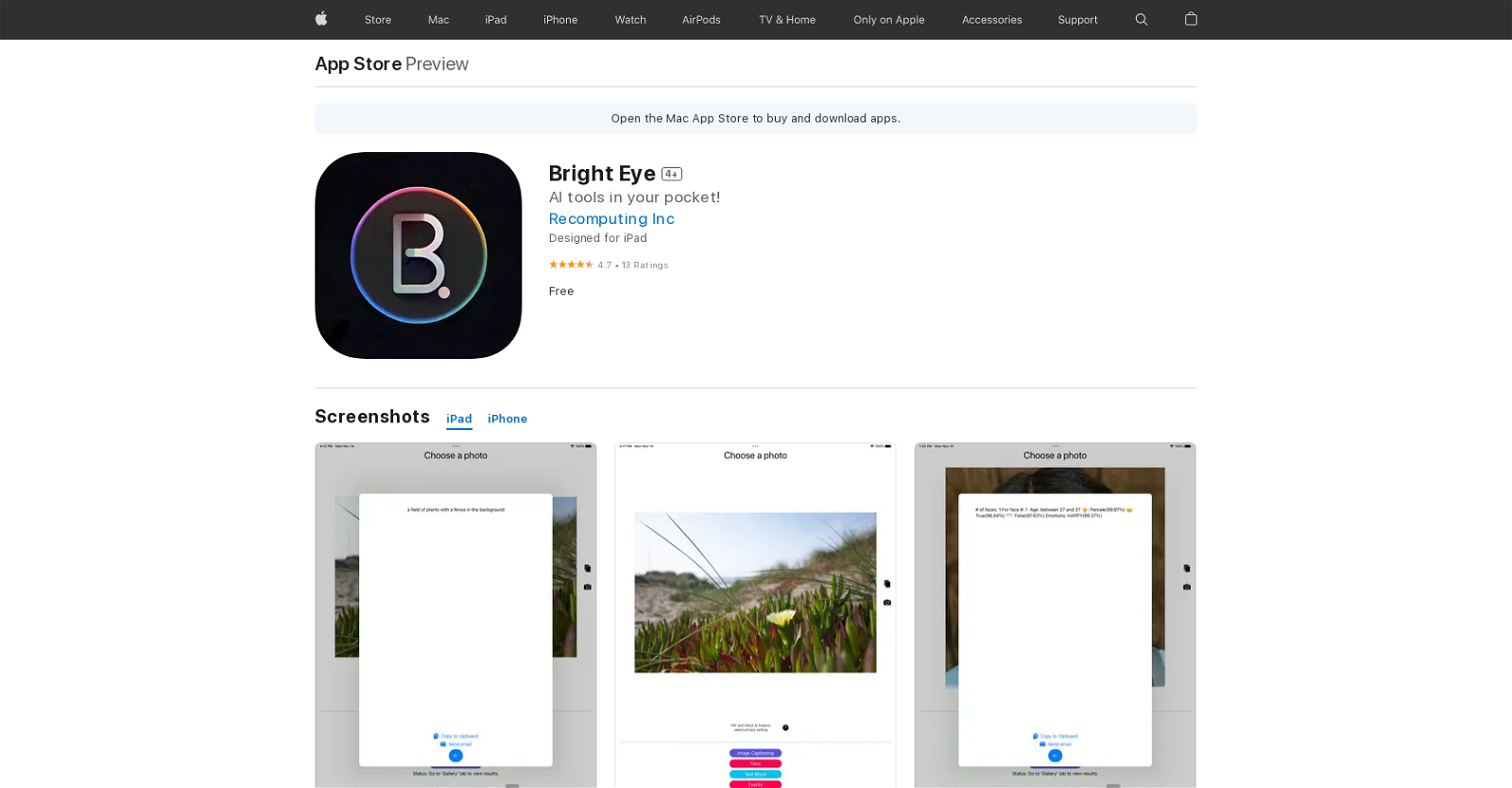
You can prompt the app to generate images and texts, analyze existing images using complex AI algorithms, and even extract texts from text-based images.
Bright Eye goes beyond just generating captions – it can understand the scene of a photo and perform sentiment analysis on sentences, classifying them as “Positive,” “Neutral,” or “Negative.”
With a light and dark mode, you can easily customize your settings, and the AI-powered image description is lightning-fast.
Want to earn with the tools you are reading about?
The $50K AI Income Roadmap: 20 modern ways to earn with AI, with steps, prompts and real numbers. Free, one chapter a day.
Experience the vision of AI4MI: Artificial Intelligence for Mobile Individuals with Bright Eye – your convenient and powerful AI tool in your pocket.
Overview:
Bright Eye is an AI tool available on the App Store for iPhone, iPad, and iPod touch users. It offers a range of AI-powered features to assist users in generating, analyzing, and interacting with AI-generated content.
One of the key functionalities of Bright Eye is its ability to generate images and texts based on user prompts. Users can input a prompt, and the app utilizes AI algorithms to generate corresponding images and texts, providing a creative and interactive experience.
In addition to content generation, Bright Eye also excels in image analysis. The app employs complex AI algorithms to analyze existing images, extracting valuable insights and information. Furthermore, it can extract texts from text-based images, making it easier for users to work with and manipulate textual content within images.
Bright Eye goes beyond image analysis by offering image captioning capabilities. By analyzing the content of a photo, the app can generate descriptive captions, enhancing the understanding of the scene captured in the image. Additionally, Bright Eye provides sentiment analysis, classifying sentences as “Positive,” “Neutral,” or “Negative,” enabling users to gain insights into the emotional tone of a given text.
The app also offers a customizable user experience with both light and dark modes, allowing users to adjust settings according to their preferences. Moreover, Bright Eye’s efficient AI algorithms ensure that image descriptions are generated quickly, providing users with prompt results.
Bright Eye is built upon the vision of AI4MI: Artificial Intelligence for Mobile Individuals. It aims to provide a convenient and powerful AI tool that users can carry in their pocket, empowering them with the capabilities of AI on their mobile devices.
Benefits:
- Multiple AI tools for generating, analyzing, and playing with AI-generated contents
- Ability to generate images and texts based on user prompts
- Analyze existing images with complex AI algorithms
- Extract texts from text-based images
- Provides image captioning and sentiment analysis

The TechLaugh editorial team, led by founder Akshay Kumar Singh, tests AI tools on real marketing and creative work. We check pricing on the day of writing, note free-plan limits, and update guides when tools change or shut down.