



































































































BrowserGPT
 Guide2 min read
☷Table of contents▾
BrowserGPT
Freemium
Boost Productivity with BrowserGPT
VISIT WEBSITE
Introduction:
Are you tired of constantly switching between tabs and applications while working on your browser?
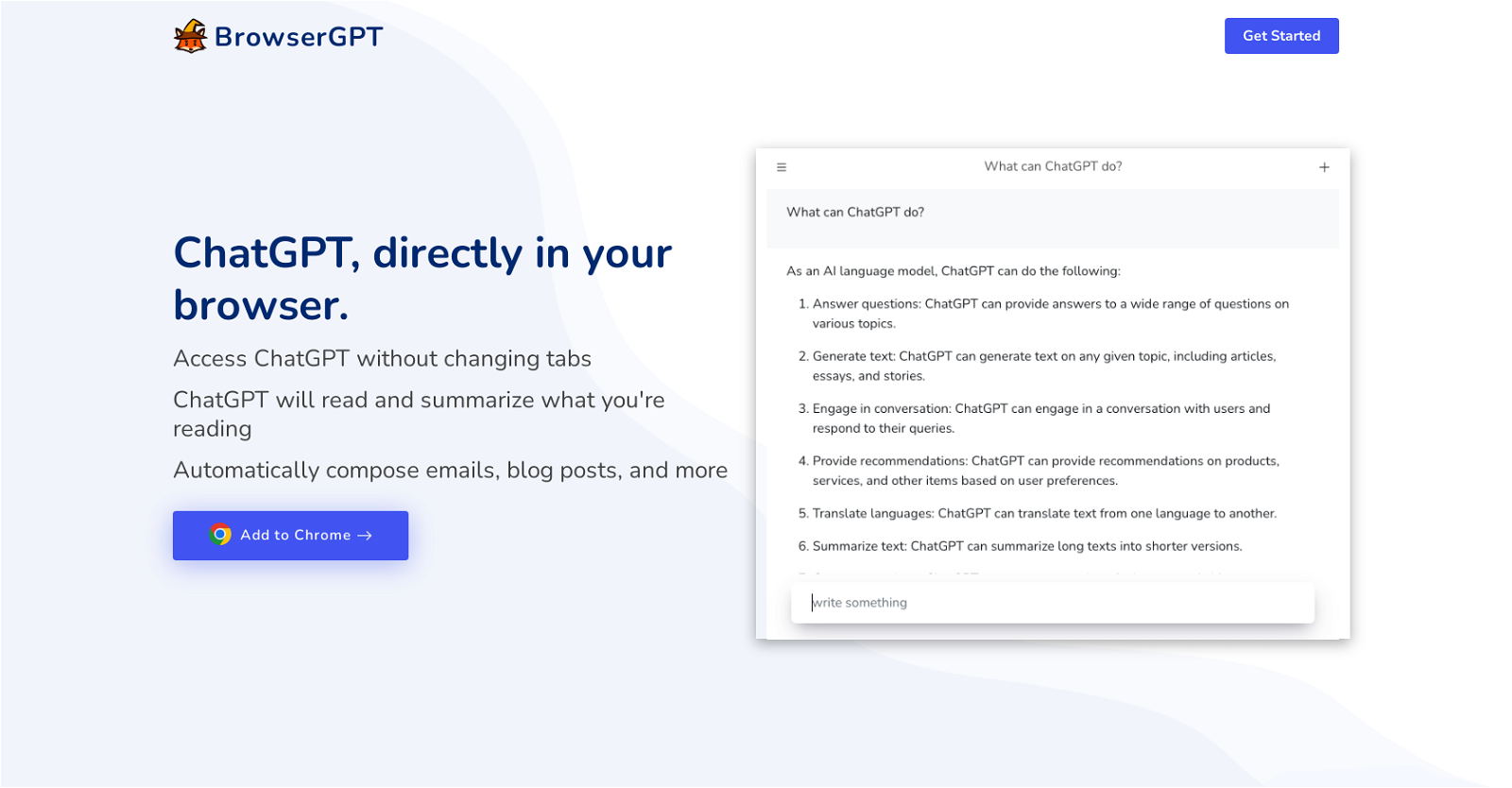
Introducing BrowserGPT, the Chrome extension that brings the power of ChatGPT directly to your browser. With BrowserGPT, you can seamlessly access ChatGPT without the hassle of tab switching.
Imagine being able to read and summarize the content you’re currently viewing in your browser with just a few clicks. BrowserGPT makes it possible, allowing you to quickly gather key information and understand the main points of any article or webpage.
But that’s not all – BrowserGPT also empowers you to compose various types of text, such as emails and blog posts, with ease and efficiency. It’s the perfect tool for those who heavily rely on writing and need assistance in generating content quickly.
By integrating ChatGPT into your browser, BrowserGPT offers a convenient solution for maximizing the capabilities of ChatGPT without the inconvenience of constantly switching tabs or applications. It provides a seamless and efficient way to access and leverage the power of ChatGPT directly within your browser.
Want to earn with the tools you are reading about?
The $50K AI Income Roadmap: 20 modern ways to earn with AI, with steps, prompts and real numbers. Free, one chapter a day.
Boost your productivity and enhance your writing experience with BrowserGPT. Whether you need help with reading and summarizing content or composing written text, BrowserGPT is the valuable tool you’ve been waiting for. Try it now and experience a new level of efficiency in your browser.
Overview:
BrowserGPT is a Chrome extension that brings the functionality of ChatGPT directly to your browser. With this extension, users can seamlessly access ChatGPT without the need to switch tabs.
The main feature of BrowserGPT is its ability to read and summarize the content you are currently viewing in your browser. This allows users to quickly gather key information and understand the main points of an article or webpage.
In addition to reading and summarizing, BrowserGPT also enables users to compose various types of text, such as emails and blog posts. This functionality can be particularly useful for those who heavily rely on writing and need assistance with generating content quickly and efficiently.
By integrating ChatGPT into the browser, BrowserGPT offers a convenient solution for users who want to utilize the power of ChatGPT without the inconvenience of constantly switching between different tabs or applications.
Overall, BrowserGPT provides a seamless and efficient way to access and leverage the capabilities of ChatGPT directly within the browser. Whether you need assistance with reading and summarizing content or composing written text, BrowserGPT can be a valuable tool for improving productivity and enhancing the writing experience.
Benefits:
- BrowserGPT brings the functionality of ChatGPT directly to your browser.
- Users can seamlessly access ChatGPT without the need to switch tabs.
- BrowserGPT can read and summarize the content you are currently viewing in your browser.
- It enables users to compose various types of text, such as emails and blog posts.
- BrowserGPT offers a convenient solution for users who want to utilize the power of ChatGPT without constantly switching between different tabs or applications.

The TechLaugh editorial team, led by founder Akshay Kumar Singh, tests AI tools on real marketing and creative work. We check pricing on the day of writing, note free-plan limits, and update guides when tools change or shut down.