



































































































Canary Mail
 Guide3 min read
☷Table of contents▾
Canary Mail
Free from $20/yr
Canary Mail: AI-Powered Productivity Boost
VISIT WEBSITE
Introduction:
Are you tired of spending countless hours managing your inbox and composing emails? Imagine if you had an AI-powered assistant that could automate your productivity, content, and inbox management.
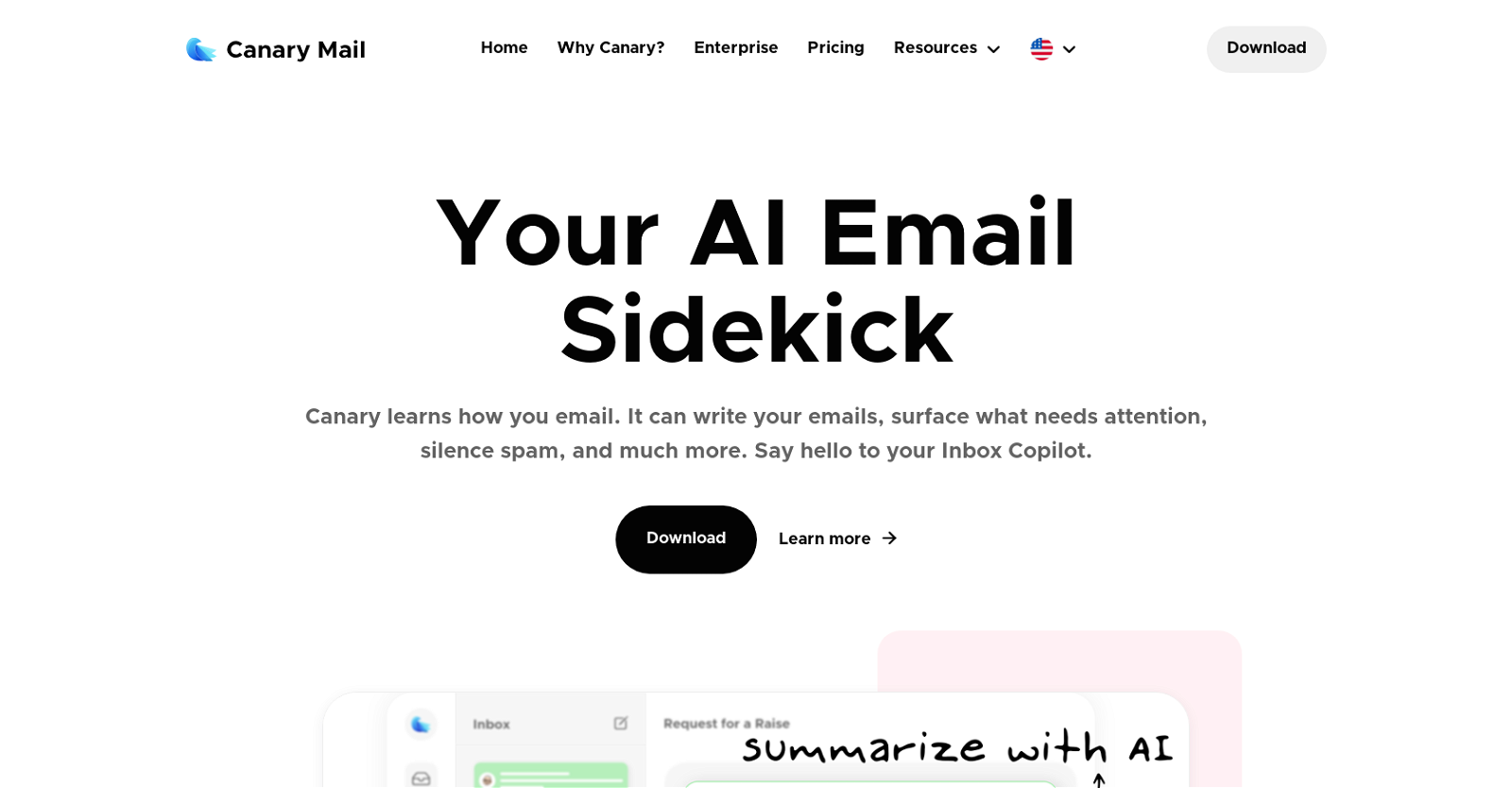
Introducing Canary Mail, the ultimate email application designed to revolutionize the way you handle emails. With its advanced artificial intelligence capabilities, Canary Mail learns your email habits and offers a range of features to optimize your email experience.
One of the standout features is its ability to generate email content. Simply tell Canary what you want to say or select the desired tone, and watch as the app automatically composes the perfect email for you. Say goodbye to repetitive tasks and hello to saved time and effort.
But that’s not all. Canary Mail also includes a conversational AI assistant that can answer questions about your inbox, prioritize important emails, and even provide notifications when emails are read. With features like read receipts, snooze function, pinning important emails, and one-click unsubscribe, managing your emails has never been easier.
And don’t worry about privacy and security. Canary Mail prioritizes your data protection with secure encryption tools, detection of impersonation and suspicious senders, biometric app lock, and prevention of data loss.
Experience the power of AI-driven productivity, content, and inbox management with Canary Mail. Boost your efficiency, optimize your email experience, and enjoy enhanced privacy and security.
Want to earn with the tools you are reading about?
The $50K AI Income Roadmap: 20 modern ways to earn with AI, with steps, prompts and real numbers. Free, one chapter a day.
Overview:
Canary Mail is an email application designed to enhance productivity and streamline email management. It utilizes artificial intelligence to learn how users email and offers a range of features to optimize the email experience.
One of the standout features is its ability to generate email content. Users can simply tell Canary what they want to say or select the desired tone of their response, and the app will automatically compose the email. This saves time and effort for users, especially for common or repetitive email tasks.
Additionally, Canary Mail includes a conversational AI assistant that allows users to ask questions about their inbox, such as upcoming bill due dates or waiting replies. The app learns from user preferences and behavior, automatically prioritizing important emails and surfacing them for attention.
Other notable features include read receipts, which provide notifications when emails are read, a snooze function to handle emails at a preferred time, pinning important emails for quick access, and one-click unsubscribe to easily manage marketing emails.
Canary Mail also prioritizes privacy and security with features like access to secure encryption tools, the ability to detect impersonation and suspicious senders, biometric app lock, and preventing data loss when sending emails.
Overall, Canary Mail offers a comprehensive suite of AI-driven features to boost productivity, optimize email management, and enhance privacy and security.
Benefits:
- Automated email content generation: Canary Mail’s AI technology allows users to simply tell the app what they want to say or select the desired tone, and it will automatically compose the email. This saves time and effort, especially for common or repetitive email tasks.
- Conversational AI assistant: Canary Mail includes a conversational AI assistant that can answer questions about the user’s inbox, such as upcoming bill due dates or waiting replies. The app learns from user preferences and behavior, automatically prioritizing important emails and surfacing them for attention.
- Read receipts: Canary Mail provides read receipts, which notify users when their emails are read. This feature is useful for tracking important communications and ensuring timely follow-ups.
- Snooze function: The app offers a snooze function that allows users to handle emails at a preferred time. This feature helps users prioritize their inbox and manage their email workflow more efficiently.
- Privacy and security features: Canary Mail prioritizes privacy and security with features like access to secure encryption tools, the ability to detect impersonation and suspicious senders, biometric app lock, and preventing data loss when sending emails. These features ensure that users’ sensitive information is protected.

The TechLaugh editorial team, led by founder Akshay Kumar Singh, tests AI tools on real marketing and creative work. We check pricing on the day of writing, note free-plan limits, and update guides when tools change or shut down.