



































































































ChatGPT Voice Assistant
 Guide2 min read
☷Table of contents▾
ChatGPT Voice Assistant
Freemium
Seamless Voice Interaction with ChatGPT
VISIT WEBSITE
Introduction:
Are you tired of typing out your queries to AI models? Imagine a world where you can effortlessly engage in vocal dialogues with cutting-edge AI. Introducing the ChatGPT Voice Assistant, a Chrome extension by Practical AI that revolutionizes your interaction with ChatGPT.
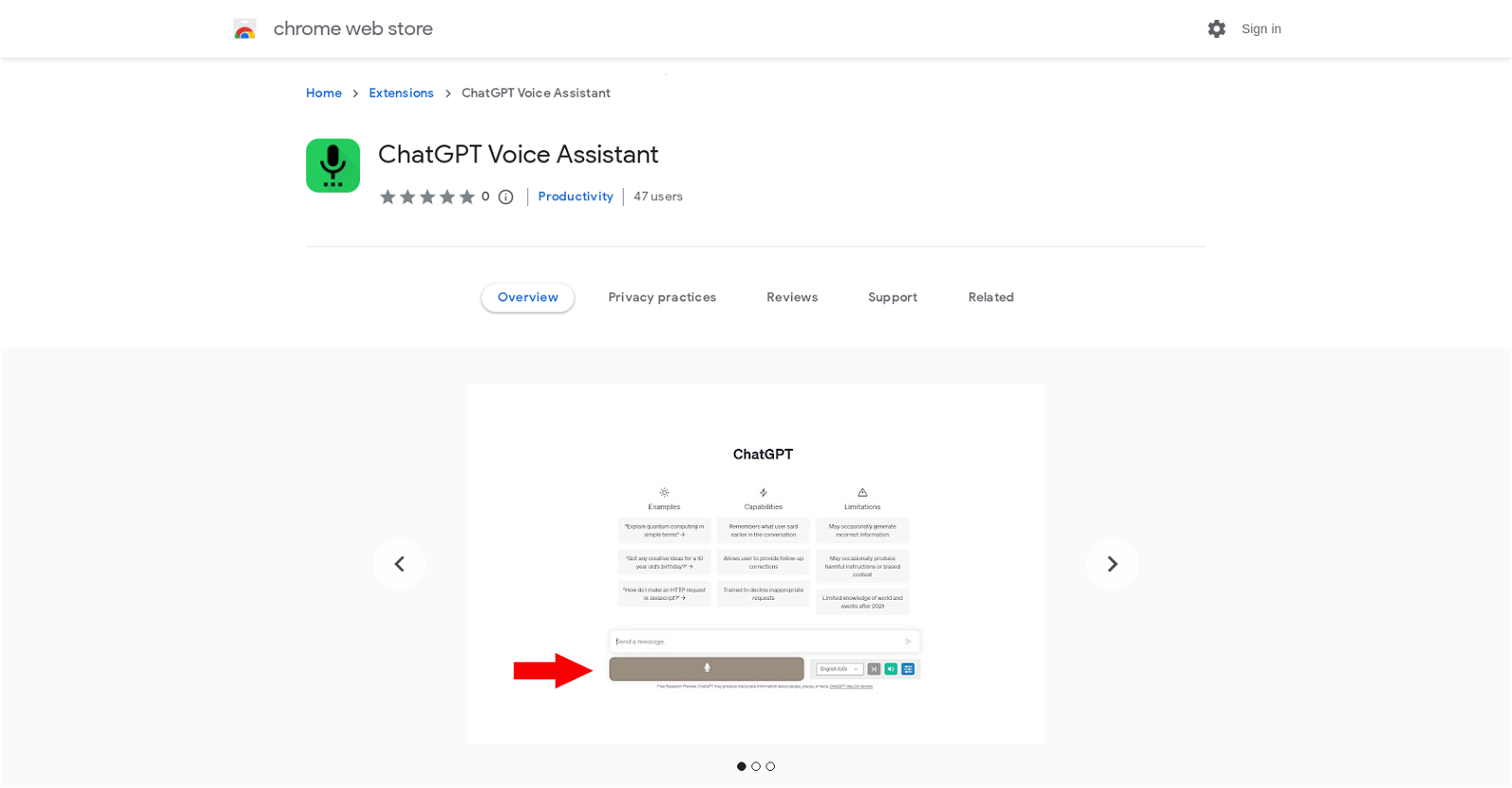
With this extension, you can capture and dispatch your vocal inquiries to ChatGPT, eliminating the need for typing. Simply click the recording button, and ChatGPT’s responses will be vocalized, enabling a seamless auditory interaction. It’s like having an intelligent conversational partner at your fingertips.
The ChatGPT Voice Assistant offers key features such as voice input capture, support for multiple languages, and the option to deactivate read-aloud responses. You can effortlessly communicate in your preferred language and even repeat vocalizations. Rest assured, your privacy is protected as user data is not collected or sold to third parties.
Experience the future of AI interaction with the ChatGPT Voice Assistant. Enhance your productivity and explore the full potential of chat-based models.
Want to earn with the tools you are reading about?
The $50K AI Income Roadmap: 20 modern ways to earn with AI, with steps, prompts and real numbers. Free, one chapter a day.
Overview:
The ChatGPT Voice Assistant is a Chrome extension offered by Practical AI that enhances the functionality of ChatGPT by incorporating voice control and text-to-speech capabilities. This extension allows users to engage in vocal dialogues with ChatGPT, eliminating the need for typing. Users can capture and dispatch their vocal inquiries to ChatGPT using a recording button, and the AI’s responses are subsequently vocalized, enabling a seamless auditory interaction. This extension facilitates effortless interaction with ChatGPT as an intelligent conversational partner and helps users explore the capabilities of cutting-edge AI.
The ChatGPT Voice Assistant provides several key features, including the ability to capture voice input and submit it to ChatGPT, with the option to deactivate the read-aloud responses if preferred. It also supports multiple languages, allowing users to communicate in their preferred language. Voice input can be captured by clicking the microphone button or by pressing and holding the spacebar. Additionally, the extension allows for the repetition of vocalizations.
The ChatGPT Voice Assistant utilizes native speech recognition from the browser, and users are prompted to grant microphone permission when necessary.
Please note that the developer of this extension, Practical AI, has provided a privacy policy which states that user data will not be collected or sold to third parties, and it will only be used for approved purposes related to the extension’s core functionality.
Benefits:
- The ChatGPT Voice Assistant enhances the functionality of ChatGPT by incorporating voice control and text-to-speech capabilities.
- Users can engage in vocal dialogues with ChatGPT, eliminating the need for typing.
- Users can capture and dispatch vocal inquiries to ChatGPT using a recording button.
- The AI’s responses are vocalized, enabling a seamless auditory interaction.
- The extension supports multiple languages, allowing users to communicate in their preferred language.

The TechLaugh editorial team, led by founder Akshay Kumar Singh, tests AI tools on real marketing and creative work. We check pricing on the day of writing, note free-plan limits, and update guides when tools change or shut down.