



































































































ChatPDF for Desktop
 Guide2 min read
☷Table of contents▾
ChatPDF for Desktop
From $65
Revolutionize PDF Collaboration with ChatPDF
VISIT WEBSITE
Introduction:
Are you tired of the limitations of traditional PDF tools when it comes to collaboration and communication?
Introducing ChatPDF for Desktop, the ultimate solution for improved PDF collaboration and communication. With this versatile tool, users can effortlessly interact with PDF files on their Mac, Windows, or Linux operating systems.
By integrating OpenAI and ChatPDF.com’s API key, users can engage in chat-based interactions with their PDFs, revolutionizing the way they work with these documents. The seamless and intuitive user experience ensures efficient communication and collaboration, making PDF workflows a breeze.
Download the desktop version of ChatPDF today and experience the power of AI in enhancing your PDF workflow. With the advanced capabilities of OpenAI and ChatPDF.com’s API key, you can take your PDF management to new heights. Plus, don’t forget to use the discount code (`PDFAI`) to enjoy a reduced price, making this tool a cost-effective solution for all your PDF needs.
Want to earn with the tools you are reading about?
The $50K AI Income Roadmap: 20 modern ways to earn with AI, with steps, prompts and real numbers. Free, one chapter a day.
Developed by Kasem S.M, an industry expert, ChatPDF for Desktop is a reliable and expertly crafted tool that guarantees efficient PDF management solutions. It serves as a comprehensive PDF communication platform for desktop users, leveraging AI technology to facilitate chat-based interactions with PDF files. Whether for personal or professional use, ChatPDF for Desktop enhances productivity and streamlines PDF workflows on Mac, Windows, and Linux operating systems.
Overview:
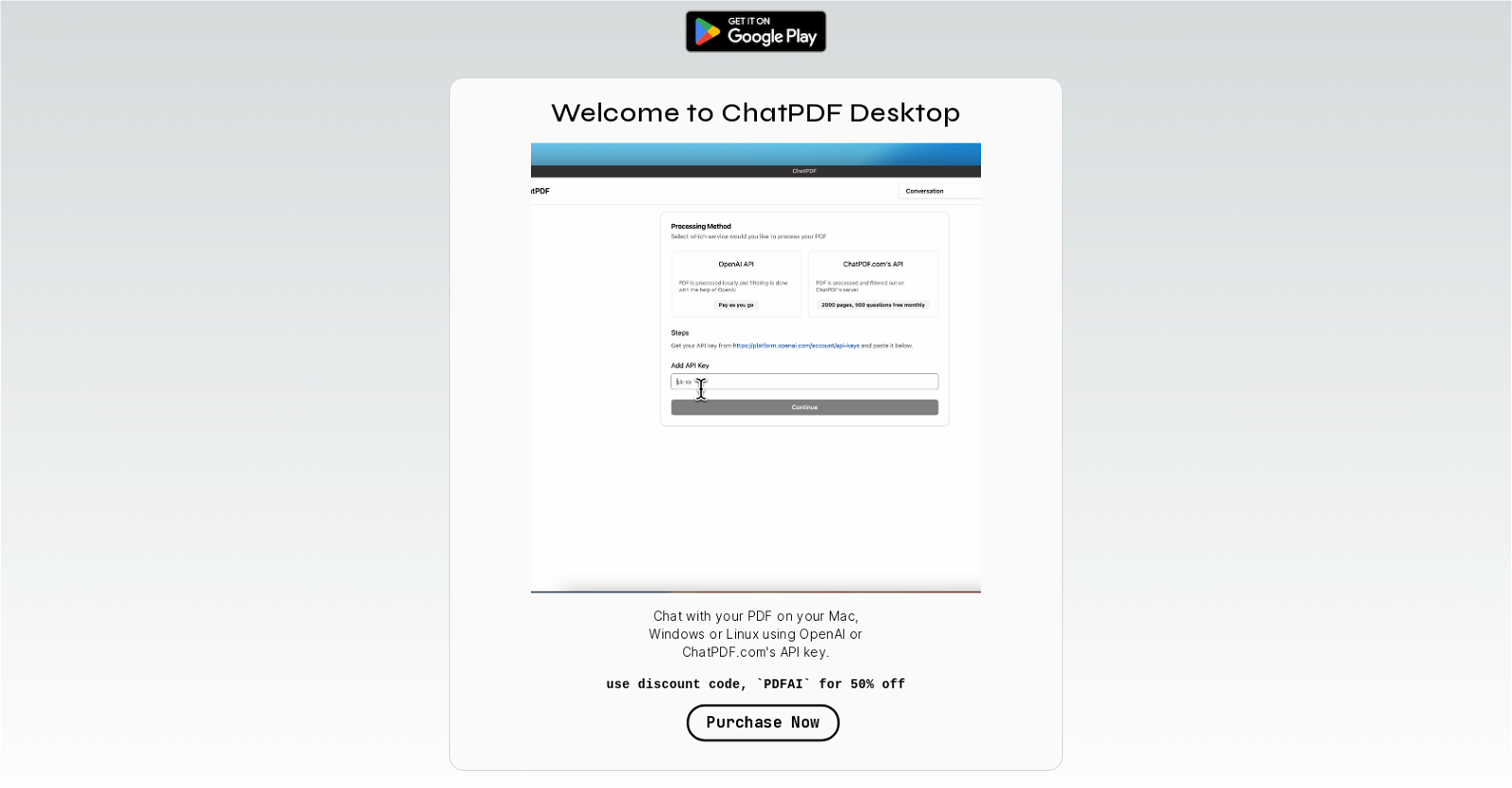
ChatPDF for Desktop is a versatile tool that allows users to interact with PDF files on their Mac, Windows, or Linux operating systems. With the integration of OpenAI and ChatPDF.com’s API key, users can conveniently engage in chat-based interactions with their PDFs.
This software offers a seamless and intuitive user experience, enabling efficient communication and collaboration with PDF documents. Users can download the desktop version of ChatPDF, making it easily accessible on their preferred operating system. By leveraging the power of OpenAI and ChatPDF.com’s API key, users can benefit from advanced AI capabilities to enhance their PDF workflow.
Furthermore, ChatPDF for Desktop provides a discount code (`PDFAI`) that allows users to purchase the tool at a reduced price, offering cost-effective solutions for managing PDF files. Developed by Kasem S.M, an experienced professional in this field, ChatPDF for Desktop demonstrates reliability and expertise in providing efficient PDF management solutions.
Overall, this tool serves as a comprehensive PDF communication platform for desktop users, leveraging AI technology to facilitate chat-based interactions with PDF files. Whether it’s for personal or professional use, ChatPDF for Desktop enhances productivity and streamlines PDF workflows on Mac, Windows, and Linux operating systems.
Benefits:
- Improved PDF collaboration and communication
- Seamless and intuitive user experience
- Advanced AI capabilities to enhance PDF workflow
- Cost-effective solution with a discount code
- Reliable and expertise in providing efficient PDF management solutions

The TechLaugh editorial team, led by founder Akshay Kumar Singh, tests AI tools on real marketing and creative work. We check pricing on the day of writing, note free-plan limits, and update guides when tools change or shut down.