



































































































Checkget
 Guide2 min read
☷Table of contents▾
Checkget
Free
Checkget: Your AI-Powered Task Assistant
VISIT WEBSITE
Introduction:
Are you tired of spending hours on mundane tasks while browsing the web? Imagine having a personal assistant right at your fingertips, ready to help you with any task. Introducing Checkget, the AI-powered browser extension designed to revolutionize your web browsing experience.
With Checkget, you can effortlessly access a wide range of features from any website. Simply press ⌘ K (Mac) / Alt K (Windows) for quick access and watch as your daily tasks become a breeze. But what sets Checkget apart from other tools?
Powered by ChatGPT’s advanced AI capabilities, Checkget can understand and adapt to various scenarios. Whether you need to reply to an email, summarize text, fix grammatical errors, or even change the tone of voice, Checkget has got you covered. It’s like having a personal language expert and writing assistant right at your fingertips.
But that’s not all. Checkget also offers a dark mode, ensuring a comfortable browsing experience for your eyes. Plus, it encrypts all your data to guarantee privacy and security. And for those who value extra privacy, Checkget’s local mode allows direct communication with ChatGPT, with the option to set an ApiKey.
Want to earn with the tools you are reading about?
The $50K AI Income Roadmap: 20 modern ways to earn with AI, with steps, prompts and real numbers. Free, one chapter a day.
Available as a browser extension for Google Chrome and Microsoft Edge, Checkget is accessible to anyone, anywhere. It seamlessly integrates into your web browsing routine, making everyday tasks a breeze. Say goodbye to wasted time and hello to efficiency with Checkget, the ultimate AI-powered assistant for your daily tasks.
Overview:
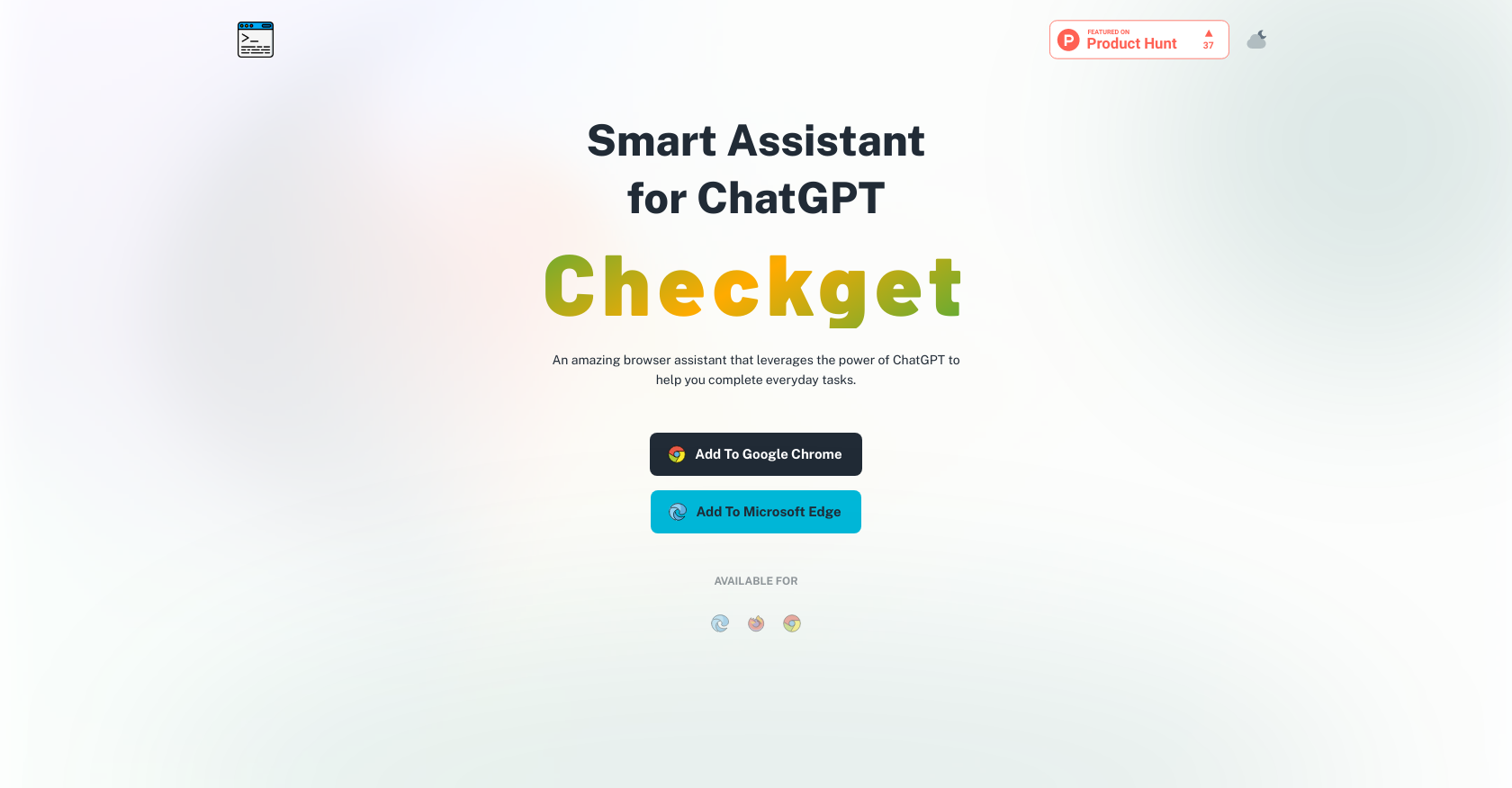
Checkget is an AI-powered browser extension that serves as a smart assistant for everyday tasks. When installed, users can access Checkget from any website by pressing ⌘ K (Mac) / Alt K (Windows) for quick access and time-saving.
With ChatGPT’s AI capabilities, Checkget can automatically recognize different scenarios, from replying to an email to explaining code. Users can select text and let Checkget summarize, translate, fix grammatical errors, make text longer or shorter, and even change the tone of voice.
Checkget also comes with a dark mode, which is easier on the eyes, and it encrypts everything sent to maintain privacy and security. Users can use the local mode to communicate directly with ChatGPT and set an ApiKey, allowing for extra privacy.
Checkget is available as a browser extension for Google Chrome and Microsoft Edge, making it accessible to anyone, anywhere.
Overall, Checkget is a versatile tool that uses AI technology to help users complete everyday tasks with ease, making it a valuable addition to any web browsing experience.
Benefits:
- Quick access and time-saving: Users can access Checkget from any website by pressing ⌘ K (Mac) / Alt K (Windows) for quick access and time-saving.
- Automatic recognition of scenarios: Checkget can automatically recognize different scenarios, from replying to an email to explaining code, thanks to ChatGPT’s AI capabilities.
- Text manipulation capabilities: Users can select text and let Checkget summarize, translate, fix grammatical errors, make text longer or shorter, and even change the tone of voice.
- Dark mode and encryption: Checkget comes with a dark mode, which is easier on the eyes, and it encrypts everything sent to maintain privacy and security.
- Local mode and extra privacy: Users can use the local mode to communicate directly with ChatGPT and set an ApiKey, allowing for extra privacy.

The TechLaugh editorial team, led by founder Akshay Kumar Singh, tests AI tools on real marketing and creative work. We check pricing on the day of writing, note free-plan limits, and update guides when tools change or shut down.