



































































































Cmd J
 Guide2 min read
☷Table of contents▾
Cmd J
From $19/mo
Boost Productivity with Cmd J
VISIT WEBSITE
Introduction:
Are you tired of spending hours searching for coding solutions or struggling to find the right words for your blog posts?
Introducing Cmd J, the AI-powered Chrome extension that revolutionizes your writing, coding, and content generation experience.
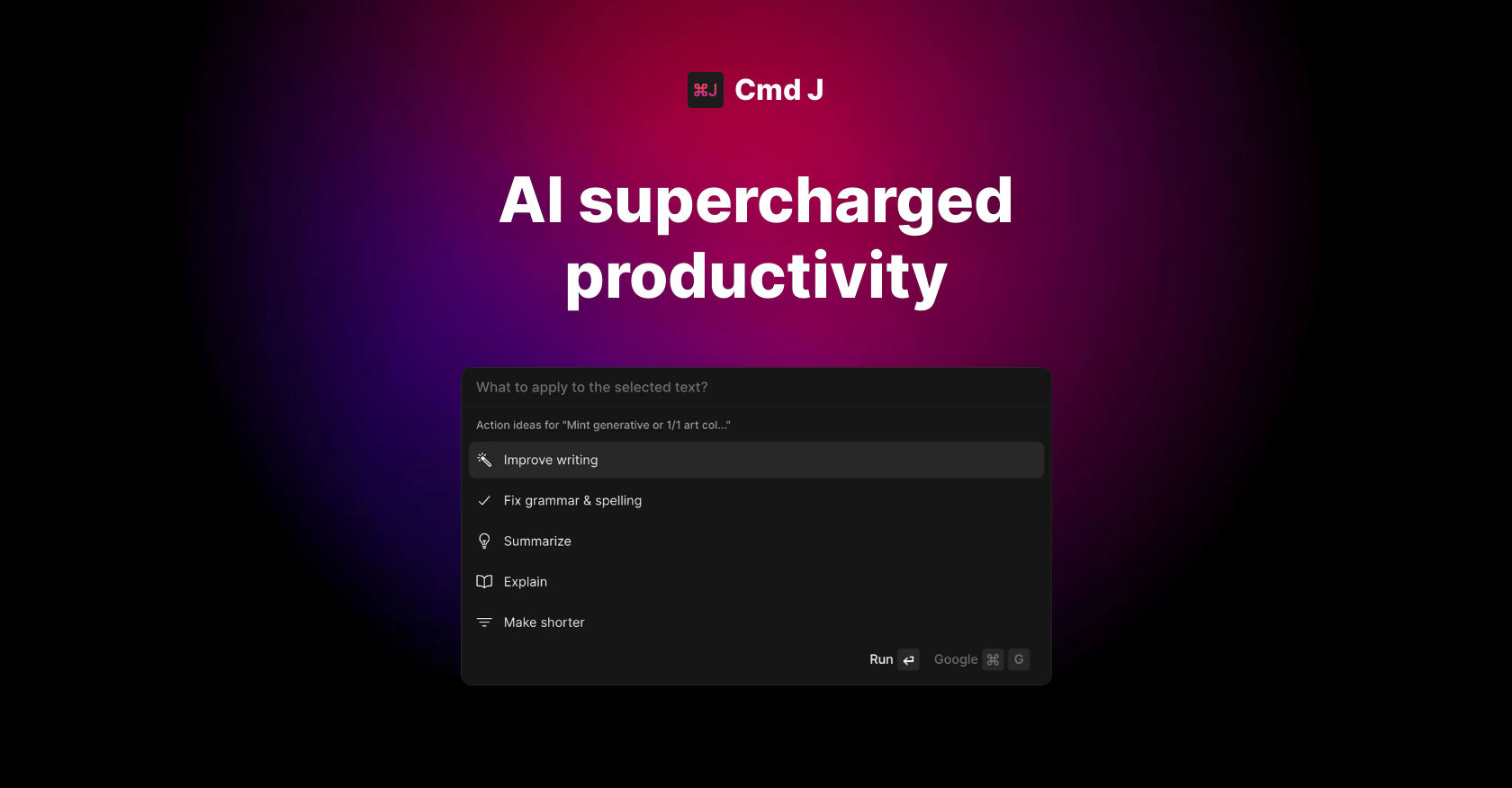
With a simple keyboard shortcut, Cmd/Alt J, you can effortlessly enhance your productivity and unlock a world of possibilities.
Powered by ChatGPT, a cutting-edge natural language processing tool, Cmd J provides human-like answers to your coding queries, helping you overcome obstacles in no time.
But that’s not all – this powerful extension also assists you in crafting captivating blog posts and social media content when you find yourself stuck.
Want to earn with the tools you are reading about?
The $50K AI Income Roadmap: 20 modern ways to earn with AI, with steps, prompts and real numbers. Free, one chapter a day.
No more endless scrolling through search results! Cmd J fetches relevant information from Google searches, saving you valuable time and effort.
Choose from our four pricing plans, each offering different levels of access to OpenAI requests, response time, and support.
Get started with our free plan, which includes login interruptions, or upgrade to our paid plans for unlimited requests and faster response times.
Cmd J is here to supercharge your productivity and make your writing, coding, and content generation journey a breeze. Try it today and experience the future of AI tools.
Overview:
Cmd J is an AI-powered Chrome extension designed to enhance productivity. With a simple keyboard shortcut (Cmd/Alt J), users can unlock a range of features to improve their writing, coding, and content creation. Powered by ChatGPT, a powerful natural language processing (NLP) tool, Cmd J provides human-like answers and explanations for coding queries, making it a valuable resource for developers. Additionally, it assists users in drafting blog posts and social media content when they encounter writer’s block. By eliminating the need to sift through multiple search result pages, Cmd J delivers quick and relevant information from Google searches.
To cater to different needs, Cmd J offers four pricing plans with varying levels of access to OpenAI requests, response time, and support. While the free plan includes login interruptions, the paid plans provide unlimited requests and faster response times. With its user-friendly interface and powerful AI capabilities, Cmd J empowers users to supercharge their productivity and streamline their workflow.
Benefits:
- Improved productivity: Cmd J allows users to supercharge their productivity by providing an easy way to improve writing, get answers to coding questions, and generate blog posts.
- Efficient coding assistance: The AI-powered extension, powered by ChatGPT, offers human-like answers and explanations for coding issues, helping users find solutions quickly.
- Enhanced writing capabilities: If users are stuck while drafting blog posts or social media content, Cmd J can assist in generating ideas and providing suggestions.
- Streamlined research: Instead of searching through multiple pages, Cmd J provides results from Google searches, saving users time and effort.
- Flexible pricing plans: Cmd J is available in four different pricing plans, offering varying levels of access to OpenAI requests, response time, and support. The free plan includes login interruptions, while paid plans offer unlimited requests and faster response time.

The TechLaugh editorial team, led by founder Akshay Kumar Singh, tests AI tools on real marketing and creative work. We check pricing on the day of writing, note free-plan limits, and update guides when tools change or shut down.