



































































































CodeGenius
 Guide2 min read
☷Table of contents▾
CodeGenius
Freemium
Boost Coding Productivity with CodeGenius
VISIT WEBSITE
Introduction:
Are you tired of spending hours writing and optimizing code?
Introducing CodeGenius, the ultimate AI-powered code conversational assistant for Visual Studio Code.
With CodeGenius, you can automate code generation and optimization, revolutionizing your coding experience.
No more tedious and repetitive tasks. CodeGenius handles it all, allowing you to focus on what truly matters.
Enhance your code quality and readability with just a few clicks. Request improvements for existing code blocks effortlessly.
Need help understanding the logic behind your code? CodeGenius provides instant explanations, making debugging a breeze.
Say goodbye to extensive searches for documentation or forums. CodeGenius is here to answer your specific coding questions.
Efficiently modify your code by generating necessary snippets based on your descriptions. CodeGenius simplifies the process.
Ready to boost your productivity? Install CodeGenius now by launching Visual Studio Code and searching for “CodeGenius” in the Extensions view.
Want to earn with the tools you are reading about?
The $50K AI Income Roadmap: 20 modern ways to earn with AI, with steps, prompts and real numbers. Free, one chapter a day.
Experience the power of AI as CodeGenius transforms your coding journey, making it easier, faster, and more enjoyable.
Overview:
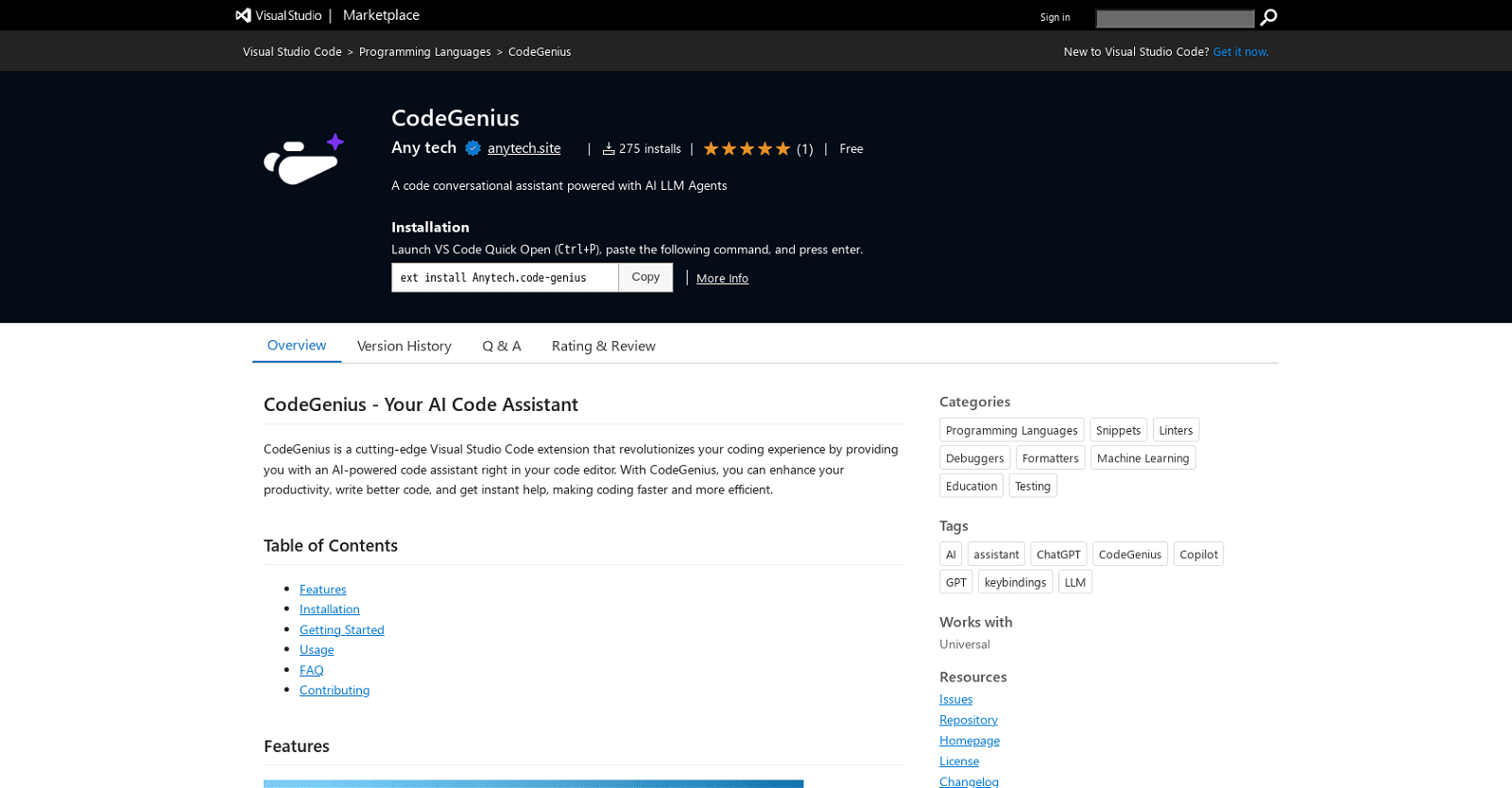
CodeGenius is an extension for Visual Studio Code that acts as a code conversational assistant powered by AI LLM agents. This tool aims to enhance the coding experience, increase productivity, and provide instant help to developers.
The key features of CodeGenius include:
1. WRITE CODE: Users can generate code effortlessly in their preferred programming language and framework by providing explicit details and specifications. CodeGenius handles the coding tasks, saving users from tedious and repetitive work.
2. IMPROVE THIS CODE: CodeGenius allows users to select a block of existing code and request improvements. The tool refactors and optimizes the code, enhancing its quality and readability with just a few clicks.
3. EXPLAIN THIS CODE: Users can select a block of code and request an explanation from CodeGenius. The AI assistant provides insights into the logic and functionality of the code, making debugging and maintenance easier.
4. ASK FOR HELP WITH THIS CODE: When users encounter difficulties with a specific piece of code, CodeGenius assists by answering specific questions and providing guidance. This eliminates the need for extensive searches for documentation or forums.
5. MODIFY CODE: CodeGenius simplifies code modification by generating the necessary code snippets based on user descriptions. Users can make changes or additions to their code more efficiently.
To install CodeGenius, users need to launch Visual Studio Code, go to the Extensions view, search for “CodeGenius,” and click the Install button.
Overall, CodeGenius aims to provide developers with a powerful AI code assistant that improves their coding experience, helps them understand and improve their code, and ultimately boosts productivity.
Benefits:
- Effortless code generation in preferred programming language and framework
- Refactoring and optimization of existing code with just a few clicks
- Insights into the logic and functionality of code for easier debugging and maintenance
- Specific assistance and guidance for difficulties with code
- Efficient code modification through generated code snippets

The TechLaugh editorial team, led by founder Akshay Kumar Singh, tests AI tools on real marketing and creative work. We check pricing on the day of writing, note free-plan limits, and update guides when tools change or shut down.