



































































































CodeGPT
 Guide2 min read
☷Table of contents▾
CodeGPT
Freemium
Supercharge Your Coding Skills!
VISIT WEBSITE
Introduction:
Are you a developer looking to boost your efficiency and coding skills? Imagine having an AI-powered assistant right at your fingertips, providing suggestions and completing your code as you type. Introducing CodeGPT, the IntelliJ IDEs plugin designed to revolutionize your development process.
With CodeGPT, you can access a range of features that optimize your coding experience. Its chat completions API offers intelligent suggestions, making coding faster and more accurate. Simply right-click on a selected block of code and choose from a variety of commands, including CUSTOM PROMPT, FIND BUGS, ADD TESTS, REFACTOR, OPTIMIZE, and EXPLAIN.
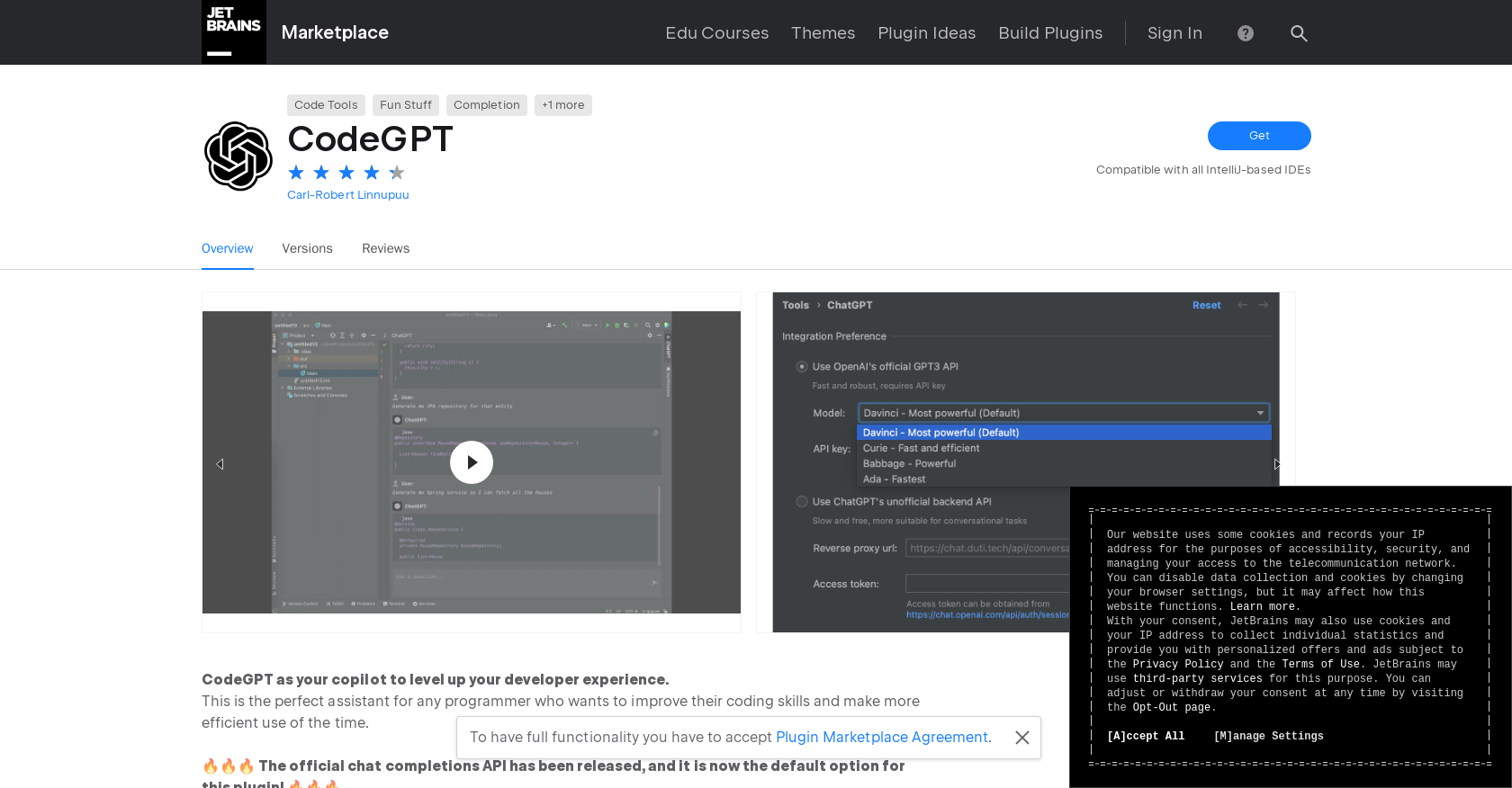
CodeGPT integrates seamlessly with OPENAI’S OFFICIAL API, providing access to powerful APIs like CHAT COMPLETION, CHATGPT SNAPSHOT, TEXT COMPLETION, DAVINCI, CURIE, BABBAGE, and ADA. Even the free version of CHATGPT’s UNOFFICIAL API is available, giving you flexibility and options.
To get started, all you need to do is configure your API key under SETTINGS → TOOLS → CODEGPT, while respecting the PLUGIN MARKETPLACE AGREEMENT. CodeGPT becomes your trusted companion, helping you improve your coding skills, analyze your code, and optimize your projects. Take your coding to the next level with CodeGPT, the ultimate AI-powered assistant for developers.
Want to earn with the tools you are reading about?
The $50K AI Income Roadmap: 20 modern ways to earn with AI, with steps, prompts and real numbers. Free, one chapter a day.
Overview:
CodeGPT is an IntelliJ IDEs plugin that provides several features to assist programmers in improving their coding skills and optimizing their development process. One of its main features is the chat completions API, which offers suggestions to developers while coding.
CodeGPT offers a range of commands, including CUSTOM PROMPT, FIND BUGS, ADD TESTS, REFACTOR, OPTIMIZE, and EXPLAIN. These commands can be accessed by right-clicking on a selected block of code and choosing the desired command to execute.
The plugin provides various APIs, such as OPENAI’S OFFICIAL API, CHAT COMPLETION, CHATGPT, CHATGPT SNAPSHOT, TEXT COMPLETION, DAVINCI, CURIE, BABBAGE, and ADA. Additionally, the free version of CHATGPT’s UNOFFICIAL API is also available.
To use CodeGPT, developers need to adhere to the PLUGIN MARKETPLACE AGREEMENT and configure the API key under SETTINGS → TOOLS → CODEGPT.
Overall, CodeGPT is a valuable tool for programmers looking to enhance their coding skills and efficiency. It provides chat completions and suggestions, along with commands for code analysis, refactoring, and optimization.
Benefits:
- Provides chat completions API for suggestions while coding
- Offers various commands for analyzing, refactoring, and optimizing code
- Includes multiple APIs such as OpenAI’s official API, ChatGPT, and Text Completion
- Free version of ChatGPT’s unofficial API is available
- Boosts developer efficiency and coding skills

The TechLaugh editorial team, led by founder Akshay Kumar Singh, tests AI tools on real marketing and creative work. We check pricing on the day of writing, note free-plan limits, and update guides when tools change or shut down.