



































































































Codeulator
 Guide2 min read
☷Table of contents▾
Codeulator
Freemium
Codeulator: Empowering Collaborative Coding Sessions
VISIT WEBSITE
Introduction:
Are you a Visual Studio user looking for a collaborative code helper to enhance your coding experience? Imagine having a plugin that seamlessly integrates with your preferred code editor, allowing you to pair with an AI assistant for real-time collaboration. Introducing Codeulator, the ChatGPT plugin designed specifically for developers like you.
With Codeulator, you can effortlessly share your code with others using Live Share, review and implement code seamlessly, and even access tutorials for additional guidance. Install Codeulator from your code editor’s plugin store and join our Discord community to engage with fellow developers. Elevate your coding sessions with the power of ChatGPT and experience a new level of collaboration and interactivity.
Overview:
Codeulator is a ChatGPT plugin designed for developers using Visual Studio (VS) and VS Code. It enables users to pair with ChatGPT within their preferred code editor. By integrating ChatGPT with VS Code, users have access to a collaborative and interactive development experience. It offers features such as Live Share, where users can share their code with others, allowing for real-time collaboration.
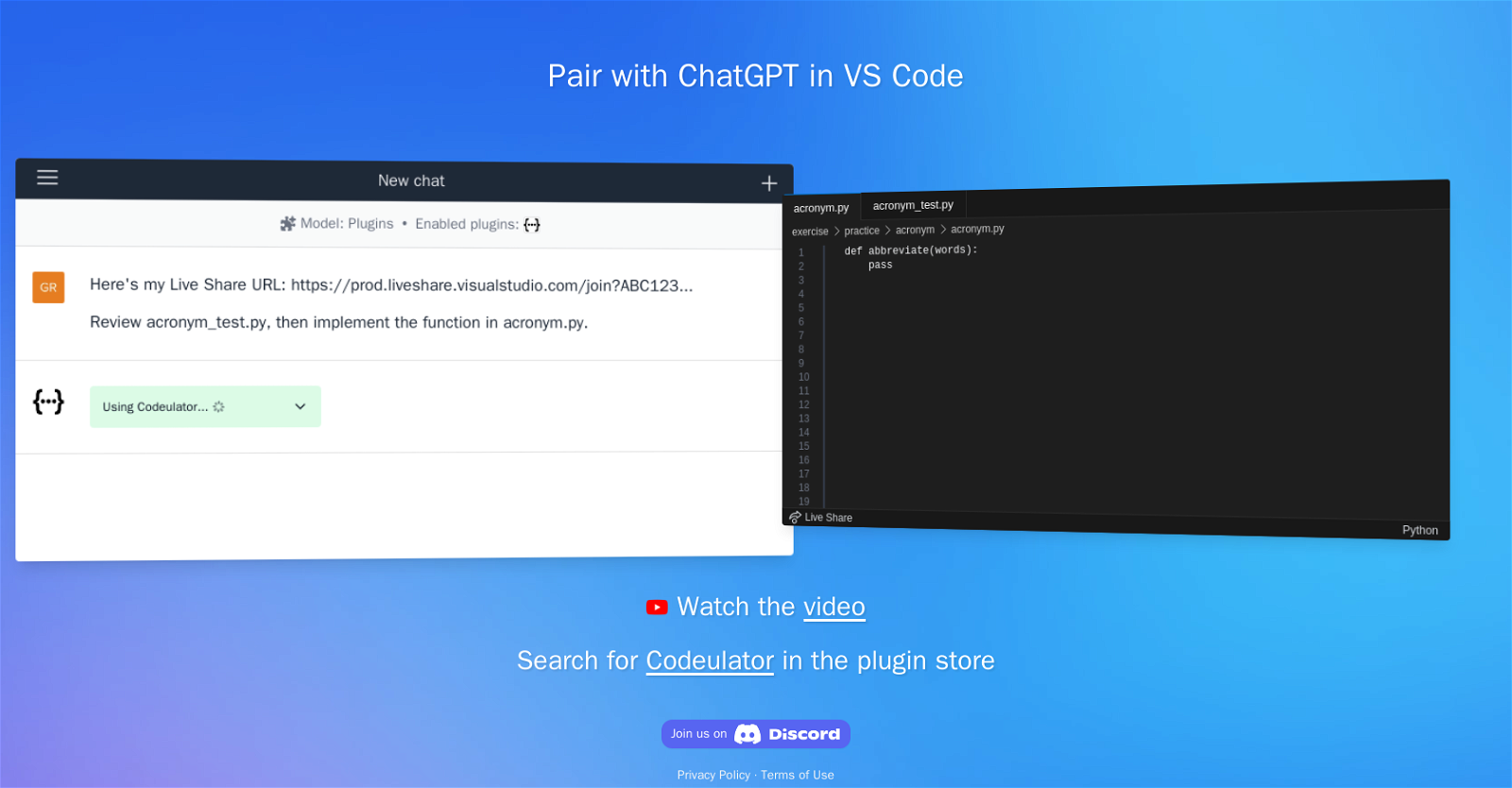
With Codeulator, developers can review and implement code seamlessly. By leveraging the plugin, users can open a Live Share URL and access a collaborative environment where they can review and work on specific files, such as “acronym_test.py” and “acronym.py”. The plugin enables the implementation of functions, making coding exercises and practices more efficient.
Want to earn with the tools you are reading about?
The $50K AI Income Roadmap: 20 modern ways to earn with AI, with steps, prompts and real numbers. Free, one chapter a day.
To assist users, Codeulator provides easy access to tutorials through a video link. Additionally, users can search for Codeulator in the plugin store of their code editor to easily install it. The plugin also offers support through a Discord community, where users can engage with other developers and share insights.
Codeulator respects user privacy with a dedicated privacy policy and ensures adherence to terms of use. It enables developers using Visual Studio and VS Code to enhance their coding experience by incorporating the power of ChatGPT for collaborative and interactive coding sessions.
Benefits:
- Collaborative and interactive development experience: Codeulator allows developers to pair with ChatGPT within their preferred code editor, such as Visual Studio and VS Code. This integration provides a collaborative and interactive coding experience.
- Real-time collaboration with Live Share: With Codeulator, users can share their code with others using Live Share. This feature enables real-time collaboration, making it easier for developers to work together on projects.
- Seamless code review and implementation: By leveraging the plugin, developers can review and implement code seamlessly. They can open a Live Share URL and access a collaborative environment to review and work on specific files, enhancing the code review process.
- Efficient coding exercises and practices: Codeulator enables the implementation of functions, making coding exercises and practices more efficient. Developers can leverage the plugin to enhance their coding skills and improve their overall coding experience.
- Easy access to tutorials and support: Codeulator provides easy access to tutorials through a video link, helping users learn and understand its features. Additionally, the plugin offers support through a Discord community, allowing developers to engage with other users, share insights, and seek assistance when needed.

The TechLaugh editorial team, led by founder Akshay Kumar Singh, tests AI tools on real marketing and creative work. We check pricing on the day of writing, note free-plan limits, and update guides when tools change or shut down.