






















































Createaivoiceovers
 Guide2 min read
☷Table of contents▾
Createaivoiceovers
From $47/mo
Transform Text to Lifelike Audio
VISIT WEBSITE
Introduction:
Are you tired of spending hours recording voiceovers for your content?
Imagine if there was a tool that could convert your text into high-quality audio files with just a few clicks.
Introducing Create AI Voiceovers, the ultimate solution for converting text to AI voice audio files.
With its synthetic speech technology, this powerful online tool generates AI voices that closely resemble real human voices in pitch, tone, and pace.
Designed to be intuitive and user-friendly, Create AI Voiceovers offers a step-by-step process that anyone can follow.
Simply import your text, choose from over 220 languages and dialects, and select an AI voice persona that suits your content.
Customize your audio file with features like pitch, emphasis, pause, speed, and pronunciation.
Want to earn with the tools you are reading about?
The $50K AI Income Roadmap: 20 modern ways to earn with AI, with steps, prompts and real numbers. Free, one chapter a day.
Add background music, sound effects, and voice effects to enhance your audio further.
Once you’re satisfied, download your MP3 audio file and start using it immediately.
Create AI Voiceovers is the ideal solution for various content needs, whether it’s storytelling, marketing, or eLearning.
Save time and effort while achieving high-quality results with Create AI Voiceovers. Try it today!
Overview:
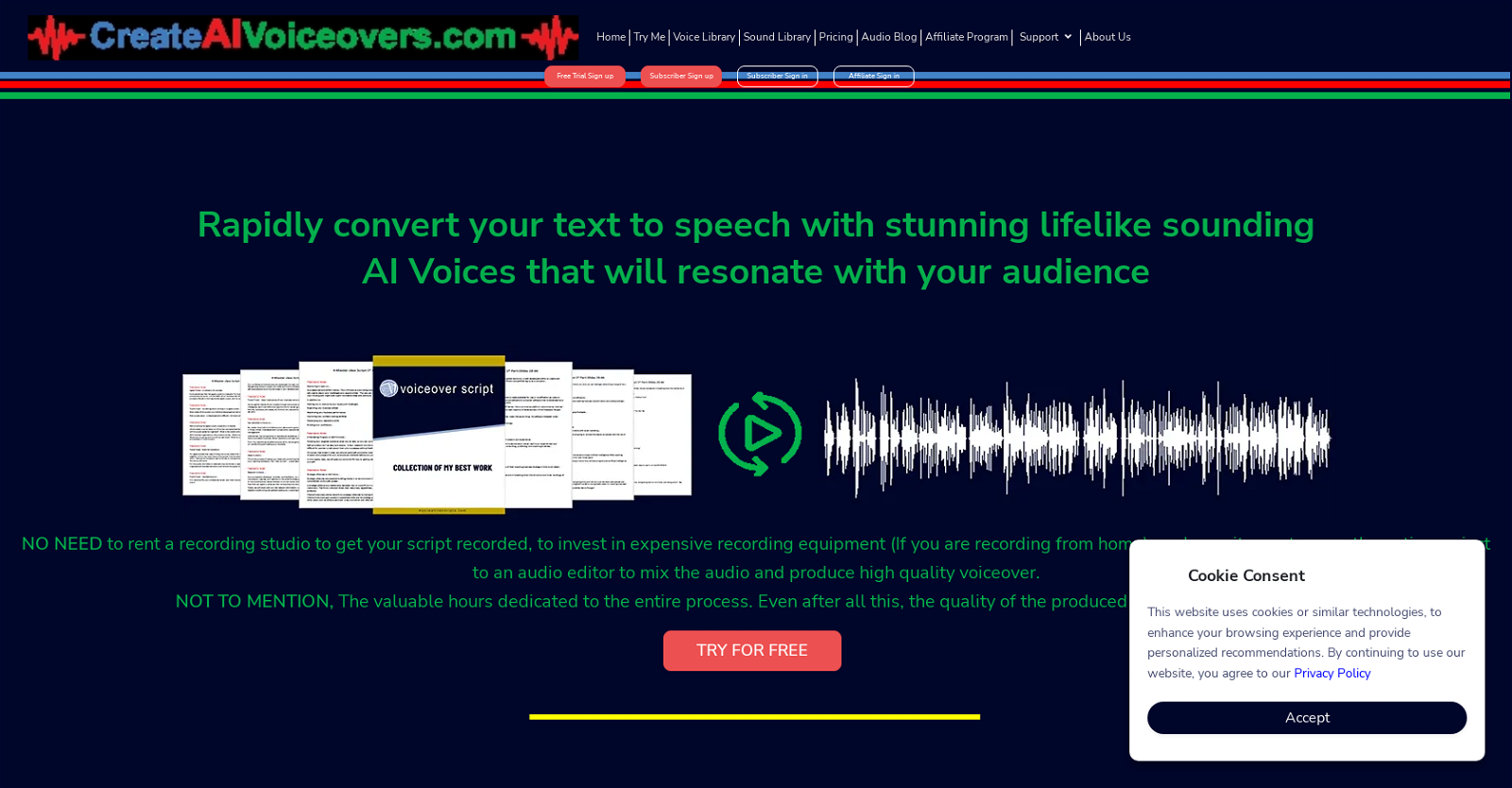
Create AI Voiceovers is a powerful online audio conversion tool that enables users to quickly and easily convert text to high-quality AI voice audio files. The tool harnesses synthetic speech technology to generate AI voices that more accurately mimic the pitch, tone, and pace of a real human voice. It is designed to be intuitive and user-friendly, with an easy-to-follow step-by-step process.
First, users can import text messages or stories from TXT and MS Word documents into the Create AI Voiceovers generator. Then they can select from over 220 languages and dialects and select an AI voice persona that best fits their content, such as Jenny B, Guy Z, Amber J, Christopher M, Sonia C, Ivan G, Sara J, or Donald H. Users can further customize their audio file with features such as pitch, emphasis, pause, speed, and pronunciation. They can also add background music and sound effects, as well as voice effects such as reverberation, flanging, phasing, and chorusing.
Once they have fine-tuned their audio, they can download their MP3 audio file and start using it immediately. Overall, Create AI Voiceovers is a powerful and easy-to-use tool that enables users to quickly and easily create high-quality AI voice audio files. It is an ideal solution for a range of content needs, from storytelling to marketing to eLearning.
Benefits:
- Quick and easy conversion of text to high-quality AI voice audio files
- Accurate mimicry of pitch, tone, and pace of a real human voice
- Intuitive and user-friendly interface with a step-by-step process
- Customization options for pitch, emphasis, pause, speed, and pronunciation
- Ability to add background music, sound effects, and voice effects

The TechLaugh editorial team, led by founder Akshay Kumar Singh, tests AI tools on real marketing and creative work. We check pricing on the day of writing, note free-plan limits, and update guides when tools change or shut down.