



































































































CreateDraft
 Guide2 min read
☷Table of contents▾
CreateDraft
Free from $5/mo
Boost Legal Drafting Productivity: CreateDraft
VISIT WEBSITE
Introduction:
Are you tired of spending countless hours researching and manually creating legal documents?
Introducing CreateDraft, the AI tool that revolutionizes the legal drafting process.
With CreateDraft, legal teams can now streamline their workflow, boost productivity, and produce impeccable legal documents in no time.
Gone are the days of starting from scratch or sifting through endless templates. CreateDraft offers a wide range of pre-defined agreements and clauses, tailored to various legal areas.
Whether you need a Non-Disclosure Agreement, Employment Agreement, or Partnership Agreement, CreateDraft has you covered. Simply access the templates, customize them to your specific needs, and witness the magic unfold.
Save time, effort, and resources with CreateDraft’s user-friendly interface and comprehensive templates. Experience improved results in a fraction of the time traditionally required for legal document drafting.
Want to earn with the tools you are reading about?
The $50K AI Income Roadmap: 20 modern ways to earn with AI, with steps, prompts and real numbers. Free, one chapter a day.
From lease agreements to divorce settlements, child custody agreements to intellectual property assignments, CreateDraft caters to all your legal document needs.
Enhance your drafting process, increase productivity, and generate high-quality legal documents efficiently with CreateDraft. It’s time to embrace the power of AI and revolutionize your legal practice.
Overview:
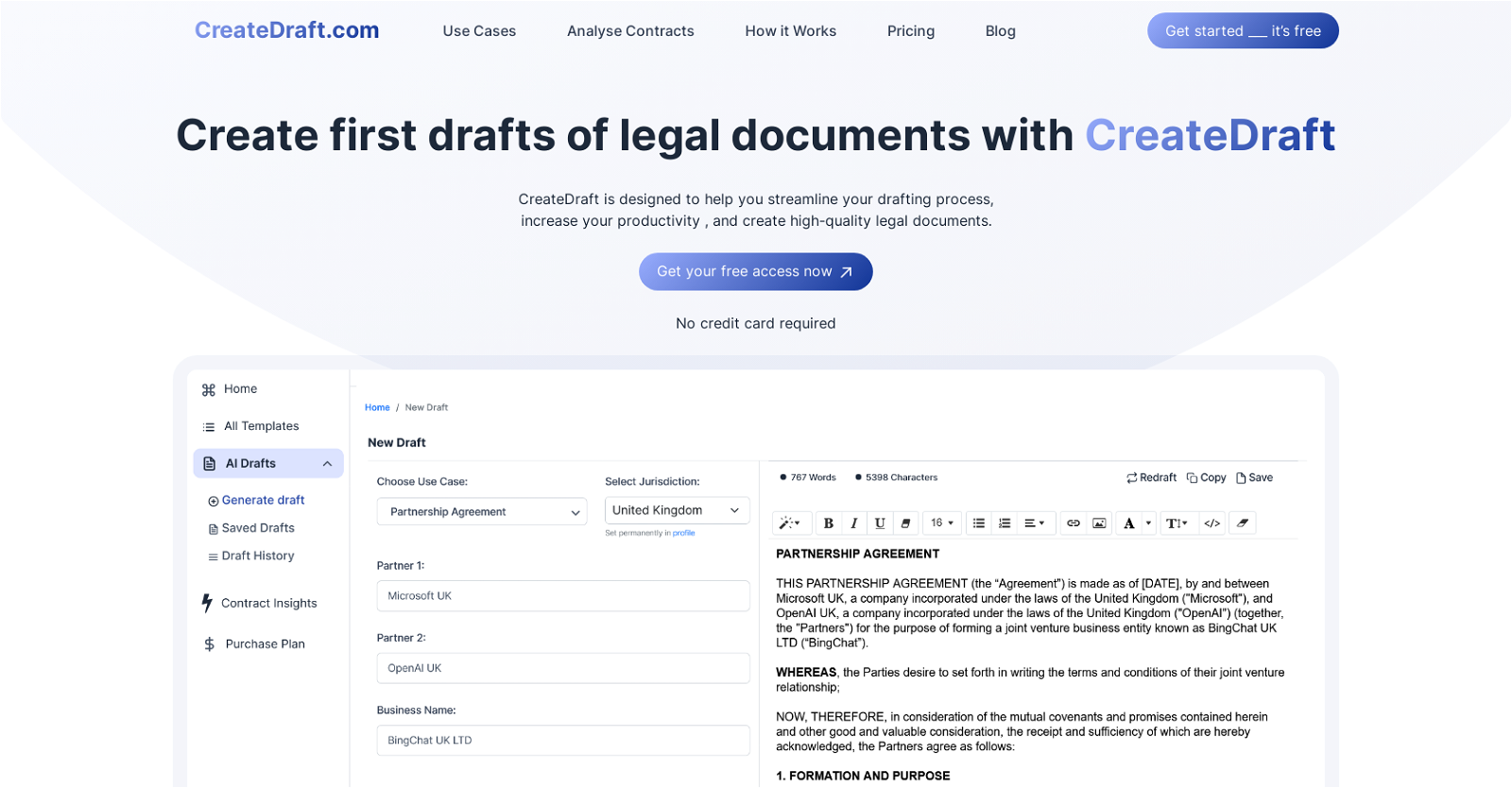
CreateDraft is an AI tool designed to assist with streamlining the drafting process, increasing productivity, and producing high-quality legal documents. Aimed at legal teams, CreateDraft offers a variety of templates for different legal agreements, such as Non-Disclosure Agreements, Employment Agreements, Partnership Agreements, and more. Users can access these templates and customize them according to their specific needs.
The tool simplifies the drafting process by providing pre-defined agreements and clauses, eliminating the need for extensive research and manual template creation. CreateDraft’s templates cover various legal areas and are designed to save time and effort for legal professionals.
By using CreateDraft, legal teams can expect improved results in a fraction of the time traditionally required for drafting legal documents. The tool aims to provide a streamlined and user-friendly experience, ensuring that legal professionals can efficiently create accurate and comprehensive documents.
CreateDraft offers a range of legal agreement templates, including lease agreements, purchase agreements, service agreements, consulting agreements, and more. It also provides templates for documents related to divorce settlements, child custody agreements, estate planning, and intellectual property assignments.
Overall, CreateDraft is a valuable tool for legal professionals seeking to enhance their drafting process, increase productivity, and generate high-quality legal documents efficiently.
Benefits:
- Streamlines the drafting process
- Increases productivity
- Produces high-quality legal documents
- Offers a variety of templates for different legal agreements
- Simplifies the drafting process by providing pre-defined agreements and clauses

The TechLaugh editorial team, led by founder Akshay Kumar Singh, tests AI tools on real marketing and creative work. We check pricing on the day of writing, note free-plan limits, and update guides when tools change or shut down.