



































































































Docsium
 Guide2 min read
☷Table of contents▾
Docsium
Freemium
Supercharge Productivity with Docsium!
VISIT WEBSITE
Introduction:
Are you tired of spending hours on data management and content creation?
Introducing Docsium, the AI-powered add-on for Google Sheets, Google Docs, and Google Slides.
With just a few clicks, Docsium seamlessly integrates the power of GPT-3 to enhance your productivity.
Imagine effortlessly generating, summarizing, and rewriting data in Google Sheets, allowing for efficient extraction, categorization, and cleaning.
In Google Docs, Docsium becomes your go-to tool for writing blog posts, creating bullet points, and generating meeting notes with ease.
And in Google Slides, Docsium assists in writing unique text copy, auto-generating slide titles, bullet points, and formatting.
Experience the accessibility and intuitiveness of Docsium as it streamlines data management, content creation, and formatting.
Want to earn with the tools you are reading about?
The $50K AI Income Roadmap: 20 modern ways to earn with AI, with steps, prompts and real numbers. Free, one chapter a day.
Boost your productivity in your preferred Google Workspace applications with Docsium today.
Overview:
Docsium is an AI-based add-on for Google Sheets, Google Docs, and Google Slides that aims to enhance productivity by integrating the power of GPT-3.
With just a few clicks, Docsium can be easily installed and utilized to improve the user experience across these three Google Workspace applications.
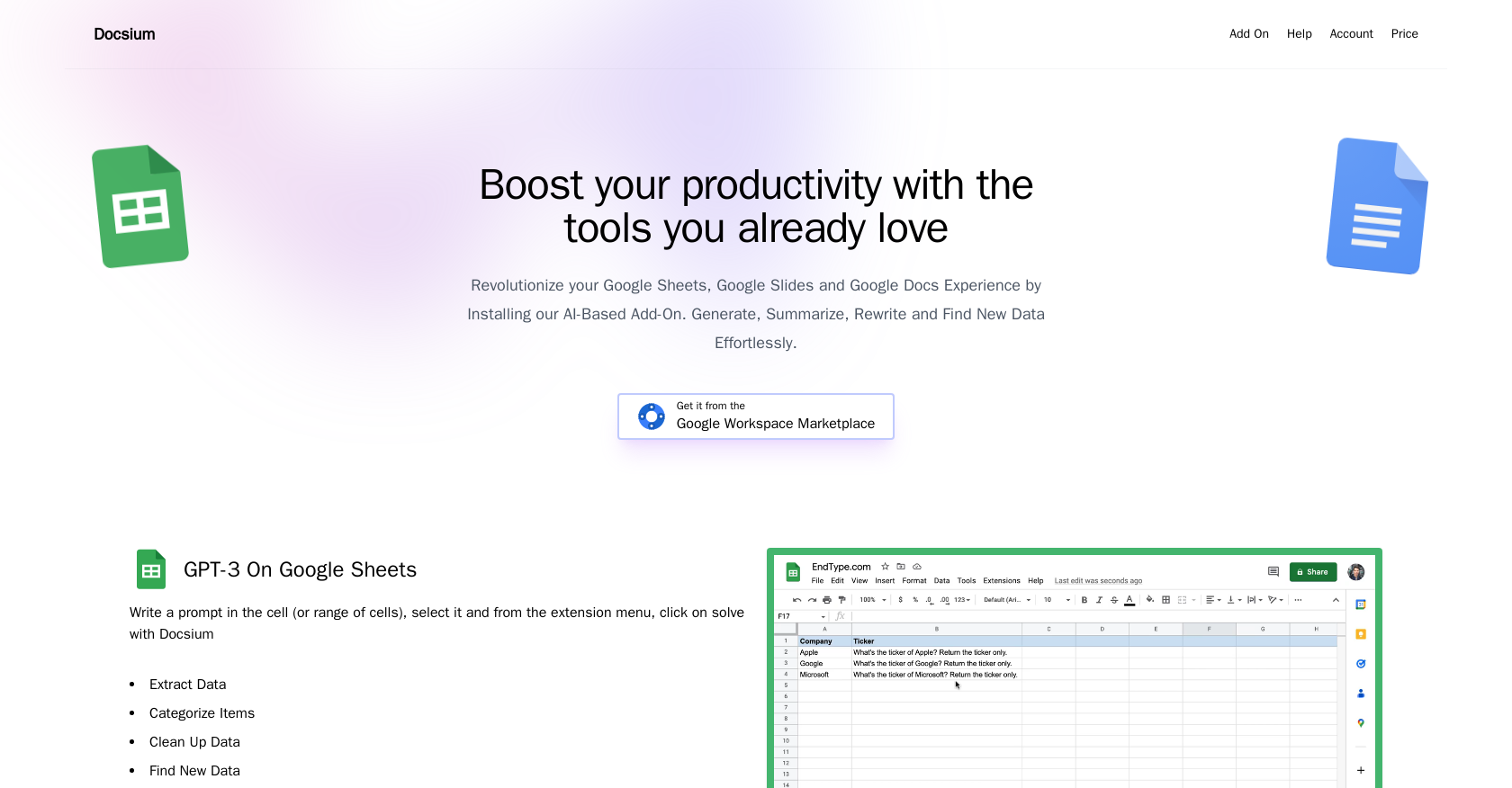
In Google Sheets, Docsium enables users to generate, summarize, rewrite, and effortlessly find new data. This allows for efficient data extraction, categorization, cleaning, and completion of addresses and public information.
In Google Docs, Docsium proves useful for various tasks such as writing blog posts, creating bullet points, generating meeting notes from bullet points, and summarizing existing content. By selecting a prompt and utilizing the extension menu, Docsium assists users in achieving these tasks.
Similarly, in Google Slides, Docsium allows users to write prompts directly in the slide, enabling the AI to assist in generating unique text copy. This includes auto-generating slide titles, bullet point generation, content summarization, and text formatting.
Overall, Docsium offers an accessible and intuitive way to leverage the capabilities of GPT-3 within the familiar interface of Google Sheets, Google Docs, and Google Slides. By streamlining data management, content creation, and formatting, Docsium aims to boost productivity for users in their preferred Google Workspace applications.
Benefits:
- Efficient data extraction, categorization, cleaning, and completion of addresses and public information in Google Sheets.
- Useful for tasks such as writing blog posts, creating bullet points, generating meeting notes, and summarizing existing content in Google Docs.
- Assists in generating unique text copy, including auto-generating slide titles, bullet points, content summarization, and text formatting in Google Slides.
- Offers an accessible and intuitive way to leverage the capabilities of GPT-3 within the familiar interface of Google Workspace applications.
- Streamlines data management, content creation, and formatting, ultimately boosting productivity for users in their preferred Google Workspace applications.

The TechLaugh editorial team, led by founder Akshay Kumar Singh, tests AI tools on real marketing and creative work. We check pricing on the day of writing, note free-plan limits, and update guides when tools change or shut down.