



































































































Gradio
 Guide2 min read
☷Table of contents▾
Gradio
Freemium
Gradio: Interactive ML Apps Made Easy
VISIT WEBSITE
Introduction:
Are you tired of spending hours coding and debugging just to create and share interactive machine learning apps?
Introducing Gradio, the ultimate solution for developers seeking a seamless experience in building and distributing ML apps.
With Gradio’s intuitive web interface, you can effortlessly interact with ML models from any device, making it a breeze to showcase your models to colleagues and the public.
Installation is a breeze, requiring just a few lines of code to set up an interface for a function. Plus, Gradio supports permanent hosting on Hugging Face Spaces, allowing you to easily share your apps with others.
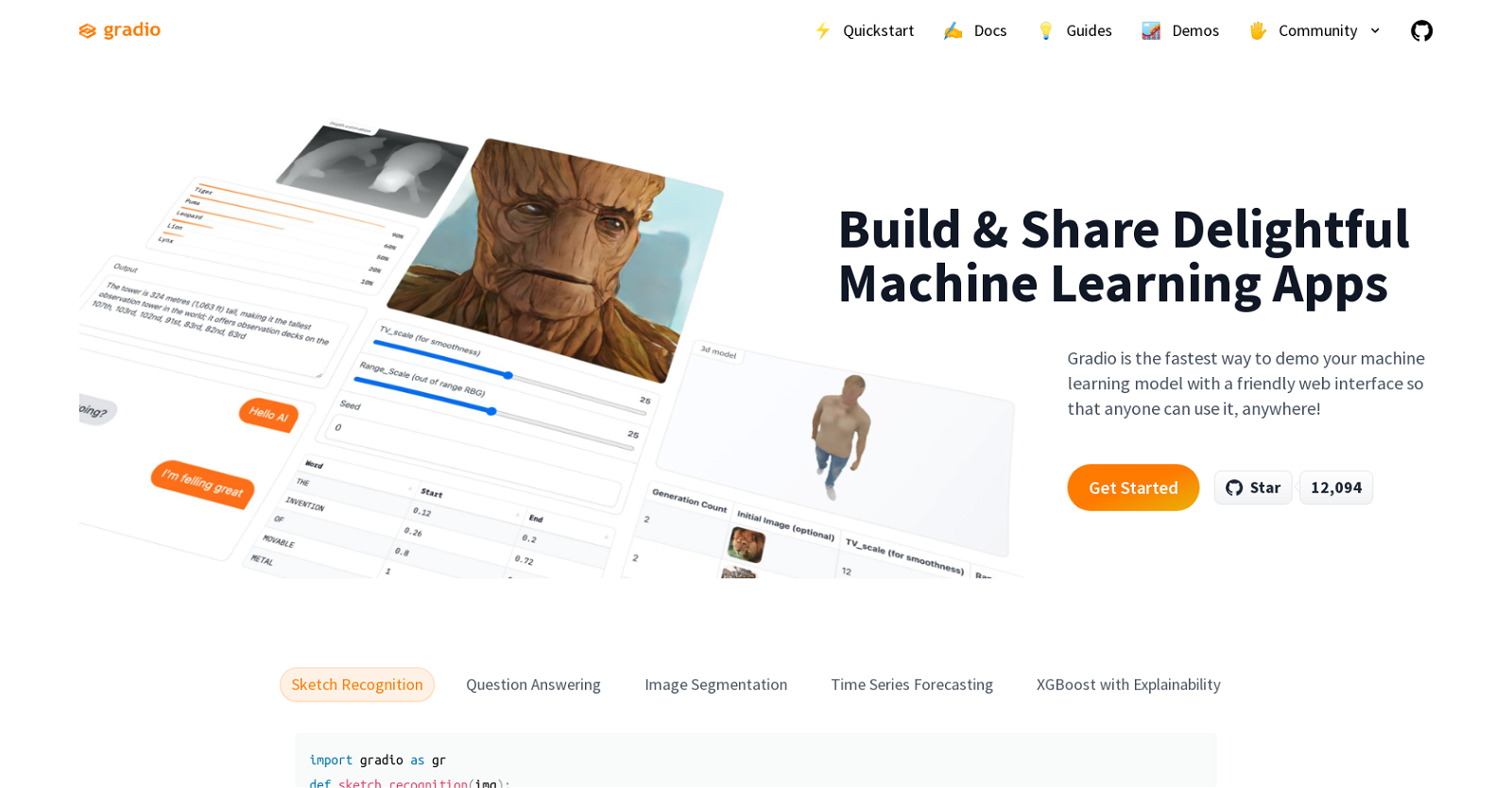
Whether you’re working on sketch recognition, question answering, image segmentation, or time series forecasting, Gradio has got you covered. It seamlessly integrates into Python notebooks or can be presented as a webpage, empowering developers to create ML apps for a wide range of applications.
Want to earn with the tools you are reading about?
The $50K AI Income Roadmap: 20 modern ways to earn with AI, with steps, prompts and real numbers. Free, one chapter a day.
Join the ranks of developers who have utilized Gradio to build impressive projects, such as video-related deep learning, text-to-speech demos, real-time AI trials, and even a dinosaur classifier.
Experience the power and simplicity of Gradio today and revolutionize your machine learning app development process.
Overview:
Gradio is a powerful and easy-to-use tool that enables developers to quickly and easily create and share machine learning (ML) apps. It includes an intuitive web interface that allows users to interact with ML models from any device, making it easy to demo models with colleagues and the public.
Gradio is fast and easy to install, with only a couple of lines of code necessary to set up an interface for a function. It also supports permanent hosting on Hugging Face Spaces, so users can share their apps with others.
Gradio can be used for a variety of tasks, including sketch recognition, question answering, image segmentation, and time series forecasting. It can be embedded in Python notebooks or presented as a webpage, and it has been used by many developers to create ML apps for a variety of applications.
For example, it has been used to create a video-related deep learning project, a text-to-speech demo, a real-time AI trial, and a dinosaur classifier.
Benefits:
- Easy and quick creation of machine learning apps
- Intuitive web interface for interacting with ML models
- Ability to demo models with colleagues and the public
- Fast and easy installation with minimal code required
- Support for permanent hosting on Hugging Face Spaces

The TechLaugh editorial team, led by founder Akshay Kumar Singh, tests AI tools on real marketing and creative work. We check pricing on the day of writing, note free-plan limits, and update guides when tools change or shut down.