



































































































HeyPhoto
 Guide3 min read
☷Table of contents▾
HeyPhoto
Freemium
Revolutionize Your Photos with HeyPhoto!
VISIT WEBSITE
Introduction:
Are you tired of spending hours editing your photos to perfection?
Introducing HeyPhoto, the revolutionary AI photo editor that takes your editing game to the next level.
With HeyPhoto, you can effortlessly transform your photos with just a few clicks. Say goodbye to complex editing software and hello to a user-friendly tool that brings out the best in your images.
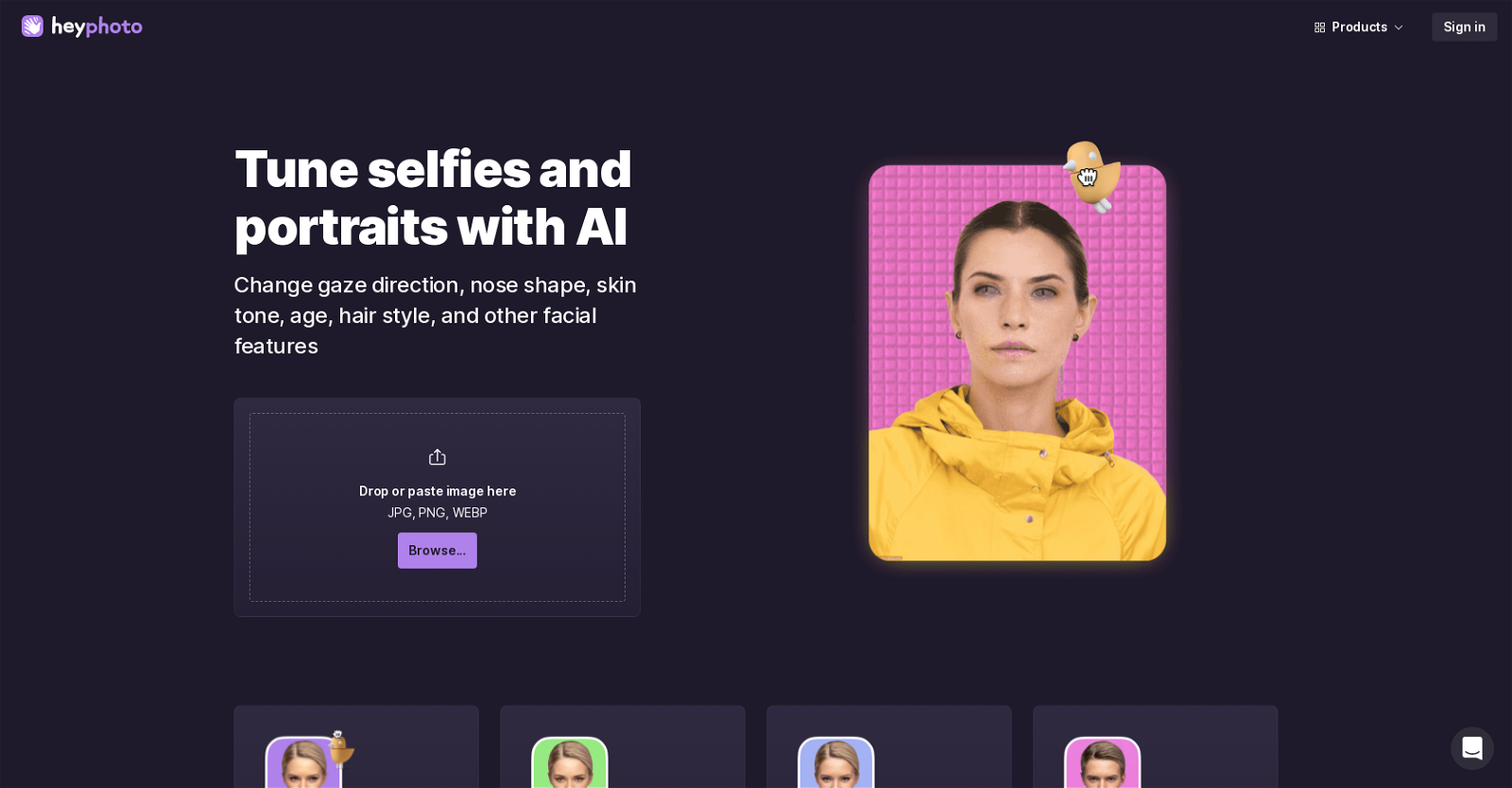
From changing faces to adjusting hairstyles, adding emotions, makeup, and even editing age, HeyPhoto does it all. Powered by artificial intelligence, this free online editor detects faces in your photos and seamlessly applies the desired modifications.
No special skills are required to use HeyPhoto. Its intuitive interface makes it accessible to everyone, allowing you to enhance your photos with ease.
For optimal results, HeyPhoto recommends using high-quality photos with direct face-to-camera positioning. Even slight rotations are acceptable. The tool supports photos up to 5 MB in size and faces up to 1024×1024 pixels. Rest assured, the resulting edited photos maintain the same size and quality as the original image.
Want to earn with the tools you are reading about?
The $50K AI Income Roadmap: 20 modern ways to earn with AI, with steps, prompts and real numbers. Free, one chapter a day.
While HeyPhoto is free to use, a watermark is added to the edited photos as a form of promotion. But that’s a small price to pay for the incredible editing capabilities it offers.
But wait, there’s more! HeyPhoto also provides additional features like changing gaze direction, nose shape, skin tone, gender, and other facial features. Experiment with different emotions, adjust skin tone, try new nose shapes, reshape your face, or even test out new hairstyles. The possibilities are endless.
In a nutshell, HeyPhoto is the ultimate AI photo editing tool that brings convenience and accessibility to the palm of your hand. Enhance and modify your photos effortlessly, and watch them come to life like never before.
Overview:
HeyPhoto is a free AI photo editor that allows users to make various modifications to their photos online. With HeyPhoto, users can easily change faces, including making a smiling face, changing hairstyles, adding emotions, makeup, and editing age with just a few clicks. The tool utilizes artificial intelligence to detect faces in photos and make the necessary changes based on the selected editing tools. HeyPhoto is designed to be intuitive, requiring no special skills to use.
To achieve the best results, HeyPhoto recommends using high-quality photos with people directly facing the camera. Slight rotation is also acceptable. The tool supports photos of up to 5 MB in size and faces of up to 1024×1024 pixels. The resulting edited photos are of the same size and quality as the source image. It’s important to note that HeyPhoto is a free tool, but a watermark is added to the resulting photos as a form of promotion.
HeyPhoto also provides other features such as the ability to change gaze direction, nose shape, skin tone, gender, and other facial features. Users can also experiment with different emotions, adjust skin tone, try new nose shapes, reshape their face, and apply makeup or try new hairstyles.
Overall, HeyPhoto is a convenient and accessible AI photo editing tool that allows users to enhance and modify their photos in a simple and user-friendly manner.
Benefits:
- Allows users to easily change faces, including making a smiling face, changing hairstyles, adding emotions, makeup, and editing age with just a few clicks.
- Utilizes artificial intelligence to detect faces in photos and make the necessary changes based on the selected editing tools.
- Requires no special skills to use, designed to be intuitive and user-friendly.
- Supports high-quality photos with people directly facing the camera, allowing for slight rotation.
- Provides other features such as the ability to change gaze direction, nose shape, skin tone, gender, and other facial features, as well as experiment with different emotions, adjust skin tone, try new nose shapes, reshape the face, and apply makeup or try new hairstyles.

The TechLaugh editorial team, led by founder Akshay Kumar Singh, tests AI tools on real marketing and creative work. We check pricing on the day of writing, note free-plan limits, and update guides when tools change or shut down.