






























































































iMean
 Guide2 min read
☷Table of contents▾
iMean
Freemium
iMean: Automate Tasks, Boost Productivity
VISIT WEBSITE
Introduction:
Are you tired of spending hours on repetitive tasks that could easily be automated? Imagine having an AI assistant that understands your natural language and seamlessly integrates with your favorite web-based software and webpages.
Introducing iMean, a powerful Chrome extension that combines generative AI with automation to revolutionize task management and enhance productivity. With iMean, you can automate a wide range of tasks, from drafting customized emails and scheduling events to copying job information and sending personalized messages.
Say goodbye to manual work and hello to efficiency. Experience the future of productivity with iMean, your ultimate AI assistant.
Overview:
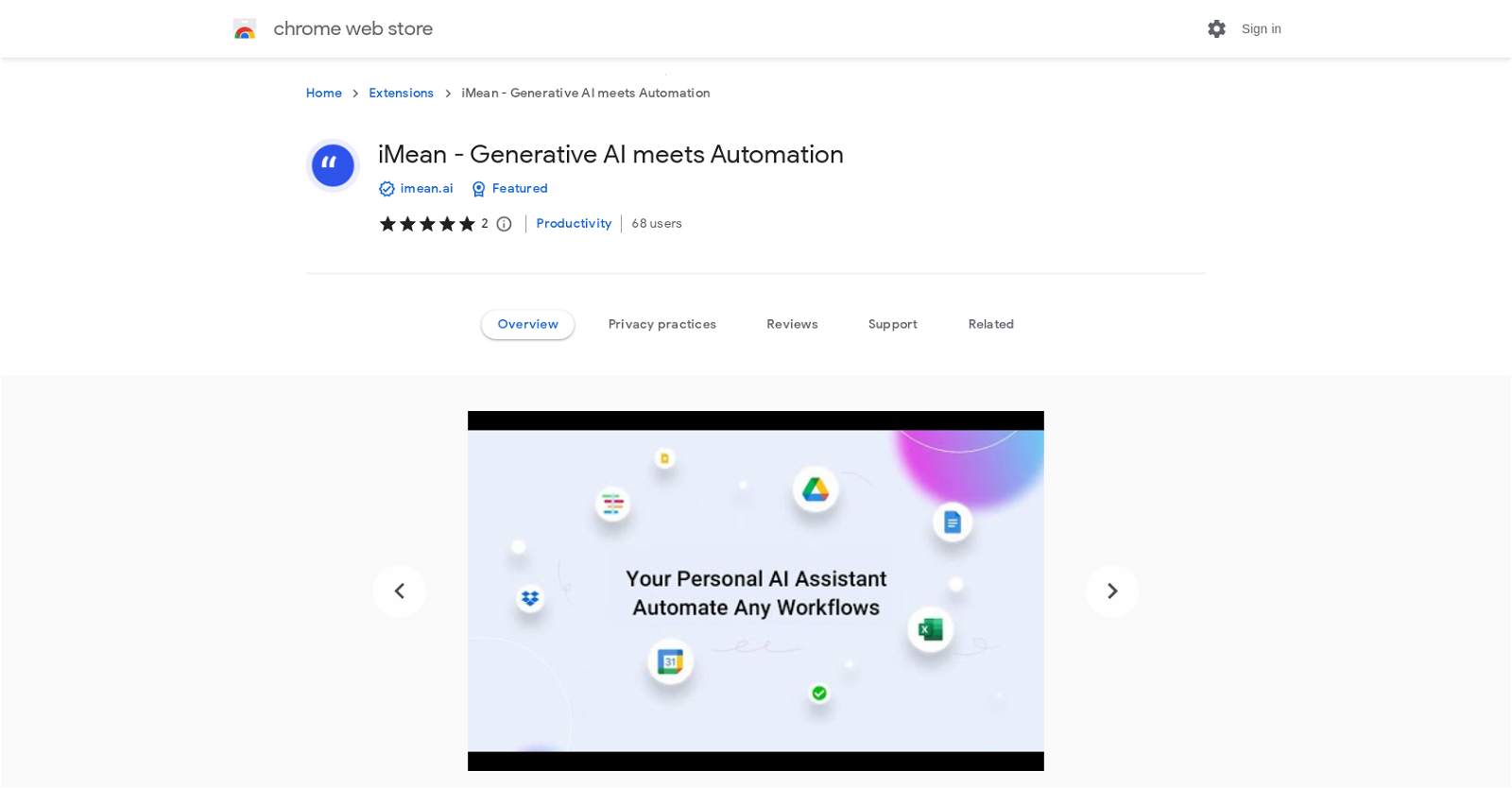
iMean is a Chrome extension that combines generative AI with automation to help users automate manual work using natural language. It seamlessly integrates with various web-based software and webpages without requiring any connections. This AI assistant understands natural language and interacts with systems to complete tasks.
Want to earn with the tools you are reading about?
The $50K AI Income Roadmap: 20 modern ways to earn with AI, with steps, prompts and real numbers. Free, one chapter a day.
With iMean, users can automate tasks such as drafting customized emails in Gmail, scheduling events in Google Calendar or Zoom, copying LinkedIn job information to Notion based on specific criteria, sending personalized LinkedIn messages, splitting epics in various project management tools like Jira, Asana, Trello, Notion, or ClickUp, generating to-do lists based on meeting notes, and performing bulk content updates in project management tools.
The tool offers a range of scenarios where it can assist users in automating tasks and improving productivity. It allows users to draft emails with customized content, schedule meetings, copy job information, send personalized messages, split project epics, generate to-do lists, and perform bulk content updates.
iMean also provides channels for users to share feedback or report any problems through Discord or Jira. Users can explore example prompts provided to get an idea of how iMean can help them with specific tasks.
Overall, iMean is a versatile AI assistant that leverages generative AI and automation to streamline manual work and enhance productivity through natural language interaction.
Benefits:
- iMean is a Chrome extension that combines generative AI with automation to help users automate manual work using natural language.
- It seamlessly integrates with various web-based software and webpages without requiring any connections.
- This AI assistant understands natural language and interacts with systems to complete tasks.
- With iMean, users can automate tasks such as drafting customized emails in Gmail, scheduling events in Google Calendar or Zoom, copying LinkedIn job information to Notion based on specific criteria, sending personalized LinkedIn messages, splitting epics in various project management tools like Jira, Asana, Trello, Notion, or ClickUp, generating to-do lists based on meeting notes, and performing bulk content updates in project management tools.
- The tool offers a range of scenarios where it can assist users in automating tasks and improving productivity. It allows users to draft emails with customized content, schedule meetings, copy job information, send personalized messages, split project epics, generate to-do lists, and perform bulk content updates.

The TechLaugh editorial team, led by founder Akshay Kumar Singh, tests AI tools on real marketing and creative work. We check pricing on the day of writing, note free-plan limits, and update guides when tools change or shut down.