



































































































Journey Mixer
 Guide2 min read
☷Table of contents▾
Journey Mixer
Freemium
Boost Prompt Efficiency with Journey Mixer
VISIT WEBSITE
Introduction:
Are you tired of spending hours organizing prompts for Midjourney?
Introducing Journey Mixer, the ultimate GUI tool designed to revolutionize your prompt composition and remixing experience.
With its user-friendly interface, Journey Mixer empowers you to effortlessly manage your workspaces, unlock additional features, and avoid any potential data loss.
Seeding image prompts and grouping them has never been easier, thanks to the wide range of model versions and aspect ratios available.
Want to earn with the tools you are reading about?
The $50K AI Income Roadmap: 20 modern ways to earn with AI, with steps, prompts and real numbers. Free, one chapter a day.
Enhance your prompt generation process with stylization options, chaos and quality controls, and the prompt auto-copy/imagine feature.
Experience the efficiency and convenience of Journey Mixer today, and optimize your Midjourney journey like never before.
Overview:
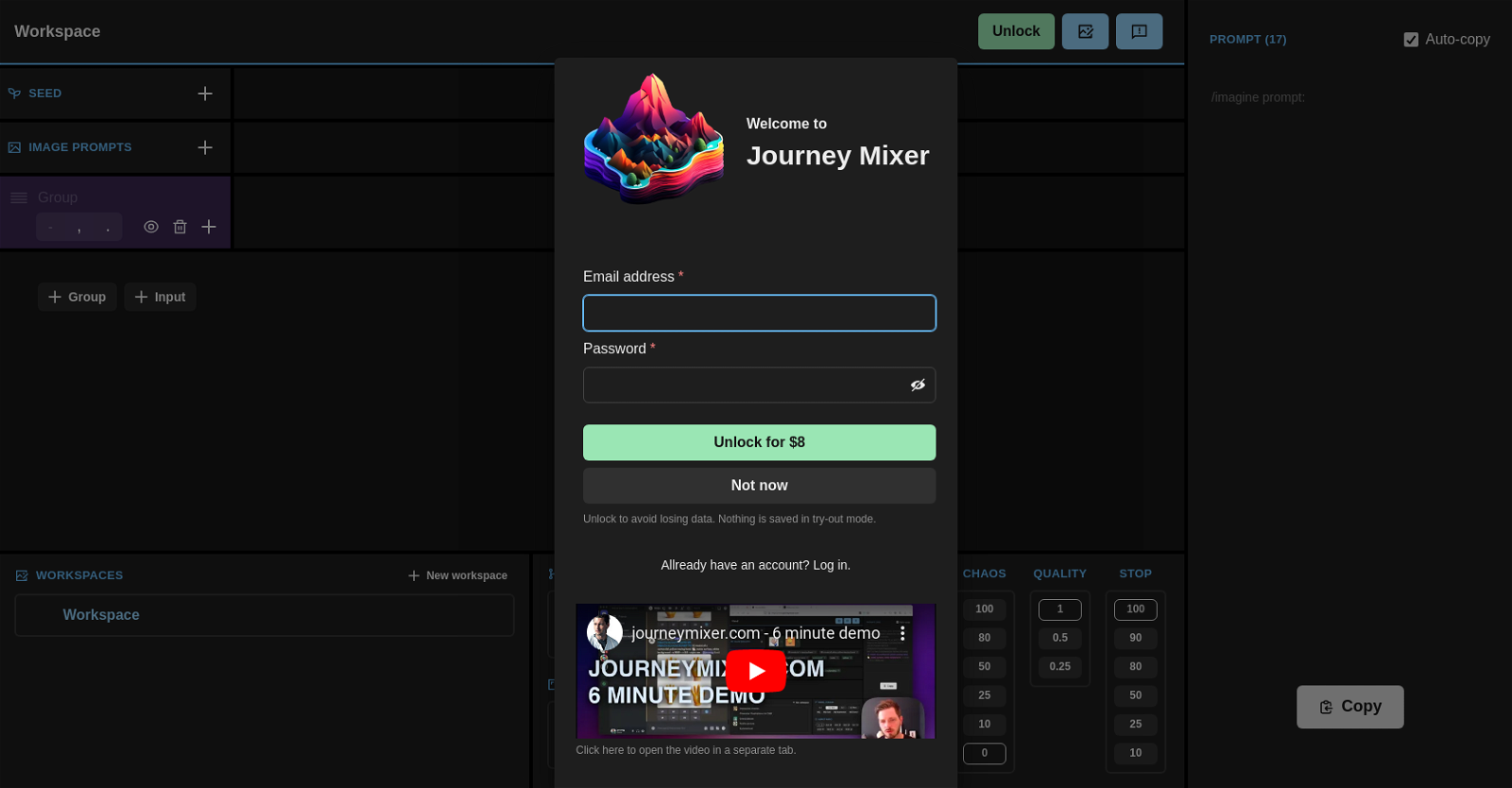
Journey Mixer is a graphical user interface (GUI) tool designed to facilitate the composition and remixing of prompts for Midjourney. This tool is specifically built to enhance user efficiency in generating prompts by providing a user-friendly, intuitive interface. With Journey Mixer, users can conveniently manage their workspaces, including unlocking, making copies, and deleting them.
The tool also offers options to seed image prompts and group them accordingly. Users can utilize a range of different model versions such as Niji Cute, Niji Expressive, and Niji Scenic, along with the ability to choose from various aspect ratios like 1:1, 3:4, and 9:16. Additionally, Journey Mixer provides stylization options with varying intensity levels, ranging from 0 to 1000, and controls for chaos and quality aspects.
Journey Mixer requires JavaScript to be enabled to run smoothly. Users have the option to unlock additional features by paying a one-time fee of $8, allowing them to avoid any potential data loss in the try-out mode. The tool also provides a prompt auto-copy/imagine feature and supports multiple workspaces for enhanced organization.
Overall, Journey Mixer serves as a practical tool for users who want to streamline and optimize their prompt generation process for Midjourney, offering a comprehensive set of functions and an easy-to-use interface.
Benefits:
- Journey Mixer provides a user-friendly, intuitive interface for prompt composition and remixing.
- Users can conveniently manage their workspaces, including unlocking, making copies, and deleting them.
- The tool offers options to seed image prompts and group them accordingly.
- Users can choose from different model versions and aspect ratios for prompt generation.
- Journey Mixer provides stylization options with varying intensity levels and controls for chaos and quality aspects.

The TechLaugh editorial team, led by founder Akshay Kumar Singh, tests AI tools on real marketing and creative work. We check pricing on the day of writing, note free-plan limits, and update guides when tools change or shut down.