



































































































Juno
 Guide2 min read
☷Table of contents▾
Juno
Freemium
Juno: Supercharge Your Data Science
VISIT WEBSITE
Introduction:
Are you tired of spending hours writing and debugging code for your data science tasks?
Introducing Juno, an AI-powered tool that revolutionizes the way you code. With Juno, you can expect a seamless coding experience with enhanced efficiency and code quality.
Say goodbye to the tedious process of troubleshooting errors or struggling with complex tasks. Juno’s code suggestion capability provides real-time suggestions, helping you write code faster and more accurately. Need to perform a specific analysis or operation? Just ask Juno, and it will handle it for you.
But Juno doesn’t stop there. It excels in debugging, instantly resolving errors with a simple click of a button. No more wasting time on NaN errors or grappling with the intricacies of the Matplotlib API.
And that’s not all. Juno acts as your AI pair programmer, optimizing and refining your code based on your specific data and problem context. Let Juno handle the code improvement while you focus on analyzing data.
Want to earn with the tools you are reading about?
The $50K AI Income Roadmap: 20 modern ways to earn with AI, with steps, prompts and real numbers. Free, one chapter a day.
Developed by Juno Labs, Juno is the ultimate tool for data scientists, automating code writing, debugging, and enhancing overall code quality and effectiveness. Say hello to a more efficient and productive coding experience with Juno.
Overview:
Juno is an AI-powered tool specifically designed for data science tasks. It significantly enhances the coding experience by providing various features to improve code quality and efficiency. With Juno, users can expect a smoother coding process with integrated support for writing, editing, and debugging code.
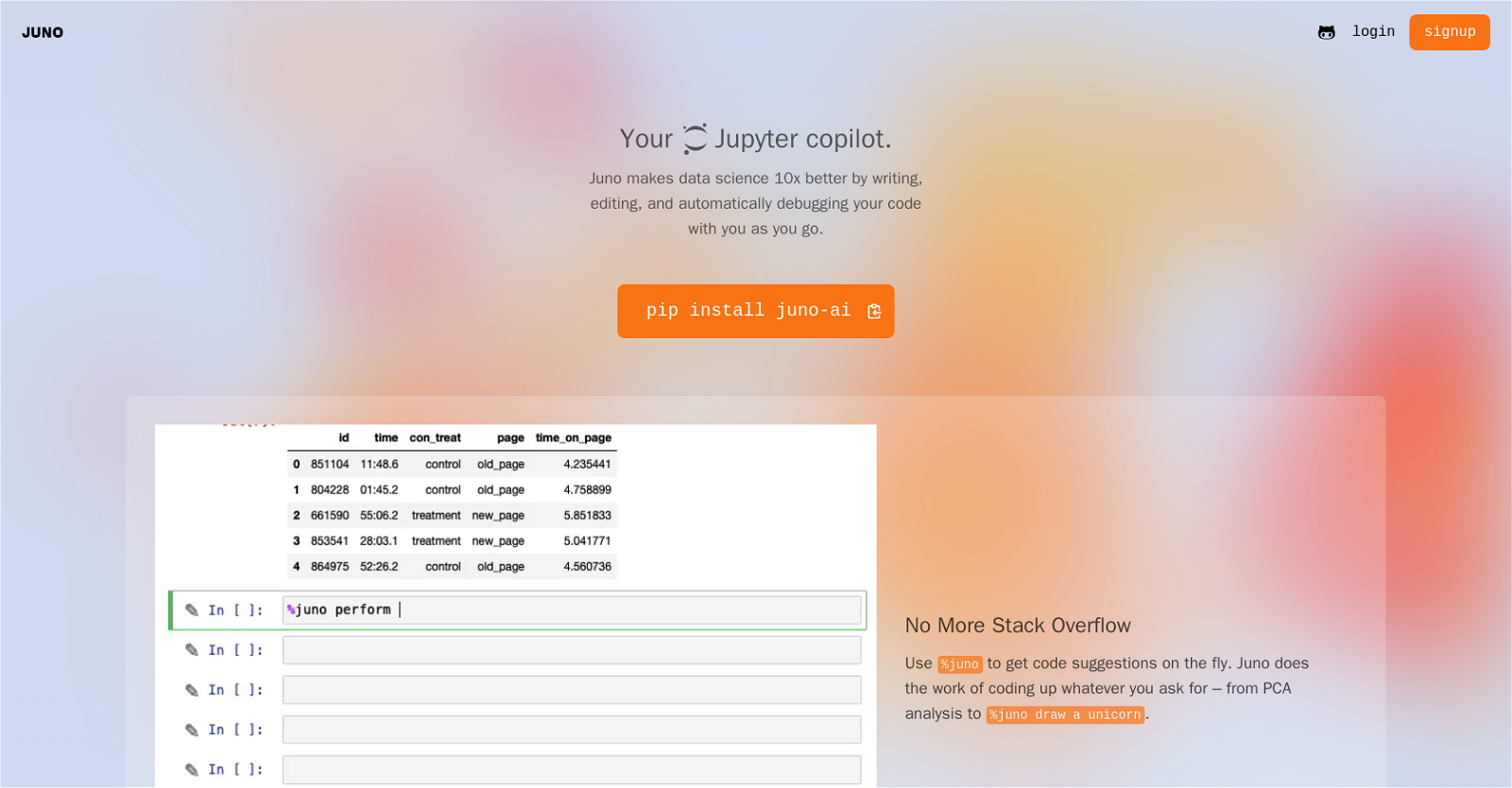
One of Juno’s notable features is its code suggestion capability, accessed through the command %juno. This function offers real-time suggestions to help users write code faster and more accurately. Users can also leverage Juno for coding complex tasks by simply requesting a specific analysis or operation, like PCA analysis or drawing a unicorn.
Juno also excels in debugging. Users can click on the Debug button to receive instant solutions to errors, eliminating the need to spend time tackling NaN errors or the intricacies of the Matplotlib API. This instant error resolution enables users to focus more on data analysis rather than troubleshooting code issues.
Moreover, Juno acts as an AI pair programmer through its Edit Button feature. It can optimize, refine, or completely rewrite code based on the user’s specific data and problem context. This feature facilitates code improvement by leveraging AI capabilities, saving valuable time that can be better utilized for analyzing data.
Juno, developed by Juno Labs, is a valuable tool that empowers data scientists by automating code writing, debugging, and enhancing the overall code quality and effectiveness.
Benefits:
- Enhances coding experience for data science tasks
- Provides real-time code suggestions for faster and more accurate coding
- Supports coding complex tasks by requesting specific analysis or operations
- Offers instant solutions to errors for efficient debugging
- Acts as an AI pair programmer to optimize and refine code based on data and problem context

The TechLaugh editorial team, led by founder Akshay Kumar Singh, tests AI tools on real marketing and creative work. We check pricing on the day of writing, note free-plan limits, and update guides when tools change or shut down.