



































































































Lightkey
 Guide2 min read
☷Table of contents▾
Lightkey
From $39.95/mo
Lightkey: Revolutionize Your Typing!
VISIT WEBSITE
Introduction:
Are you tired of constantly correcting spelling mistakes while typing on your Windows desktop?
Introducing Lightkey, the revolutionary predictive typing software powered by AI and deep learning algorithms.
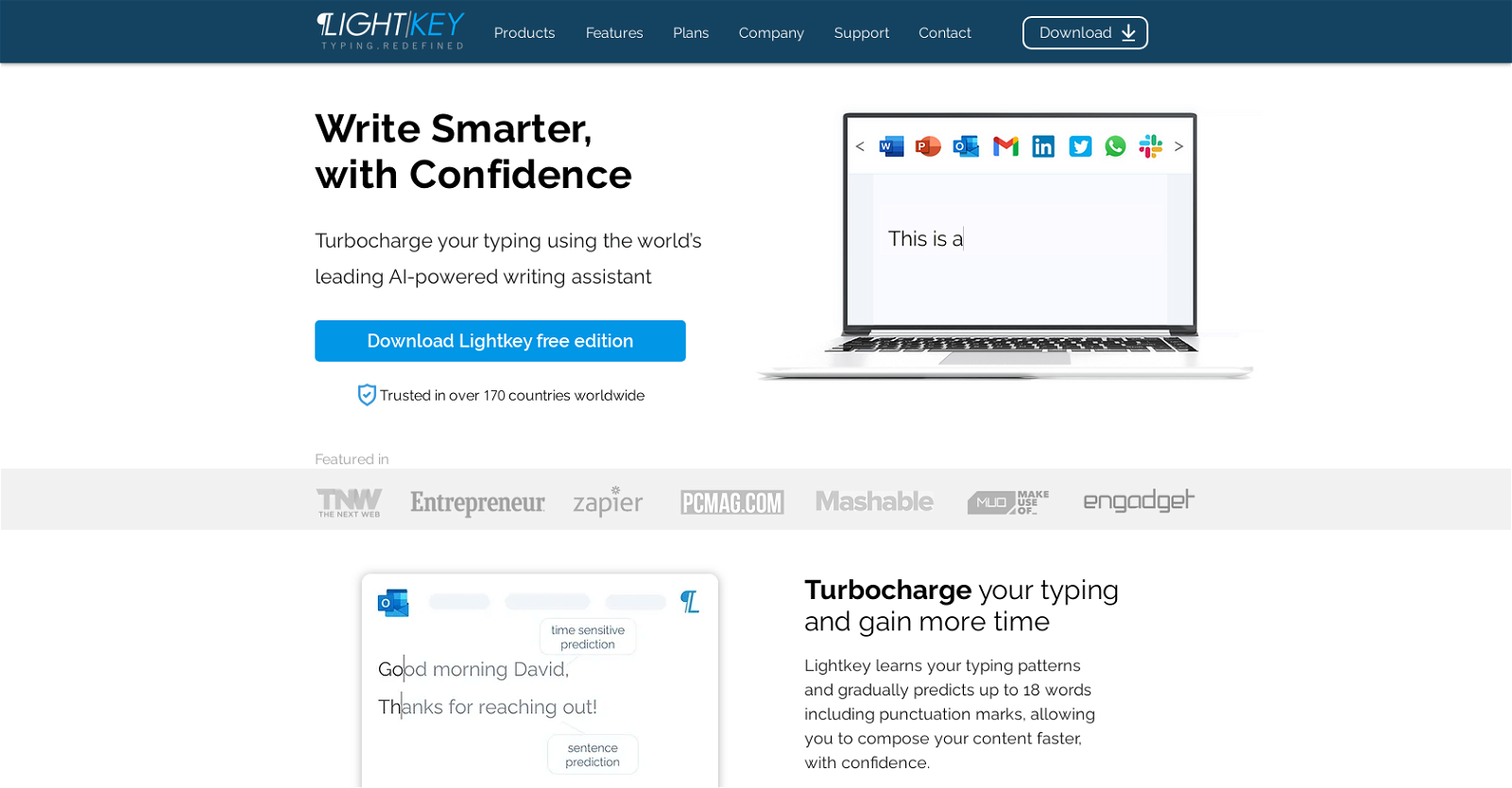
With Lightkey, you can effortlessly enhance your typing speed and accuracy in any Windows application. It supports over 85 languages and offers inline text prediction, contextual spelling correction, and multi-word prediction.
Whether you’re composing emails, collaborating on documents, or engaging in social media chats, Lightkey is your ultimate typing companion.
Trusted in over 170 countries, Lightkey is the go-to tool for professional typists, individuals with disabilities, and those who require DSA.
Experience the convenience of predictive text in Microsoft Word, Office, Google Chrome, Microsoft Edge, and any other application. Plus, enjoy sound assistance, AI-powered prediction, and predictive text for any content.
Want to earn with the tools you are reading about?
The $50K AI Income Roadmap: 20 modern ways to earn with AI, with steps, prompts and real numbers. Free, one chapter a day.
Lightkey is available in both a free edition and a Pro edition, offering unlimited predictions and advanced features.
Unlock the power of AI and transform your typing experience with Lightkey.
Overview:
Lightkey is an AI-powered predictive typing software that enhances typing speed and accuracy in Windows desktop applications. With its deep learning algorithms, Lightkey offers a range of features to improve typing efficiency. It supports over 85 languages and provides inline text prediction, contextual spelling correction, and multi-word prediction.
One of the key features of Lightkey is its predictive text functionality, which is available in popular applications such as Microsoft Word, Office, Google Chrome, and Microsoft Edge. This feature helps users compose text faster by suggesting words and phrases based on context. Additionally, Lightkey offers sound assistance, AI-powered prediction, and predictive text for any content, making it a versatile tool for various writing tasks.
Lightkey is trusted by users in over 170 countries and caters to a wide range of users. It is particularly beneficial for professional typists, individuals with disabilities, and those who require DSA (Disabled Students’ Allowances). Whether it’s composing emails, collaborating on documents, or engaging in social media chats, Lightkey proves to be a valuable tool for enhancing productivity and communication.
The software is available in two editions: a free edition and a Pro edition. The Pro edition offers unlimited predictions and advanced features, providing users with even more capabilities to streamline their typing experience. With its extensive language support and powerful AI algorithms, Lightkey is a reliable tool for anyone looking to improve their typing speed and accuracy in Windows desktop applications.
Benefits:
- Improved typing speed and accuracy
- Support for over 85 languages
- Inline text prediction
- Contextual spelling correction
- Multi-word prediction

The TechLaugh editorial team, led by founder Akshay Kumar Singh, tests AI tools on real marketing and creative work. We check pricing on the day of writing, note free-plan limits, and update guides when tools change or shut down.