













































Magic Sketchpad
 Guide2 min read
☷Table of contents▾
Magic Sketchpad
Freemium
Unleash Your Artistic Potential: Magic Sketchpad
VISIT WEBSITE
Introduction:
Are you ready to witness the magic of art and artificial intelligence colliding? Imagine a sketchpad that not only captures your strokes but also completes your artwork based on the category you choose.
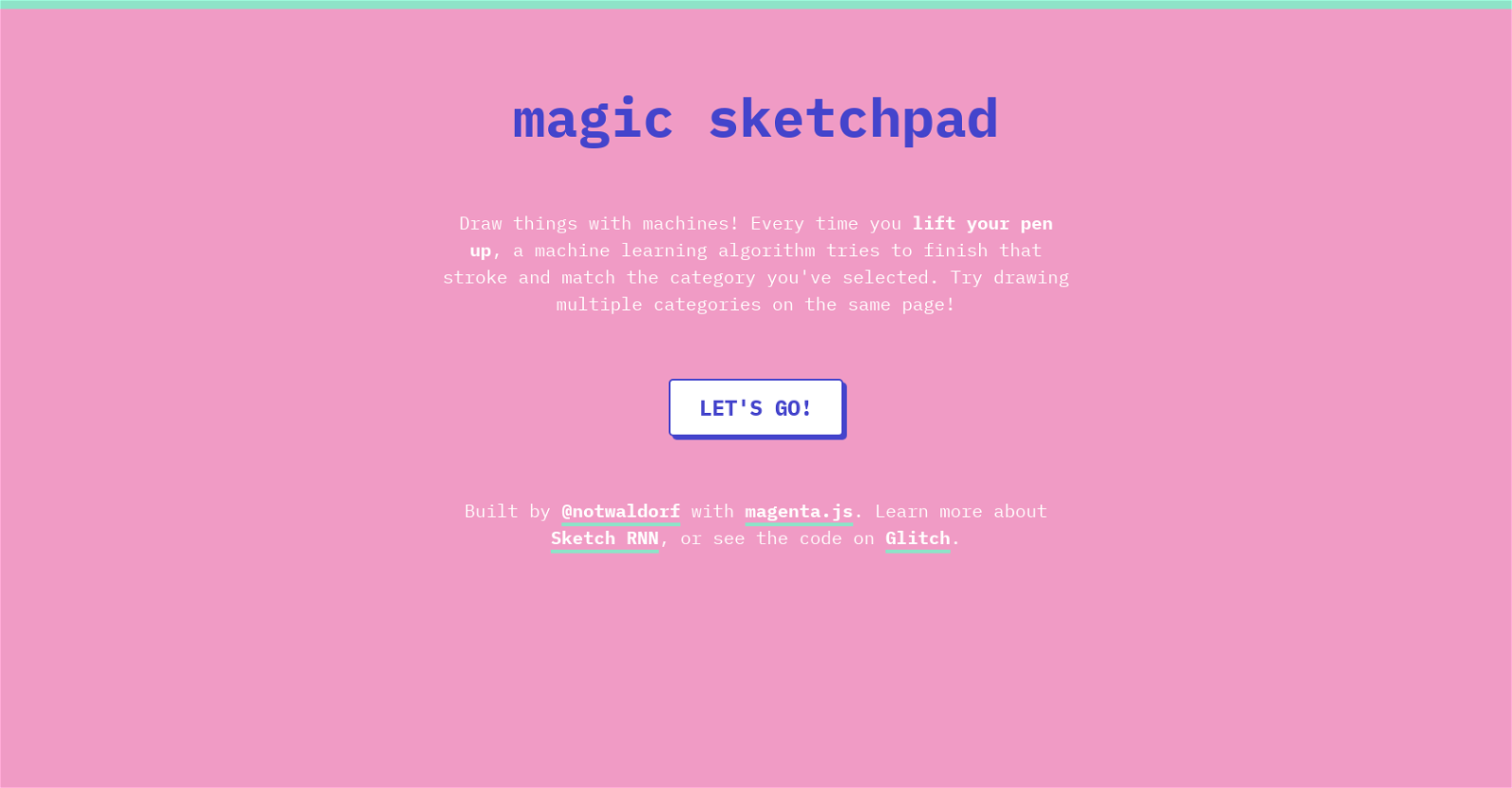
Introducing the Magic Sketchpad, a revolutionary tool powered by machine learning algorithms. With each stroke, the algorithm analyzes your drawing and attempts to bring it to life, offering a truly interactive and diverse drawing experience.
Developed by @notwaldorf using magenta.js and TensorFlow, this tool combines human creativity with the capabilities of machine learning. Discover the Sketch RNN algorithm behind the completion of strokes on the Magenta website, and explore the code on the Glitch platform.
Whether you’re an artist, student, or simply an enthusiast, the Magic Sketchpad invites you to experiment and witness how the algorithm interprets and completes your strokes. With a wide range of categories available, from animals to abstract concepts, this tool opens up new possibilities for artistic expression.
Want to earn with the tools you are reading about?
The $50K AI Income Roadmap: 20 modern ways to earn with AI, with steps, prompts and real numbers. Free, one chapter a day.
Get ready to embark on a captivating journey at the intersection of human creativity and artificial intelligence. The Magic Sketchpad awaits, ready to redefine the way you create art.
Overview:
The Magic Sketchpad is a tool that allows users to draw with the assistance of machine learning algorithms. With each stroke, the algorithm attempts to complete the drawing based on the category selected by the user. This tool enables users to draw multiple categories on the same page, offering a diverse and interactive drawing experience.
The Magic Sketchpad was developed by @notwaldorf using magenta.js, a JavaScript library that utilizes TensorFlow. Users can learn more about the Sketch RNN algorithm, which powers the completion of strokes, on the Magenta website. Additionally, the code for the Magic Sketchpad can be found on the Glitch platform.
This tool provides an engaging way to explore the capabilities of machine learning in the field of art and creativity. It encourages users to experiment with their drawings and witness how the algorithm interprets and completes their strokes. By combining human creativity with the power of machine learning, the Magic Sketchpad offers a unique opportunity for artists, students, and enthusiasts to explore new forms of artistic expression.
With a wide range of categories available, users can draw anything from animals and objects to abstract concepts. The Magic Sketchpad provides a fascinating and interactive platform for users to explore the intersection of human creativity and artificial intelligence in the realm of art.
Benefits:
- Allows users to draw with the assistance of machine learning algorithms
- Enables users to draw multiple categories on the same page
- Provides an engaging way to explore the capabilities of machine learning in art and creativity
- Encourages users to experiment with their drawings and witness how the algorithm completes their strokes
- Offers a wide range of categories for users to draw, from animals and objects to abstract concepts

The TechLaugh editorial team, led by founder Akshay Kumar Singh, tests AI tools on real marketing and creative work. We check pricing on the day of writing, note free-plan limits, and update guides when tools change or shut down.